A good photo editor is definitely a photographer’s best friend.
I think you would agree with that. No matter how good your camera is, you’ll always need to retouch and level your photos to make them perfect. It’s not a luxury, it’s a necessity.
Refusing to use a photo editor and opting for raw photos is the same as sacrificing at least 20% of the visual appeal. If you have a choice, you can’t part with that small percentage.
If you own an Apple Mac and are wondering which photo editing software is best, this article will shed some light on your thoughts. You’re about to discover some of the best.
Before that, let me explain a little more about the importance of using a photo editor.
Delete unnecessary items
Have you ever gone to a scenic place, clicked some beautiful pictures, and then came back home only to find out that your pictures have been photo-bombed? When this happens, you cannot upload the pictures You will be reconsidering whether or not to do so.
Thankfully, photo editors make it easy to remove unwanted elements from your photos as if they were never there.
From everyday to extraordinary
With the editing tools we have today, it’s entirely possible to take the most ordinary and boring photos and turn them into extraordinary masterpieces. That’s not an exaggeration. Instantly improvise shots by simply changing brightness, saturation, and other meter levels.
evoke emotion
A well-edited photo evokes emotion on a greater level as opposed to a candid photo. With just a few tweaks, a simple photo of a sunset can literally turn it into a profound message to the viewer.
Let’s try out the following software now.
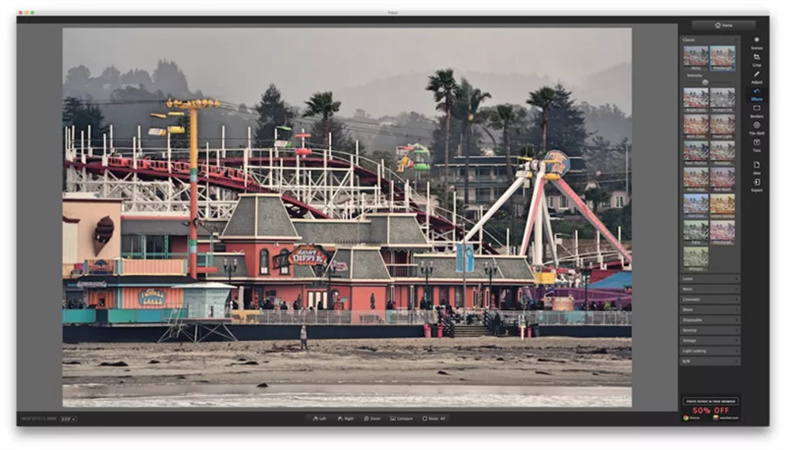
luminar 4
Luminar 4 , an AI-powered photo editor, is packed with powerful features that will take your editing work to the next level. Intelligent features allow you to perform certain tasks in an instant that would otherwise take hours. For example, you can instantly change the color of the sky to match the mood of your photo.
AI further smoothes and corrects your skin with just one click. Also, if you want to blur the background to make your photo more focused, AI can do that for you.
Luminar 4 is available as a standalone software download or as a plug-in for Adobe and Apple products, whichever way you prefer.
Trust me, there’s a lot you can do with this software. And the only way to try them all is to get one of the plans starting at just $98.50.
Adobe Creative Cloud Photo Bundle
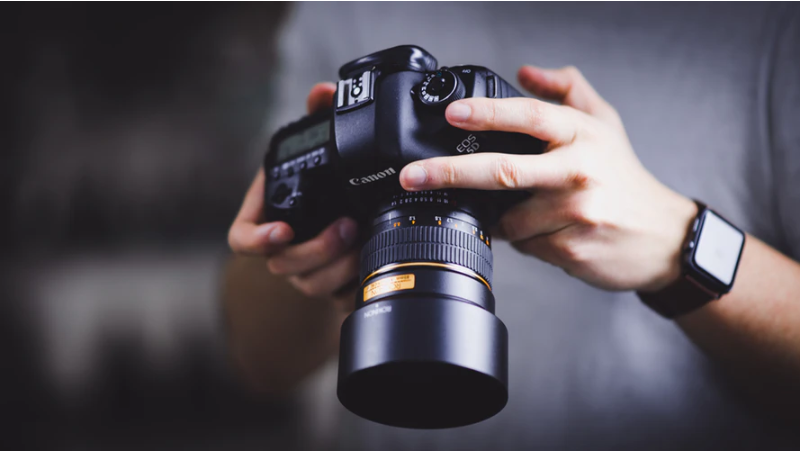
Adobe has been around for many years, and everything they produce comes with a sense of trust and confidence that it’s great. The same goes for Adobe Creative Cloud, which bundles five photo-related tools. They are:
- light room
- Lightroom Classic
- photoshop
- Photoshop Express
- Photoshop camera
All these software together create the perfect toolkit for any photographer. Pricing plans start at just $9.99 per month.
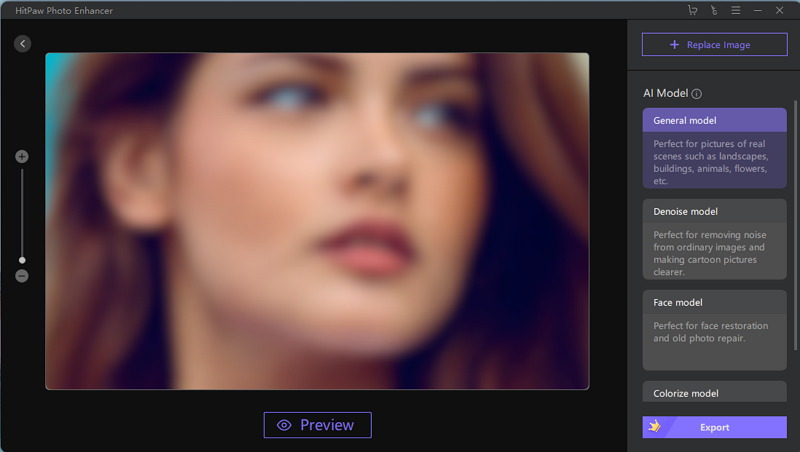
InPixio Photo Clip Mac
We all have a favorite photo, but the background has been distracting and we’ve been unable to upload it. It’s either a stranger, a car, or just a dirty wall. Thankfully, there’s a way out of this.
Photo Clip Mac is an editing software that specializes in removing unnecessary objects from photos. You can create beautiful montages with your photos by removing all objects, backgrounds, etc.
This software is available starting at just $48.
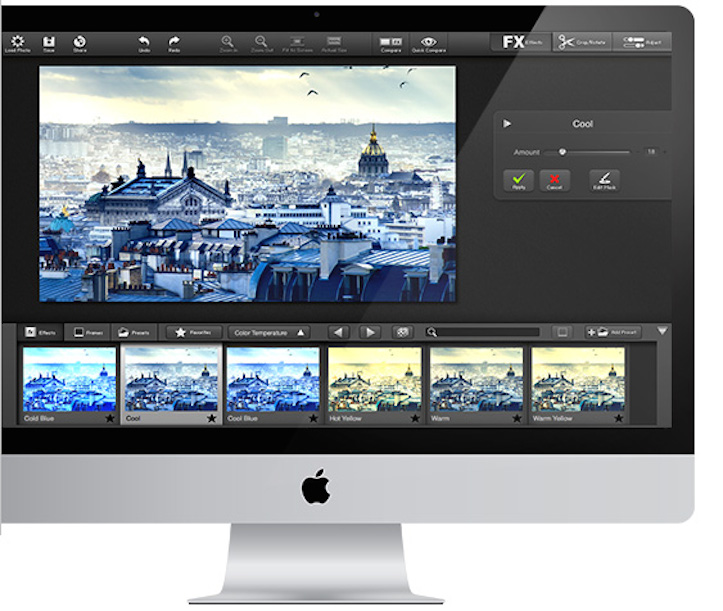
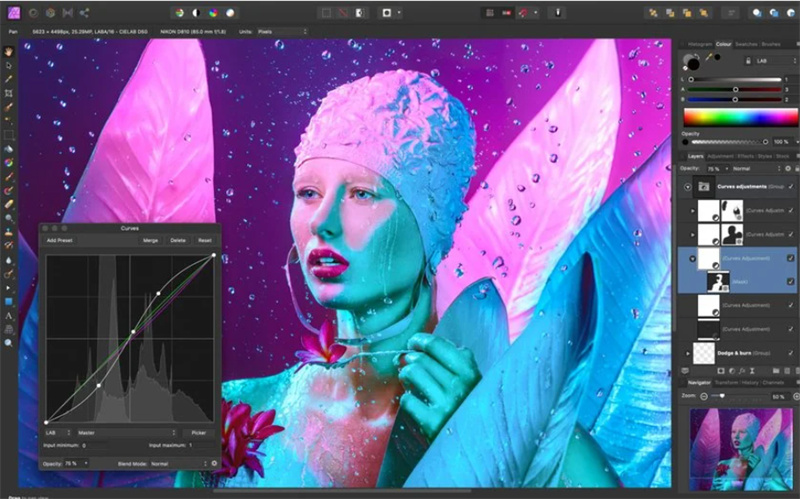
affinity photo
Affinity Photo , named Apple App of the Year, is packed with insane features that can transform your photos in incredible ways. Here are just some of the things this software offers:
- real-time editing
- Supports images larger than 1000 megapixels
- Load large photos in seconds
- 60FPS zoom and smooth panning
- Various adjustment options
- Quick and detailed retouching
- Delete unnecessary objects
- Ability to apply filter layers without replacing the original
- Add unlimited layers
- Almost endless library of different brushes
- Ability to paste different photos into one to create a panorama
- Identify the best areas to focus on
There are many others. After your free trial, you can access this software for just $37.
Movavi Photo Editor
With features like AI enhancement and section selection, Movavi Photo Editor is also a great option to do amazing editing work on your photos. AI-powered adjustments can be made with the click of a button. What’s more, you can also apply beautiful and customizable frames.
Here are some other cool things you can do with this editor.
- Delete unnecessary objects
- Fine-tune image quality
- Colorize black and white photos
- Make the whole photo beautiful
Pricing plans start at just $23, and you can also take advantage of a free trial.
photo lemur
It is an amazing software that automatically edits photos with the help of advanced artificial intelligence. Just drag and drop your photos and let the tool do its thing. The company has over 190,000 happy customers. This software makes this possible for a simple reason.
Photolemur can be purchased for just $35.
GIMP
GIMP is an open source photo editor that allows you to perform a variety of editing tasks, including:
- operation
- Retouching in progress
- creative design
Being an open-source software, it is highly functional thanks to customization options and third- party plugins. GIMP is completely free to download and use.
Photoscape X
One of my favorites on this list, PhotoScape X is an extremely easy-to-use editing tool that allows you to create incredible photos. You can perform many tasks such as:
- clone stamp
- Apply filter
- Apply HDR
- Blur
- cut out
- Add text and other overlays
There’s about another 90% of what you really need to discover. This version of PhotoScape is completely free to download, so you have nothing to lose.
pixmeter pro
Pixelmator Pro combines a variety of photo editing features into one package to help you edit your photos professionally and easily. It also includes advanced painting features for a great digital painting experience.
Apart from that, you can:
- retouching
- Add filter
- strengthen
- Add text, shapes, and various other elements
This software is currently on sale for only $29.99, 25% off the original price.
conclusion
Here are the best photo editing tools for Mac. No matter which software you choose, you can be sure that your photos will significantly improve.


![How to set up a Raspberry Pi web server in 2021 [Guide]](https://i0.wp.com/pcmanabu.com/wp-content/uploads/2019/10/web-server-02-309x198.png?w=1200&resize=1200,0&ssl=1)


