Entrepreneurs weren’t kidding when they said AI was now taking over the world.
This is the case with Dall-E 2, which is one of the hottest on the market. This is the latest model from OpenAI that does some of the craziest things you can imagine from an art perspective.
Dall-E is an innovative tool for artists and developers in general that can completely change the way they create art. You can save a lot of time and create masterpieces in seconds. ⏱️
At this point, if you’re interested in learning more, let’s take a closer look. You’ll also learn what you need to access Dall-E 2.
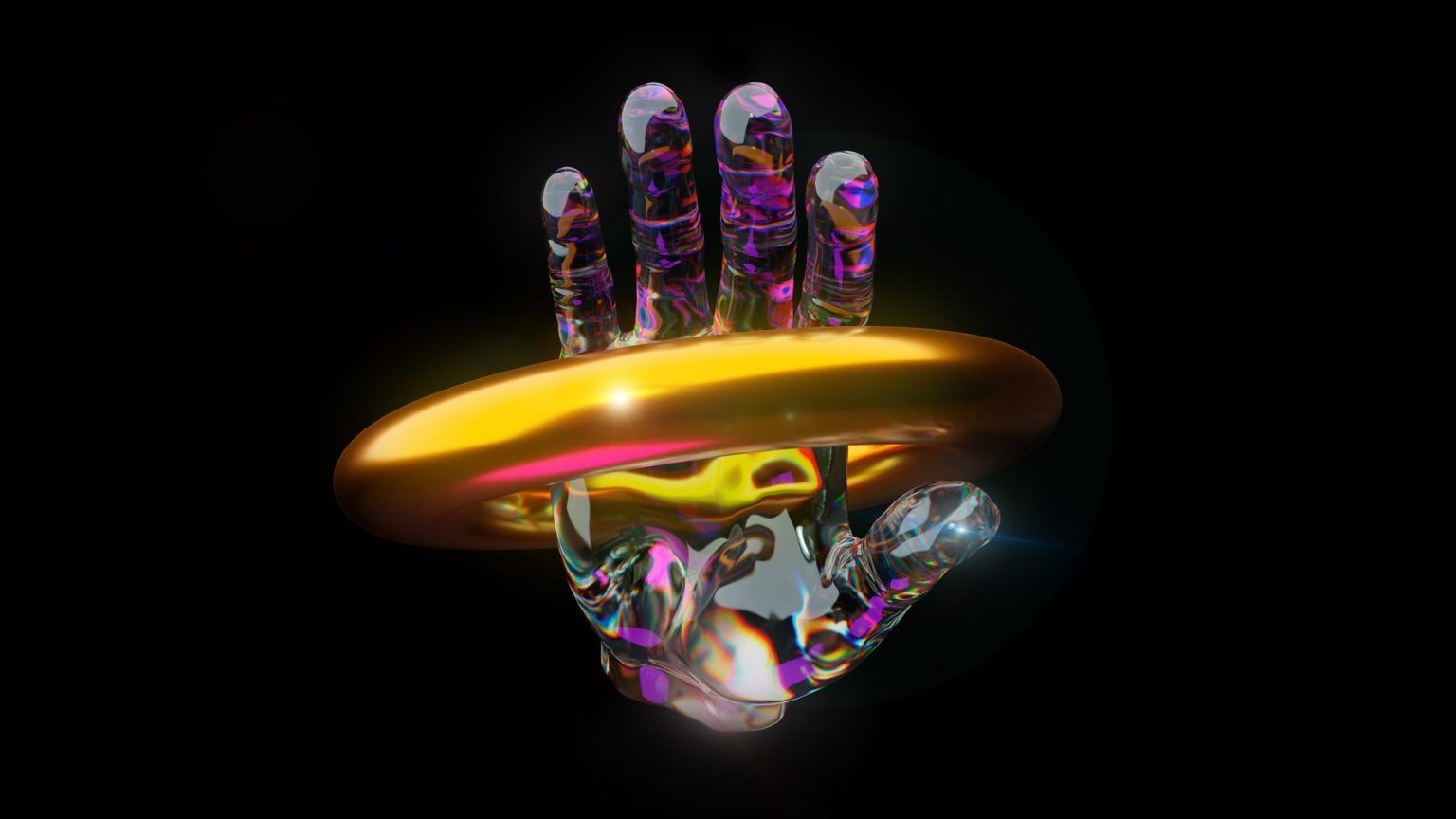
What is Darui?
In its simplest form, Dall-E is a software that allows you to quickly generate images using only the text you provide. Their creators trained a neural network and named it Dall-E. This is useful for generating art when entering text in natural language.
It uses “datasets” of text and image pairs to create a wide range of concepts, including very complex and random text descriptions.
Here’s a nice example:
Here we see that the text input is “Illustration of a baby radish wearing a tutu and walking his dog” and the result is exactly that. Think and write anything and your exact ideas will be generated into digital art. Apart from that, you can also request stock photos, sketches, etc. There are no limits.

What is Dall-E 2? How is it different from Dall-E?
As mentioned earlier, Dall-E 2 is a new model and has more features than previous models. Achieve superior quality and instantly create realistic images and art. This software allows you to combine concepts, styles, and attributes to get the best final result.
For example, if you type in random characters like “Farmer eating noodles on top of digital art on a building,” you’ll get exactly that. Instead of “digital art,” you can also substitute something else, such as “in a photorealistic style,” “in the style of Pablo Picasso,” or “pencil drawing.”
More unique features of Dall-E 2 include:
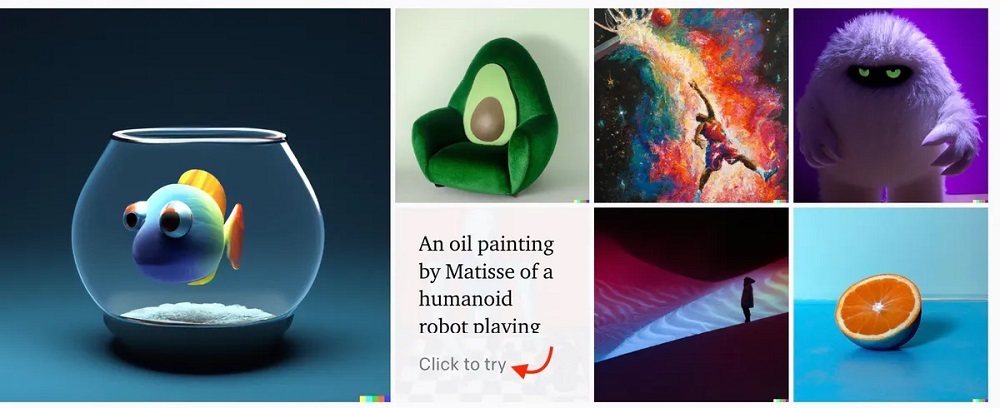
Create different variations of images
When you input an image into the software, it creates different versions with similar hints, but still different from the original image.
Edit existing images
Place an existing image there if you want to add/remove elements, keeping in mind all the details to achieve the most realistic look. In the example above, you can see that a flamingo has been added to the photo.
Generate lifelike images
Dall-E 2 is much better in terms of quality and texture compared to Dall-E 1. You can create much more realistic images from your input. It is also more accurate and suitable for photorealism.
Also, since it is an artificial intelligence tool, it is constantly learning from your prompts. For example, even if you don’t know what a “howler monkey” is at the moment, over time you can adapt from the data and eventually get an idea about it, so you can get accurate results in the future. can be returned.

How to join the waitlist and get early access
Until now, only a limited number of users had access to the Dall-E 2 software through special invite-only access, allowing them to use the tool for free. As announced by the company, the software is currently in beta and you can join the waitlist by entering your details on the waitlist page .
Now, the real question is, what do you need to do to get the most early access to Dall-E 2?
Your best bet is to fill out the waiting list form correctly. This means providing all the legitimate details about you and leaving your social links as well. If your social profiles are active and have a lot of followers, it’s a big boost.
Also, if you are a professional artist or developer, be sure to choose these two categories as they have great success with early access to software. Of course, if you feel that you have not completed the form satisfactorily, you can reapply.
There are many creators and influencers who have already gotten beta access to this amazing software. One of them is a YouTube channel called Jazza. Check out this informative demo video:
Karen, another popular social media influencer, also used the software to create a music video using only images generated from Dall-E 2.
Don’t forget, Cosmopolitan’s latest magazine cover was created using Dall-E 2.
New users of the software are given a limited amount of free credits that can be used to generate, edit, and create images. Credits are replenished monthly, but with each passing month, the replenishment amount continues to decrease until you are asked to purchase more credits.
Currently, you will receive 50 credits free for the first month and 15 credits for the next month. The purchase price for additional credits is $15 for 115 credits, which allows you to generate 460 images.
Alternatives to Dall-E 2
The Craiyon, formerly known as the Dall-E Mini, is a great alternative to the Dall-E 2. It is free and open source and allows you to draw images using only text prompts.
It is an AI tool, just enter a keyword and it will return a drawn image within 2 minutes. Here’s a good example:
In some cases, you may notice that the results are not very accurate or of the best quality. This is because the company’s current image encoder has limitations, but the good news is that they are working on an improved version and it should be available soon.
Images can be saved in screenshot format. You can also visit our forums if you would like to learn more or have any questions answered. 💭
conclusion
The world of technology is rapidly evolving, and OpenAI’s software collection is a great example of this. When Dall-E 2 becomes available to everyone, it will be truly revolutionary. Please join the waiting list and hope you get early access.
If you’re an iPad user, you can also take a look at some of the best iPad drawing apps to bring out your inner artist.


![How to set up a Raspberry Pi web server in 2021 [Guide]](https://i0.wp.com/pcmanabu.com/wp-content/uploads/2019/10/web-server-02-309x198.png?w=1200&resize=1200,0&ssl=1)


