As a developer, it’s difficult to develop and test an app if it relies on poorly developed or unavailable third-party APIs. However, you can eliminate this pain point by using mock REST APIs for testing.
API mocking is a powerful concept that has become an important part of the software development and testing cycle. This allows you to test different possible situations and generate the necessary use cases, which greatly contributes to future-proofing your software and apps.
Here are some of the best tools for creating REST mock APIs. Before that, let’s learn more about REST APIs and how they help developers during the development and testing stages.
What is REST API?
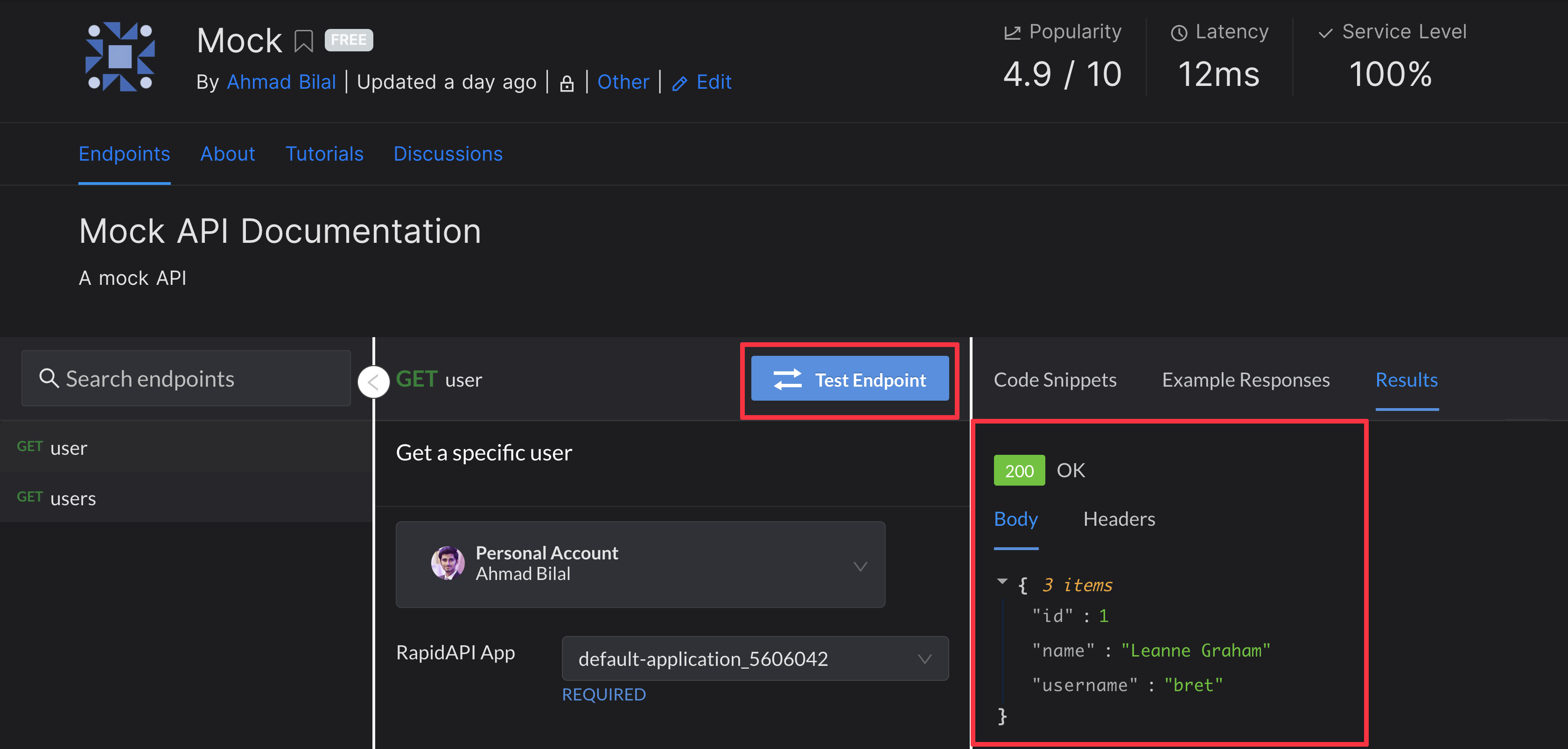
REST stands for REpresentational State Transfer and API is an acronym for Application Programming Interface. Therefore, REST API refers to a web API that follows the REST architectural style.
These are also known as RESTful APIs and are very flexible. This is why this type of API is popular for connecting apps and components in microservices architectures.
Why do I need a mock API for testing?

Testing is often hampered by the unavailability of the original API. Using a mock API means using a virtual or alternate version of the API in place of the real API.
Although it does not include some functional/non-functional attributes of the API, it does have the basic functionality required for thorough testing, so the API actually behaves like an API. Therefore, developers choose API mocks to provide support for incomplete test environments.
These mock APIs often help you save on the cost of accessing third-party APIs. Additionally, when quality assessment experts need immediate access to the same test environment, they can complete their work effortlessly.
Overall, using mock REST APIs streamlines your testing environment with multiple useful applications.
We’ve curated a list of the top tools you can use to create mock REST APIs.
Mock API
MockAPI allows developers to create mock REST APIs through simple data modeling that quickly creates resources and their relationships. It also supports one-click fake customization data generation using faker.js.
You can easily define relationships between resources by connecting nested URLs. Developers are also free to customize responses to requests using customized JSON. You can also include parent and child resources for existing resources by editing the resource schema.
MockAPI supports both manual and automatic data generation after setting up the relationship. It also provides features such as sorting, searching, filtering, and pagination of resources.
This platform is great for collaboration, as you can share and duplicate projects with your teammates. Simply add the names of collaborators who have permission to create, update, and delete project resources while using the API mock.
Bee Ceptor
You don’t have to spend valuable time and effort coding when you can use mock APIs for testing. Developers can use Beeceptor , a zero-coded Rest API mock server.
All you need to do now is define the API path, specify resource matching rules, and determine the response payload for your mock API endpoint. Additionally, all endpoints are HTTPS enabled. Beeceptor allows you to switch API endpoints or versions without redeploying.
The platform allows you to create, retrieve, update, and delete endpoint rules in a hassle-free manner. Changes made to these rules are updated in real time. Developers can also introduce a response delay in which the responder gets after a specified number of seconds.
You can add multiple mock rules to a single endpoint. When a request comes in, it is matched against the rules in a predetermined order. The platform sends a mock response according to the first rule that matches.
It also supports sharing request and response examples via unique links for collaboration with teammates. You can now simulate and monitor API errors by personalizing responses.
API mocha
API Mocha is a platform that allows app developers and system integrators to create free mock APIs for testing and prototyping. Facilitate rapid prototyping of APIs with status codes and customizable responses.

You can create an unlimited number of API endpoints here. However, we support up to 500 API requests every 24 hours. For the endpoint name, you can enter any character from 4 to 25 characters, but special characters are not supported.
RESTful accepts sending any type of data, including JSON and XML, using common HTTP request methods. What’s more, you don’t even need to sign up. Just create a base URL to get started.
Download mock requests with one click from API Mocha. The platform also allows developers to automatically import mock rules from OpenAPI.
mocoon
Looking for a platform to quickly and easily run mock REST APIs? Choose Mockoon, a free, open-source platform that lets you create mock APIs in seconds. There’s also no need to create an account or perform remote deployment.
Developers can create any number of mock APIs with unlimited routes, and even run all of them at the same time. The platform has an intuitive interface and is suitable for running anywhere using the CLI.

As a result, this app will save you time. Compatibility with the OpenAPI specification allows this tool to support your API design workflow and integration with other applications you use.
When creating mock APIs, users have complete flexibility through features such as custom statuses, HTTPS, root and global headers, and a body editor.
Learn how to tackle even the most complex situations with advanced features such as integration testing, proxies, and HTTP request logging.
A system of dynamic templates and response rules is provided to help mimic real-world scenarios. You can also integrate this tool with your existing APIs by intercepting selected endpoints.
Mocky
Mocki can be used by both front-end and back-end developers who need a Mock REST API. Create and deploy mock APIs for developing and testing software and apps. This platform helps you perfectly design your API by simulating error scenarios, providing static responses, and eliminating dependencies on external services.

Mocki supports multiple API endpoints and allows you to monitor the entire process with powerful dashboards. You can perform 100% isolated testing of your integrations without any external dependencies. It also generates test data that can be presented to clients and team leaders as evidence.
The open source CLI allows developers to run services locally without requiring an internet connection. You can also sync your code repository with the service so that your mock APIs are automatically updated with real-time changes.
You can also simulate random errors and delays with mock APIs to find negative test cases.
Can be ridiculed
Mockable is another sample REST API provider that allows you to quickly create mock APIs. Web design teams can continue working on this API-oriented development platform without having to wait for developers.
Developers can create customized containers named mockable domains on this platform, add names, and invite others. You can also create subdomains if needed.
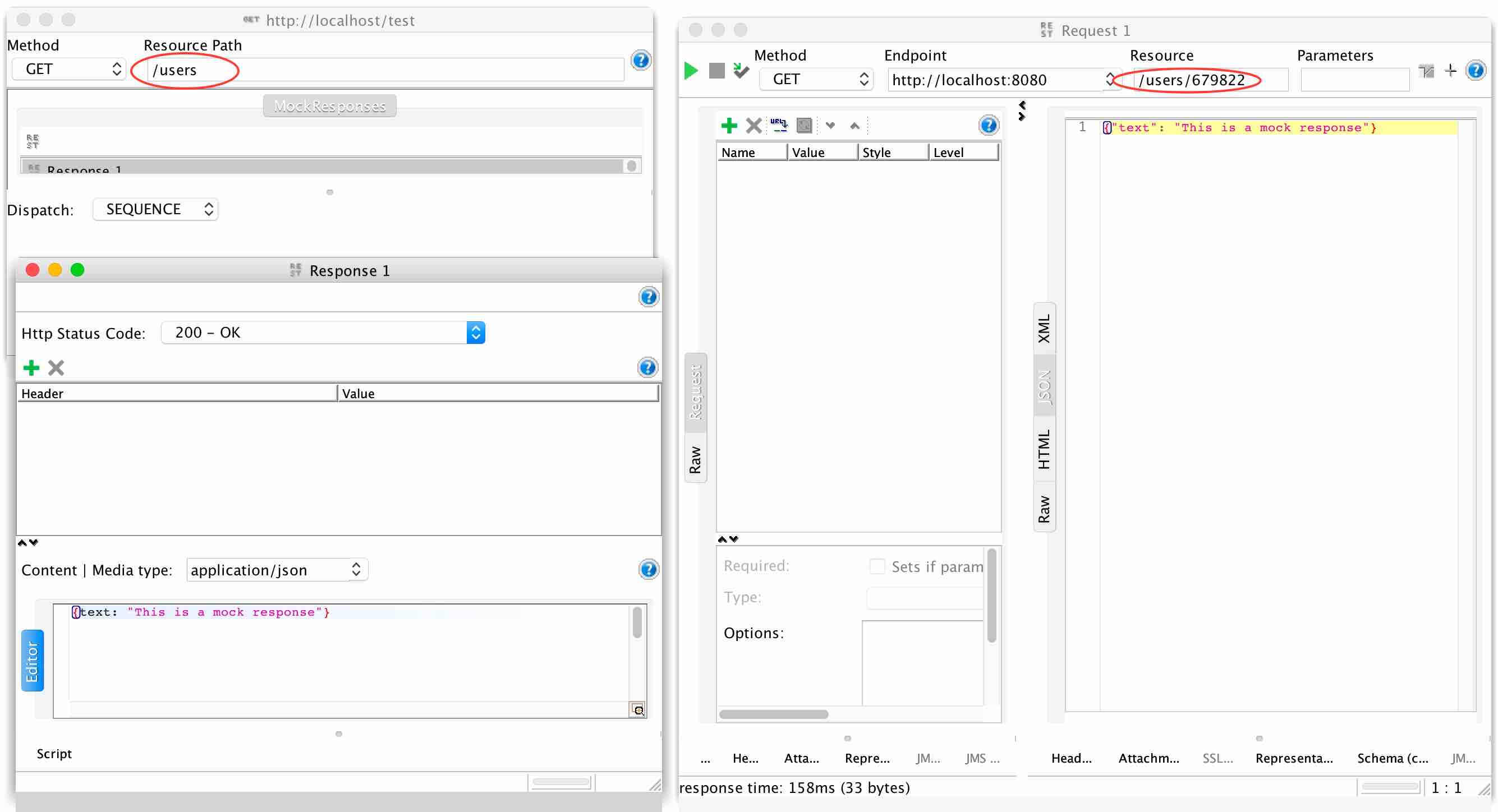
If needed, Mockable can also provide APIs on your organization’s DNS domain. In addition to using this configurable service for mock APIs, you can also use it for SOAP web services.
With Mockable, you can get both HTTPS and HTTP as secure and simple API mocks. It also comes with a request logger feature that helps you monitor real-time mock requests.
Many developers consider this the ideal mocking API platform for their teams. Not only can you invite colleagues to join your domain, but you can also manage their activities from your control panel. Being a reliable SaaS application, it supports scalability and improves efficiency.
castle mock up
Whether you want to test API integrations or systems, Castle Mock supports mocking RESTful APIs and SOAP web services. However, developers should use this on internal platforms and for testing purposes only.
You can use Castle Mock to create WADL, WSDL, Swagger, and RAML-based mocking services. You can automatically mock file-defined web services. It is an open source platform with Apache license and is available for free.
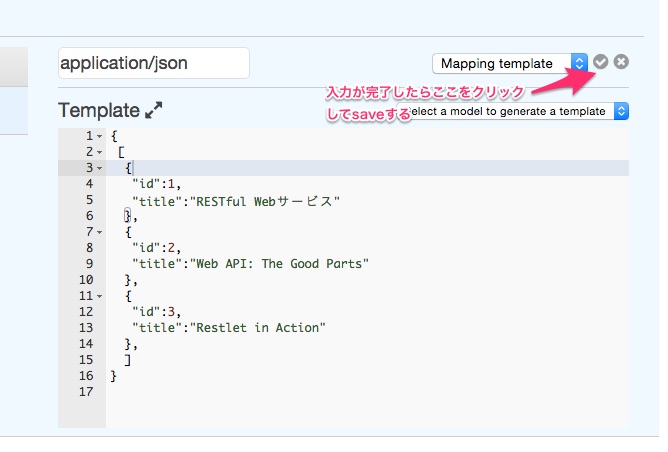
Resources created with this tool can be mocked as many times as you like. You can also configure each resource for random and sequenced response strategies.
This allows developers to fully simulate server-side behavior during integration testing. The platform also supports response customization. Castle Mock allows you to upload files up to 20 MB. If that’s not enough, you can extend the file size property using Java Virtual Machine or JVM arguments.
quick mocker
QuickMocker facilitates an online sample REST API tool that can help front-end developers, back-end developers, testers, and technical leaders with mock servers, dummy APIs, and prototyping.
You can use it to speed up your development efforts by eliminating dependencies on third-party services and APIs that are still in development. You can also create endpoints in bulk using OpenAPI JSON Schema.
No backend development knowledge is required to use this platform. You can define API endpoints by simply providing response data in common formats such as JSON or XML.
Apart from creating mock APIs for testing, you can also quickly simulate HTTP APIs and import endpoint prototypes from OpenAPI specifications.
Other robust features of this platform include restricting access to dummy endpoints, proxying fake API endpoints, configuring multiple HTTP methods for one mock endpoint,
QuickMocker has over 100 context-aware or fake response shortcodes that developers can use to template responses. We also provide request logs for each project that capture all requests in real time. This is useful for debugging apps and webhooks.
intercept rest
Are you a tester or part of a team of developers who need to get started quickly, but unfortunately don’t have the APIs you need ready? Use Intercept.rest to mock API responses and create live Or resolve the issue by migrating to the original API when it becomes available.
Users can download the Windows/Mac/Linux Intercept app and use the platform locally without an internet connection. You can view real-time requests and responses and related data on this platform. These will ensure that you never miss a request.
Teams that choose to use this app will no longer have to manually share logs and errors, saving time and significantly increasing productivity. Therefore, you can successfully reproduce the error and confirm the fix, while also tracking rare bugs and errors.
Additionally, Intercept allows you to instantly switch between APIs during development, staging, and production. You can also view your requests on the tool’s dashboard.
When testing websites or mobile apps, you can track issues even if the tests are performed from a different location. To test all aspects of the API, developers can also use this app to simulate unexpected errors, invalid notifications, and long response times.
Conclusion👩💻
By creating a sample REST API, you can explore the functionality of your software or app without using your own API. This serves as a perfect solution when the desired API is not accessible or available for various reasons.
In addition to testers, developers and web designers can also benefit from mock APIs. In this article, we have provided a list of the best mock APIs for testing. Some tools are open source, but you may need to become a subscriber to use some platforms.
If you’re interested in developing APIs for the e-commerce industry and need some inspiration, you can also learn about the best shipping APIs.


![How to set up a Raspberry Pi web server in 2021 [Guide]](https://i0.wp.com/pcmanabu.com/wp-content/uploads/2019/10/web-server-02-309x198.png?w=1200&resize=1200,0&ssl=1)


