If you work in production support, you’ll most likely be working in shifts or on an on-call basis.
Shift handoffs are essential for communicating to the next team about ongoing issues and tasks worked on during the shift.
Many of you are probably already using some kind of template. However, this is for people who are just starting to shift or need a form of shift handover.
How do you hand over to the next support team now?
It varies by organization and team. Here are some methods I can think of.
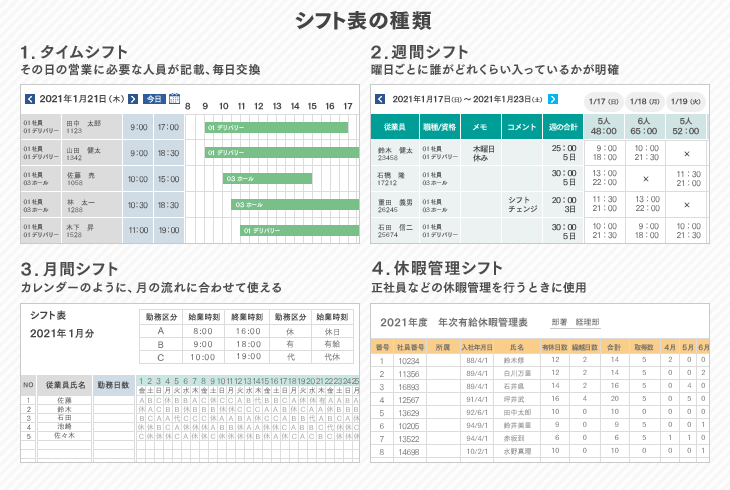
Email handover is probably one of the oldest and widely used methods. Email is one of the best ways to communicate about production issues or tasks you were involved in in your time zone.
The downside of email is that if you need to explain a complex issue, you have to write a lot of text, whereas over the phone you can do it quickly and comfortably.

phone
If you like talking, you’ll love this method. When your shift is over, pick up the phone and dial the next team. This may not apply if the following shift operates in the same building/location.
This method is simple but tricky, as it leaves no evidence of what you handed over. Also, for handovers to another country, phone calls are more expensive than emails.

chat
This doesn’t apply to organizations that don’t have internal chat in place. However, these days, chats such as Jabber, Microsoft OCS, and Slack are available in MNCs, so you might probably choose this channel for handover.
I think email and phone calls are better.
Which channel are you using now?
If you’re doing it through chat or a call, you may not need a standard template. However, if you choose an email channel, we recommend that you define one standard template for your team.
Standard templates ensure that the necessary information is communicated to the entire team. So here are some templates that you can use as a baseline and modify based on your requirements.
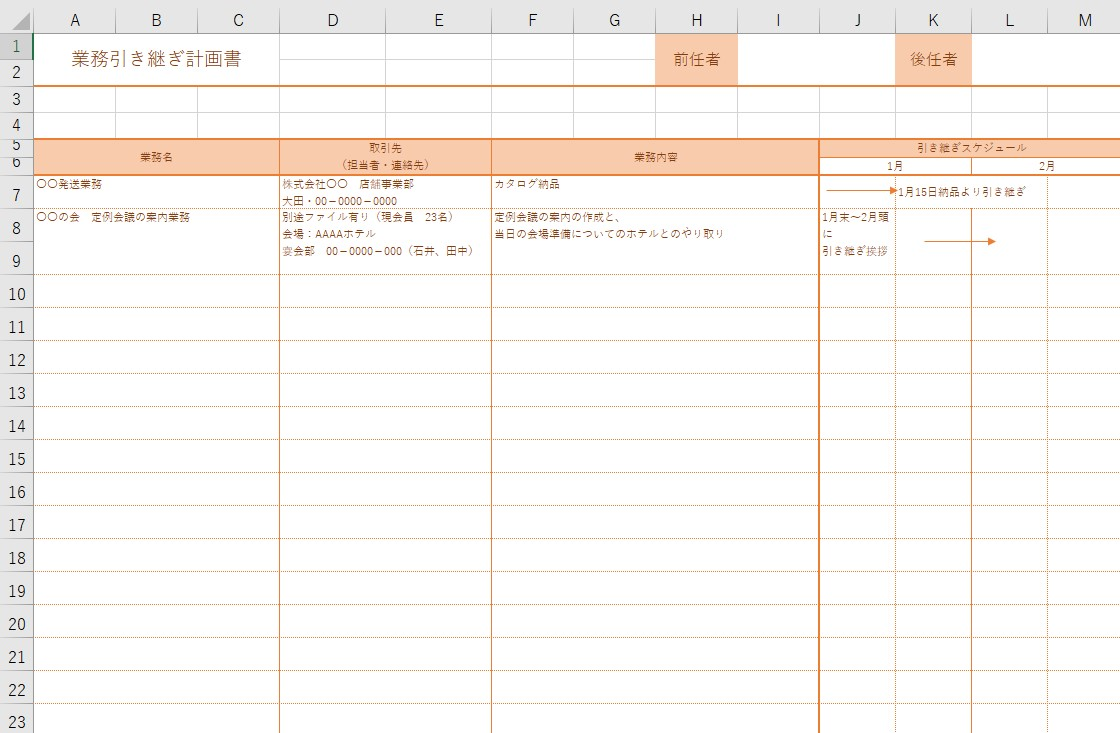

Download the template – document format , PDF .
The above is just a guideline and you are free to modify it to suit your requirements.


![How to set up a Raspberry Pi web server in 2021 [Guide]](https://i0.wp.com/pcmanabu.com/wp-content/uploads/2019/10/web-server-02-309x198.png?w=1200&resize=1200,0&ssl=1)


