If you want to create retro-style video games, comics, or other content that requires pixelated graphics, you might be looking for the best pixel art maker software.
However, choosing the right software can be time-consuming, so we’ve compiled a list of pixel art makers that can help you create amazing sprites, GIF animations, and pixelated images.
This article explains what pixel art is, its uses, and the best software to create pixel art.
What is pixel art?
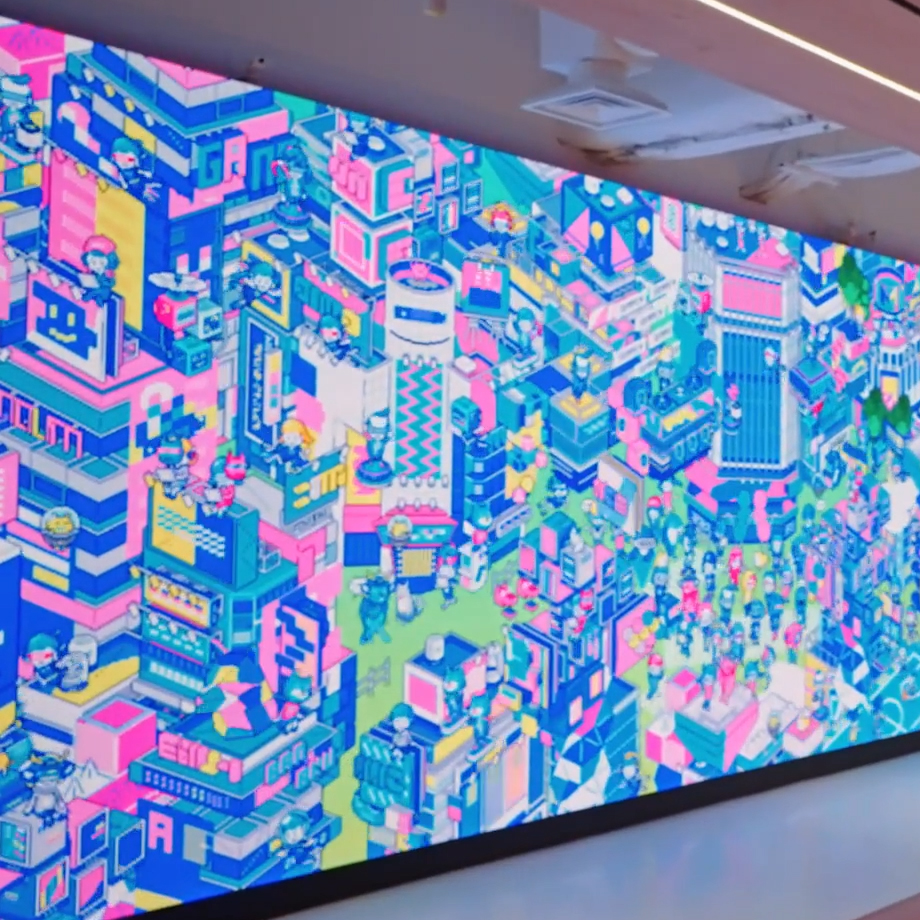
Pixel art is digital art produced by graphics editing software and modified at the pixel level. What makes pixel fields unique is that individual pixels act as the building blocks that make up an image.
Each block is intentionally created with well-placed pixels. Pixels come together to make up the entire piece.
The resulting visual style is strikingly similar to mosaic art, cross-stitch, and other embroidery techniques. Many editing tools are available for creating pixel art, allowing you to draw your artwork at the pixel level.
Pixel art is typically low-resolution graphics from arcade video game consoles and computers from the 8-bit and 16-bit eras.
Additionally, other systems, such as graphics calculators and displays, have limited capabilities in terms of color and maximum pixel count. The resolution is reduced to a level where you can visually see every pixel.
Previously, pixel art hard edges were the only format that could be created. However, advances in computer graphics have made it possible to see images that look like the real thing.
Today, pixel art refers to distinctive retro-style graphics reminiscent of early computer graphics.
Many makers give you the freedom to create anything from abstract art to detailed portraits. No advanced training is required to use these platforms. All you need is creativity and imagination.
For graphic designers, learning how to create pixel art remains important. It teaches you how to be creative within technical limitations.
Learning to create art like this requires understanding how to come up with innovative solutions that meet demanding requirements.
Using pixel art
Despite its limitations, pixel art is in high demand. Even as innovations in 3D CGI and vector graphics become the norm in society, the pixel art market expands the possibilities for a variety of applications.
From Super Mario to Space Invaders, pixel art is popular in the gaming industry. Previously introduced only in video games, it is now used in other applications as well.
Here are various usage examples:
- Non-Fungible Tokens (NFT): Tokens are a great way to capture the feel of a game. There is an entire market for buying and selling NFTs. As a result, they quickly turned into collectible items. Pixel art is a retro-style art that provides nostalgia to a specific audience and complements NFTs.
- Video Games: Modern pixel art doesn’t just replicate the technological limitations that existed before. Instead, today’s video games have taken the pixelated flavor and expanded it to larger screen resolutions. This allows for more visual complexity without sacrificing the retro feel. Some combine 3D animation and graphics with pixel art textures to create a unique hybrid of both.
- Merchandise: As I mentioned earlier, pixel art is nostalgic. Pasting pixel art onto modern art creates a retro feel and instantly makes something stand out. You can incorporate pixel art into any product design, including clothing, key tags, and other items.
Pixel art is not dead, and many communities still appreciate the dedication required to master it. Learning how to create pixels will make you a better designer, which will lead to other aspects of your artistic career.
Whether you create pixel art as a creative outlet or plan to monetize your work, building pixel art will instantly make you stand out from the crowd.
Now that you know what pixel art is, let’s discover some tools that can help you create your masterpiece.
pixiat
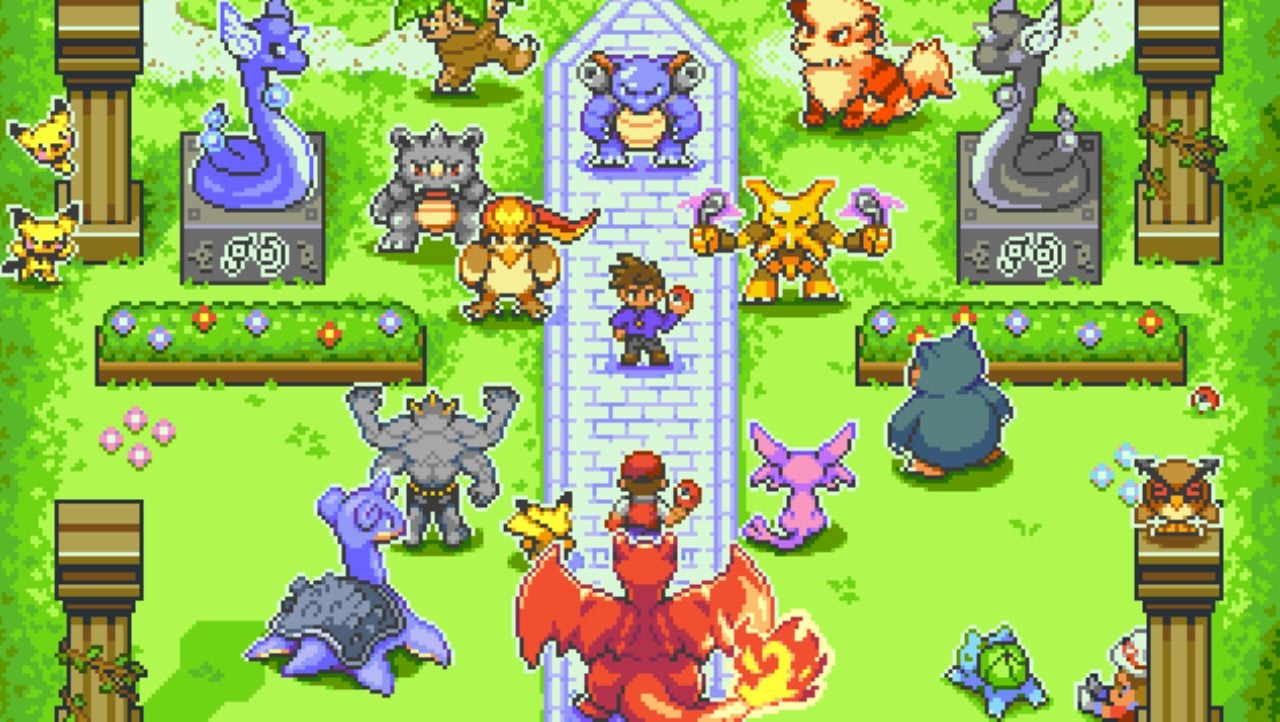
Pixilart is one of the best pixel art makers for design enthusiasts and game creators. It offers a wide range of functionality, from basic to advanced features. For example, you can create pixel drawings, GIF animations, pixel text, and export sprites.
There are also many complex tools, such as working with multiple layers, adding animation, changing brush size, and more. Despite its clean interface, it has advanced features comparable to many paid solutions.
What’s unique about this software is that it provides artists with a wealth of inspiration to work with.
For example, you can use the same color palette as other artists. This allows you to take inspiration from other artists and create your masterpiece.
This software is not only a pixel art maker, but also a social platform for pixel artists. You can run challenges, contests, and join groups.
Pro tip: Challenges are a great way to test your artistic abilities with certain limits and rules.
Piskel

Piskel is an online pixel editor that allows users to create pixel art and animated sprites. Because the editor is online, you can easily save and access files in your browser without having to download or purchase expensive tools like Photoshop.
It has a simple and clean interface, making it a great option if you want to work directly with sprite sheets. Access everything you need to create pixel art, including building animations, creating still images, and exporting sprite sheets.
Although Piskel lacks some advanced features, it primarily appeals to beginners who enjoy minimalism in software. This clean program ensures that new users are not confused by all the high-tech features.
Note: There are also downloadable offline tools that are compatible with Mac, Windows, and Linux platforms.
From pixel art to CSS

Pixel Art to CSS is an online art animation and drawing web app that allows you to easily build custom pixelated artwork.
By combining the power of keyframes and box shade CSS properties, you get CSS code that you can use on your website.
Plus, you can easily download your creations in a variety of formats, including animated GIFs, still images, and sprite-like images.
Pixel Art to CSS provides an intuitive editor with a wide range of features such as changing animation settings, customizing color palettes, saving and loading projects, and more.
Pixel Maker is suitable for beginners, as most of the tool’s features are self-explanatory.
The sidebar contains various brushes, erasers, adjustments, and color palettes. What’s more, you can also switch between them to create your desired artwork. Finally, this tool allows you to adjust the pixel size and duration. This is perfect for simple animations.
Aseprite

Aseprite allows even beginners to create stunning animations without getting confused by various settings. Thanks to pixel mode, drawing lines and shapes becomes more precise and smooth.
Packed with everything you need to master the art of creating pixelated images, including onion skinning, exporting animation frames, and saving your projects as GIFs. A free trial version of the software is also available.
For example, the onion skinning feature allows users to add frames above and below the frame they are creating. This option makes creating pixel art much faster. It also provides a sprite sheet export tool perfect for game developers.
Additionally, you can give your pixel art an even more 3D aesthetic with shading tools and generate repeatable tiles for games like platformers. The Timeline Editor allows you to create animated sprites so you can easily see the changes you make.
Lospec pixel editor

Lospec Pixel Editor is a free online program that allows anyone to create pixel art. Beginner-friendly presets and an intuitive interface will get you up and running in minutes.
You can select different color palettes, custom image sizes, and other tools from the drop-down list.
Although this tool doesn’t have all the features of an advanced desktop editor, it does have all the basic options you need, such as pencil, pan, fill, zoom tools, and eyedropper.
There are also preset options to achieve the artistic effect you’re looking for, including Game Boy Color, Commodore 64, and Pico-8. You can also build multiple layers of pixelated art, adding depth and realistic character to your art.
Whether you want to create simple 8-bit art or build assets for your game, Lospec Pixel Editor is worth a try.
Note: The editor comes with a library of tutorials to help users understand the basics of creating pixel art.
dino pixel

Dinopixel is an easy pixel maker that allows you to quickly create pixel drawings. Unlike other tools, Dinopixl allows you to add different models and characters to your creations.
For example , certain presets such as Mario, Stormtrooper, Batman, Yoshi, Dino, Space Invader, and Nyan Cat can help you build great pixelated artwork. This allows you to add cool images to your existing creations.
Or, if you already know what you want to draw, you can grab the pencil tool and start drawing your masterpiece. Everything is easily accessible from the sidebar.
Tools include:
- pencil
- mirror
- eraser
- background color
- color palette
- Zoom function
- grid size adjuster
Even more…
If you need some artistic inspiration, browse our entire gallery of pixelated artwork created by other users. This will give you an idea of what artwork to create next.
pixel art selfie
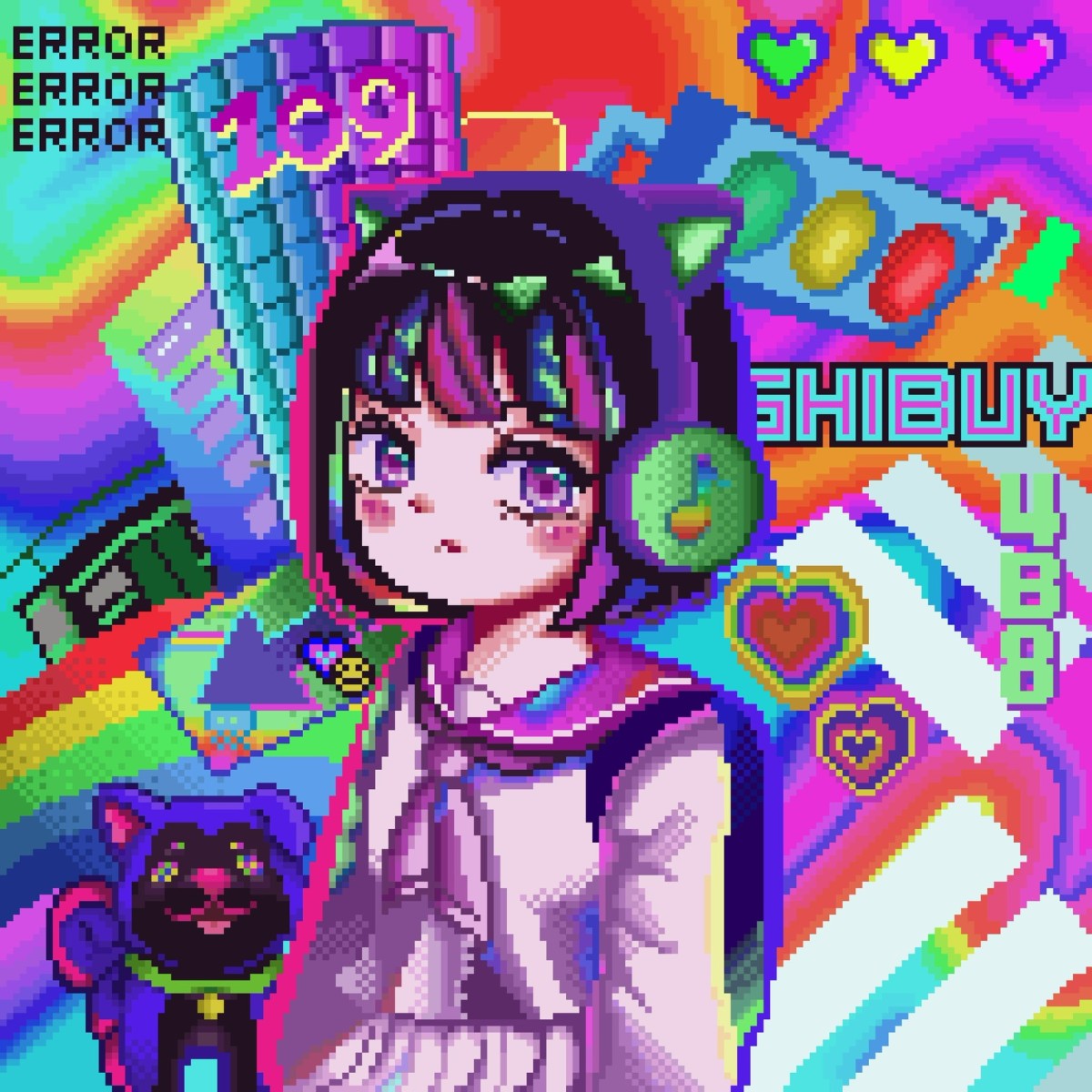
Unlike other pixel makers on our list, Pixel Art Selfie works differently. Specially designed to create pixelated selfies. You can print these pixelated selfies on boards to create unique wall decorations for your home.
First, select the format, including the number of tablets (or pixels) you need, and upload your photo. Once you’ve uploaded your image, you can choose a color palette and rotate or adjust its size and layout.
Now you can print your artwork and add pins to each pixel, giving your wall art a cool pixel effect.
This art tool is not necessarily designed to create GIFs or video games. However, you can instantly convert your photo to a pixelated version. This is a feature not found in other tools.
pixaki

Pixaki is a pixel art studio app for iPad. It has a perfect, modern interface and works great with Apple Pencil.
The great thing about Pixaki is that it has layers of animation. This means that every layer has a timeline. You can add many frames and layers to give your artwork more depth.
Most basic pixel makers only allow you to draw pixel art. However, you can create entire pixel art animations by attaching a timeline to each layer.
For example, let’s say you want to build a background for an entire city. You can animate the plane and move it across the landscape while keeping the rest of the background static.
Instead of using only block pixels, you can create isometric art. This tool allows you to create different angles and other shapes and fill them with color. Draw virtually anything by drawing rectangles, straight lines, or ellipses.
Bulk actions feature allows you to select multiple frames or layers and quickly apply adjustments. Later, you can preview the animation and see updates to the canvas by simply sliding the timeline.
summary
It’s no surprise that pixel art generators are everywhere these days. Luckily, you don’t have to be a master artist or designer to try it out, as we now have access to these amazing tools.
All the tools mentioned in this article are free to use, so there’s no reason not to try them out.
Whether you’re planning on creating mobile games, NFTs, or retro images, these pixel art makers will help you build your pixelated artwork.
You may also be interested in the best tools for creating animated characters.


![How to set up a Raspberry Pi web server in 2021 [Guide]](https://i0.wp.com/pcmanabu.com/wp-content/uploads/2019/10/web-server-02-309x198.png?w=1200&resize=1200,0&ssl=1)


