Pine Script powers the Tradingview experience. Check out our resources to learn it.
TradingView is a premium cross-platform charting platform with access to many markets and exchanges.
This is suitable for both beginners and professionals to ease trading. Due to the availability of great brokers, TradingView is biased toward technical analysis of market trends.
However, trading can be difficult without analytical tools. And that’s exactly where custom indicators come into play. TradingView supports the creation of indicators using its own PineScript.
Pine Script is a lightweight Tradingview-specific programming language. You can learn Pine Script without any coding experience. However, having some previous exposure to (Python) programming will help you improve dramatically.
Pine Script’s purpose is to create custom indicators, strategies, and trading alerts to give you an edge over other investors.
You will find a large number of Trading View indicators developed with Pine Script by other users.
For example, this shows the highest and lowest values within a user-defined time period.

Some of them are open source scripts and the code is available on Tradingview along with the respective scripts.
One of the more complex indicators, VADER indicates the buying and selling trends of the market.

TradingView has many other custom indicators, but the most useful ones are probably the ones you develop yourself using Pine Scripts.
The learning curve for this language is simplified, so let’s take a look at some resources to get started.

TradingView PineScript Programming
This Pine Script course on Udemy is aimed at absolute beginners.
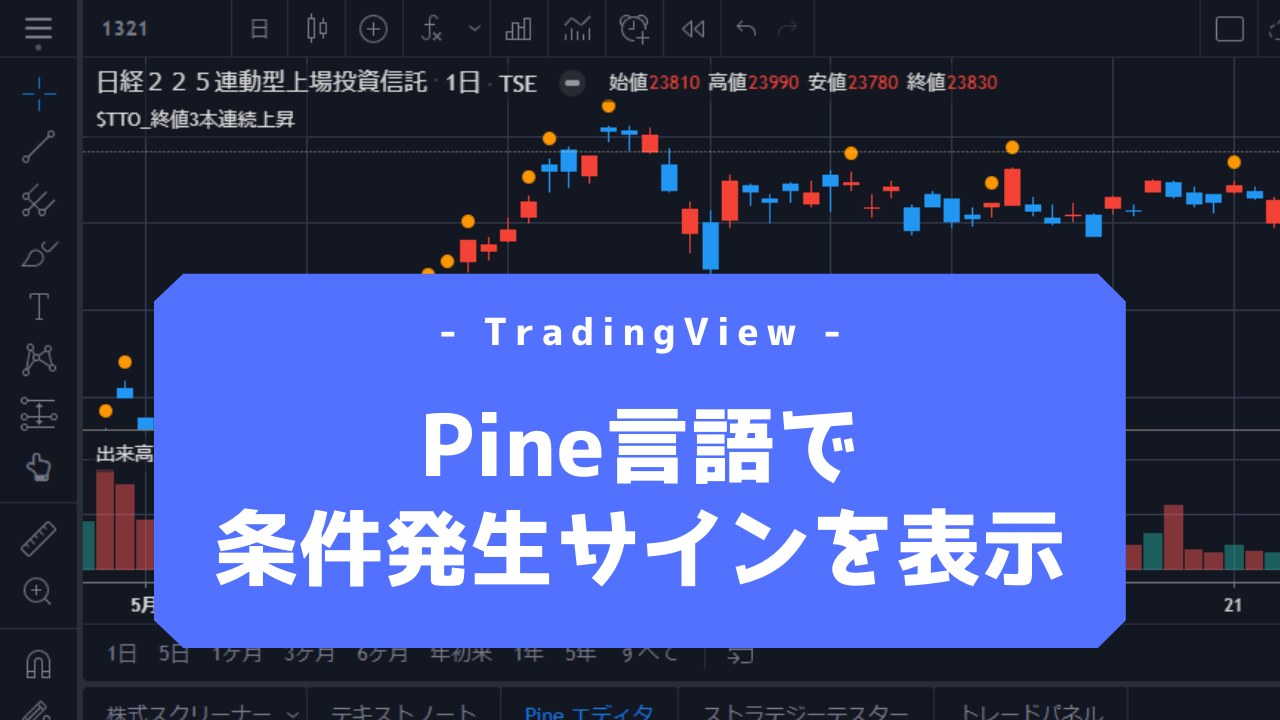
This course starts with the basics and moves on to developing custom indicators that combine multiple indicators, teaching you the skills to work around the TradingView premium subscription.
Additionally, this helps you automate your trading logic and set up trading alerts to minimize screen time.
This course can be taken with a free TradingView account. You will also receive lifetime access to this course and a certificate of completion at the end.
Pine Script Beginner’s Guide
Pine Script Beginner’s Guide is a free Pine learning resource provided by Art of Trading. However, you can also move to the paid version.
As the name suggests, Pine helps you build your skills from the ground up. Additionally, the first module introduces beginner-level candidates to programming, followed by the basics of Pine.
This basic course concludes by creating a custom Pine script.
Finally, you can also watch a shortened version of this free course on YouTube.
PineScript programming
This premium PineScript programming course includes over 5 hours of video material with over 50 code examples to get your TradingView off the ground.
This regularly updated module will also prove useful to non-programmers looking to develop their own scripts.
After learning the basic fundamentals, the course moves on to creating built-in functions, variables, and trading alerts. Later, you will create a strategy and create a plot in PineScript.
And if you’re lucky, you can get the course for free because the author is offering one free monthly subscription.
pine script course
This is a free, in-depth, text-based PineScript course from TradingCode.net .
Starting with the basics of Pine, we cover TradingView strategies, different types of inputs, indicators, strategy and script settings, charts, drawings, and more.
Technical analysis will be an integral part of the module, along with strategy backtesting. Finally, the course concludes with a lesson on money management.
As of this writing, there were 25 chapters consisting of 211 lessons with over 500 images to make up for the lack of videos.
Pine Script (TradingView)
This is a text-heavy PineScript course organized in the form of a single article. This course begins with an overview of Pine Script, its benefits, and alternatives.
Subsequent content includes backtesting strategies, setting up trading alerts, modifying scripts, and creating custom indicators.
Finally, this is an introductory module that you can take without any coding know-how.
conclusion
Learning PineScript is the best way to get the most out of it. Additionally, Pine is built to help you do more in less time, so even beginners can start, develop, and help others gain valuable insights.
But that’s not all, we have put together some cryptocurrency trading bots to enhance and automate your cryptocurrency investing.


![How to set up a Raspberry Pi web server in 2021 [Guide]](https://i0.wp.com/pcmanabu.com/wp-content/uploads/2019/10/web-server-02-309x198.png?w=1200&resize=1200,0&ssl=1)


