Adding animation to your web application is one of the best approaches to improving the look and feel of your application.
Animations are moving objects that web designers/developers use to grab the user’s attention and instruct them to perform a specific action.
Writing code to add animation can be a pain. Fortunately, there are animation libraries available.
An animation library is a collection of pre-built animation files that designers can add to their websites.
Why use animation libraries?
- Save time: The animation library provides a bare minimum of functionality, giving you more time to focus on the features of your application.
- Customizable: Animation libraries typically provide boilerplate code that you can customize to suit your needs.
- Easily achieve consistent designs: If you have animations that span different web pages, you can use one library to ensure consistent color mixing and fonts.
- Offer a wide range of effects: Some animation libraries have many animations to choose from.
We’ve reviewed some of the best JavaScript animation libraries available:
anime.js
Anime.js is a lightweight JavaScript library with a powerful API. This library can be used with JavaScript objects, DOM attributes, SVG, and CSS properties.
install
npm install animejs --save
Usage
import anime from 'animejs/lib/anime.es.js';
Main features:
- Ease of use: We found Anime.js to be easy to use, even for those with limited JavaScript knowledge, as it is well documented.
- Extensible: You can customize the code blocks in this library to suit your needs. You can also create callbacks, timelines, and easing functions.
- Flexibility: Anime.js is more than just a JavaScript animation library. Can be used with SVG and CSS properties.
- Multi-browser support: Anime.js animations can run in a variety of browsers, including Chrome, Safari, IE/Edge, Firefox, and Opera.
Anime.js is an open source, free library.
Mo.js
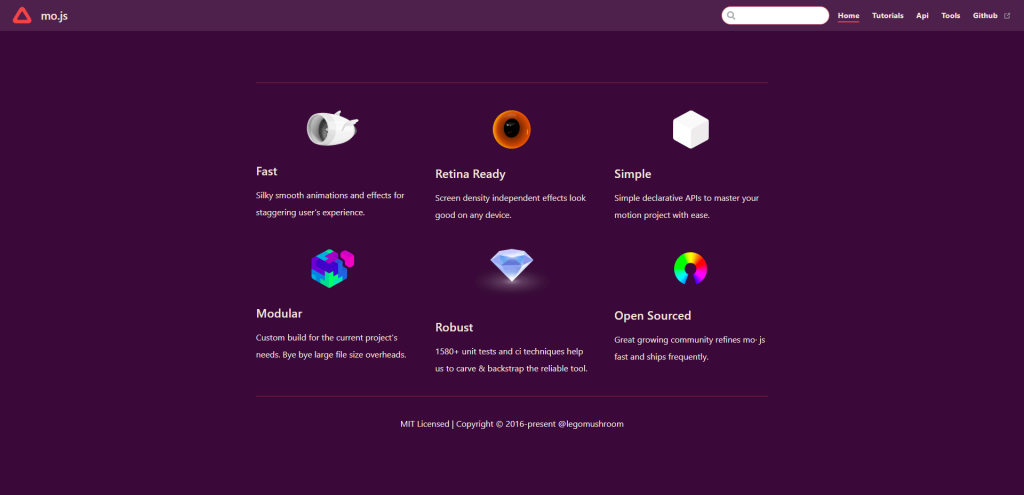
Mo.js is a JavaScript motion graphics library. This library gives you full control over your animations through a declarative API.
install
npm install @mojs/core
or
yarn add @mojs/core
Usage
import mojs from '@mojs/core';
Main features:
- Modular: The components of this library are divided into small reusable blocks of code. When testing this library, you can add or remove different components without having to rewrite the entire code.
- Simple: The declarative design of the API makes it easy to use this library and customize components.
- Responsive: Mo.js is Retina-ready, so it works on a variety of screen sizes.
- Robust: This library has been extensively tested to ensure it works as expected.
Mo.js is a free open source library.
pop motion
Popmotion is a simple animation library for creating fun user interfaces. We found this library easy to use with vanilla JavaScript and most JavaScript libraries and frameworks.
install
npm install popmotion
Usage
import { animate } from "popmotion"
Main features:
- Powerful: Animation functions are only 4.5 kb, but support spring, inertia, and keyframe animation for colors, numbers, and complex strings.
- TypeScript support: Popmotion is written in TypeScript, a superscript of JavaScript. So if you’re using TypeScript in your project, you can use types.
- Customizable: The components in this library can be customized to suit your animation needs.
- Stable: All components of Popmotion have been thoroughly tested.
Popmotion is available for free.
theater.js
Theater.js is a library with a professional motion design toolset. Use it to design cinematic scenes and fun UI interactions.

To use Theater.js in HTML and plain JavaScript, add its CDN link to the head section of your HTML document.
Main features:
- Works with several JavaScript frameworks and libraries . You can use Theater.js with React Three Fiber and THREE.js.
- Customizable: This library features a state-of-the-art sequence editor that lets you block sequences in seconds. You can also use the graph editor to fine-tune every frame in your application.
- Extensibility: Theater.js has a variety of extensions that make it easier to use. You can use tools and add extensions to this library.
Theater.js is an open source library.
ScrollReveal.js
ScrollReveal.js is a JavaScript library that allows you to animate scrolling elements within the viewport.

install
npm install scrollreveal
Usage
const ScrollReveal = require('scrollreveal')
Main features:
- It’s easy to use: add
scrollrevealclass to the elements you want to animate and you’re ready to start using this library. - Extensible: You can add new elements or remove elements from components obtained from this library.
- Flexibility: ScrollReveal.js can be configured to display elements on hover, click, or scroll. This library also allows you to control the easing, direction, and speed of the reveal.
ScrollReveal.js is a paid library with packages starting at $30.
Greensock GSAP
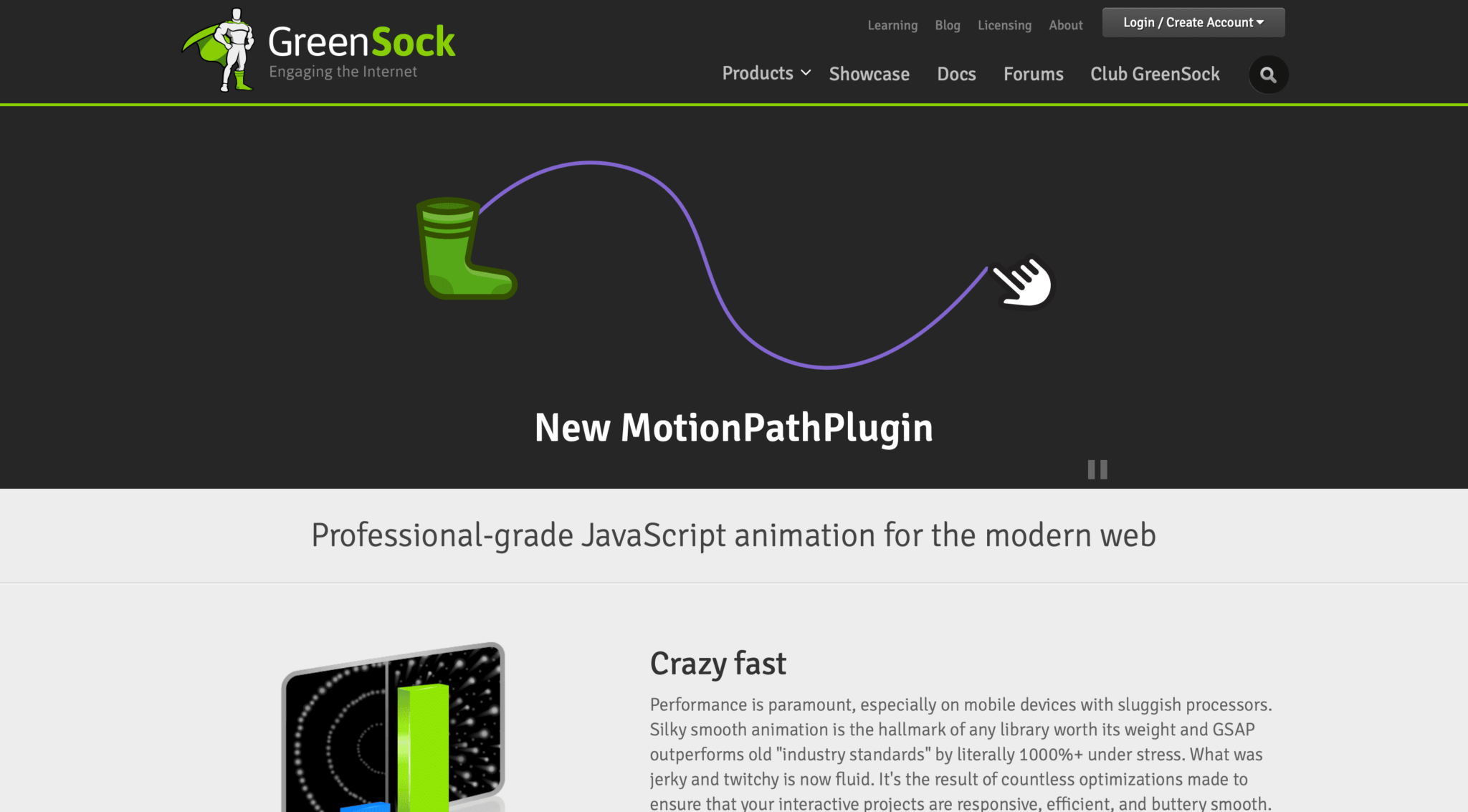
GreenSock GSAP is a JavaScript library for animating SVG , UI , React , or Three.js components. This library has everything you need to create fast and engaging animations.
Main features:
- Highly compatible: You can use GSAP with Canvas, CSS, HTML, SVG, JavaScript libraries and frameworks such as Angular, React, Vue, and jQuery.
- Extensible: GSAP’s modular architecture allows you to customize components to suit your animation needs.
- Flexibility: GSAP does not have a predefined list of things that can be animated. You can animate any numeric property of an object.
- Robust: GSAP allows you to animate arrays, Bezier, CSS properties, colors, and more. This library also allows you to build sequences, repeats, yo-yos, and define callbacks.
GreenSock Animation Platform (GSAP) has a free package, but paid packages start from £88.
progressbar.js
ProgressBar.js is an animation library for creating responsive and stylish progress bars for the web.
install
Using Bauer
bower install progressbar.js
Using npm
npm install progressbar.js
Main features:
- Various built-in shapes: ProgressBar.js has three built-in shapes: semicircle, circle, and line. You can also create custom shapes using this library.
- Responsive: This library’s progress bar works perfectly on different screen sizes.
- Customizable: You can customize the component’s color, font size, and font style.
ProgressBar.js is an open source library.
Anis JS
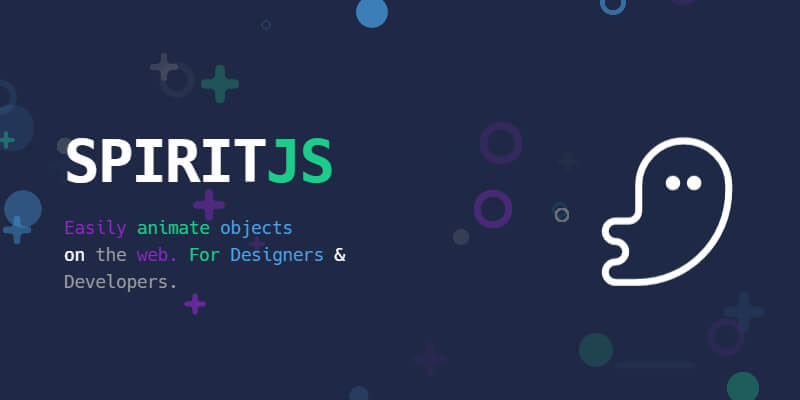
AniJS is a UI interaction library that provides a quick and easy way to develop and prototype UIs. This library compresses to 9.0kb.
install
bower install anijs --save
Usage
<script src="anijs-min.js"></script>
Main features:
- Easy to use: To use this library, add AnisJS classes to the elements that need to be animated.
- Extensible: You can customize components from AnisJS to suit your needs.
- Flexibility: You can use AnisJS with JavaScript objects, SVG attributes, CSS properties, and DOM elements.
- Compatibility with major browsers: You can use AnisJS with Chrome, Firefox, Safari, and Edge.
AnisJS is an open source library that is free to use.
Three.js
Three.js is a general purpose 3D library. This library uses the WebGL renderer, but also supports SVG and CSS3D renderers as add-ons.

install
npm install --save three
Usage
import * as THREE from 'three';
Main features:
- Ease of use: Three.js has a well-documented API and is easy to set up and use.
- Powerful: You can use this library to create complex 3D scenes. Three.js also supports various features such as animation, materials, and lighting.
- Flexibility: Create 3D animations for everything from games to visualizations to simulations.
- Compatibility with various frameworks and libraries: Three.js library can be used with React Three Fiber, Egret, Aframe, PlayCanvas, and Babylon.js.
Three.js is an open source JavaScript library.
Vivus.js
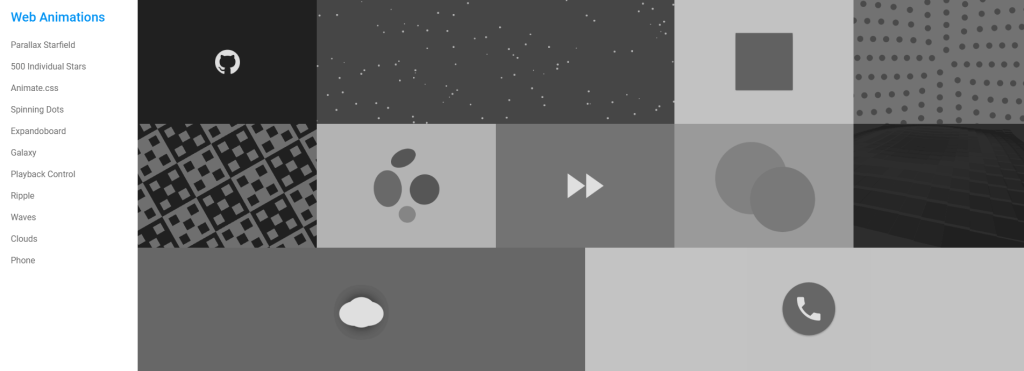
vivus.js is a lightweight JavaScript library for animating SVG. When you animate SVG using this library, the SVG will appear as if it were drawn.
install
npm install vivus
or
bower install vivus
Main features:
- Different animation types: Vivus.js allows you to create Delayed, OnebyOne, and Sync animations. Delay is the default animation type for this library.
- Allow custom scripts: You can create custom scripts to animate SVG files instead of using the animation types available in this library.
- No dependencies: This library has no dependencies and can be used in most web projects.
Vivus.js is a free library.
tilt.js
Tilt.js is a small JavaScript library that allows developers to create 3D tilt effects on the DOM. Tilt.js can be used with vanilla JavaScript or with libraries and frameworks such as React, Preact, Angular, and Polymer.

install
npm install --save tilt.js
or
yarn add tilt.js
Usage
Add this script just before the closing </body> tag.
<script src="tilt.jquery.js"></script>
Main features:
- Easy to use: To start using Tilt.js, add the data-tilt attribute to the element you want.
- Customizable: You can customize Tilt.js components to suit your needs.
- Responsive: Components in this library can be used on devices with different screen sizes.
- Accessibility: Tilt.js is built with accessibility in mind and supports screen readers and keyboard navigation.
Barba.js
Barba.js is a small library for creating fluid and smooth transitions between pages on your website. The reduced and compressed version of this library is 7kb and helps minimize browser requests and reduce delays between different web pages.
install
npm install @barba/core
or
yarn add @barba/core
Usage
import barba from '@barba/core';
Main features:
- Written in TypeScript: TypeScript allows you to define types in code, allowing you to catch code errors early.
- Smart transitions: Barba.js allows you to define rules and determine the appropriate transitions for your application.
- Various plugins: You can enhance the functionality of Barba.js through plugins such as barbarouter and barbaprefetch .
BarbaJS is a free-to-use library under the MIT license.
slide
Splide is a lightweight slider/carousel written in TypeScript. This library allows you to create different types of slides by changing options such as thumbnails, multiple slides, vertical orientation, nested sliders, etc.
install
npm install @splidejs/splide
Main features:
- Extensible: You can add components to your app using extensions .
- Flexibility: You can use Splide to create a variety of slider types, including video sliders, text sliders, and image sliders. You can also create nested sliders.
- No dependencies: Splide has no dependencies on other libraries, so you can use it with any build tool or framework.
Splide has a free package for personal use. If you want to use this library commercially, license it for a premium package starting at $10.
conclusion
With the above animation libraries, you can turn your static layout into a lively layout. The choice of animation library depends on what you want to achieve and ease of use. In some cases, you may use multiple animation libraries across different application pages.
If you love JavaScript libraries, check out our article on the best React animation libraries you can use.


![How to set up a Raspberry Pi web server in 2021 [Guide]](https://i0.wp.com/pcmanabu.com/wp-content/uploads/2019/10/web-server-02-309x198.png?w=1200&resize=1200,0&ssl=1)


