Apple announced its latest MacBook Pro a few months ago, and the biggest design change (aside from smaller bezels, a thinner structure, and all USB-C configurations) is the high-end 13-inch Touch Bar. was added. 15-inch model of MacBook Pro. Default apps on MacBook Pro already support Touch Bar, and some Apple-developed apps like Final Cut Pro do as well. However, while Touch Bar seemed novel at the time, it quickly caught on and some really cool apps started supporting it. If you just bought a new 2016 MacBook Pro and want to take advantage of its awesome Touch Bar , here are 12 cool Touch Bar apps for MacBook Pro that you should check out .
1. Spark Mail
Spark is one of my favorite email clients and I actually use it on my MacBook Air. Spark quickly jumped on the Touch Bar wagon and as a result has very well-developed Touch Bar support within apps.
With Spark and a Touch Bar-enabled MacBook Pro, you’ll now have the option to instantly mark emails as read/unread . You can also Reply/Reply All or Forward emails with just a tap on the Touch Bar. Spark’s Touch Bar button includes several other options, including ” Snooze ,” ” Pin ,” and ” Move to Folder .”
Download Spark for Mac (free)
2. Coda 2
Coda is an editor for web developers. This app has great features for web developers, such as auto-indentation, auto-closing tags, and more. Additionally, the preview pane updates in real time to show you how your web page will look. Additionally, if you have the Coda app installed on your iOS device, you can use Air Preview to view rendered web pages on your iPhone or iPad .

Coda 2’s Touch Bar support gives you the option to change the indentation of your text. This is very useful. You’ll also see a button to quickly switch between the editor and the preview window , so you can easily see changes you make to your code and see them reflected in the editor without having to click menu options. The Touch Bar also provides a one-tap solution for adding comments to your website’s code, convenient search, and a “Go to Line Number” feature.
Download Coda 2 for Mac (7-day free trial, $99)
3. PDF Expert
PDF Expert is one of the best PDF readers and editors I’ve ever used. The app is developed by Readdle, which immediately started supporting Touch Bar on the new MacBook Pro.
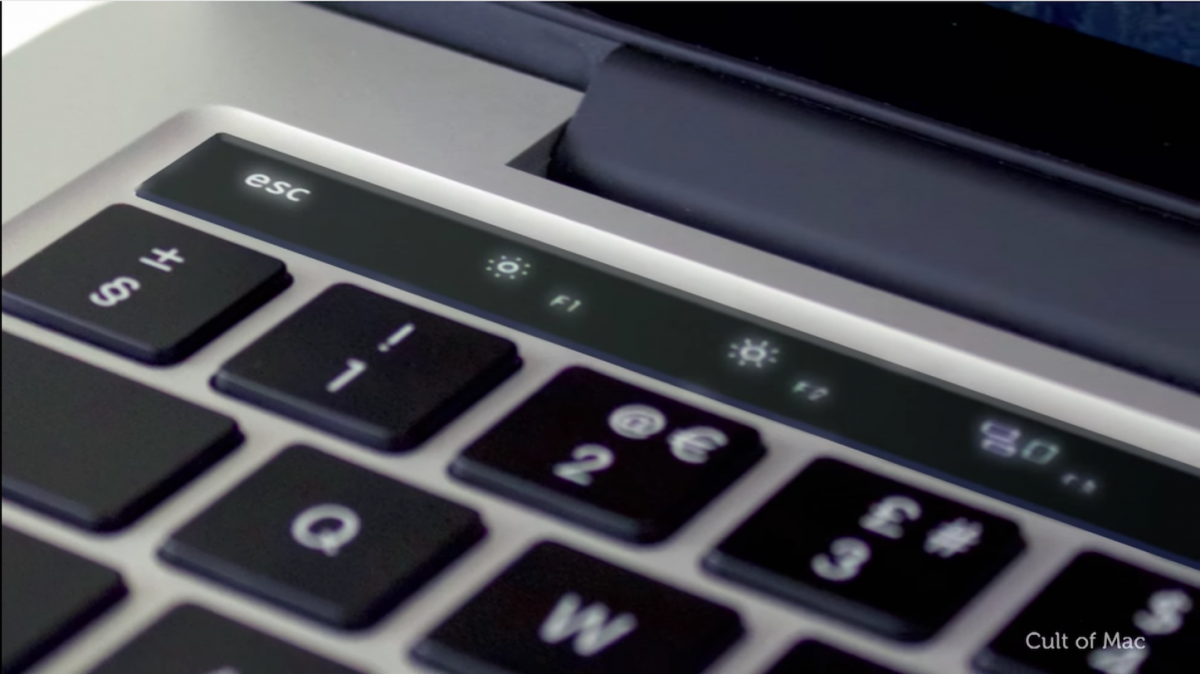
The latest version of PDF Expert, running on MacBook Pro with Touch Bar, gives you options to annotate PDFs, edit sensitive information using blackout or eraser tools, insert text, images, links, and more will be displayed. A lot more. Many other options are available, such as highlighting text, underlining and striking out text, and inserting text and comments.
Download PDF Expert for Mac (7-day free trial, $59.99)
4.djay pro
djay Pro was one of the apps shown to work with the Touch Bar when Apple first demoed it at an event. djay Pro’s Touch Bar integration gives you easy options to scratch your tracks and do all sorts of cool things with them, like applying filters, gates, echoes, and more . This is definitely one of the coolest ways to use the Touch Bar on your new MacBook Pro.
Download djay Pro for Mac (15-day free trial, $39.99)
5. Overview
Outline is an app that you can use to take notes, manage your notebooks, and perform various writing tasks. This app is very similar to Microsoft’s OneNote in that it uses notebooks, sections, and pages to organize your writing.
This is definitely a great app, and the Touch Bar support gives you easy access to many features. You can format text , change its alignment, insert emojis , add bullets and numbered lists, and more.
Download Outline for Mac (14-day free trial, $39.99)
6. Omni Plan
OmniPlan is a planning app for Mac that you can use to clearly lay out and plan everything you need to do in a given period of time. The app creates “tasks” that can be set to different colors and adjusted on the timeline depending on when they need to be completed.
The app’s Touch Bar support gives you the option to quickly change the color of tasks, mark tasks as complete to stay on track , and move tasks that are behind schedule to a later date . The app’s Touch Bar is a complete visualization of all the tasks within the Touch Bar that you can interact with.
Download OmniPlan for Mac (14-day free trial, starting at $74.99)
7.Touch switcher
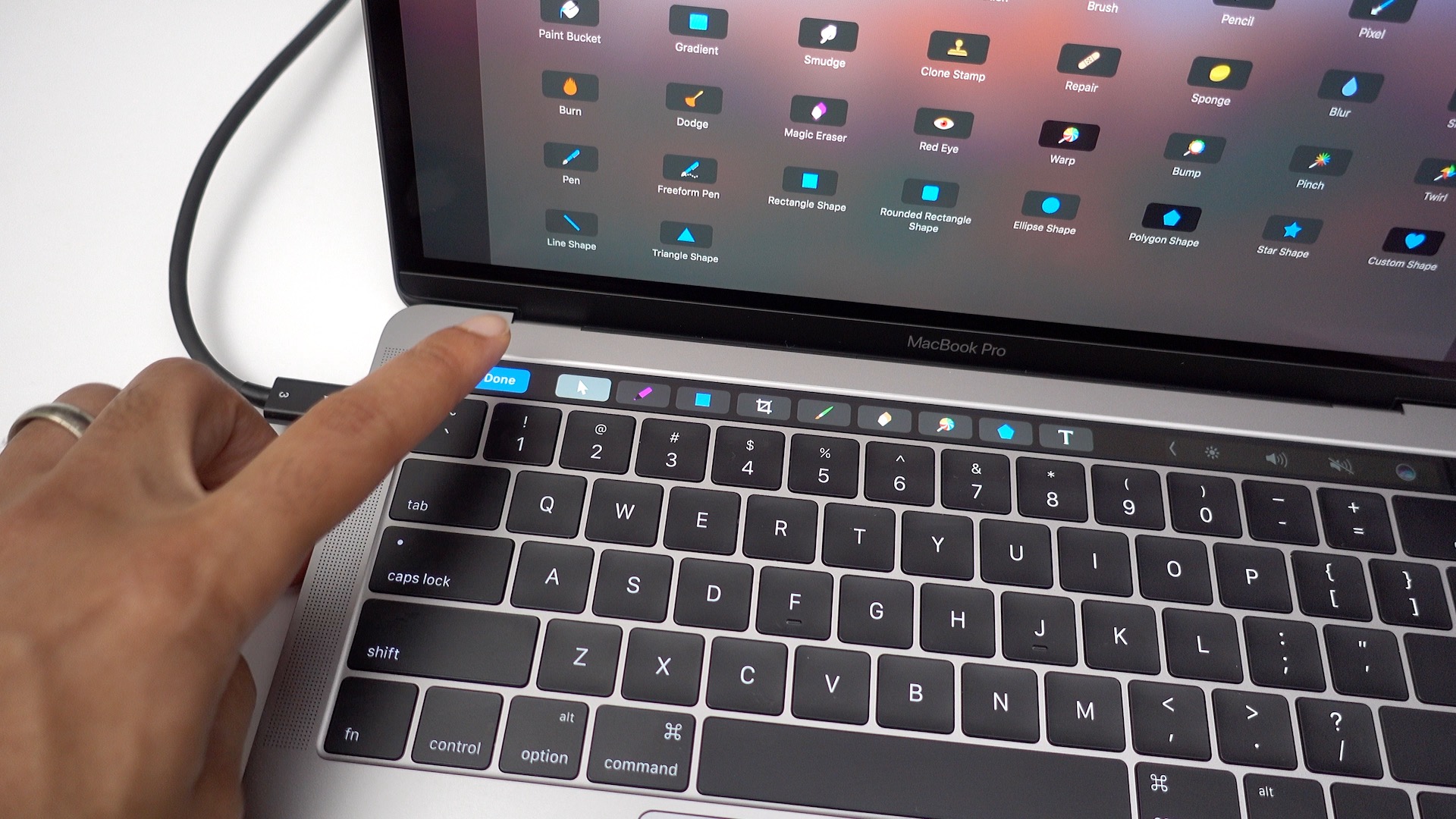
TouchSwitcher is a cool Touch Bar app that lets you quickly and easily switch between open apps on your Mac . This is useful because you don’t have to press command + tab all the time. Just tap the Touch Bar on the TouchSwitcher icon and select the app you want to switch to. It’s that simple.
Download TouchSwitcher for Mac (free)
8. Glimpse
Glimpses is a simple app. It does one thing and does it well. This app is used to create videos by combining multiple images. You can adjust the display time of each image and add background sound.
Now that the app supports the Touch Bar, you now have the option to quickly import images from disk, Flickr, or Instagram. You’ll also see options to add a soundtrack and configure video settings . When you’re all done, just tap the Create button on the Touch Bar and Glimpses will combine all your photos and create a cool video with the soundtrack of your choice.
Download Glimpses for Mac (15-day free trial, $19.99)
9. Better Touch Tool
For those who don’t know, Better Touch Tool is probably the most widely used third-party tool on Mac. Every aspect of your device has expanded capabilities and is infinitely customizable. This app supports Touch Bar and allows you to create all kinds of custom Touch Bar buttons and assign them to do whatever you want. You can create Touch Bar buttons to quickly launch websites , run scripts, and more. Better Touch Tool is definitely a very useful app to have if you like custom actions.
Download Better Touch Tool (45-day free trial, licenses start at $6)
10.Touch bar piano
Here’s a fun thing to do with the new MacBook Pro’s Touch Bar. TouchBar Piano is an app that puts a piano at your fingertips . The Touch Bar has keys that allow you to play music with just a tap. Within the app’s interface, you can choose from 128 different instruments and change the octave of each to get the sound you want.

Download TouchBar Piano for Mac (free)
11.Touch Bar Space Fight
TouchBarSpaceFight is one of the best experiences I’ve had with the Touch Bar. It’s a simple but challenging game where you control a spaceship (controlled with the arrow keys) and have to shoot enemies that literally fly at you. This game is very addictive and you will definitely have a lot of fun playing it.

Download TouchBarSpaceFight for Mac (free)
12. Pack Bar
If you loved playing Pac-Man, you’ll love the nostalgia of playing this game on your MacBook Pro’s Touch Bar. PacBar puts a small and simple Pac-Man game on your Touch Bar , allowing you to control Pac-Man with your arrow keys.

Indeed, the game is very simple, the number of opponents and the types of levels do not change at all. However, this game is definitely fun, so give it a try.
Download PacBar for Mac (free)
Noteworthy TouchBar apps:
- QuickRes ( download ) is an app that allows you to quickly change your MacBook Pro’s native resolution to different values . This is useful for people such as graphic designers who need to see how their designs will look at different resolutions.
- Adobe Photoshop (download) is also a great app that supports Touch Bar. This additional feature makes using the app easier and more intuitive. Access layers, tools, and more directly from the Touch Bar on your MacBook Pro.
- TouchBar Dino ( download ) is an app that brings the classic Google Chrome Dino game to your Touch Bar . Tap the Touch Bar on your MacBook Pro to make your dinosaur jump over obstacles. It’s a fun way to kill time.
See also: How to use TouchBar functionality on any Mac
Use these cool Touch Bar apps on your new MacBook Pro
These are some of the coolest Touch Bar apps you can try on your new MacBook Pro. They’re definitely making good use of the Touch Bar’s capabilities and showing us what this technology could be like.
Have you used any of the Touch Bar apps mentioned in this article? What did you think? Please share your thoughts with us. Also, if you know of any other Touch Bar apps that you think should be added to this list, please let us know in the comments section below.


![How to set up a Raspberry Pi web server in 2021 [Guide]](https://i0.wp.com/pcmanabu.com/wp-content/uploads/2019/10/web-server-02-309x198.png?w=1200&resize=1200,0&ssl=1)


