The introduction and boom of cloud technology has made it very easy to scale applications and add new resources based on business needs. Still, if you don’t regularly review your cloud spending, you can easily exceed your allocated limits.
Therefore, it is important to move to Azure cost management. The goal is not only to monitor costs, but also to identify and optimize the most expensive parts.
Learn how to take full control of your costs by incorporating proven Azure cost optimization techniques and modern cost management tools.
Best practices for Azure cost management
#1. Right-sized resources
Provisioning more resources than necessary is one of the main causes of high costs. We see that right sizing is the best solution here.
For example, if your Azure environment is large and you have 25 virtual machines, you need to get the most out of each VM. If not, the best action is to downsize some instances to significantly reduce costs.
#2. Stop/start Azure resources
Azure resources don’t need to be active all the time. You can pause it during non-business hours and resume it at any time if needed. This is difficult to do manually, so we recommend keeping an eye on resource consumption and running it on a schedule.
#3. Tag your Azure resources the right way
Tags in Azure are stored as key-value pairs. For example, you can add a key titled “Environment” to track where your resources are deployed. Therefore, when you deploy a resource to production, you can label it with the value “Production” to serve as an identifier in Azure resource usage and cost reporting.
#4. Allocate budget to specific teams or projects
It’s important to set a budget and view costs by resource, resource group, subscription, tag, etc. Ideally, teams/projects should have a maximum budget and costs at that level should be closely monitored.
#5. Choose the right storage tiering
Storage can be a significant source of cost spikes, so taking the time to consider how to optimize this aspect can help you save money.
For example, different storage tiers are available, such as premium, hot, cool, and archive. Therefore, storing your data in a more affordable price range can minimize your monthly expenses and lead to bigger savings in the long run.
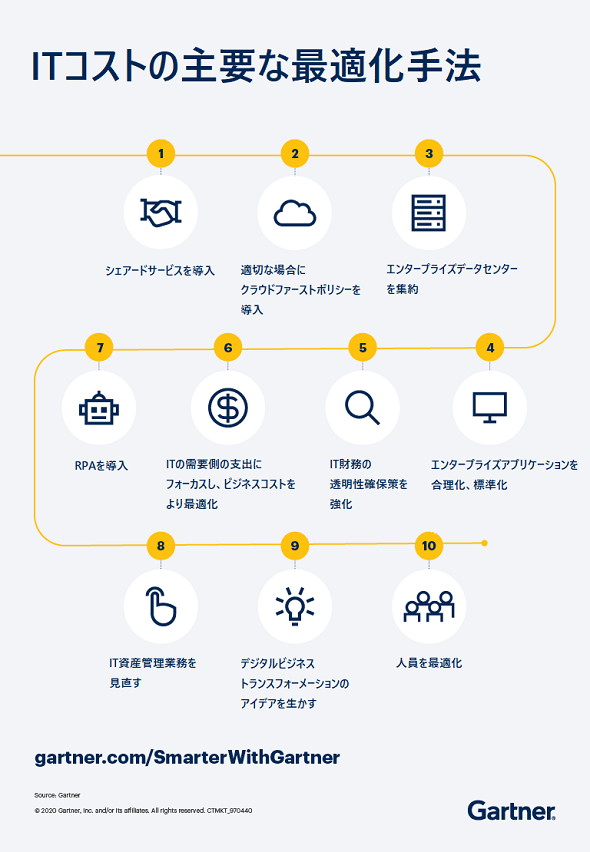
#6. Monitor and analyze costs regularly
Monitoring and analyzing your costs can help you discover areas where you may be spending too much. While the above best practices can help you save some money, we recommend using Azure cost management tools to reduce manual effort and centrally manage and monitor your costs.
Benefits of Azure cost management
There are many benefits to be gained by following the best practices listed above. The main two are:
Cost transparency and optimization: Gain a deeper understanding of resource usage patterns and associated costs to make informed spending decisions. With Azure cost management, you can track your costs on a daily or monthly basis, allowing you to identify potential areas for cost savings.
Map cost data to departments and projects: As mentioned earlier, most cloud providers allow you to define cost allocation tags. Cost allocation tags are metadata labels that you can attach to resources to categorize them. This allows you to fully understand the cost spent on Azure resources by different teams/projects/environments, alert the appropriate budget holders, and take necessary actions.
What should you look for in an Azure cost management tool?
Here are the features to consider when choosing the right one for your business:
- Ability to monitor and set spending thresholds
- Options to analyze and forecast Azure spending
- Automation feature support
- Integrated cost monitoring across subscriptions
- Improved reporting on resource usage and costs
- Integration with various notification channels for alerts
- Free trials or demo sessions available to help you evaluate the tool before purchasing
Top Azure cost management tools available on the market
Regardless of the size of your organization, Azure users want to reduce costs. To help guide you through the process, we’ve listed the top Azure management tools and their key features, benefits, and ideal scenarios.
With the above criteria in mind, let’s find the best tools to optimize and manage your Azure costs.
Serverless360 Cost Analyzer (Free Trial)
Serverless360’s Cost Analyzer is a cloud-based SaaS platform that is also available as a private hosting option. This allows you to monitor and analyze Azure costs from multiple subscriptions based on different business aspects, making it easier to predict and allocate accurate costs.
Main features
- Visualize your spend across multiple Azure subscriptions in a single dashboard.
- Monitor costs spent from application context in real time
- Analyze costs at different levels, including subscription, resource group, and region.
- Detect cost overruns by receiving alerts when set budget limits are exceeded.
- Estimate and compare costs before and after optimization
- Save costs by automatically pausing idle resources during non-working hours and holidays
- Be able to predict potential cost savings based on resource uptime
- Analyze costs for different environments such as development, test, and production
- Set monthly or daily spending limits and receive alerts when thresholds are crossed
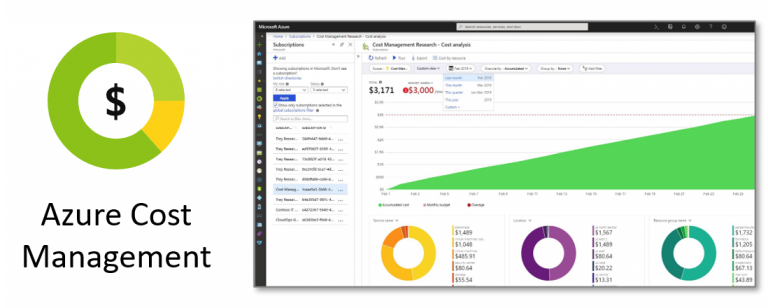
Native Azure cost management tool
Azure Cost Management is a native tool available in the Azure portal to provide billing insights. Understand cost anomalies with an overview of your spending and alerts when your maximum budget is reached.
Main features
- Monitor spending and track resource usage
- Support for cost management across both Azure and AWS
- Set up budget overrun alerts
- Helps export cost management data
- Visualize total costs using dashboards

cloud zero
CloudZero helps you visualize and analyze costs spent on various cloud vendors and services such as AWS, GCP, and Azure. If your company relies on multiple clouds and tends to have a central view of all those resources, this tool could be a good choice.
Main features
- Receive notifications when your budget limit is exceeded
- Cloud cost intelligence to find optimization areas
- Cost monitoring for public, private, hybrid, and multicloud environments
- Receive alerts when costs increase
- Gain visibility into Kubernetes and container costs.
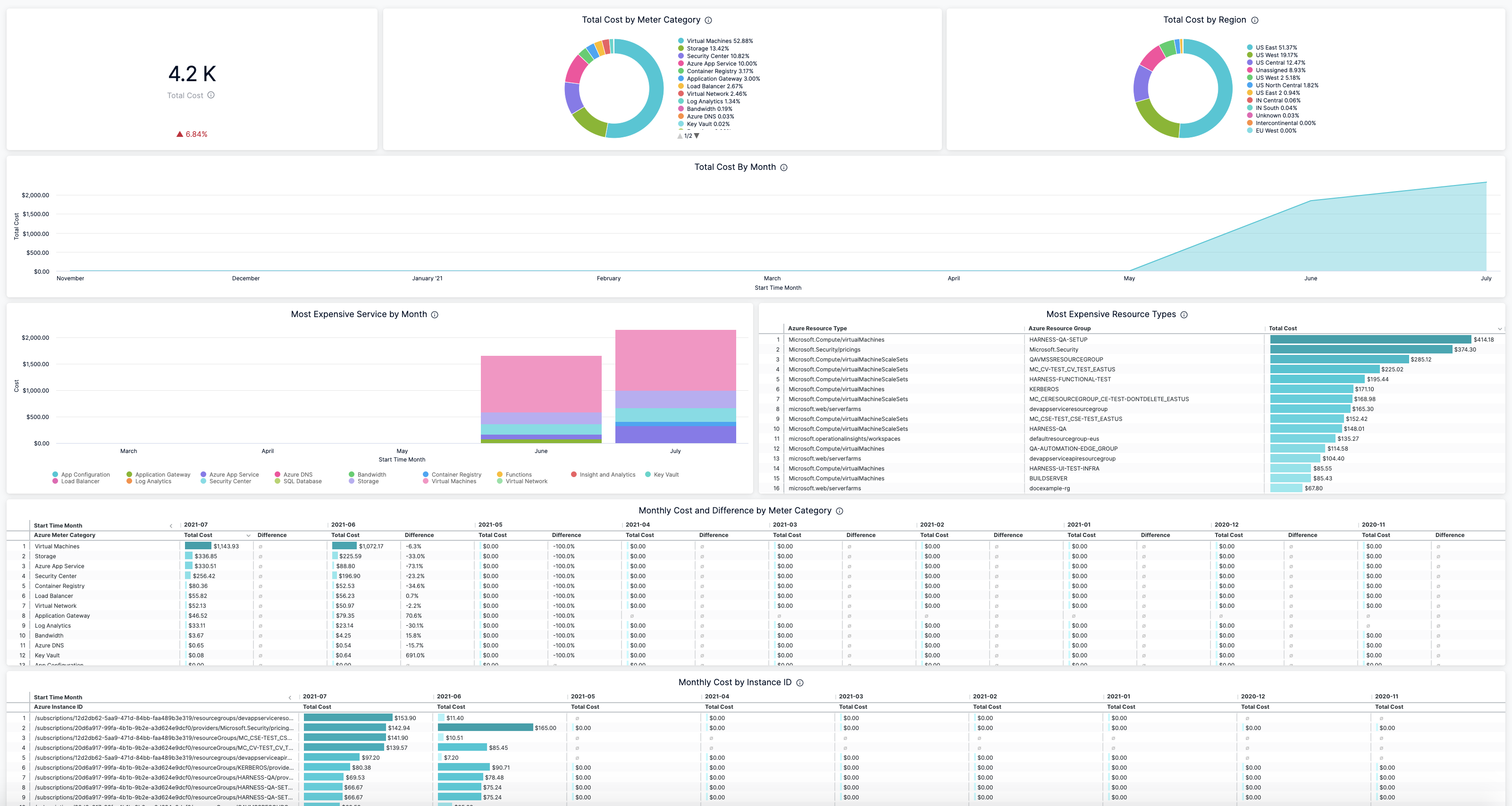
cloud checker
CloudChekr is one tool that eliminates the manual effort spent analyzing costs across various public cloud vendors such as AWS, Azure, and GCP. Cloudcheckr’s cost visibility, optimization recommendations, and resource utilization tracking also increase your chances of adhering to pre-set budget limits.
Main features
- Visualize costs and resource usage
- Gain insight into key trends with dashboards
- Identify which resources are consuming the most money
- Eliminate waste through proper sizing/rebalancing.
- Customized cost reports for different teams
conclusion
Scaling Azure resources is so easy that many teams lose control of their spending. Therefore, you need a cost management tool that provides unobstructed visibility, accurate reporting, and intelligent optimization to manage rapidly evolving applications.
So, in this article, we have highlighted various cost management tools and the best cost optimization strategies to follow to maximize your savings.
See also these Azure performance monitoring tools.


![How to set up a Raspberry Pi web server in 2021 [Guide]](https://i0.wp.com/pcmanabu.com/wp-content/uploads/2019/10/web-server-02-309x198.png?w=1200&resize=1200,0&ssl=1)


