You must have heard of Android Go. Is that Android version meant for entry-level Android smartphones? Google is preparing Android Go to be lighter on resources and use less data so that it runs well on smartphones priced between $50 and $80. We have released a number of Go apps that aim to reduce the Well, we decided to see if the Android Go app actually does what Google says it does. So I installed the Android Go app on my phone and compared it to the regular Google app to see the difference.
1. Google Go vs. Google
First, I tried the Google Go app. This should significantly reduce the load on your system while providing the most useful features of regular Google apps. The app is designed to look decidedly simple, with features like voice search, maps, GIFs, and even Google Translate. The installed app is only about 12MB in size. By comparison, a regular Google app takes up about 166MB . That’s insane. Granted, Google Go doesn’t have features like Google Feed, but considering the space you’re saving, that’s perfectly fine, and most people don’t use Google Feed much anyway. 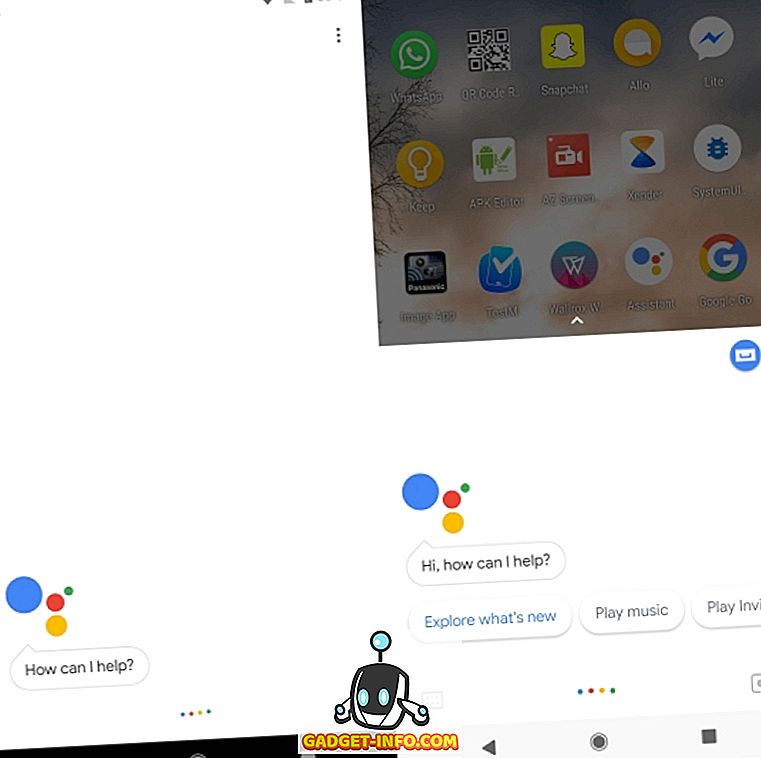
Apart from that, Google Go has almost all the features you would expect from a Google app. Not only that, Google Go uses significantly less RAM than Google apps. In my testing, Google Go used an average of about 61MB of RAM, while Google apps used a whopping 250MB. Since we tested RAM usage using ADB, you can expect the results to be fairly accurate.
2. Comparison of Google Maps Go and Google Maps
After Google Go, I moved on to Maps Go. I found this app particularly interesting because the APK size was only 0.09 MB . Let that sink in a little. For comparison, the regular Maps app is a huge 48MB … not huge, but when you compare it to Maps Go, well… you know what I mean? The Maps Go app has real-time location information. It offers many of the features of a regular Maps app, such as sharing. what? That’s insane, okay? This means that Maps Go consumes only 221 KB after installation, compared to 135 MB for Maps.
However, its tiny size comes at a big price. Maps Go apps don’t support navigation . I mean, you can get directions, but you can’t go from directions to real-time navigation, so that’s a big minus for me. However, the Google Maps web app has a great feature that lets you get traffic information at different times of the day and plan your trip accordingly. So this is one of the features I wish the regular Google Maps app had.
Maps Go is also impressive in terms of RAM usage. RAM usage was only 3.5MB on average , but Google Maps used a whopping 183MB of memory. As expected from Google.
3. File Go
Google doesn’t offer a native file manager on its devices, but there is a hassle-free way to use the Download Manager app to browse internal storage and more. But when it comes to Android Go devices, Google has been generous with the launch of Files Go. You may remember that Files Go became very popular at the time of its release, thanks to its Airdrop-like file transfer features. 
Files Go takes up just 14.41 MB when installed. By comparison, third-party file explorers like Solid File Explorer are 22MB when installed. Yes, the difference isn’t that big, but the features Files Go offers more than make up for it. The app offers many useful features on the home screen, including low-resolution images, duplicate files, a card to clear app cache, and an option to uninstall apps you haven’t used in a while . All this comes in a beautiful package.
Files Go is honestly a Go app because it helps users get more space on their devices. Rather than being mind-bogglingly small like Maps Go, Files Go strives to keep all your WhatsApp good morning images from taking up storage.
4. Comparison of Gmail Go and Gmail
Yes, everyone uses IM clients like WhatsApp and Messenger to stay in touch with friends and family. However, even on an entry-level device, people still want to check their email. Google understands that. The company also has a Gmail Go app that lets users enjoy the ease and simplicity of Gmail on their phones. 
The Gmail Go app is only 24.8 MB. Even on RAM, the Gmail Go app is much less resource intensive than the regular Gmail app. The typical Gmail app uses over 260 MB of RAM, but on average uses about 77 MB of RAM. Plus , it offers all the features of the regular Gmail app in the same interface , so you won’t miss anything. That means the regular Gmail app swipe gestures are also included . Personally, even if you don’t have a low-end Android Go device, you can still switch to Gmail Go and probably not notice much of a difference.
5. Comparison of YouTube Go and YouTube
You shouldn’t miss out on the entertainment aspect just because you’re buying a cheap smartphone, right? Now, with that in mind, Google has also rolled out YouTube Go, a lightweight version of its video sharing service. However, unlike other Go applications, YouTube Go follows a different approach in providing entertainment to its users. 
This app is primarily focused on saving mobile data and storage, as evidenced by the fact that when you tap on a video, it doesn’t play, but instead gives you the option to play or download it. While it’s not as feature-rich and doesn’t have all the tabs that the regular YouTube app has, and you can’t subscribe to channels on the YouTube Go app, it does have one unique feature. YouTube Go users can share downloaded videos with nearby friends. YouTube Go also takes up significantly less space compared to the regular YouTube app. The regular YouTube app is 122MB in size, but YouTube Go is only 29MB and uses on average only about 74MB of RAM compared to YouTube’s 103MB .
The overall functionality of the actual YouTube app will be sacrificed, but you’ll still have the ability to watch and download videos from the service, as well as share them with friends.
6. Google Assistant Go vs. Google Assistant
The last app to make this list is the newly announced Google Assistant Go. This app takes the power of Google Assistant’s AI and packs it into a lightweight app that anyone can use. Although users won’t be able to take advantage of certain features offered by the actual Assistant app, the Go edition makes up for it with its lightweight size and still decent performance.

As a reminder, the standard app relies on Google Search on the device to actually run, despite its installation size being just over 800KB. Google Assistant Go, on the other hand, weighs 17.47 MB when installed, which is quite light considering that this app is a standalone version of Google Assistant. You have to enter the app every time you want to use Assistant features, but the app works very well. The AI performs much the same functions as the regular version, but the search results are slightly customized for India.
However, some of the features missing from the Assistant Go app that are present in the regular version are Reminders, Smart Home Device Control, Actions on Google, and Device Actions. Still, for the average user, Google Assistant Go should get the job done.
See also: How to enable Hindi for Google Assistant on your Android device
Free up memory and improve performance with Go-Edition apps
I think it’s clear that Google makes some great apps for Android Go edition phones like the Nokia 1. Google’s claim that it uses much less storage than regular apps is completely true. According to our calculations, the regular versions of these apps used around 522 megabytes of storage, while the Go variants used only 80.4 megabytes. So, Android Oreo Go Edition can give you very good performance even on a cheap Android smartphone. Additionally, Google is already in talks with developers to offer a simplified version of the app as well. Additionally, you can try out these apps to get the most out of your memory and save money even on mid-range and flagship devices.
So, are you planning to switch to the Android Go edition of the app soon? If so, share your experience with us in the comments below.


![How to set up a Raspberry Pi web server in 2021 [Guide]](https://i0.wp.com/pcmanabu.com/wp-content/uploads/2019/10/web-server-02-309x198.png?w=1200&resize=1200,0&ssl=1)


