The future of gaming lies in streaming games rather than running them on your machine. Check out the best cloud gaming services and their benefits.
What is cloud gaming? 🎮
Game manufacturers publish a list of hardware requirements called “minimum system requirements” and “recommended system requirements” whenever a game is released. To run the game smoothly, you need hardware that is at least as powerful as the minimum requirements. Most modern graphics-intensive games require large amounts of RAM and graphics capabilities on your device. Playing the latest AAA titles undoubtedly requires expensive gaming-centric hardware, but are there cheaper alternatives?
The answer is yes! Cloud gaming services let you play your favorite games on any device with an internet connection and a display. With the best cloud gaming services, low-end hardware won’t be a bottleneck on your gaming journey.
How does cloud gaming work?
It may sound like magic, but cloud gaming isn’t magic. Please remember. Back then, the internet wasn’t strong enough to support movie streaming, so CDs and DVDs were the only way to watch movies. As internet speeds have improved, it has paved the way for popular streaming services like Netflix, Prime Video, and Hulu. You can now stream any movie from a streaming service’s servers miles from your home.
You can do the same with cloud gaming services, but with your favorite games. Rather than running games on hardware, cloud gaming services run them on servers with high-end graphics memory. The game will then respond to your commands and all frames will be streamed directly to your device. If you have a good internet connection, the end-user experience is very similar to traditional gaming.
How are cloud gaming services different from game servers?
There is a common misconception that cloud gaming services and game servers are synonymous. Although the two have some similarities, they are fundamentally very different. A game server is a service used by game makers to handle users on their platform. All online multiplayer games require the game server to receive and respond to user responses.
Cloud gaming services, on the other hand, serve as consumer-centric products that allow you to stream the games of your choice. Cloud gaming services usually offer a variety of games in different categories that you can play after paying a subscription fee.
Characteristics of cloud gaming services
Cloud gaming has many advantages over traditional gaming. Some of the best cloud gaming features include:
No high-end hardware required
As mentioned earlier, with cloud gaming services, you don’t need a high-end device to play your favorite games. Run the latest games on your oldest devices without paying a dime for hardware upgrades. If you don’t have a high-end device but are passionate about gaming, choosing a cloud gaming service is the best option.
No need to download the game
For modern AAA titles, consuming hundreds of gigabytes of storage space is no big deal. Downloading such huge files requires a lot of bandwidth and storage space on your device. You should also upgrade your device’s storage to ensure you have a significant library of up-to-date games. On the other hand, you don’t need to download game files to play games on cloud gaming services. You also get the most extensive game library available, which is virtually impossible with traditional games.
Independence to play anywhere
Gaming devices are usually not very portable. Even the most portable gaming laptop won’t let you game on the subway or in a waiting room. Cloud gaming services make games extremely portable, allowing you to enjoy them anytime and anywhere.
You can play games on all your devices.
Cloud gaming services let you enjoy games on Android, iPhone, Windows, Mac, Linux, and more. These services support cross-platform gaming on your device, and your progress will be synced to all devices logged in with the same account. You can also continue gaming on your smartphone if you don’t have access to a larger screen.
Cloud gaming services are the future of modern gaming as they come with amazing features.
So let’s take a look at some of the best cloud games along with their perks and caveats.
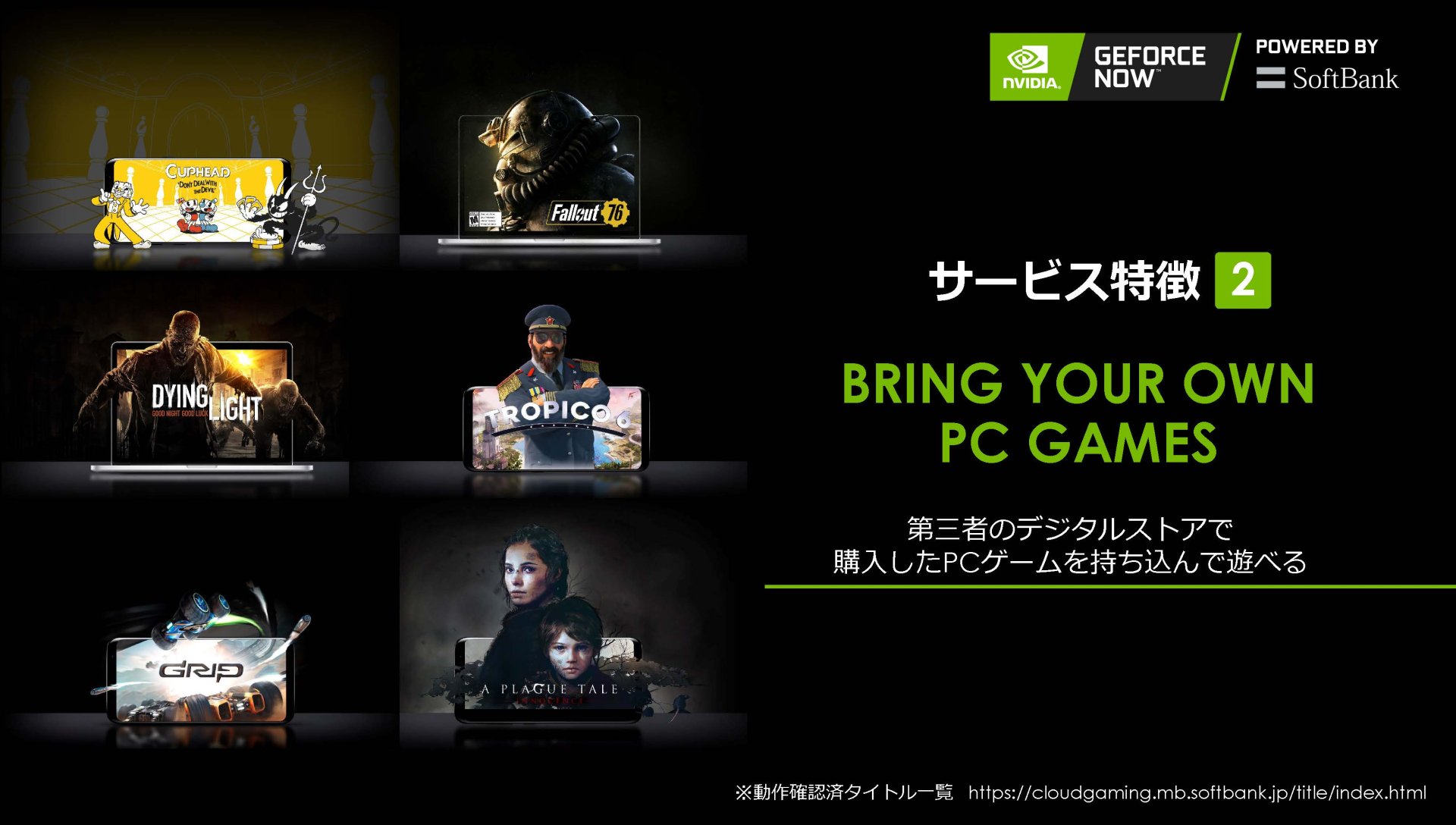
NVIDIA GeForce Now
NVIDIA GeForce Now provides a healthy gaming experience with minimal input lag, but requires a strong internet connection for smooth gaming. Most cloud gaming services come with their own game library for purchasing individual games, but GeForce Now doesn’t have the option to purchase games.
You can only integrate games from well-known game clients such as Steam, Epic, and Uplay. Also note that GeForce Now may not support some games from some game clients.
GeForce Now allows you to game at a maximum resolution of 1080p and 60 FPS, but the game will start at its native settings of 720p 60 FPS. The GeForce Now application has versions for Android, iOS, and Mac, and supports a wide range of hardware.
The biggest advantage of cloud gaming services is extremely low input lag. Low input lag allows for a seamless and smooth gaming experience similar to traditional games.

PlayStation Now
PlayStation Now is a great alternative if you have a PlayStation or love PlayStation titles. The cloud gaming service comes with a library of over 800 games that are unlocked after paying for your subscription. PlayStation Now gives you full control over every title in your library.
You can download the game and play it traditionally, or you can stream it using PS Now servers. A perfect blend of PS2’s legendary titles and PS4 and 5’s newest titles.
The only caveats to using PS Now are limited cross-platform compatibility and the lack of recently released games. Cloud gaming services do not support smartphone operating systems such as Android or iOS and only work on Windows PCs or PlayStation consoles.
Although the library is constantly evolving, PS Now still feels more like a PlayStation-only service than a full-fledged cloud gaming service.
shadow
It is incorrect to call Shadow a cloud gaming service. Instead, Shadow is a cloud computing service. Unlike other cloud gaming services that allocate a portion of your resources when you want to play a game, Shadow dedicates the entire computer to you.
Get a new Windows-powered computer with RTX graphics, 12 GB of RAM, and 1 Gbps download speeds. Users can adjust all system settings on their Windows computers just as they would on a traditional machine.
The best part about Shadow is that it supports all the games that can run on Windows machines. Streaming quality and input lag are amazing, providing a best-in-class user experience. Although Shadow has a pricey monthly subscription, its impressive feature set makes it one of the best cloud gaming services out there.
Amazon Luna
Amazon Luna is a relatively new addition to the list of best cloud gaming services. Luna comes with a limited but rapidly expanding game library and a decent gaming experience.
| preview | product | evaluation | price | |
|---|---|---|---|---|
 | Luna+ | $1.00 | Buy on Amazon |
Currently, Luna only supports web browser-based gameplay, but the feature set can be significantly increased using the Luna Controller. The Luna Controller connects to your device and gives players better control while playing games using Luna.
The controller connects to a separate Wi-Fi connection to reduce latency and avoid input lag. Additionally, you can use the controller to switch between multiple devices running cloud gaming services.
Luna currently offers games like Wonderful 101: Remastered, Ride 4, and Narita Boy, but you can also add Ubisoft+ to your subscription. Ubisoft+ gives you access to famous AAA titles such as Assassin’s Creed: Valhalla, Watch Dogs: Legion, and Far Cry 5.
play key
Playkey not only uses centralized servers for its cloud gaming services, but also uses blockchain technology. Playkey is offered as a win-win service for both cryptocurrency miners and gamers. You can have your device mine cryptocurrencies as part of a blockchain network, or you can use a good old cloud gaming service.
Playkey servers are powered by Nvidia GeForce 1080 Ti with 3584 CUDA 11 GB, i7 4 cores, and 20 GB RAM for the best cloud gaming experience. The service runs perfectly on any device with more than 1 GB of RAM and a 1.5 GHz processor. Currently, Playkey does not support mobile devices and only runs on desktop operating systems.
Playkey has direct agreements with Ubisoft, Bethesda, and WarGaming to share platforms and libraries. You can also integrate your Steam library or purchase a la carte through Playkey.
The overall gaming experience is crisp with minimal stuttering or input lag. Multiple game settings are also available ranging from 720p 30 FPS to 1080 120 FPS, with higher settings requiring more bandwidth. If you like exchanging services via cryptocurrencies, paying via cryptocurrencies is another great feature.
paper space
Paperspace is another cloud computing service where gaming is part of the picture. Similar to Shadow, Paperspace assigns you a Windows computer when you sign up for a plan, allowing you to use a remote PC if you wish. The best part about using Paperspace is that you can choose your own hardware. If you want to play light games, you can choose relatively inexpensive hardware, and vice versa.
You will need to download the game or integrate it using an existing game client such as Steam, Epic Games, etc. This increases the actual cost and effort spent playing the game. Paperspace is suitable for users who have a significant game library connected to their game client, as purchasing games on top of a cloud gaming subscription is almost always a rip-off.
With Paperspace, you get a great streaming experience and up to 4K gaming. There’s also an option to rent gaming hardware by the hour, which is a great feature for users who don’t want to commit to a monthly subscription.
black nut
Blacknut is a very affordable cloud gaming service with a fairly easy to use application interface. This application comes with a two-week free trial to get familiar with it. Blacknut sells its products as a family-oriented business. That’s why it comes with features like multiple profile support and parental controls.
It can be used on a variety of platforms including Windows, Mac, Amazon Fire TV, Linux, and Android.
The platform offers over 500 games in its library, but some of the most popular games are missing. You can try Blacknut for basic gaming, but if you want to become a professional gamer, this might not be the best platform for you.
internet boom
NetBoom provides an authentic cloud gaming experience with all important AAA titles on your mobile device. Supports Android, iOS, and web browsers to stream your favorite games. The NetBoom gaming interface perfectly handles PC games that use touch input through a specially designed interface. It also comes with support for a virtual keyboard that can be customized during gameplay. Our growing game library includes popular titles like GTA V, Far Cry 5, FIFA, Hitman, and more.
The best thing about NetBoom is that playing games is an easy process. Even tech novices can play the game, as no prior installation or configuration is required before launching the game.
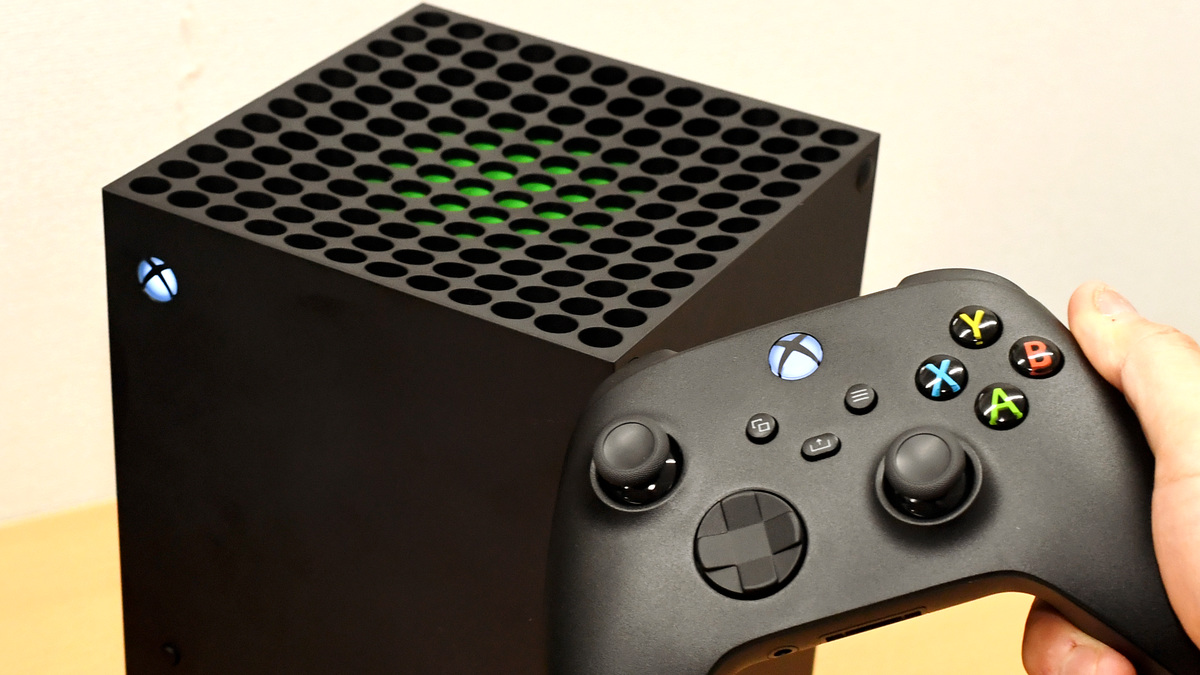
The quality of the game is good, especially if you access the game with a good internet connection. Easily connect peripherals such as earphones and controllers and switch settings from within the application.
booth steroids
Boosteroid is a browser-based cloud gaming service that lets you play tons of popular AAA titles remotely. Setting up Boosteroid is a very convenient process. Just log in to the website and start playing. This process does not involve any installation or setup process, and you do not need to download anything before playing. Cloud gaming services provide cross-platform support for PCs, Macs, laptops, tablets, etc. through a web browser.
Boosteroid has partnered with Huawei, Intel, Asus, Nvidia, and more to deliver a decent gaming experience. With a 15 Mbps connection, you can easily play games at high settings (1080p). The only drawback of this platform is in packet processing. Boosteroid is a browser-based service. It cannot handle packages like a dedicated application, resulting in sudden frame drops and stuttering.
Last note 🧑🏻💻
Cloud gaming is the future of modern gaming. The article above includes the best cloud gaming services, each with their own benefits and drawbacks. When choosing your next cloud gaming service, be sure to look for a great streaming experience and vibrant game library. NVIDIA GeForce Now, Vortex, and Shadow are some of the best cloud gaming services.
Also check out Best Gaming Browsers for Pro Gamers.


![How to set up a Raspberry Pi web server in 2021 [Guide]](https://i0.wp.com/pcmanabu.com/wp-content/uploads/2019/10/web-server-02-309x198.png?w=1200&resize=1200,0&ssl=1)


