It’s always special to remember the old days through photo albums.
It’s like revisiting sweet childhood memories or the day you met the woman you love on your first day of college. Can you immediately imagine all those moments in one image? If not, try imagining it. Yes, you heard it correctly. A collage of photos is also possible.
Photo collage is one of the most well-known types of photographic art. Whether you want to create graphics for your business, celebrate a birthday, or invite colleagues to a business event. The photo collage app comes with built-in templates suitable for any occasion.
With our extensive collection of photo collage apps, you can now easily create well-designed images and capture your best moments.
Are you ready to use a photo collage app to create eye-catching designs that will grab the attention of your followers?
Check out these photo collage apps and create eye-catching visuals in no time.
What is a photo collage app?
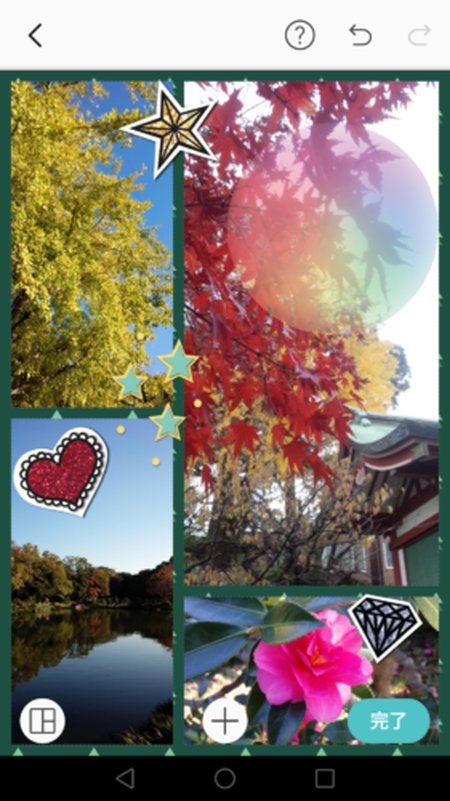
Photo collage app is an app that allows you to arrange multiple images to create one photo. Collage apps allow you to add images from your childhood memories and your journey from childhood to adulthood and stitch together your best images.
The photo collage app allows you to perform several functions such as applying filters, manipulation, and blending.
Things to consider when choosing a photo collage app
No doubt, there are many photo collage apps available in the market. However, the choice of collage app varies from person to person. Consider the following factors when choosing a collage app:
#1.Features
The biggest factor in choosing a photo collage app is its high-end features. With advanced features and top-of-the-line features, you can create a business collage that drives customers to your business. Whether you’re creating a personal collage or inviting someone to an event, functionality plays an important role.
#2.Customer service
As with any application or product, customer service is important for resolving complaints. The same goes for photo collage apps. Even high-quality apps may experience glitches at some point. Here, our reliable customer service helped us resolve the issue.
#3.Fees
Cost is another most influential factor when choosing a photo collage app. Choosing a collage app doesn’t mean you have to go over your budget. When determining your budget, it’s important to consider your app’s daily usage. The more time you spend with your collage app, the better you can budget.
There are countless photo collage apps on the market, and choosing the best one will help you create visually appealing collages. Here we have discovered some of the best photo collage apps. Let’s explore!
adobe express
The Adobe Express app isn’t explicitly designed for people who want to create photo collages, but it does the job well enough.
Despite Adobe’s reputation for offering high-quality products, this particular app is much more approachable and user-friendly than Adobe’s suite of pro products, which are famous for their high quality.
Adobe Express not only inspires your creativity but also helps you create professional-looking online photo collages.

Features
- Assembling the photo is easy.
- You can sync images between multiple sources.
- Easily share your collages on Facebook, Twitter, Instagram, and more.
The app can be downloaded from Google Play Store and App Store .
- It works on:
- iOS
- android
Kamba
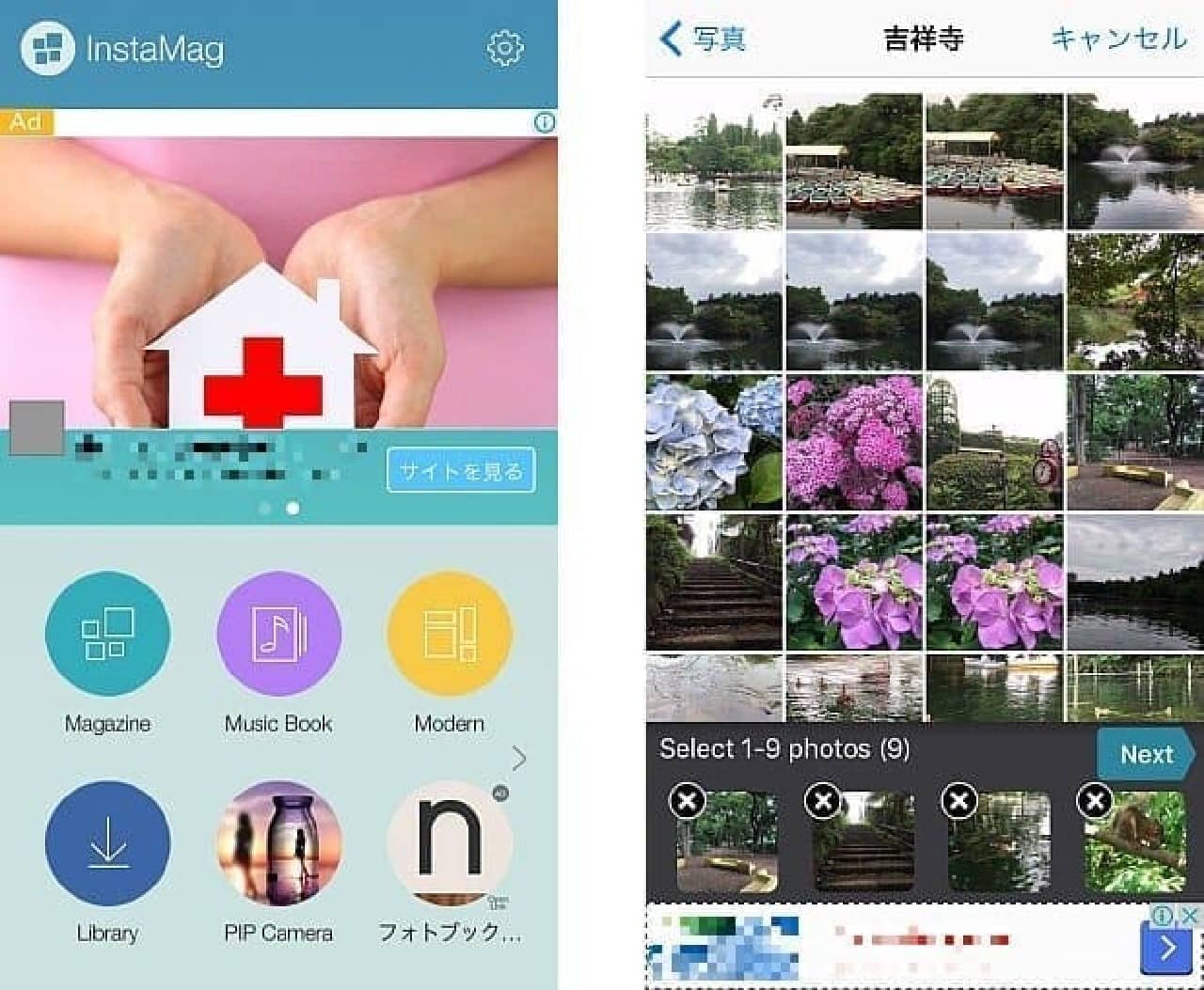
Canva is one of the industry-leading photo collage apps that should be on your top photo collage apps list. Create collages instantly. Ideal for anyone from digital marketers to website developers who want to put together professional photo collages quickly and flawlessly.
It has many editing options, including custom sizes and a collage feature that’s perfect for creating collages with your photos.
Features
- You can also add and edit text to your photos.
- Browse our gallery for images or choose premium images from our library.
- Designing is quick and easy.
This app is available for both Android and iOS devices.
- It works on:
- iOS
- android
pixart studio
Picsart Studio is the oldest photo collage app used by over 500 million users to turn photos into collages. It’s a robust and versatile program that allows you to create all kinds of collages.
The history feature allows you to retrieve previous works from the program’s database and restore them whenever you like.

Features
- Picsart has countless photo frames available.
- Images and stickers are available for free.
- The application’s user interface is easy to use.
Download this app from Google Play Store and App Store .
- It works on:
- iOS
- android
photo collage
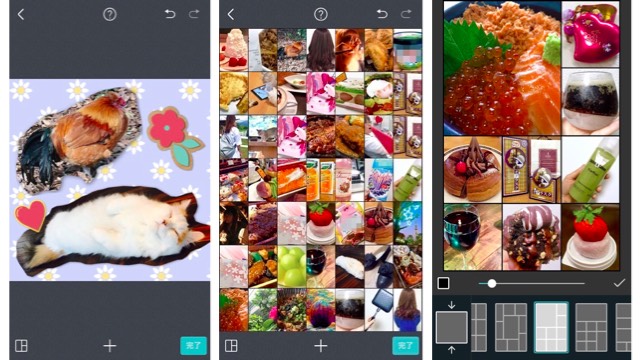
PicCollage photo collage app is one of the best apps on the market because it offers users a way to quickly and creatively combine photos from their phones to create incredibly beautiful collages.
The app lets you choose from a variety of layouts and also allows you to display images using a photo grid.
Features
- Stickers will help you decorate your images and collages.
- Image messages are unique.
- You can add drawings to your collage.
This app is available on both the App Store and Play Store .
- It works on:
- iOS
- android
diptyque
Diptic Photo Collage Maker is a versatile and extensive photo collage app designed exclusively for Apple product users and is considered a favorite among many fans. Not only can you use this app to create interesting video collages, but you can also edit videos and add music.

Features
- Various layouts and filters are available.
- easy to use.
- Integrates with Flickr and Twitter.
The app can be downloaded from the App Store .
- It works on:
- iOS
PicPlayPost
If you’re a creative person with a knack for capturing natural moments in nature, video may be the ideal medium to capture those authentic moments. PicPlayPost is a video collage app that is a welcome addition to an app landscape dominated by photo-only collage apps.

Features
- You can create a video collage with up to 6 clips.
- Video collages last up to 10 minutes and can include music.
- Supports a wide range of image formats, videos, and GIFs.
The app can be downloaded from Google Play Store and App Store .
- It works on:
- iOS
- android
pizzap
piZap collage app has almost unlimited layouts to create amazing and best photo collages. To get the most out of your photos, create rectangles, hearts, circles, or mixed shapes to tell your story through your photos.
Before creating your photos, use filters, stickers, frames, or borders to make them look more interesting, making collage creation fun and easy.

Features
- There are a total of 1.6 million stock images and 367 fonts in our database.
- This app has a mixed shape collage layout and a heart collage layout.
- This app allows you to add colorful stickers to your photos.
This app is available for both Android and iOS devices.
- It works on:
- iOS
- android
phototastic collage maker
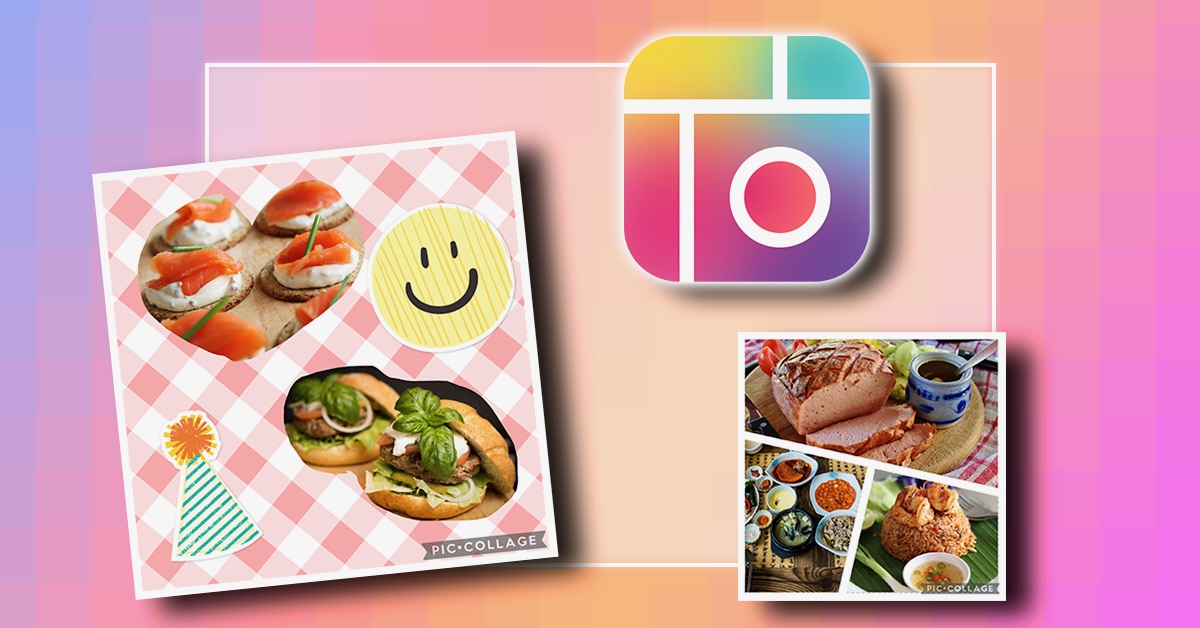
Phototastic Collage Maker app allows you to create beautiful collages with just a few taps of a button. The app offers a wide range of templates, as well as a wide selection of backgrounds, stickers, and fonts.
New designs are constantly being added to our vast collection. You can create a collage with up to 25 photos. Phototastic also has extensive customization features, making it a complete photo editing environment.
Features
- A wide range of customization options are available.
- More than 50 templates are available to design amazing photo collages.
- Create photo collages for Windows 10 and 11.
Download the app from Google Play Store and enjoy.
- It works on:
- android
photo grid
PhotoGrid is a great photo collage maker app with many useful features to make your website great, including video and photo collages, video and photo editing features, slideshows, and more. This tool combines music with edited videos, photos, and other fun elements like text and emojis.
Features
- This app allows you to create collages using up to 18 photos.
- This app allows you to choose from over 100 different frame layouts.
- It offers a wide selection of backgrounds, fonts, and stickers.
The app can be downloaded from the App Store .
- It works on:
- iOS
rivet
Ribbet is a popular free photo collage app for users with little editing experience due to its simplified layout and essential editing tools. Choose from a variety of collages to suit your event, occasion or mood. Add stickers and text to give it a personal touch using various editing tools.

Features
- Tools for editing photos.
- Stickers and overlays are specific to the holidays.
- Designed for beginners.
This app is available for both Android and iOS devices.
- It works on:
- iOS
- android
Layout by Instagram
Among the top free photo collage maker apps, Instagram Layout boasts a high brand value and is extremely easy to use, making it proud to be a well-known name among collage apps.
We adopted a layout that maximizes the user experience on Instagram, which is said to be one of the world’s largest online galleries.
The free image collage maker provided by this app has several features that make it easy to use and understand.

Features
- Friends can see your work.
- It is also possible to remix more than 9 photos.
- Gallery allows you to save layouts.
Downloads are available for both Android and iOS devices.
- It works on:
- iOS
- android
Pixlr
Subscribers to the Pixlr suite of photo editing apps can capture every moment with their own style. Pixlr Editor has a common user interface similar to Photoshop, giving users the power to work with layers, replace colors, transform objects, and more at their fingertips.
Features
- Easily integrates with social media platforms like Instagram and Facebook.
- Comes with built-in templates.
- It features layouts and filters to help you create stunning photo collages.
The app can be downloaded from Google Play Store and App Store .
- It works on:
- iOS
- android
last word
Now that you have the best photo collage apps, choose the one that suits your needs and helps you design the most attractive collage.
For all beginners, Canva is the ideal choice, with its easy-to-use interface and numerous free tools that make it easy to design the perfect collage for any occasion.
Then check out some of the best meme creation apps to make your social media even more fun.


![How to set up a Raspberry Pi web server in 2021 [Guide]](https://i0.wp.com/pcmanabu.com/wp-content/uploads/2019/10/web-server-02-309x198.png?w=1200&resize=1200,0&ssl=1)


