Open source video editors are a great option for professionals and agencies who want to produce great content for a small fee or for free.
The content marketing industry needs more video now than ever before. That’s why many content creators are creating amazing videos on the spot. However, to give your raw videos a professional look, you need the best video editor.
You could use a top-of-the-line premium video editor, but that’s not necessary. And sometimes your creative mind demands unique editing features that aren’t available in premium video editors.
Introducing an open source video editor for hungry video creators and editors dissatisfied with generic features. Read on to find the best free video editor with public source code for extreme customization.
Why do you need an open source video editor?
Video editors cost a lot of money. Top and premium video editing apps charge:
- Adobe Premiere Pro: $20.99/month
- PaintShop Pro 2023 Ultimate and VideoStudio Ultimate 2022: $149.99
- DaVinci Resolve Studio 18: $295
Such investments are difficult for small businesses and freelancers. However, you can still get around this and still get great editing features using free or very cheap open-source video editors.
Additionally, you can get the source code and modify it to get your own editing features. For example, you can consider:
#1.Artistic texture pattern
Let’s say you’re already creating some artistic textures for your upcoming comic book project. But in premium video editors with fixed source code, you won’t find these textures.
If you are using an open source tool, you can import existing texture files into the tool by rigging the source code.
#2. Leverage existing hardware
Premium video editors require special PC configurations such as graphics cards. If your PC doesn’t have a GPU, processing may be slower. Not to mention, the final video may have frame sync issues.
This issue can be resolved by modifying the source code with open source tools. These customizations allow you to turn off the GPU requirement and use multiple cores of your CPU for parallel image processing.
#3.Convert to portable software
The source code for these apps is public, so you can download the source code from GitHub and compile the code base to create portable software and standard installers.
#4.Corporate branding
Agencies can implement UI changes in the open-source video editor using brand assets such as logos, color palettes, and window skins. However, you must also publicly release that edition via GitHub.
#5.Add new frame transition
Adobe Premiere Pro, a paid video editing app, only has 22 video transitions.
In comparison, OpenShot has 400 transitions. And it’s not just limited to these transitions. You can create your own transitions by rewriting the transition source code to suit your needs.
#6.No spyware
You never know what comes with the proprietary software you install on trust. There may be hidden programs that collect user data for marketing or internal software performance analysis.
Conversely, you can always review the source code in an open source editor before importing sensitive media assets into your app.
If you’re working on some amazing project or want absolute secrecy before publishing your videos, open source apps are the preferred option.
Now you know why you need a free video editor. Next, you’ll find some of the best and most popular open source video editors that offer endless features for free or at very low prices.
open shot

OpenShot is the right tool for all freeware software lovers to create attractive and catchy videos. This simple app is easy to use and doesn’t take long to learn.
It’s robust and packed with useful features, making it incredibly powerful.
This cross-platform video editor is available for Windows, Linux, and Mac. Regardless of the length of your raw video, you can trim it as needed to showcase only the best moments. Additionally, the drag-and-drop interface makes editing tasks a breeze.
Video editing features allow you to remove backgrounds, adjust brightness, invert colors, add animations, and incorporate various video effects. OpenShot also lets you add multiple layers for audio tracks, watermarks, and background videos.
Available in over 70 languages, the application also supports audio waveforms, slow motion, reverse video, fast forward, and playback speed presets. It also provides video title templates that you can use or create 3D animated titles with various effects.
shot cut
Shotcut is compatible with almost all modern audio and video formats thanks to FFmpeg. The good thing about this app is that it supports native timeline editing, so you don’t need to import any files.
Not only can you trim the source video, but you can also insert, overwrite, append, and lift it for editing. Not only can you perform unlimited undo/redo, but you can also check the history view to understand the editing direction. You can preset most filters and separate audio from video files.
The app’s audio editing features include volume controls, audio filters, audio mixing, audio fading, tone generators, and voiceover recording directly into the timeline.
For video editing, you can get attributes like color grading, color correction, deinterlacing, manual override, 360° video filter, video scope, clip reverse, waveform, equirectangular mask, and more.
Kudenrib
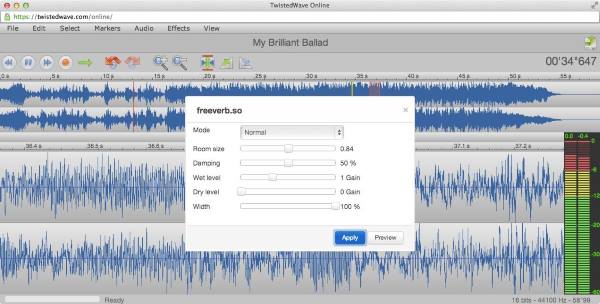
Kdenlive handles all basic, semi-advanced and advanced video editing tasks for individual professionals and agencies.
It allows you to perform multitrack video editing where you can use multiple audio and video tracks simultaneously. At that time, you can mute or lock the track depending on your preference.
This app uses the powerful FFmpeg library. Therefore, you can use almost all audio and video files directly, without having to convert or re-encode them.
Users can customize the layout of the interface and arrange it to suit their workflow. Configurable keyboard shortcuts are also available to meet customized needs.
You can get several effects here, from audio adjustments to color correction and all the other standard transition options. You can download online resources like title templates and profiles directly from the app’s interface.
Additionally, Kdenlive is also suitable for creating 2D titles, monitoring audio levels, checking color scopes, and previewing timelines.
flow blade
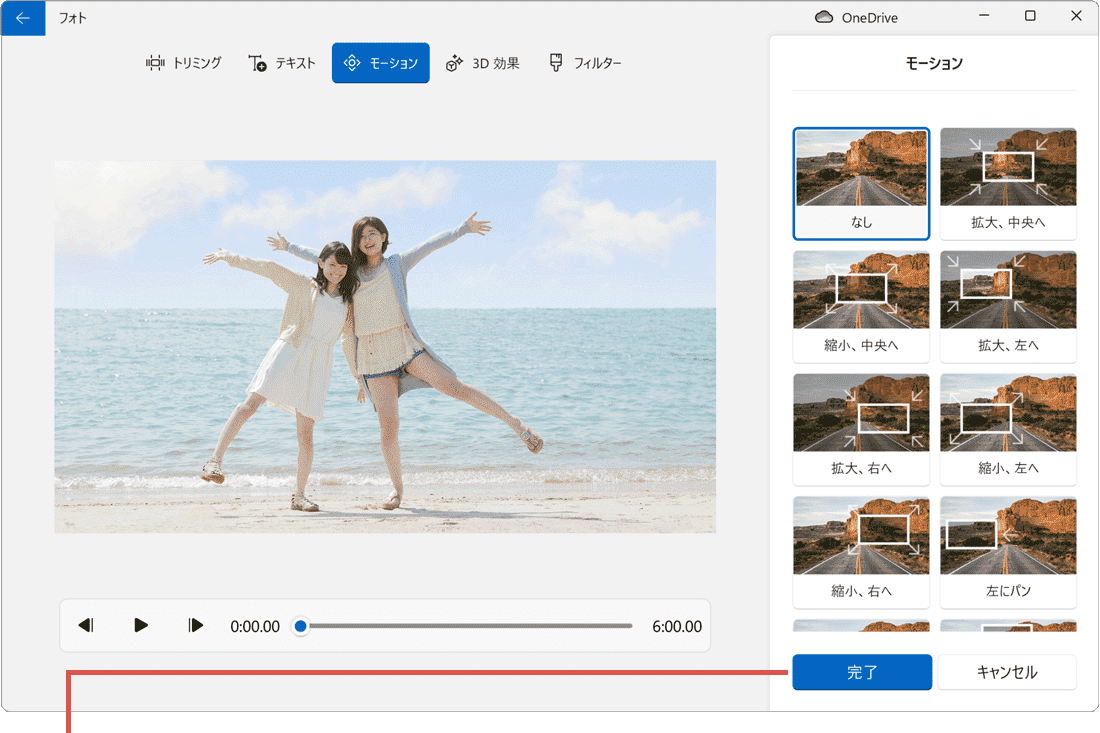
Flowblade helps you turn your imagination into reality with a multitrack nonlinear video editor. From beginners to advanced users, you can use this video editing software to make quick and accurate edits.
This tool supports all media files available on Linux systems when the FFMPEG library is running on the backend.
It typically supports 78 video codecs, 146 formats, and 58 audio codecs. This software includes a variety of industry standard editing tools. These and configurable workflows allow users to easily add, edit, and trim video clips.
Mix audio and video using robust tools. You can also color correct images, filter and animate clips, and edit audio for the best atmosphere. Users can also obtain G’MIC image filtering technology on Flowblade as a dedicated tool.
pithivi

If you want to express yourself through videos, use Pitivi video editing software. In addition to a beautiful and intuitive UI, it boasts a helpful community and a clean codebase. Plus, you’ll feel like you own the tool because you’ll be able to contribute to improving its functionality.
This software’s efficient and intuitive interface is suitable for both beginners and experts.
When it comes to integration, Pitivi is perfect for any Linux desktop environment. Hundreds of transitions, filters, and animation effects for video editing are also available. Additionally, users can add beautiful audio waveforms and use it to generate thumbnails.
blender
Blender can be called the “Adobe Premiere” of open source video editors. This is more than just a video editing tool. It has most of the features that movie directors and enterprise-grade video editors want.
Some notable video editing features are:
- Rendering using the Cycles module
- Modeling modules for retopology, sculpting, curves, and more
- animation and rigging
- Create story art using 3D drawing tools
- Visual effects (VFX)
- Simulation using MantaFlow and Bullet
- Production pipeline integration
- User-friendly user interface (UI)
Blender is available for most operating systems including Windows, macOS, and Linux. Source code is also available for customization.
VLMC
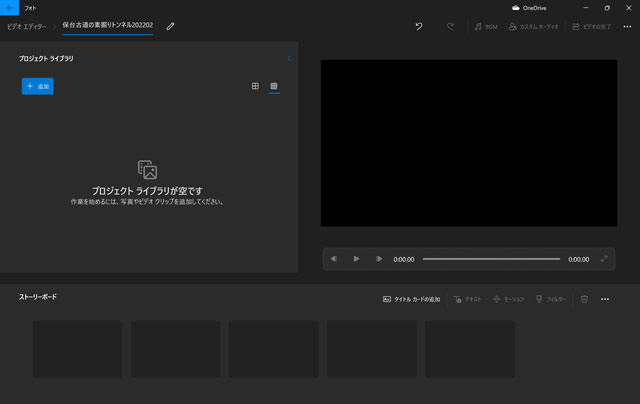
Unless you’ve been living under a rock, you’ve probably used or heard of VLC media player. VLMC (VideoLAN Movie Creator) is a video editing software provided by the same parent organization, VideoLAN. This free tool is based on libVLC and can be used on any device running on Windows, Linux, and Mac.
This nonlinear software is still under development and cannot be downloaded or used for beta testing. At this time, only source code is available for this app. It can read everything and export almost any file format.
obs studio
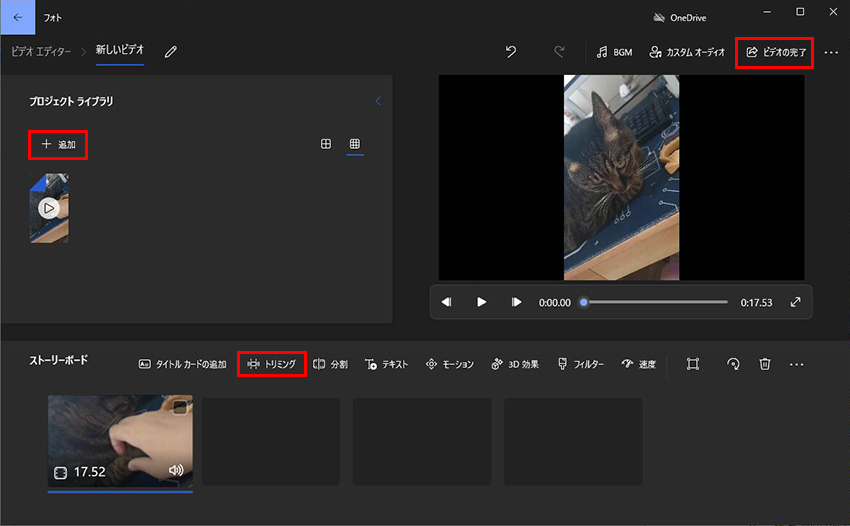
When choosing one software for video recording, editing, and live streaming, OBS Studio is a strong choice. This free, open-source application is compatible with Linux, Mac, and Windows (Windows 10 and 11).
It allows you to capture and mix video/audio in real time. To create a scene, you collect material from a variety of sources, including images, text, screen captures, and webcams. You can also use custom transitions to switch between many scenes.
OBS Studio’s intuitive audio mixer, streamlined settings panel, and powerful configuration options make video mixing a breeze.
olive
Olive is a video editor that specializes in non-linear video editing. In non-linear format, the editing tools do not change the actual content until you confirm the change. Therefore, this is a great tool if you do a lot of trial and error before finalizing your video content.
This tool performs nonlinear editing by creating a disk cache. Content caching is much faster and you won’t experience any lag when working with 4K video. However, a fast hard disk such as an SSD is best for experiencing performance.
You can find some of the best SSDs in our article on the best data storage drives. Olive can run on Windows, Mac, and Linux workstations. Also, if you want the source code, check out the Compiling Olive 0.2 portal.
Now that you have learned about the top open source video editors, let’s take a look at some important features you need in a video editor.
Video editor features for high-quality content
#1.Video editing timeline
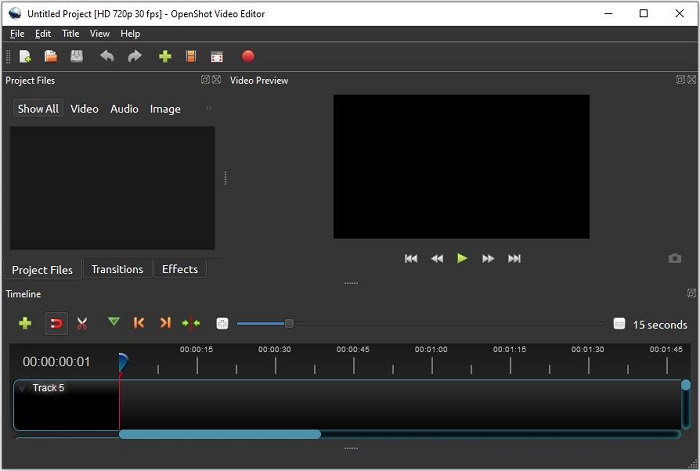
The timeline is a video editor’s best friend. You can drag and drop all content like a storyboard. You can then play the timeline to understand transition planning, adjusting the background score, removing unnecessary frames, and more.
#2.Drag and drop editor
An ideal video editing software should provide drag-and-drop actions for all operations performed within the editing canvas. Editing will be much faster.
# 3.Stock images, music, videos
Your editing tool should come with a library of popular stock media assets. There should also be licensing options. Otherwise, your focus will shift to another third-party stock image site, slowing down your editing project.
#4.Migration tool
Most popular video editing tools come with 2D and 3D transitions for images, video clips, audio, and more.
#5.Color correction and color correction
If your video editor has color correction capabilities, a standard camcorder can do the trick. There’s no need to invest in fancy devices.
#6.Supports any video file
Different video camera manufacturers produce different file formats. Since we are a business, we cannot ask our clients to convert raw video to a specific format. It’s best to use a conversion tool within a video editing app.
#7. Publishing directly to social media
For small teams, the ability to publish videos directly to the video editor is useful. Once you’re done editing, you can instantly publish your marketing content to YouTube, Facebook, Instagram, Google Web Stories, and more.
#8. Integration with cloud apps
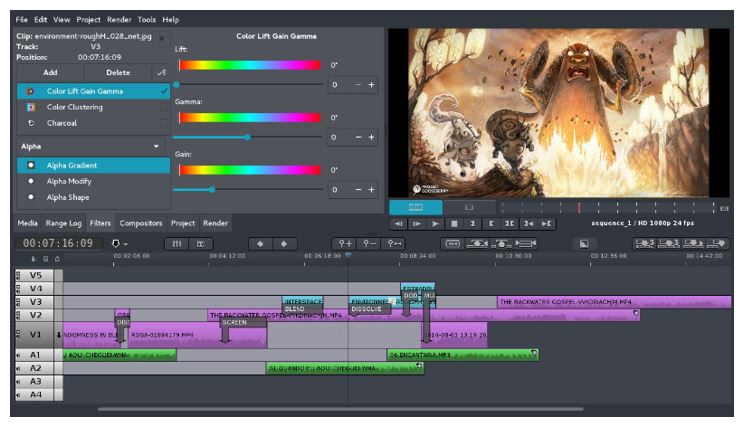
The advanced video editor comes with cloud app integration to securely transfer video files from client to editor and vice versa.
Advantages of open source video editors
- You don’t have to worry about licensing policies. The developer has made the app open source so anyone can use it for their commercial or personal requirements.
- You can consult with our development team to discuss specific needs that can be implemented in private source code for your agency for a small fee.
- Most of these apps are free. Some are available with enterprise licenses and are cheaper than premium video editors.
- These are primarily available on GitHub, where independent developers continue to add unique features to the source code.
- You can download the source code to your workstation and compile the code in the app. Now you can run it on your local computer and protect your creative assets from cloud security threats.
- You can add your company branding.
Next, check the limitations of open source video editors.
Limitations of open source video editors
- Open source projects have no guarantees of stability.
- In some cases, free apps disappear from GitHub and other source code repositories.
- Developers of premium video editing apps may acquire developers who create open source apps and obligate them to pay license fees in the future.
- Some open source video editors may only come with a limited personal use license. Before using a free app, you should research the license carefully.
- The code may contain malicious modules that can infect your device.
- Customer support is rarely available.
So, based on the above advantages and limitations, you can decide which video editor suits your requirements.
final thoughts
An open source video editor may sound like a set of video post-processing tools for freelancers and small businesses. But the reality is completely different. These apps are for video production professionals and agencies who want the ability to customize content on the fly.
You can try any of the video editing tools mentioned above. Choose an app based on the customization and unique features you’re looking for.
To become a video content creator, you may also be interested in these video editing courses.


![How to set up a Raspberry Pi web server in 2021 [Guide]](https://i0.wp.com/pcmanabu.com/wp-content/uploads/2019/10/web-server-02-309x198.png?w=1200&resize=1200,0&ssl=1)


