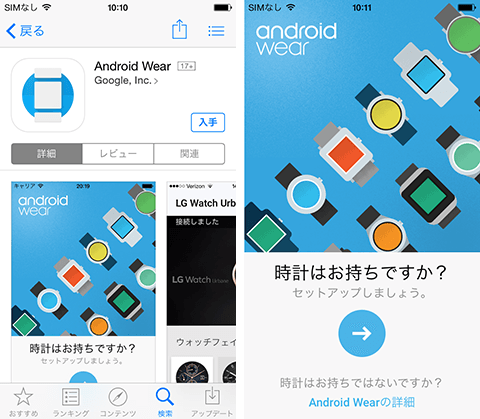
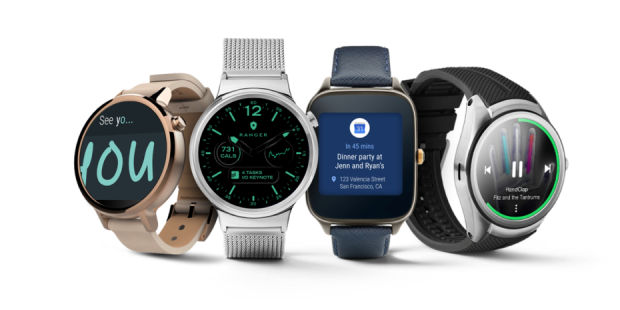
Google has been driving wearable technology forward, providing a significant opportunity for device manufacturers to take full advantage of the search engine giant’s platform. Google’s Android operating system powers nearly 81% of smartphones shipped in the fourth quarter of 2014, so it definitely makes sense for device manufacturers to build on the ubiquitous Google platform. Since introducing Android Wear, the Android operating system for wearable devices, last year, Google has seen the market for its platform continue to grow. Device manufacturers are flocking to search engine giants to build their devices, and LG and Motorola are among the early adopters of this emerging technology. With the latest announcement of the Huawei Watch and the lineup of fashion brands like Fossil, Google’s Android Wear is stronger than ever.
Google’s Android Wear, which features beautiful changeable watch faces, voice recognition, Google Maps, notifications, and an array of other features, recently announced plans to bring WiFi support and gesture control in an upcoming update. Device manufacturers and consumers alike welcomed the platform’s announcement, paving the way for a boom in the wearable device industry. These devices are rapidly turning into powerful tools that allow you to access and perform important tasks without taking your smartphone out of your pocket. Due to their significant benefits in health monitoring, these devices will continue to be around for quite some time given the attention they receive.
20 Best Android Wear Apps of 2015
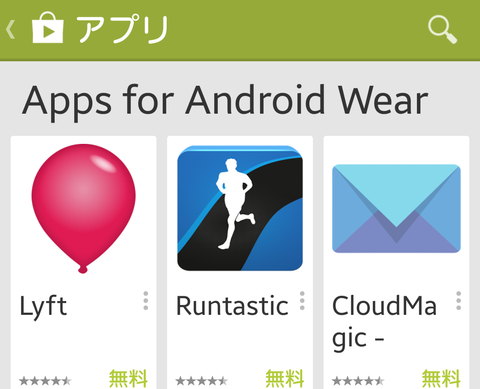
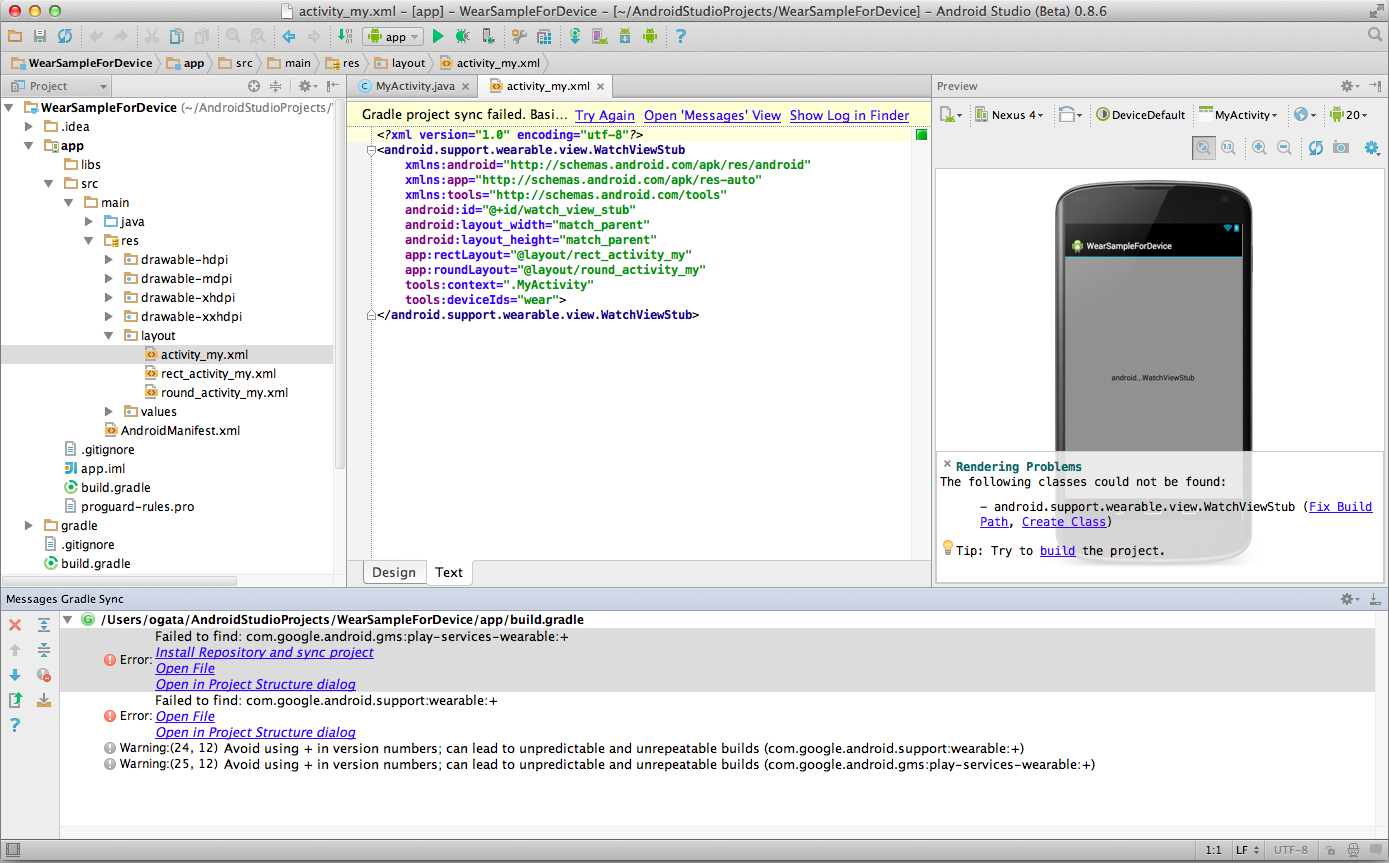
While Google Android Wear and its makers are gaining popularity, numerous app developers are also flocking to establish themselves as early developers of this newly emerging platform. If you were able to get your hands on one of the early versions of these devices, or plan to get one soon, here is a list of the 20 best paid and free apps for Google Android Wear devices.
free app
1. Instagram weather
InstaWeather is one of the comprehensive weather management apps for Android Wear if you care about meteorology often. The app comes with a variety of multiple watch faces and provides important details such as 24-hour weather forecast, satellite view, and hourly weather forecast. The app also has the ability to provide instant notifications about snowfall or rain heading in your direction and the associated distance details. Power saving mode allows you to monitor the surrounding weather more carefully without draining your watch’s battery.
Weather radar (rain and snow) works in the United States, Canada, Mexico, Australia, United Kingdom, Ireland, Germany, France, Netherlands, Belgium, Luxembourg, Denmark (southern only), and Switzerland.
Supported smartwatches: Sony SmartWatch 3, Motorola Moto 360, Samsung Gear Live, LG G Watch, LG G Watch R, Asus ZenWatc
Availability: Free on Google Play
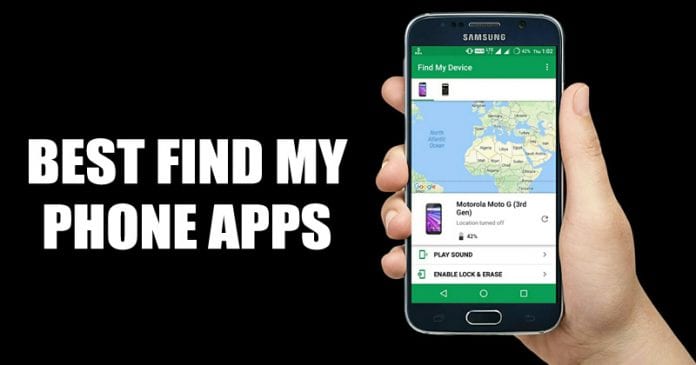
2. Find your phone

You can’t stay away from your phone for too long, right? With this app for Android Wear, you’ll never have to travel without your phone with you. This app will sound an alarm on your phone when you are far away from your phone. Can’t find your phone? With just a tap, your phone’s alarm will go off, making it easy to find where you left it. Settings such as alarm volume, alarm song, vibration, flashlight, brightness, etc. can also be controlled in the PRO version of this app.
Availability: Free on Google Play
3. Wear Face
UhrArt’s Android Wear Face Creator is a must-have app on your smartwatch. The biggest advantage of Android Wear is that you can customize the watch face to your liking. Thanks to the strong Android Wear Faces community, you can find thousands of high-quality watch face designs. The customizer also allows you to create your own watch faces and upload them to your collection. You also get 5 high-quality designed watch faces for LG G Watch, Samsung Gear Live, and Moto360.
Availability: Free on Google Play
Note: WearFaces is not compatible with Samsung Gear, Gear Fit, Gear 2, Gear Neo, and Sony Smartwatch 1/2.
4. IF with IFTTT
Popular iOS and Android applications are also now available on Android Wear. IF by IFTTT (“If This Than That”) was named one of Google’s top apps of 2014. It deserves its credit for linking renewal and connection in one simple statement. You can set up notifications directly on Android Wear. This tool also allows you to post updates to multiple networks at once. When the recipe you set is triggered, other predefined actions occur, such as triple-tapping the screen to send your GPS location to someone in an emergency.
Availability: Free on Google Play
5. Aerisware Weather
The weather application works brilliantly on Android Wear, which is why another one of these apps makes it onto this list. The Aeris Weather app provides weather forecasts and updates in an intuitive interface. Current weather and forecasts are covered in the free version of this app. If you choose to upgrade to the PRO version, you will get more radar features and customization features in this application, which will give you an enjoyable experience.
Availability: Free on Google Play
6. Duolingo
Duolingo was one of Google’s top apps of 2014, and bringing it to Android Wear makes it even easier to quickly become fluent in another language on the go. Now you can browse flashcards in your favorite language on the go with just a swipe of the app. Peripheral apps like this will help you learn a few more words on the go.
Availability: Free on Google Play
7. WhatsApp
If you don’t feel comfortable pulling your phone out of your pocket when you receive a Whatsapp notification, this app on Android Wear is for you. This app displays the messages you receive, and you can also reply to them using voice input. With this app for Android Wear, you no longer have to dig into your pocket to take out your phone to read Whatsapp messages.
Availability: Free on Google Play
8. Evernote
Evernote has always been one of the top apps for Android and iOS, and now the app has made its way to the Android Wear market. It may not be possible to easily take notes because you have to dig deep into your pocket and pull out your phone. Evernote for Android Wear lets you create quick notes and to-do lists. Boost your productivity by easily hearing calendar notifications and event alerts on your smartwatch.
Availability: Free on Google Play
9. Wear tip calculator

How embarrassing when you need to know exactly 12% of the tip in your bill and you have a background in math or engineering. The Wear Tip Calculator is a discreet alternative where you enter your total amount, tip percentage and it instantly provides you with the tip amount. All this time, you’ve probably led your friends to believe that you’re just tinkering with your new watch.
Supported smartwatches: Samsung Gear Live, LG G Watch, LG G Watch R, Sony Smartwatch 3, Asus ZenWatch and/or Moto 360 running Android 4.3 and above
Availability: Free on Google Play
10. Wear calculation
A quick and efficient calculator is always useful, and WearCalc was created to do just that. This calculator’s highly intuitive interface allows you to calculate comfortably using your watch. The stylish and elegant design of the application makes your calculations beautiful on Android Wear.
Availability: Free on Google Play
11. Store for Android Wear
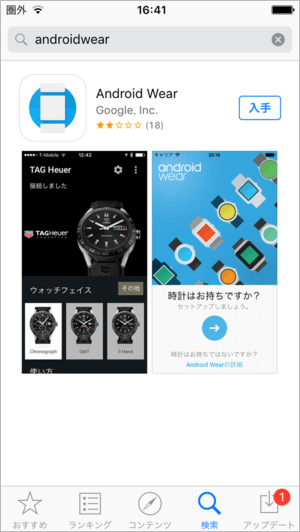
Apps for Android Wear are becoming harder to find. The Store for Android Wear is a complete repository for the Android Wear apps you need. This app makes it easy to not only find new apps to start, but also manage previously installed apps.
Availability: Free on Google Play
12.Google Fit
If you are or are considering using Android Wear instead of a fitness band, Google Fit is one of the powerful applications that can help you do the same. You can set daily goals and track the milestones towards achieving them. Google Fit provides the daily motivation you need to accomplish each goal you set. The app supports over 100 activities and stores your data all in one place through third-party services.
Availability: Free on Google Play
13. RunKeeper – GPS Track Run Walk
Runkeeper, which uses your device’s GPS, is the perfect free running app for Android Wear. The app allows you to set and reach goals by tracking important features such as distance run or biked, pace, and weight loss. The app also syncs with other third-party fitness apps, allowing you to share your milestones and achievements with friends and family.
RunKeeper integrates with popular fitness apps and devices, including:
- MyFitnessPal Calorie Tracking App
- Fitbit activity monitoring device
- Garmin Forerunner GPS watches and Garmin Connect
- Withings Wi-Fi Scale
- sleep cycle app
- Other apps and devices include Lose it!, Jawbone Up, GymPact, Earndedit, Fitocracy, Zombies Run, Gym Hero, Pedometer, and more.
Availability: Free on Google Play
14. Weretasker
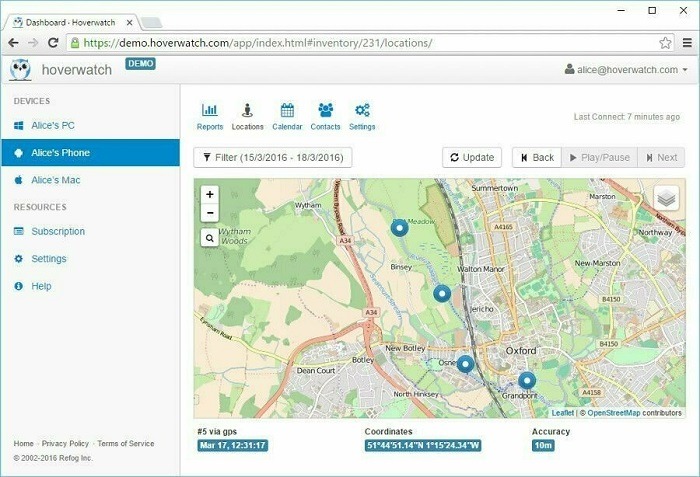
WearTasker is the last free app featured on this list, but it’s a pretty steep learning curve if you’re new to Tasker. WearTasker makes it super easy to select a task and perform it with just a swipe and tap. The free version of this app only allows you to add three tasks, while the premium version increases the number of tasks significantly.
Availability: Free on Google Play
premium app
15. PixtoCam (£1.20)
Have you ever wanted to control your phone’s camera remotely? PixtoCam lets you do it using Android Wear. With this app, you can remotely take photos from your smartphone’s front and rear cameras, and even zoom in. The Spy-ready app makes sure that audio notifications and flash are disabled on your phone before taking a photo.
Supported smartwatches: LG G Watch, Samsung Gear Live, Moto 360
Availability: Payment on Google Play
16. Runtastic Pro (£4.99)
For all the avid fitness freaks out there, Runtastic PRO is one of the most comprehensive fitness applications available for Android Wear. In addition to your steps, walking and cycling distance, you can also track the calories burned in the process. The app also supports voice commands. The Runtastic app comes as a free version, but if you’re an avid exerciser, the paid PRO version is your best option for more control over your activity.
Availability: Payment on Google Play
17. Toggle wear ($1.31)

Toggles Wear is designed to make it easy to control your smartphone without having to physically reach for it. Easily switch between WiFi, Bluetooth, phone modes, and more, so you can choose the best settings for your phone with just one touch.
Availability: Payment on Google Play
18. WatchMaker Premium Watch Face ($1.99)
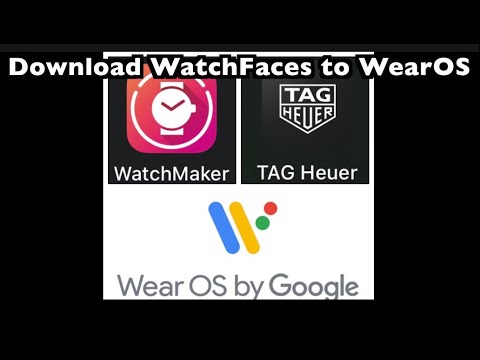
One of the most recommended apps for Android Wear is Premium Watch Face Maker. This premium watch face app gives you access to over 1,000 Android Wear faces collectively designed by our community. With a built-in compass, stopwatch, weather forecast, countdown timer, calendar, and heart rate monitoring, this app is one of the most premium all-around apps you need for your Android watch. Eight new faces are added every week, so you’ll never run out of new faces every day of the year.
Supported smartwatches : Motorola 360, LG G Watch, LG G Watch R, Samsung Gear Live, Sony Smartwatch 3, ASUS ZenWatch
Availability: Payment on Google Play
19. Wear Messenger ($1.98)
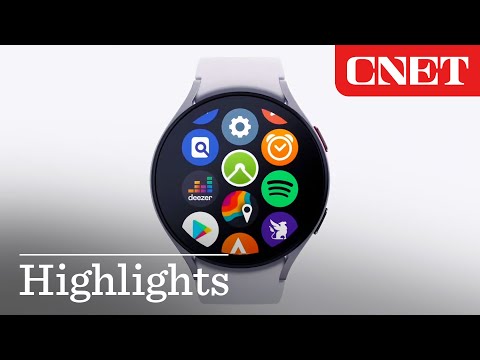
Wear Messenger lets you send and receive text messages on Android Wear if your device is supported by the manufacturer. The recommended third-party keyboard application to use with this is Minuum.
Availability: Payment on Google Play
20. LookBehind for Android Wear ($0.99)
Look Behind is a paid app for Android Wear that lets you see what your smartphone camera sees on your smartwatch. With a simple toggle, you can turn on your phone’s flashlight. This app is useful for computer geeks who need to reach incomprehensible areas of the computer while fixing something.
Supported smartwatches: LG G Watch, Samsung Gear Live, Moto 360
Availability: Payment on Google Play
See also: Top 20 Best Multiplayer Games for Android Devices
In 2015, the era of wearables, how can you get the most out of these Android Wear apps ? If you have any thoughts or suggestions for this list, please share them in the comments section.


![How to set up a Raspberry Pi web server in 2021 [Guide]](https://i0.wp.com/pcmanabu.com/wp-content/uploads/2019/10/web-server-02-309x198.png?w=1200&resize=1200,0&ssl=1)


