Midjourney is one of the best AI art generators out there right now. The service creates hyper-realistic AI images from scratch, so it’s no secret that people are flocking to Discord to try it out. However, Midjourney has gotten even better with the release of its latest V5 upscaler, with many improvements including more realistic image quality. If you’re already part of Midjourney and want to learn how to use the latest V5 engine, you’ve come to the right place. We’ve created a dedicated guide to show you exactly how to enable the latest Midjourney V5 upscaler.
To use Midjourney version 5, you must meet certain prerequisites, such as joining the Midjourney Discord server and obtaining a paid subscription. We assume you already have them before proceeding with these steps. But if you don’t have one yet, check out our guide on how to purchase a Midjourney subscription and use it to create AI art. That being said, follow the steps below to enable Midjourney V5. 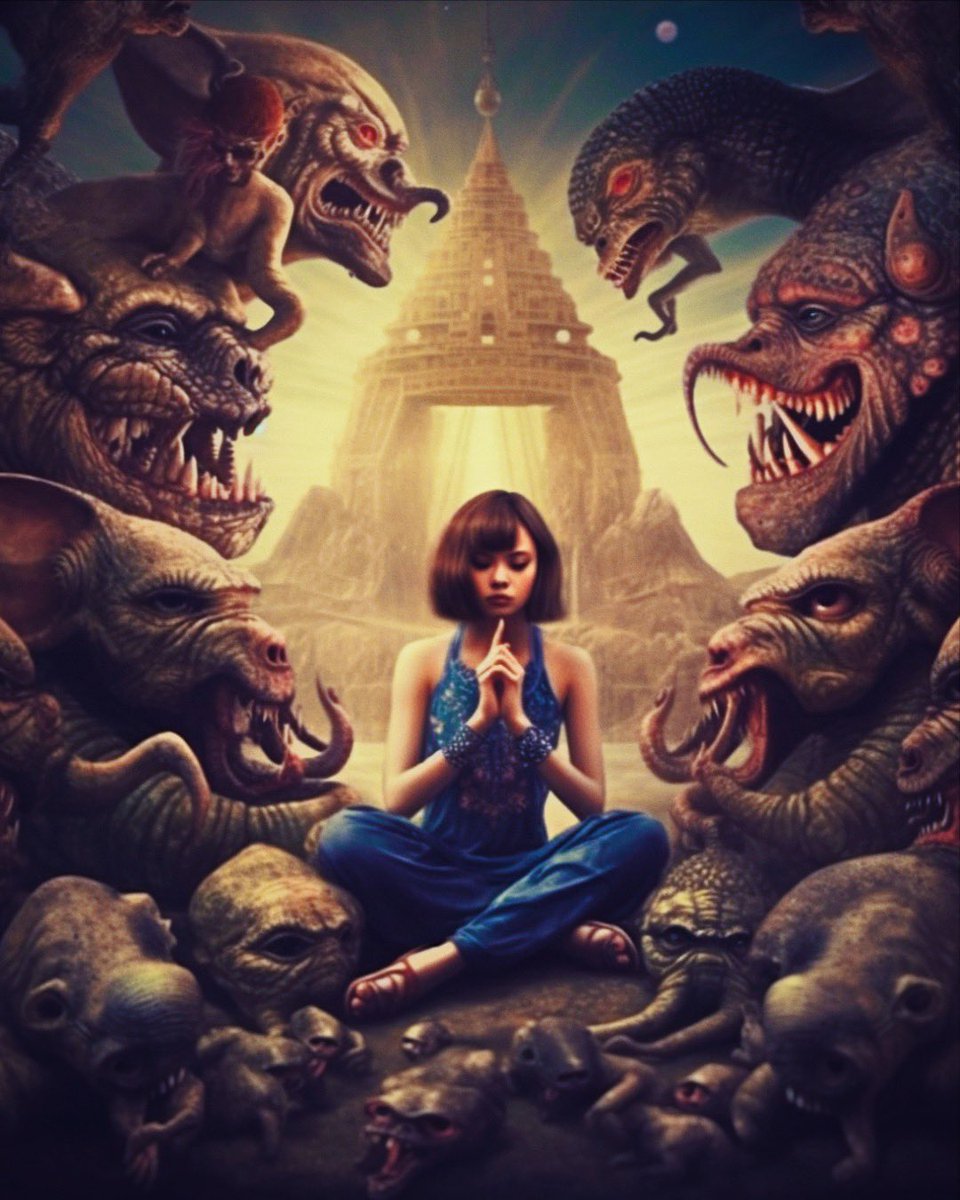
Step 1: Open the midjourney settings page
On the Midjourney Discord server, click on the text channel titled ” Beginners ” in the left sidebar. Then type /settings in the message box and press Enter. 
Step 2: Enable Midjourney V5 on Discord
A number of settings will pop up on the screen. Among all the other settings you will see an option called “MJ Version”. Simply click ” MJ Version 5 ” to select the latest Midjourney upscaler.
Midjourney V5 itself is now enabled. You can see the same thing with the updated suffix and highlighted button.
That’s it! Midjourney version 5 is now enabled on your account. From now on, all image generation will be done using the V5 upscaler, so it should look much better. 
Midjourney V5: Impressions and comparisons
As mentioned above, Midjourney’s latest upscaler brings improvements in several different areas. First, V5 provides more detailed and higher resolution images. For context – the Midjourney V4 output image was 1.6 MB, while the new V5 image was a large 5.6 MB file. But that’s not all. This also means that V5’s dimensions are (2048 x 2048) compared to V4’s (1024 x 1024).
Midjourney V5 pays close attention to the nuances of hands and wrinkles. This is in part because version 5 now gives you better control over image sharpness and precision. This means that Midjourney version 5 outputs better-looking, more realistic images overall for the same prompts.
I tried the same thing when I asked Midjourney to create a portrait of a man with special attention to his hands. As you can see for yourself, Midjourney V5 is a huge improvement over the former. Details in the hands and face are clearer, and the image generator produces a better image compared to the V4, which had messy hands. Overall, Midjourney V5 is a premium product that anyone with a paid subscription should definitely turn on.
So, what do you think about Midjourney version 5? Drop it in the comments section below.


![How to set up a Raspberry Pi web server in 2021 [Guide]](https://i0.wp.com/pcmanabu.com/wp-content/uploads/2019/10/web-server-02-309x198.png?w=1200&resize=1200,0&ssl=1)


