Google’s Android operating system has become increasingly powerful over the years and is now a feature-rich platform. In addition to apps, the platform has a rich ecosystem with over 1 million apps available on the Google Play Store. There are other apps that give you all the functionality you need.
The same goes for browsers, as there are many browsers available for Android. Google has a very capable Chrome browser on Android, but everyone prefers an alternative browser, right?
Here is a list of the 10 best Android browsers.
1.Chrome
Most of us are pretty familiar with Google’s Chrome browser considering we also use it on our PCs and mobile phones. Google pre-installs this browser on Android devices, so there’s a good chance you already use it and love it as well.
Google’s Chrome browser is feature-rich and looks great in the UI department, thanks to Google’s recent updates with its love of Material Design. Chrome’s notable features include the ability to sync across different devices, bandwidth compression, voice search, HTML 5 support, and privacy features such as Incognito and Do Not Track. The browser also includes many gestures for intuitive browsing.
You probably already have Chrome installed on your device, but if you don’t, click the link below to get it now.
Developer: Google Inc.
Compatibility: Android 4.0 and above
Availability: Chrome Browser (Free) – Google Play Store
2. Opera
Opera is one of the most well-known names when it comes to mobile phone browsers, but it’s also making its presence felt as an Android browser. I’m personally a big fan of Opera. Thanks to the fastest data compression of all browsers and an excellent tab system.
Opera also allows you to sync data between devices through Opera Link. This is a very useful feature considering that the Opera browser is available on a huge number of platforms. This browser has a clean interface with Speed Dial and Discover.
It offers a cool offload mode that compresses your data for faster browsing even in places where the network is a bit spotty.
Developer: Opera Software
Compatibility: Android 4.0 and above
Availability: Opera Browser (Free) – Google Play Store
3. Maxon
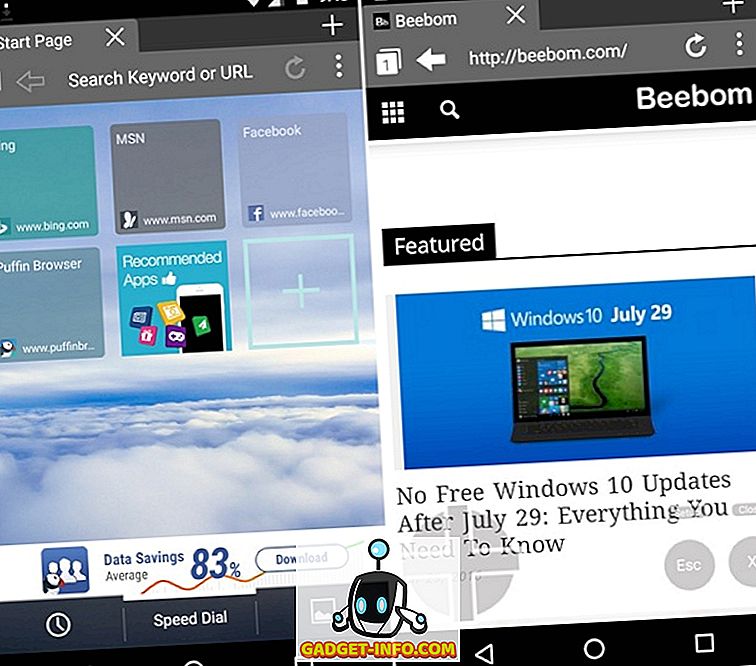
Maxthon is one of the best Android browsers available on many platforms and is known for its cloud-based syncing features. This browser allows you to sync your data on any device. There’s also a “Cloud Tabs” feature that lets you pick up tabs where you left off on other devices.
Maxthon’s home screen displays your favorite websites along with “NewsBites,” which are basically RSS feeds from various publications. You can also add your own feed. This browser also comes with features like Facebook sharing, tabbed browsing, and a really cool fetch mode that automatically loads the next page of the website you just opened, making your work much faster. Masu.
Maxthon Browser has many other features that you should check out.
Developer: Maxthon Browser
Compatibility : Android 2.2 and above
Availability : Maxthon Web Browser (Free) – Google Play Store
4. Firefox
Firefox is one of the popular browsers for Android users due to its various features. Firefox Mobile allows you to sync your data between devices, making it perfect if you also use Firefox on your PC.
Firefox is also one of the few browsers that still supports Flash, so if you’re into Flash games, this might be the one for you. Browsers also allow you to use add-ons and extensions. The browser supports various video codecs, a reader mode to read articles effortlessly on screen, and a bar to manage all your bookmarks and frequently visited sites. There are also many security and privacy features. Overall, Firefox covers it all.
This popular browser is available for free from the Google Play Store.
Developer: Mozilla
Compatibility: Varies by device
Availability: Firefox Browser (Free) – Google Play Store
5. Dolphin
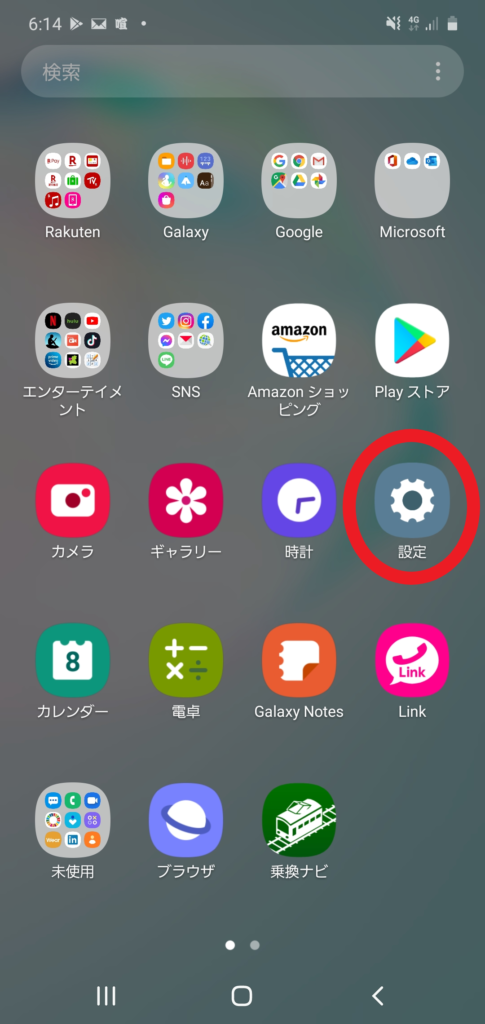
The Dolphin browser for Android is one of the oldest browsers available for Android and has a great reputation, and rightly so. Dolphin Browser brings a unique experience onboard with great gesture support.
The browser allows you to draw characters and certain gestures to open the website you want. This browser also has a cool “Sonar” mode that allows you to search by voice. It offers one-tap sharing, tabbed browsing, and sync options to share settings and pages between mobile and laptop. The Send to Device option allows you to send a link, number, or text from your PC to your mobile. WiFi Broadcast lets you share links over WiFi, and Sonar features let you search the web using voice, gestures, and speed dial, making it easier to find web pages. Dolphin Browser supports over 60 add-ons.
Dolphin also offers a number of customization features that are great if you want to get your way.
Developer: Dolphin Browser
Compatibility: Varies by device
Availability: Dolphin Browser (Free) – Google Play Store
6.UC Browser
You may be familiar with UC Web’s UC Browser. This is a very popular browser especially in India and China. UC Browser offers the usual set of features and adds a great file and download manager to the mix.
Although the home screen is a little cluttered, the browser has a huge number of features. It has speed mode, better tab management, custom themes, add-ons, gestures, and night mode. The biggest feature of this browser is of course the download manager. The browser makes it easy to download multiple files and allows you to continue downloading from where you left off, even if you experience internet problems.
Developer: UCWeb Co., Ltd.
Compatibility: Android 2.2 and above
Availability: UC Browser (Free) – Google Play Store
7.CM Browser
CM Browser is another great Android browser. This browser is lightweight, provides fast browsing, and is said to be very secure. CM Browser has many features such as increased speed and fraud prevention. The browser also detects malicious apps and protects you from them.
CM Browser’s home screen is packed with speed dials to your favorite websites. Other features of the app include Do Not Disturb mode, page translation, video gesture controls, card tabs, and more.
Developer: Cheetah Mobile
Compatibility: Android 4.0 and above
Availability: CM Browser (Free) – Google Play Store
8. Next browser
Next Browser is the best browser if you’re looking for a blend of features and a beautiful interface. This browser is extremely fast, with the developers claiming that it takes less than 1.5 seconds to open a website.
Next Browser is very lightweight, uses low power, and manages memory well. It also has a cool customizable home screen and the ability to send RSS feeds. This browser also features offline reading, extensions, and viewing features. There’s also a cool gesture to switch tabs. Overall, Next Browser is a good combination of great user experience and great looks.
Developer: Go Launcher Development Team
Compatibility: Android 2.2 and above
Availability: The following browsers (free) – Google Play Store
9. Opera Mini
Yes, I know I mentioned Opera in the list, but Opera Mini really deserves a mention. Both are Opera browsers, but Opera Mini is probably the more popular and is said to be one of the faster Android web browsers. It works well even in places where the internet speed is not very fast.
Opera Mini also has the ability to sync data thanks to its Opera Link feature, but that’s where the similarities end. Opera Mini uses Opera’s superior compression technology to help users with slow Internet connections use the web quickly and efficiently. The browser also lets you choose whether to display images and choose the quality of the website.
Opera Mini also includes a number of features, including the ability to save web pages for later viewing, single column view, and smart pages for news. You may already have Opera Mini, but if you don’t, you should definitely check it out.
Developer: Opera Software
Compatibility: Android 2.3 and above
Available: Opera Mini (Free) – Google Play Store
10. Atlas Web Browser
Atlas Web Browser is a decent browser available on the Play Store that features Google’s Material Design UI. Atlas Browser has a built-in ad blocker so you don’t have to worry about some extensions and add-ons.
Atlas lets you control your browsing experience by adding control panel sliders that let you switch between desktop and mobile views, filtering, and more. Other features of the browser include dual-view mode, content-centric UI, and sandbox private browsing.
Developer: NextApp
Compatibility: Android 4.0.3 and above
Availability: Atlas Web Browser (Free) – Google Play Store
See also: Best Android Wear apps of 2015
As internet usage increases, we need a good browser to make sure our experience is up to par. That’s why we’ve listed what we think are the 10 best browsers for Android devices . We also want to know if your choices match up with ours, so let us know your favorite Android browser in the comments section below.


![How to set up a Raspberry Pi web server in 2021 [Guide]](https://i0.wp.com/pcmanabu.com/wp-content/uploads/2019/10/web-server-02-309x198.png?w=1200&resize=1200,0&ssl=1)


