Since ChatGPT was released, there are few areas where virtualization hasn’t been touched. AI chatbots had humble beginnings but gained superpowers thanks to the new GPT-4 LLM. Chatbots can certainly do a lot of things, as they can write complex code, blog posts, essays, and more. However, today’s focus is on essays and how to write them with the help of ChatGPT. So, if you’re someone who suffers from writer’s block, you’ll be glad to know that ChatGPT can help. We’ve created a dedicated guide on how to outline and easily create an essay using ChatGPT. Start by putting on your reading glasses. 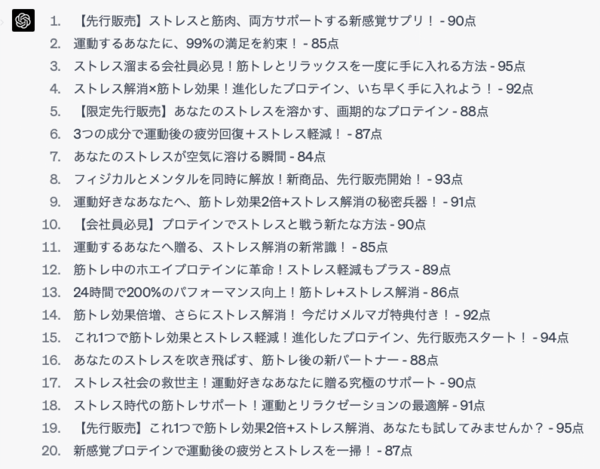
Step 1: Search and narrow down your essay topic using ChatGPT
Before you do anything else, you need a solid topic for your essay and its details. You may have a general idea given to you by your professor or manager. This basically drives every step, so it needs to be powerful. If you already have a topic in mind, you can use ChatGPT to get an overview below. For those who don’t, use ChatGPT to find and finalize your essay topic.
- Log in to the service and enter the following prompt in ChatGPT.
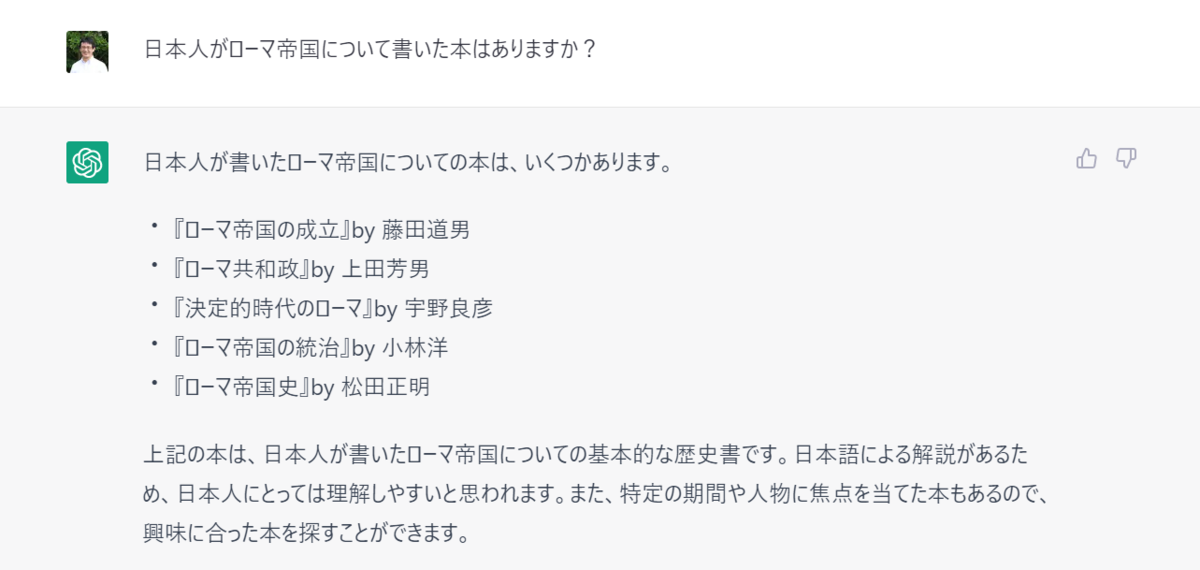
Can you help me come up with five catchy topics for my essay?The idea is to write a general research essay about electric cars and their positive or negative impact on the environment. Please give me some general ideas on how I can approach them.
- As you can see, ChatGPT provided some good ideas for our essay. If you want to refine your idea further, you can ask the chatbot to cut out parts of your idea and replace them. Or you can request more context on specific parts. Example – “Let me explain more about Topic 5 and its meaning.”
Step 2: Ask ChatGPT to build your outline
Next, you will need a ChatGPT essay outline that you will follow when you start writing your article. The topics above will give you an idea, but now you need a structure that the article can follow. Here’s how:
- With the same chat open, type, “Please give me an overview of your essay on <selected topic>.” You will be using it to write your essay, so be sure to keep it structured . ” In this case, I will use topic number 2 because it matches what I had in mind.
- As you can see above, you now have a structured outline for your essay. You can use it to write essays and let ChatGPT do the work for you. Nevertheless, this is a good starting point. As always, you can have the AI chatbot cut out parts of the outline or specifically add new outlines depending on your requirements.
Step 3: Get ChatGPT to cite sources in your essay
Even if you have an idea and an outline, you need to do research to get evidence to support your essay. Thankfully, ChatGPT is here to help. Chatbots are adept at moderate probing, giving users a rough idea of where to look to gather information. Let’s get it started.
Note : Even with GPT-4, ChatGPT’s dataset is still limited to November 2021. This means you won’t get a completely up-to-date source for your essay. Always take ChatGPT sources with a grain of salt and supplement them with your own research.
- Start asking ChatGPT for sources. With the same chat open, enter the following prompt:
Create a list of at least 10 sources that you can use to research your chosen topic. Please only suggest sources that have a good history of accuracy and validity.
- You now have a list of 10 sources you can refer to. However, we also see some mention of 2021 on ChatGPT. Therefore, it is best to use these websites, but we recommend that you go to the most recent pages related to your essay for research. This applies to all topics, so always do it. Also, be aware that chatbots like ChatGPT have a habit of hallucinating and fabricating information.

Step 4: Have ChatGPT write your essay
Now comes the actual part. You will need to use all the information listed above to create your essay. ChatGPT already includes all the context details, so you just need a prompt to start writing. However, there are many agencies with the best AI plagiarism checkers to detect ChatGPT. Therefore, always be careful not to use the essay in its entirety, but only for inspiration.
- In the same chat, type the following prompt: “Create a 700 word essay using the available topics and outline. Make sure it is structured, concise, yet informative. Also, my target audience is <insert target audience > so please respond accordingly.
- In the middle of your essay, ChatGPT may stop and become unresponsive. Just type Continue and the rest of the essay will be finished.
Thus, your essay is ready. However, it requires more work to edit and change the tone slightly. For that, let’s move on to the next step. 
Step 5: Edit your essay using ChatGPT
Whether you’ve used ChatGPT to draft a complete essay or write your own essays, you can use these steps to turn ChatGPT into your collaborator and grammar checker . While your essay may need an initial human check, it’s definitely possible to use a bot to hash out the tone and add small details.
This step will help add personality to your essay and make it a little more relatable to your readers. Perform a sample edit using the generated essay ChatGPT. Here’s what you need to do:
- Open the same chat or have your essay already on your clipboard. Once that’s done, enter the following prompt:
Essay <insert essay> provided. Edit to make it interesting and relatable to <insert audience>. You can add catchy and interesting phrases. Also, be sure to edit your essay to remove any grammatical errors.
And we have edited essays. Comparing both, you can see that ChatGPT removes more than 10 words and improves a few words. Now you can make additional improvements or even keep some lines, depending on your preference. In that case, just ask ChatGPT to return a few lines or extra words and it will do it for you.
Step 6: Export your essay for submission
Once you have your final essay, all you need to do is export it. Unfortunately, ChatGPT’s capabilities are limited in that regard. So if you want to export your essay, just copy the text to your word processor and remove the extra spaces. This leaves you with a fully prepared essay for submission or final editing.
However, for those who want to export their essays into a more beautiful format, we have just the thing for you. There is no shortage of the best ChatGPT Chrome extensions on the internet today. If you want to show off your essay, such a selection is linked in the list, where you can export the selected chats into a beautiful image format. Please check it out and let us know what you like.
Bonus: ChatGPT and AI apps for writing essays
If you don’t have access to ChatGPT, or just want to try a different service, that department can help. There are several AI apps that use ChatGPT to output great essays and research papers. You can perform the above steps using any of them and get good results. Let’s take a look at some of the best ChatGPT apps for essays.
1. Light Sonic
If you want to create content using ChatGPT, Writesonic is the platform you can trust. Writesonic can also be used as a chatbot, but it has a number of different text tools that not only help you write your essay, but also make it concrete from the beginning. Writesonic comes with a variety of options. Of these, you can use ” AI Article Writer 4.0 ” depending on your needs.
This tool helps you write SEO-friendly articles and essays on a variety of topics. You can also create articles based on SEO keywords, professional summaries, and ultimately all of that. Writesonic comes with 10,000 free words and then you can pay $12.67 per month.
Try Light Sonic
2.Light
Ryter is another handy AI writing assistant that can help you with all kinds of articles, not just essays. This service utilizes language models that provide intelligence. Rytr comes with over 40 different use cases and over 20 writing tones for all types of documents. For those who don’t want to stick to English, it also comes with support for over 30 languages.
Although I had to edit some using ChatGPT, Rytr claims that very little editing of its content is required. Rytr starts at $29/month, so check out this AI writing service. If you’re looking to get more out of AI, check out these best ChatGPT alternatives.
Try Rytr
We hope our guide will help you write your desired essay on ChatGPT. As you can probably tell by now, AI chatbots can do a lot of things. Check out these best ChatGPT prompts to make the most of AI’s potential. Interested in bots? Learn how to use ChatGPT on WhatsApp and Telegram for even longer. So how did your professor rate your AI essay? Write your results in the comments section below.


![How to set up a Raspberry Pi web server in 2021 [Guide]](https://i0.wp.com/pcmanabu.com/wp-content/uploads/2019/10/web-server-02-309x198.png?w=1200&resize=1200,0&ssl=1)


