Spotify is the world’s most popular music streaming service, and for good reason. It not only offers a huge catalog of music, but also an intuitive and user-friendly UI. One of Spotify’s biggest strengths is that AI creates playlists that help users discover new artists. Spotify’s playlists are truly amazing, and no other service can match them.
Spotify frequently releases new features to the app to make it more useful for users. However, it’s hard to keep track of everything because you can’t find all the updates and features in one place. In this article, we change this as we list the changelog for all recent updates to Spotify.
Note: If you see the same changelog for multiple versions, it means that the new version has improved bug fixes and feature implementation. It also means that no new features were released during those updates. 
Spotify Update
The updates described here are for the Android platform. If you use the web or iOS version of the app, you may receive these updates sooner or later than the dates listed here. 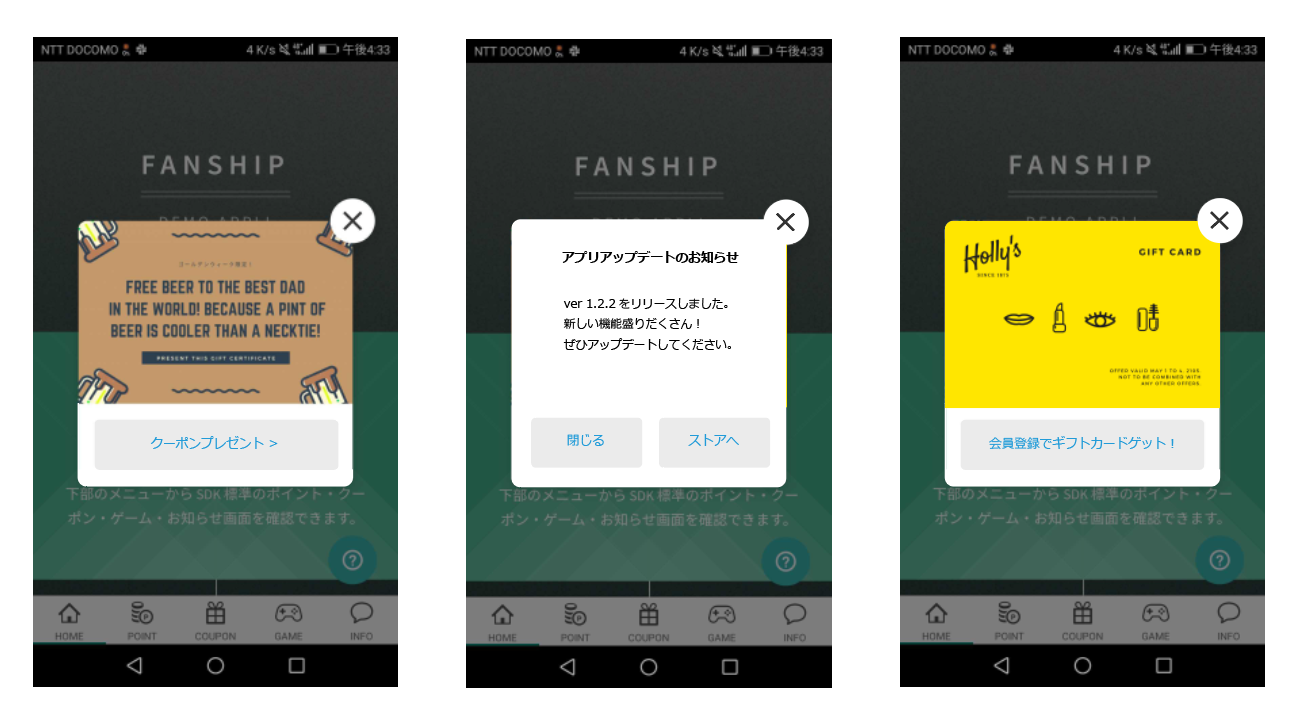
Spotify Update February 22, 2019
- Build number: 8.4.94.817
- Minimum OS requirements: Varies by device
- Changelog:
- We’re constantly making changes and improvements to Spotify. Keep updates turned on so you don’t miss anything.
Spotify Update February 11, 2019
- Build number: 8.4.92.949
- Minimum OS requirements: Varies by device
- Changelog:
- We’re constantly making changes and improvements to Spotify. Keep updates turned on so you don’t miss anything.

Spotify Update February 1, 2019
- Build number: 8.4.91.861
- Minimum OS requirements: Varies by device
- Changelog:
- We’re constantly making changes and improvements to Spotify. Keep updates turned on so you don’t miss anything.
Spotify Update January 24, 2019
- Build number: 8.4.90.722
- Minimum OS requirements: Varies by device
- Changelog:
- We’re constantly making changes and improvements to Spotify. Keep updates turned on so you don’t miss anything.
Spotify Update January 18, 2019
- Build number: 8.4.89.515
- Minimum OS requirements: Varies by device
- Changelog:
- We’re constantly making changes and improvements to Spotify. Keep updates turned on so you don’t miss anything.
Spotify Update January 11, 2019
- Build number 8.4.88.150
- Release date: January 11, 2019
- Minimum OS requirements: Varies by device
- Changelog:
- We’re constantly making changes and improvements to Spotify. Keep updates turned on so you don’t miss anything.
Spotify Update January 10, 2019
- Build number: 8.4.85.1006
- Minimum OS requirements: Varies by device
- Changelog:
- We’re constantly making changes and improvements to Spotify. Keep updates turned on so you don’t miss anything.
Spotify Update December 14, 2018
- Build number: 8.4.84.874
- Minimum OS requirements: Varies by device
- Changelog:
- We’re constantly making changes and improvements to Spotify. Keep updates turned on so you don’t miss anything.
Spotify Update December 7, 2018
- Build number: 8.4.83.625
- Minimum OS requirements: Varies by device
- Changelog:
- We’re constantly making changes and improvements to Spotify. Keep updates turned on so you don’t miss anything.
Spotify Update November 29, 2018
- Build number: 8.4.82.664
- Minimum OS requirements: Varies by device
- Changelog:
- We’re constantly making changes and improvements to Spotify. Keep updates turned on so you don’t miss anything
Spotify Update November 23, 2018
- Build number: 8.4.81.558
- Minimum OS requirements: Varies by device
- Changelog:
- We’re constantly making changes and improvements to Spotify. Keep updates turned on so you don’t miss anything.
Spotify Update November 21, 2018
- Build number: 8.4.80.793
- Minimum OS requirements: Varies by device
- Changelog:
- We’re constantly making changes and improvements to Spotify. Keep updates turned on so you don’t miss anything.
Spotify Update November 13, 2018
- Build number: 8.4.79.630
- Minimum OS requirements: Varies by device
- Changelog:
- We’re constantly making changes and improvements to Spotify. Keep updates turned on so you don’t miss anything.
Spotify Update November 7, 2018
- Build number: 8.4.78.530
- Minimum OS requirements: Varies by device
- Changelog:
- We’re constantly making changes and improvements to Spotify. Keep updates turned on so you don’t miss anything.
Spotify Update October 26, 2018
- Build number: 8.4.77.779
- Minimum OS requirements: Varies by device
- Changelog:
- We’re constantly making changes and improvements to Spotify. Keep updates turned on so you don’t miss anything.
Spotify Update October 17, 2018
- Build number: 8.4.75.670
- Minimum OS requirements: Varies by device
- Changelog:
- We’re constantly making changes and improvements to Spotify. Keep updates turned on so you don’t miss anything.
Spotify Update October 9, 2018
- Build number: 8.4.74.463
- Minimum OS requirements: Varies by device
- Changelog:
- We’re constantly making changes and improvements to Spotify. Keep updates turned on so you don’t miss anything.
Spotify Update September 27, 2018
- Build number: 8.4.72.845
- Minimum OS requirements: Varies by device
- Changelog:
- We’re constantly making changes and improvements to Spotify. Keep updates turned on so you don’t miss anything.
Spotify Update September 11, 2018
- Build number: 8.4.70.666
- Minimum OS requirements: Varies by device
- Changelog:
- We’re constantly making changes and improvements to Spotify. Keep updates turned on so you don’t miss anything.
Spotify Update August 29, 2018
- Build number: 8.4.68.911
- Minimum OS requirements: Varies by device
- Changelog:
- We’re constantly making changes and improvements to Spotify. Keep updates turned on so you don’t miss anything.
How do I join the Spotify beta?
As you can see, Spotify hasn’t released any new features in recent months. However, this does not mean that the company is not constantly testing new features. In fact, Spotify is always testing a lot of features in the app’s beta channel. This means that if you want to access these features, you’ll need to join Spotify’s beta testing group.
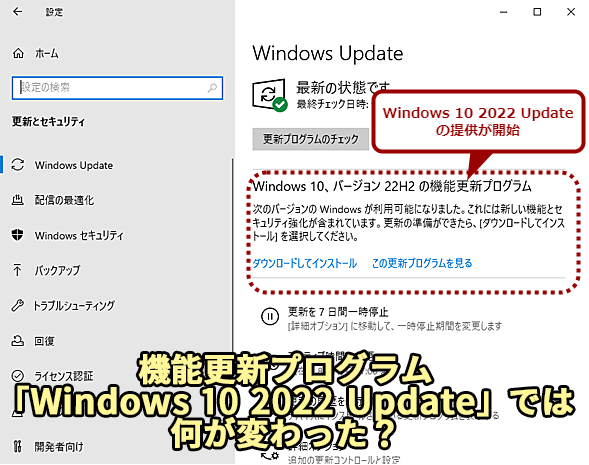
Joining Spotify’s beta program is very easy . First, you need to click here to join Spotify’s beta group and request an invitation. If you are invited, please click the link below. Log in with your Google account and click the “Become a tester” button to join the beta program.
Track Spotify updates and new features
This article is written to help Spotify users keep track of new updates and features released with those updates. If you’re a Spotify user, come back to check out new features with every release. Articles are continually updated, so you don’t have to worry about getting outdated information.


![How to set up a Raspberry Pi web server in 2021 [Guide]](https://i0.wp.com/pcmanabu.com/wp-content/uploads/2019/10/web-server-02-309x198.png?w=1200&resize=1200,0&ssl=1)


