Since the advent of generative AI, text-to-image generation has been one of the key aspects, and Midjourney is leading the way. Midjourney is one of the most popular AI art generators used by artists to create remarkable works. While everyone is fascinated by AI art published online, Adobe decided to shake things up with Photoshop’s Generative Fill tool. This AI feature allows users to replace existing objects in images. Now, to compete with Adobe Photoshop, Midjourney has introduced its own AI Generative Fill feature. Learn what it is and how it works here. 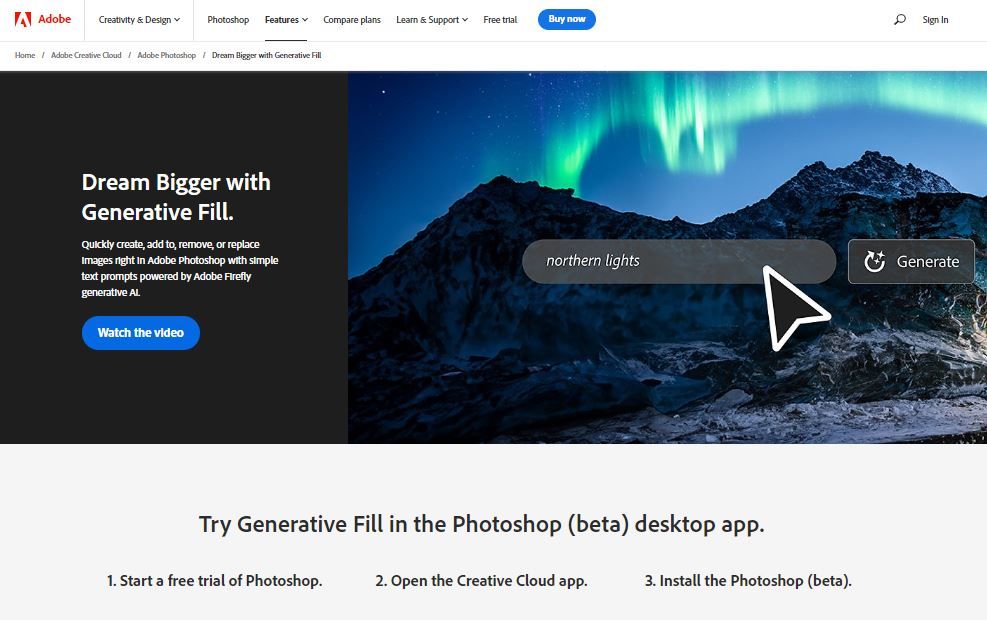
Midjourney Introduces Vary (Region) Repair Tool
Midjourney revealed in an official announcement on their Discord server that they are testing a new tool called Vary (Region) . This new tool allows you to regenerate specific parts of an upscaled image , similar to Photoshop’s AI Generative Fill feature. This means you can add or remove elements within an image using Midjourney’s text-to-image AI art generation capabilities. You can also change the image to something completely different.
For example, I used Midjourney to generate an image with the prompt “White horse with black sunglasses.” Now, Vary (Region) allows you to select the sunglasses in the generated image and either remove them completely or replace them with different glasses . You can also turn your horse into another animal or something. Here is a similar example:
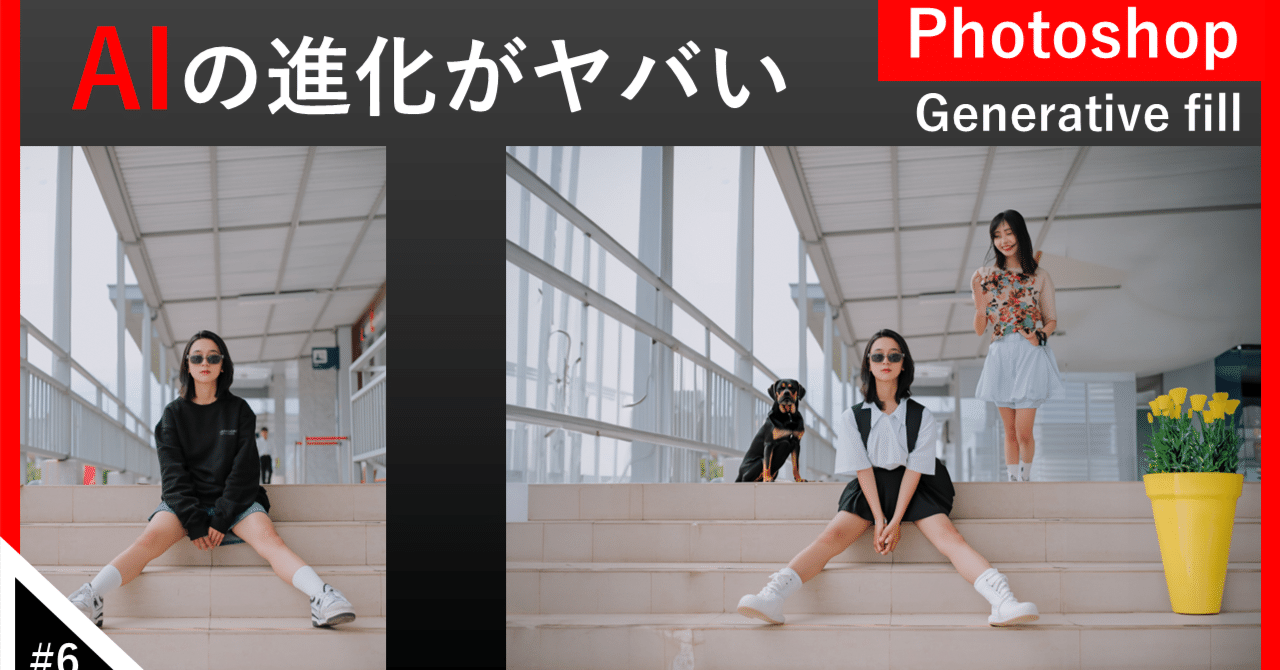
You can also combine Midjourney’s Remix Mode with Vary (Region) to take even deeper advantage of image imprinting capabilities. This feature allows you to select and edit specific parts of an upscaled image using new or modified prompts. Taking the above prompt as an example, “White horse with black sunglasses” , you can use remix mode to further change the image by adding “Stand on the table” at the end of the prompt. .
You can also edit sections of existing prompts to generate new images. For example, instead of “white horse with black sunglasses” you could write “black dog with white hat” and replace the generated image. Similarly, you can replace the original prompt with a new prompt.

This feature helps you use Midjourney to truly unleash your creativity and modify existing generated images down to the last detail. For best results, Midjourney likes to use this tool on a large area of the image, at least 20% to 50% . Additionally, note that changes using Vary work best when the desired change is equivalent to the content of the generated image and is not extremely “out of place”.
If some of this functionality sounds familiar, it’s because one of the most popular generative AI features in Adobe Photoshop is Image Imprint. A feature called Generative Fill allows you to add or remove elements from the generated image or create new prompts to achieve different imprint results.
Apart from Vary (Region), Midjourney also offers the Vary (Subtle) tool, which lets you make small changes to an image while preserving its core composition, and the Vary (Strong) tool, which allows you to make more aggressive changes. Provide. An image that has the potential to change its core identity.
If you have an active Midjourney subscription , you can take your creative skills to the next level with Vary tools. If you haven’t subscribed to Midjourney yet, you can choose from four different plan options: Basic ($10/month), Standard ($30/month), Pro ($60/month), and Mega ($120/month). Check out our detailed guide on how to purchase a Midjourney subscription to start your generative AI art journey.


![How to set up a Raspberry Pi web server in 2021 [Guide]](https://i0.wp.com/pcmanabu.com/wp-content/uploads/2019/10/web-server-02-309x198.png?w=1200&resize=1200,0&ssl=1)


