Minecraft is a popular game that appeals to players of all ages and regions. This open-world sandbox game allows players to explore, build, and create their own virtual worlds. However, Minecraft isn’t the most affordable option, especially when compared to similar games like Roblox. But there’s no need to worry. In 2024, there are many easy ways to play Minecraft without spending a single dollar. You can get Minecraft for free by considering the options in this guide. This is a great way to test the game before making a decision. Whether to buy or not. So, let’s see how, from trials to subscription services.
We have listed five different ways to play this blocky game for free on any platform, including PC, Mac, consoles, and mobile devices. We’ve also covered everything from free trials to online platforms that let you play games anywhere within your browser window. 
Play a free trial of Minecraft Bedrock
As you may already know, there are two versions of Minecraft. Java Edition, which is exclusive to PC users, and Bedrock Edition, which is available on various platforms. Both versions offer a free trial where you can dive into the blocky world and try out how it works . If you are satisfied with the experience, you can purchase the full version. At this time, here’s how to access your Bedrock free trial:
1. Visit the official Minecraft website using this link . There’s a “Try it Free” option in the navigation bar at the top here. Click.
2. On the next page you will find a download link for a free trial of Bedrock edition. Free trials are available on the following platforms:
- Android ( Play Store )
- Windows ( Windows Store )
- PlayStation 4 , PS3 , PS Vita ( PS Store )
Free trial lengths vary by platform. Additionally, surprisingly, there is no free trial available for Xbox users, even though Minecraft is co-owned by Microsoft. 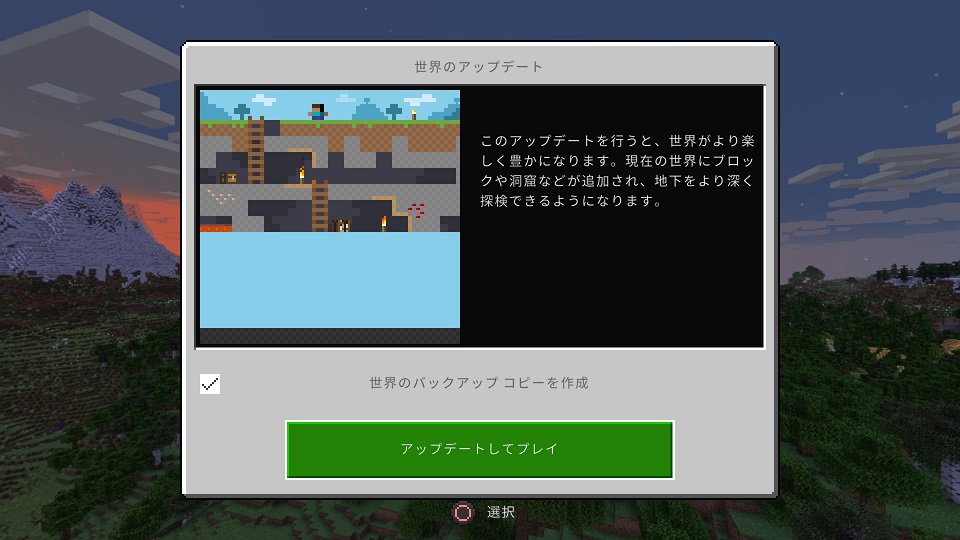
Play a free trial of Minecraft Java
The Java edition of Minecraft is available only on Windows , Mac, and Linux computers. You can also get free trials on all three platforms by visiting the official website. Here’s how it works:
1. Visit the official Minecraft website ( see ), as well as the Bedrock edition. Click the Try Free option in the top navigation bar.
2. On the next page, scroll down to access your Java Edition free trial. This page includes download links and instructions for Windows, Mac, and Linux PCs. On this website, you will download and install the Minecraft launcher just like the regular version of the game. Next, you will be asked to log in to your Microsoft account.
3. After installing the trial version of Minecraft on your PC and turning on the game, you will see the option to ” Play Demo World “. Click on it and try out the game’s blocky mechanics.
If you have officially purchased Minecraft, you will be able to jump into the main game right away using the launcher. Otherwise, you can get a limited time demo version of Survival Minecraft. 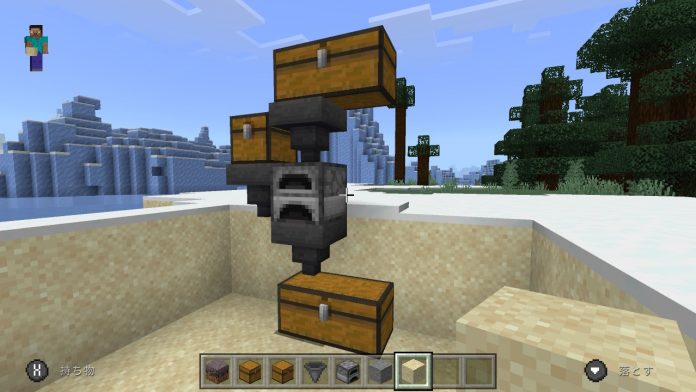
Play Minecraft Classic in your browser
The Minecraft we know and love is nothing like the game it was when it was first released. This was before Herobrine was born. The blocky experience was much the same, but the game’s functionality was limited. If you want to try the original version of Minecraft for free without downloading it, you can do that. Here’s how:
1. Visit the official Minecraft Classic webpage here and enter your username to start playing the game in your browser. You can invite up to 9 friends using a link on your website.
2. Unlike the trial version, this version of the game has no time limit. However, there isn’t that much to do in this retro version of Minecraft. In this web version, you can break and place blocks as you explore different Minecraft biomes. 
Play Minecraft online in your browser
If you don’t feel that the classic edition of Minecraft is attractive enough on your browser, there is another solution. You can also try the new free trial without downloading the game. Available on the ” now.gg ” cloud network. It’s available on all platforms with an internet connection, but in some countries. If you’re in a serviceable area, visit the cloud version of Minecraft here and enjoy the game without paying anything.
Now you’re ready to dive into the world of Minecraft and have a blocky experience before making your final purchase. That way you’ll know for sure whether you’ll enjoy it or not. Additionally, if you want to play Minecraft without restrictions, but don’t want to have to pay full price, get Xbox Game Pass ( see here ) and you’ll be able to play not only Minecraft but many other games as well. That being said, are you planning on purchasing Minecraft or sticking with the free version? Let us know in the comments section below.


![How to set up a Raspberry Pi web server in 2021 [Guide]](https://i0.wp.com/pcmanabu.com/wp-content/uploads/2019/10/web-server-02-309x198.png?w=1200&resize=1200,0&ssl=1)


