- YouTube Music Recap 2023 is live now and can be accessed through the YT Music app on Android or iOS.
- YouTube Music gives you access to the annual roundup only if you have at least 10 hours of music streaming.
- To access Recaps, open the YouTube Music app on Android or iOS, tap your profile icon in the top-right corner, select Recaps, then tap Get Recaps.
Unlike Apple Music, viewing statistics on YouTube Music and Spotify aren’t available year-round. However, this is the time when both platforms release their statistics for the previous year. Thanks to these, you can see which tracks, artists or albums you listened to the most, and are a great way to reflect on your musical journey over the year. So, if you’re like me and use YouTube Music, you’ll be happy to see YouTube Music Recap 2023 roll out. So, we will show you how to unlock and access it. 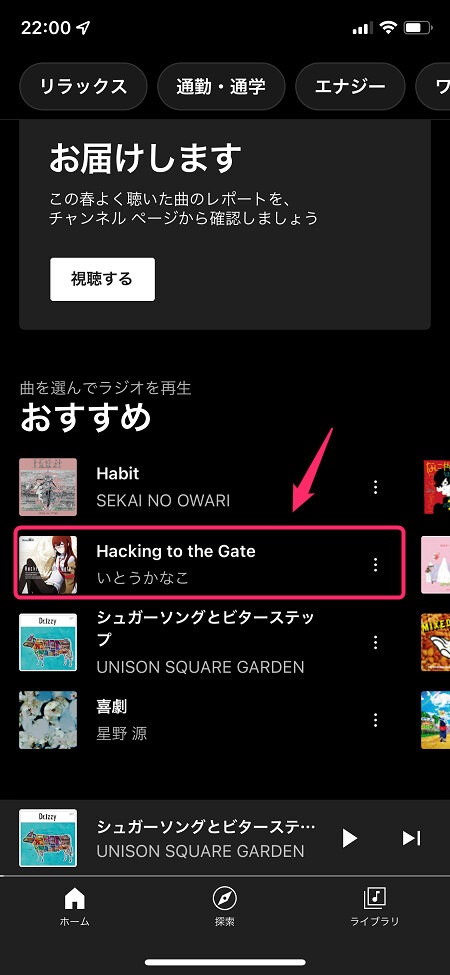
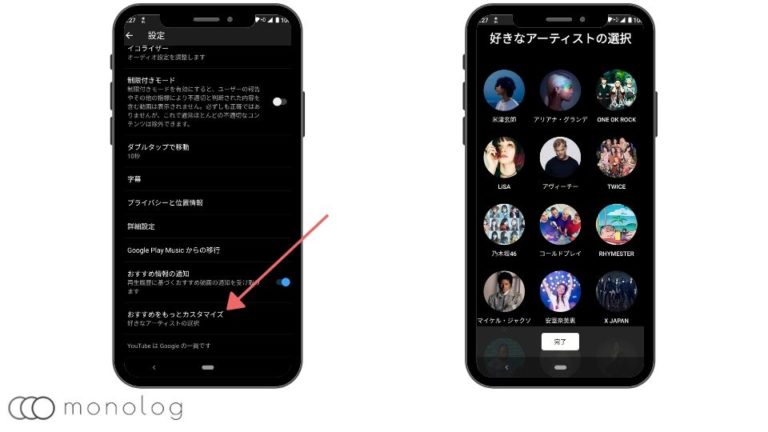
Access YouTube Music Roundup 2023
First of all, to unlock this year’s YouTube Music Recap, you’ll need to watch at least 10 hours of music streaming. Also note that unlike Spotify Wrapped, which can also be accessed from the web, YT Music Recap can only be accessed through Android and iOS apps.
Fortunately, accessing summaries is the same on both platforms. So in this case, I used an Android device to explain how it works. Follow the steps below:
1. Open the YouTube Music app on your iPhone or Android device and tap the profile icon in the top-right corner.
2. Then select Summary from here to go to the official summary feed page.
Note: YouTube Music Recap, like Spotify Wrapped, is not always consistently published to everyone at the same time. So if you see an error message on the Summary page that says “I can’t hear anything here,” don’t worry. Eventually it will also be unlocked.
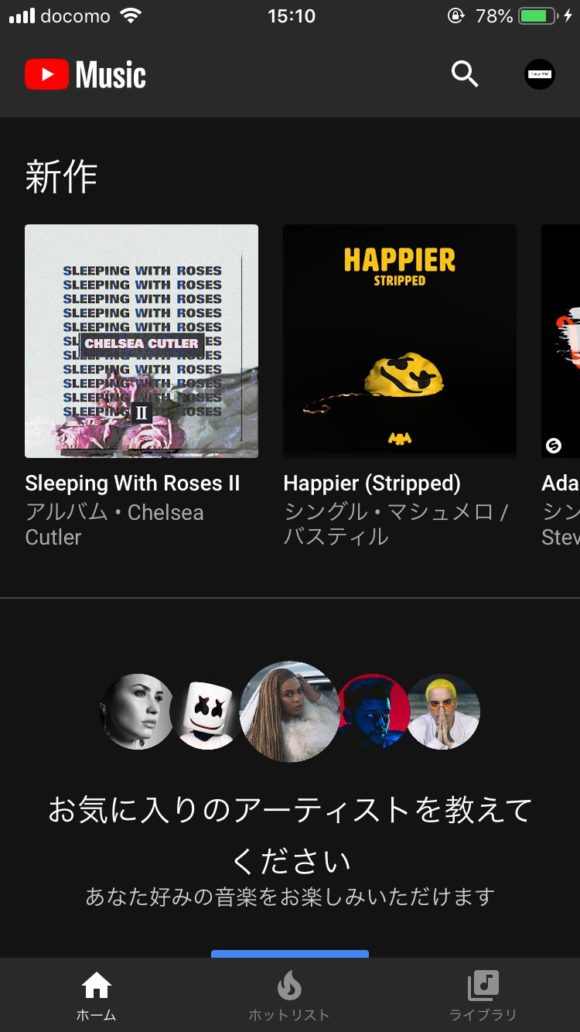
3. Once you are on the 2023 Recap page, tap the “ Get Recap ” button. You can check the YT Music Recap stats here. Browse the slides by tapping the left and right corners of these slides.
Download/Share YouTube Music Summaries
1. To download the summary slides, you must first access the statistics slides by tapping the Summary button on the summary page .
2. Then, when you start viewing the summary slides, you will see a small download button at the bottom left of each slide. Tap this to download the slide to your camera roll.
3. To share these slides on social media, tap the big share button at the bottom.
As far as I’m concerned, you can just download the slides you want to share and save yourself the hassle of visiting the “Summary” page and tapping the “Share” button over and over again. So I downloaded them all and saved them to my camera roll so I can share them anytime, anywhere.
According to YouTube’s support page , you can also find summary playlists by simply typing “summary” in YouTube Music’s search. However, this didn’t work and I couldn’t find any additional ways to access the 2023 Recap playlist. Additionally, a cool little feature that I really liked is YT Music Recap’s new ” album art “, which uses the top track album art colors that YouTube introduced this year. Did you get YouTube Music Roundup 2023? Let us know in the comments below.
Unlike Spotify, YouTube Music offers seasonal reviews as well as yearly reviews. However, if you have auto-delete your YouTube history set for more than three months, you won’t be able to view seasonal recaps. You also need to listen to at least 4 hours of music to access the seasonal recap. For any other questions, please visit the official YouTube support page.
YouTube takes a while to finally make the recap available to everyone. So if you see a message on your summary page that says “You can’t listen to anything here,” don’t worry. Please take your time. It will arrive at your door in a while. Also, note that you must listen to at least 10 hours of music to unlock the year roundup. If you often download YouTube Music songs and listen to them offline, they won’t count towards your 10 hours.
When you visit YouTube Music Recap, you’ll see slides of your most listened to music, albums, artists, and all other stats. From there, simply download these slides to your device’s camera roll.


![How to set up a Raspberry Pi web server in 2021 [Guide]](https://i0.wp.com/pcmanabu.com/wp-content/uploads/2019/10/web-server-02-309x198.png?w=1200&resize=1200,0&ssl=1)


