Deepfakes are one of the most impressive technologies of all time. Apps like Lensa AI have taken the internet by storm. You can create deepfake portraits within minutes, and the results look incredibly real. Deepfake apps are for fun, but deepfake videos can be a big problem, especially when used to misrepresent someone in the political arena.
In this article, we have selected deepfake apps and websites that are mostly harmless and can be used for research purposes. You can use these services to learn machine learning, image recognition, computer vision, and, of course, have fun.
DeepSwap.ai is well worth the money for anyone interested in deepfakes and creating their own deepfakes online. The price is affordable, the service is easy, and the results will almost certainly surprise you with their realism. Amazingly, you can replace up to six faces at once, and you can also use videos, GIFs, and photos. If you want to create convincing deepfakes without spending hours messing around with software, get it!
Try Deepswap.ai for 50% off (Sponsored)
Note:
Although deepfake technology is not yet good enough to completely fool people, it is important to use deepfakes ethically. Do not use deepfake technology for illegal purposes. Also, please do not use other people’s photos or videos without their express permission.
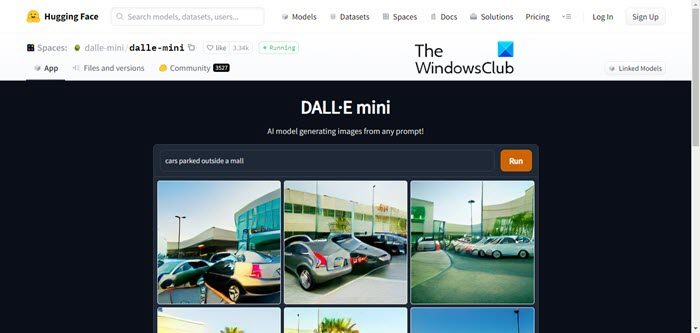
1. Rensa AI
Lensa AI is the latest app that has gone viral for creating AI portraits of you and others. It’s not exactly a deepfake in the sense of showing your face on someone else’s body or video. However, Lensa AI has a very cool ability to create photorealistic portraits from just a few selfies. Additionally, this app creates portraits in multiple styles including superhero, anime, and more.
The app is free to use for general purposes, but if you’re looking to create portraits, you’ll need to pay per set or subscribe to the premium version of the app. Lensa AI is definitely one of the few apps that delivers truly impressive results almost every time. You will also definitely enjoy the photos created by Lensa AI.
Installation: Android / iOS (starting at $8 for 50 avatars) 
2. Deepfake web
Deepfakes Web is a service that allows you to create deepfake videos on the web. Use deep learning to absorb varying complexities in facial data. Deepfake Web takes up to four hours to learn and train from videos and images, but an additional 30 minutes to use the trained model to swap faces. The free version will spit out a deepfake video in about 5 hours, while the premium version will spit out a video in just 1 hour.
Even with powerful GPUs in the cloud, it can take several hours to render all the data. Nevertheless, if you want to try creating deepfake videos for computer vision research, you can use Deepfake Web.
Visit the website (paid, $4 per hour) 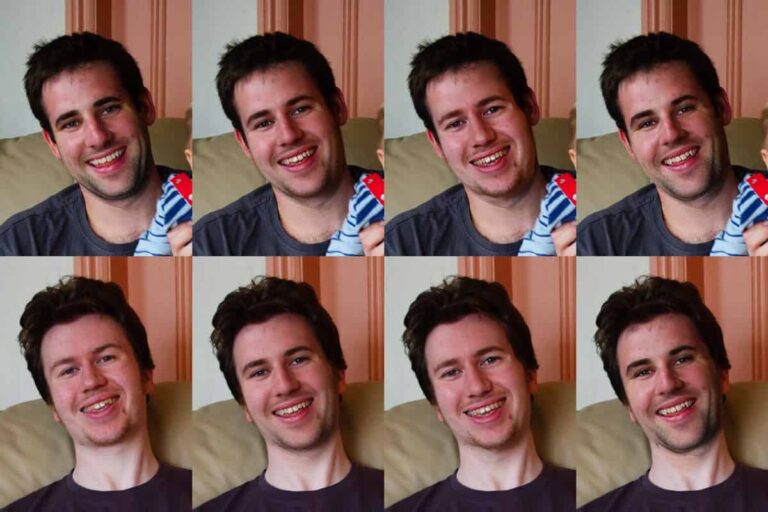
3. Reface
You may remember one of our reports introducing a deepfake app called Doublicat that helps you create fun GIF memes. Well, the developers of Doublicat have changed the name of the app to Reface, after Reface AI. Reface AI is a behind-the-scenes generative adversarial network (GAN). To use this app, simply capture a photo and select the GIF you want to use .
Within seconds, the app will superimpose your face onto the GIF. It doesn’t work perfectly, and the superimposition of your face will depend on the symmetry of your face and the GIF you’re using. That said, there are plenty of GIFs on the internet, so you always have a choice.
Installation : Android / iOS – (Free, with in-app purchases) 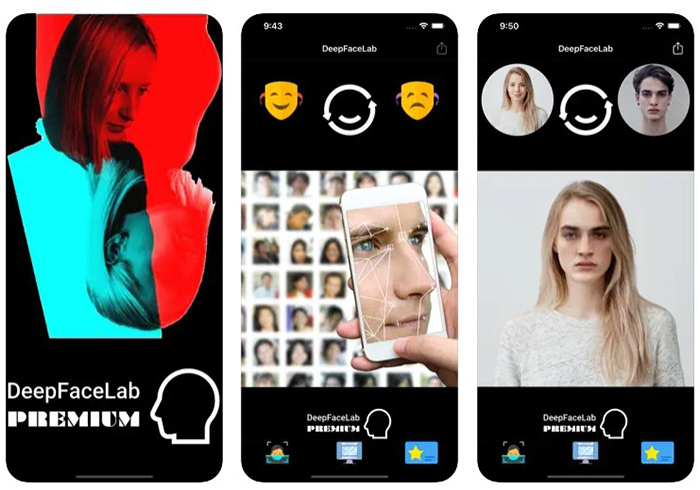
4. My Heritage
Another viral deepfake app you should try is called MyHeritage. The app’s Deep Nostalgia feature became popular among social media users as it allows you to animate old photos. To use the service, simply upload an image and press the animation button.
In a few seconds, you’ll see an animated version of the image with a moving face, eyes, and mouth that looks like it came straight out of Harry Potter’s magical newspaper, The Daily Prophet. You can check the output image here.
Installation: Android /iOS / Website (Free, with in-app purchases ) 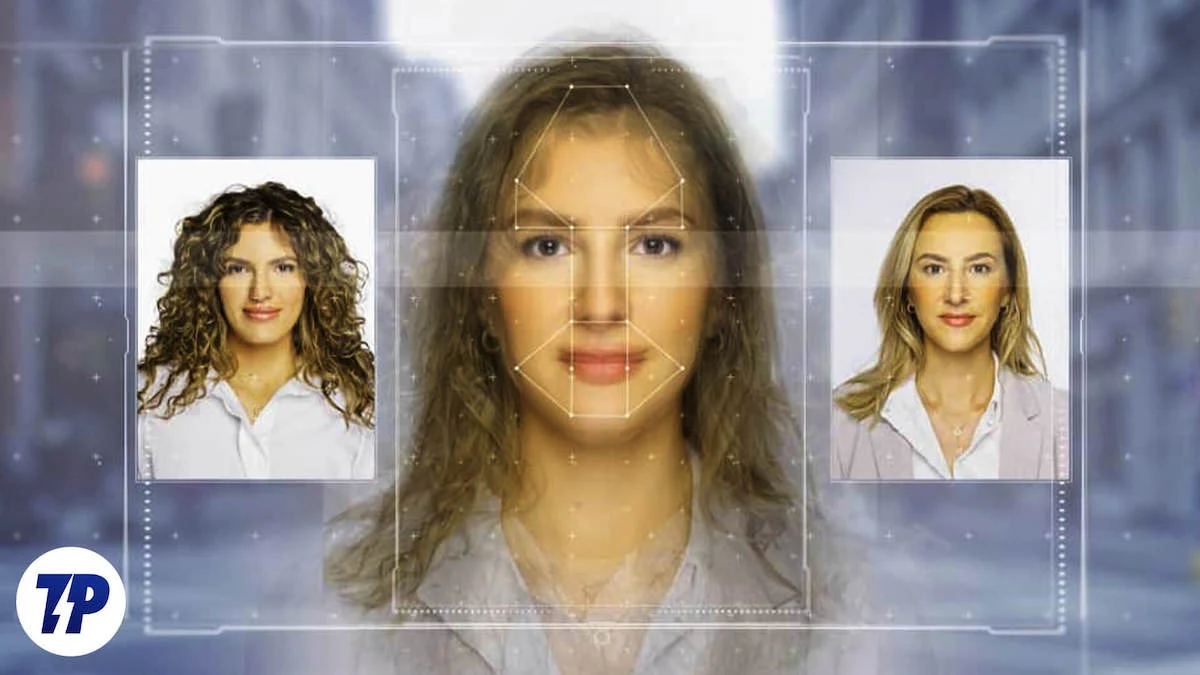
5. Deep Face Lab
DeepFaceLab is a Windows program that allows you to create deepfake videos. It is primarily built for computer vision researchers and students. However, if you want to know about deepfake videos, you should definitely try this tool. Replace faces in videos using machine learning and human image synthesis.
Because DeepFaceLab is an advanced tool primarily aimed at researchers, the interface is not user-friendly and you need to learn how to use it from the documentation. Again, it goes without saying that you need a powerful PC with a dedicated high-end GPU. Simply put, for computer vision students, DeepFaceLab is a great tool for understanding deepfake videos.
Visit DeepFaceLab (Free)
6. Deep Art
Deep Art is another app that has been making waves a while back. This is not a deepfake video app. However, it is possible to create deepfake images based on art, ancient structures, and paintings. There are many apps with similar functionality, but what’s unique about Deep Art is that it uses AI to turn any photo into an artwork .
This advanced algorithm is said to be inspired by the human brain and uses stylistic elements from popular works of art to recreate artistic images. Deep Art is trained by the works of artists as diverse as Vincent van Gogh, Leonardo da Vinci, Michelangelo, and Picasso. If you want to try your hand at something artistic, Deep Art is the app for you.
Installation: Android / iOS – (Free, with in-app purchases)
7. Face swap live
Face Swap isn’t exactly a deepfake app, but it allows you to swap faces with photos from friends or videos, making it one of the best face swap apps out there. You can record videos, apply stickers, take photos, and post directly to social media. What I like about this app is that unlike other face swap apps, the face is not very static and there is some movement in the face. There are also 3D effects and interactive face warps with several masks and effects.
Installation: Android ($1.99), iOS ($0.99)
8.Face app
FaceApp is a popular app, in fact one of the first few to really popularize and democratize deepfakes and AI-generated face editing on smartphones. With FaceApp, you can see what you’ll look like in your later years and smile by simply uploading a photo to the app. As mentioned above, the app uses AI to edit your photos so they look very realistic . Not only is this a great way to have a laugh with friends, but it’s also great if you have old photos and want your subject to smile instead of sitting with a straight face.
Installation: Android (free, with in-app purchases ), iOS (free, with in-app purchases )
9. Face magic
Another AI-based face swap app is FaceMagic. FaceMagic allows you to use selected faces on videos and images . The app’s in-app feed will prompt you to perform a face swap, but you also have the option to use your own photo or image as the base face swap object. What’s more, you can start using FaceMagic for free. However, to enjoy unlimited face swaps, priority processing, unlimited photo uploads, and removal of watermarks and ads, you must purchase a premium subscription.
Installation: Android (free, with in-app purchases), iOS (free, with in-app purchases )
10. Avatarization
Next on the list is Avatarify, an AI face animator that uses facial cues to insert into images. Avatarify works on the same principle as the deepfake apps mentioned above, but with an extensive collection to boot. This ranges from classic audio effects to more advanced head movements synchronized to international or regional songs. Various memes can also be used for deepfake effects.
Avatarify also has a live mode , which allows users to record their face and voice and overlay it on top of their avatar in real time. You can then record it and share it across platforms. Although there is a paid tier to remove watermarks, Avatarify is definitely one of the best deepfake apps for casual use.
Installation: Android / iOS (free, with in-app purchases)
11. Face play
FacePlay is another great deepfake app on our list and is very similar to the Reface app. This app provides several video, photo, and GIF templates. Some templates are free to use, while others require a paid subscription. To use the app, just upload your photo, choose a template, and the app will generate your magical avatar without any complicated steps, saving you a lot of waiting time.
Installation: Android / iOS (free, with in-app purchases)
12. Deep Brain
DeepBrain is a deepfake software that stands out for its ability to create highly authentic and visually stunning fake videos. Powered by advanced AI technology, DeepBrain has become a popular choice for users who want to create professional-quality, authentic deepfake video content. It also features an easy and reliable face swap feature. DeepBrain offers an intuitive interface where both beginners and experts can discover countless features to create stunning fake videos.
Visit: DeepBrain (starting at $24/month)
These are some of the best deepfake apps and websites available. If this piques your interest, you can also check out our list of the best AI apps for Android and iOS. Additionally, you can explore the best AI writing apps and AI coding tools in case you need some help. Let us know in the comments your favorite deepfake apps or websites from this list.
Deepfakes are created using artificial intelligence and machine learning software. All the apps on this list use built-in AI and ML software to create deepfake videos and photos.
At the moment, most deepfake technologies are not good enough to completely fool people. However, if used incorrectly, deepfakes pose a fairly serious threat to society. Because deepfakes can be used to deceive people and are fairly convincing (if not foolproof), use deepfakes within your legal rights and use the technology for illicit purposes. It is important not to use it for
No, it is not illegal to create deepfake videos, as long as the deepfake video is not explicitly described as a deepfake video and used to mislead people. That said, if you use someone else’s photo to create a deepfake, make sure you have permission to use that photo. Failure to do so will expose you to legal issues.
Yes, there are tools to detect deepfakes. However, the reliability of these tools is not constant and may vary from subject to subject.


![How to set up a Raspberry Pi web server in 2021 [Guide]](https://i0.wp.com/pcmanabu.com/wp-content/uploads/2019/10/web-server-02-309x198.png?w=1200&resize=1200,0&ssl=1)


