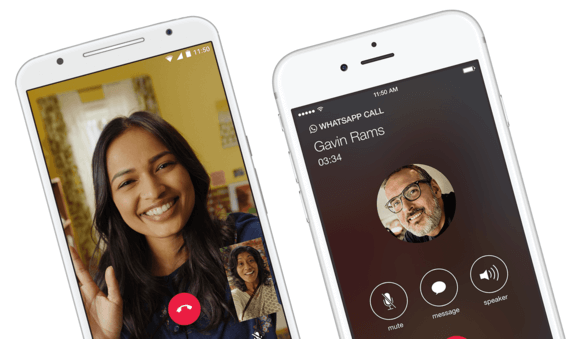
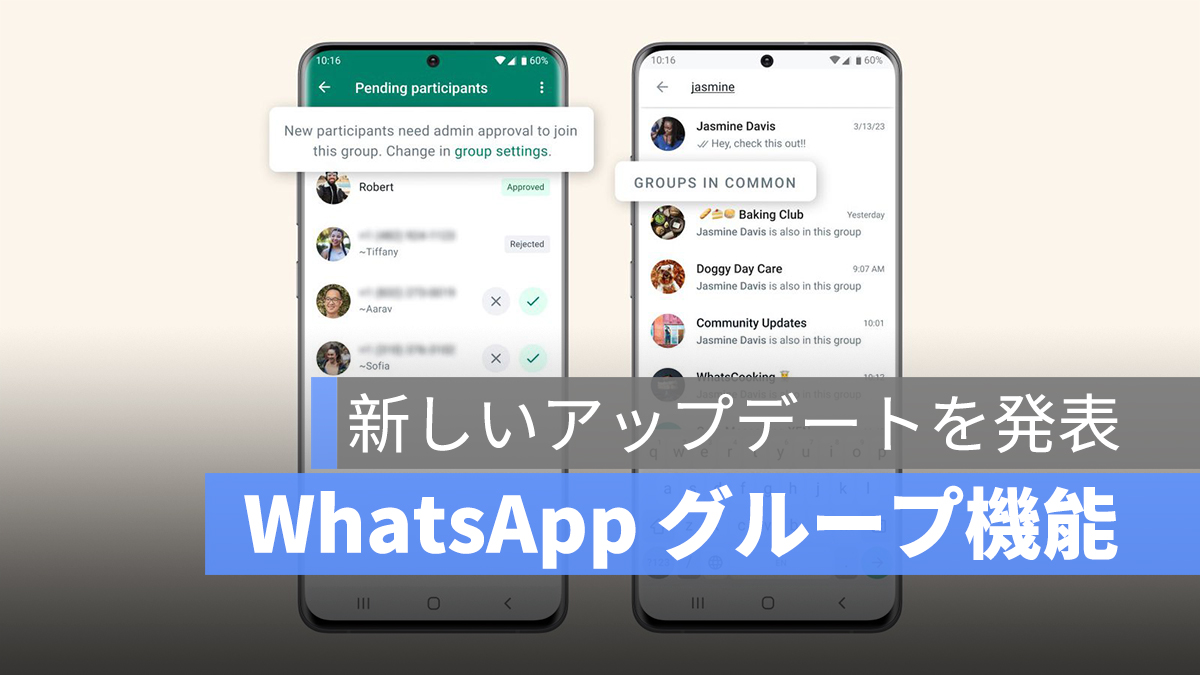
WhatsApp is one of the most popular apps today, and arguably the best messaging app as well. The Facebook-owned company also doesn’t take its dominance lightly. The app has received numerous updates and includes lots of new features, including group video calling, sticker support, and more. WhatsApp has some great features built in natively, but there are some Android apps that make it even better. Yes, that’s right. We believe WhatsApp is even better when used with other third-party Android apps. These apps may offer a variety of utilities, but they fill in the blanks that you might find in WhatsApp. Without further ado, here are 10 apps that will make WhatsApp even more useful in 2020.
Must-have Android apps for WhatsApp users in 2020
1. WhatsApp transcriber
Transcriber for WhatsApp is one app that we are sure everyone will benefit from. This app is useful when you receive a voice message from someone and can’t listen to it, for example because you’re in a crowded subway and don’t have earphones. This app can transcribe voice messages and display text versions of voice messages .
Here’s how easy it is to use Transcriber on your WhatsApp app –
- Once you receive a voice message, just long press on that particular message and press the share button.
- Then, just tap the Transcriber app icon and use it to transcribe your messages.
- The app opens as an overlay on the chat window, displaying the text version of the message. Pretty cool, right?

Transcriber app for whatsapp
You can also open the app to check your chat history and experiment with settings such as language selection, interface opacity, and more. If you don’t want to see ads while using it, you also have the option to remove them .
Download Transcriber for WhatsApp ( free , in-app purchases)
2. WA automatic response
You may have used a third-party app or software to set up automatic responses in your email client. But have you tried one for WhatsApp? Well, if that’s what you’re looking for, AutoResponder for WA is worth checking out . As the name suggests, AutoResponder for WA allows you to set up automatic responses to messages from specific contacts or everyone . The free version of the app has some limitations, so we recommend splurging on the PRO version (about $5). This app has little to no learning curve, so you should start using it as soon as you install it.
Download AutoResponder for WA ( Free , $5)
3. Wamul
Has it ever happened that someone sends you a message on WhatsApp and deletes it right before you can see it? With WAMR, you can easily recover deleted messages without any loss . This app is essentially a workaround, making use of notification permissions to save a copy of the message content the moment it arrives on your smartphone. Additionally, WAMR can also recover deleted images and videos, but keep in mind that the media must be fully downloaded to your smartphone before making a copy. Apart from that, the app can also restore voice memos, GIFs, and stickers. Overall, WAMR is a very useful app for WhatsApp and can be put to good use.

Download WAMR ( free , in-app purchases available)
4. SKEDit schedule app
SKEDit is a message scheduler for WhatsApp. SKEDit allows you to schedule messages on WhatsApp in a few easy steps. This is a very simple app with no hidden caveats. As soon as you install and open the app, you will see a number of apps that can use the service. Just select WhatsApp and connect your WhatsApp account. Once you do this, you will be taken to a page where you can easily schedule messages. SKEDit can be downloaded for free, so be sure to check it out. What’s more, the app works completely automatically (unless you need to confirm before sending a scheduled message), so you can just schedule a message and forget about it.
Download the SKEDit schedule app ( free )
5. Sticker maker
A while back, WhatsApp introduced the ability to share stickers on Android and iOS. They are slowly taking over messaging platforms as an alternative to emojis. WhatsApp initially offers a “small collection” of sticker packs, but you can also create your own stickers by visiting the Play Store and downloading an app called “Sticker Maker.” We have already written a detailed tutorial on “How to create your own stickers with the Sticker Maker app” and you can read it here.
Download Sticker Maker ( Free )
6. Notify
Notify is an app that offers a more convenient way to receive and respond to notifications than WhatsApp. Open a conversation in the form of a bubble like Chathead or Facebook Messenger and reply to messages without switching apps. It offers a very simple design that allows users to have conversations without disturbing anything else. Besides WhatsApp, it also supports Telegram, Line, Hangouts, Skype, VK, Tango, KakoTalk, Twitter, GroupMe, Threema, textPlus, Textra, ChompSMS, QKSMS, Facebook Messenger, Google Messenger, Plus Messenger, Gmail, Inbox .
Download Notifly: ( Free with in-app purchase)
7. Crop Shop
CropShop is a must-have app for everyone who longs for the day when you can use non-square photos as your profile picture on WhatsApp. This may be one of the biggest drawbacks of WhatsApp. This is similar to how it was before Instagram came to its senses and allowed you to share images of any size.
Until WhatsApp comes up with a solution to this problem, CropShop is your go-to app to save the day. With CropShop, you don’t have to crop your favorite photos to match your WhatsApp profile picture ; instead, you can use this app to edit your photos, blur the background, and make them square. You can also make basic edits and add fancy filters to your photos before sharing them. With this app, you won’t have to amputate your legs the next time you want to DP your selfie.
Download CropShop: ( Free )
8. Status saver
WhatsApp Status is now like your Facebook newsfeed. With this new feature, WhatsApp is no longer just an instant messaging app, but a social media platform where users express themselves by sharing all kinds of images and videos. Sometimes a friend or family member has shared something interesting and you want to save it, but unfortunately WhatsApp doesn’t have a native download option. In that case, you can use a dedicated app called Status Saver to download video status from WhatsApp without doing anything . Just view your status on WhatsApp and your media files will be automatically downloaded to Status Saver.
Download Status Saver ( free , in-app purchases available)
9. File by Google
Every day we receive morning greetings from our family and relatives on WhatsApp in the form of images and videos. Sometimes you have a friend who keeps sending you offensive memes even though you are indifferent to popular meme culture. Media files may not seem like a big deal on the surface, but if your phone doesn’t have a lot of storage, you can quickly run out of space. Also, to free up space, you have to carefully select and delete photos and videos from multiple contacts, which is simply a tedious task. But don’t worry.
File download by Google ( free )
10. App lock
If WhatsApp is your primary messaging app, you may want to protect it so that no one can snoop on your conversations. Password-protecting your app is one of the best ways to ensure your chats stay private. Google Play Store has many apps for locking apps, but App Lock is one of the most popular and it works like magic.
- As soon as you open the app, you will be asked to set a password or pattern. If your phone has a fingerprint scanner, you can also choose to use your fingerprint for authentication.
- Once done, you can set up an app lock for WhatsApp by simply finding WhatsApp in the list and tapping the lock button next to it .
App Lock
WhatsApp is now protected by App Lock and no one can read your WhatsApp messages without first unlocking the app.
Download App Lock ( Free )
Note: WhatsApp has introduced its own app lock feature. However, this uses your phone’s unlocking mechanism. This app allows you to set a different password for WhatsApp to make it more secure.
Get the most out of WhatsApp with these apps
These are the top 10 must-have Android apps for every WhatsApp user. Enhanced security, schedule messages, set automatic replies, bubble replies, new stickers, and uncropped profile pictures. Everything that WhatsApp is missing, you can now do using these apps. Additionally, these apps should also power messaging apps other than WhatsApp. Give these apps a try and let us know what you like about them in the comments below.


![How to set up a Raspberry Pi web server in 2021 [Guide]](https://i0.wp.com/pcmanabu.com/wp-content/uploads/2019/10/web-server-02-309x198.png?w=1200&resize=1200,0&ssl=1)


