
Apple’s new MacBooks and Mac Minis powered by M1 processors look very promising. Plus, thanks to Rosetta 2, you can run any x86 app on your M1 Mac pretty easily. However, one of the biggest drawbacks of switching to ARM, at least for some pro users, is the lack of Boot Camp on M1 Macs.
Yes, you can no longer sideboot Windows on your Mac because Boot Camp is not supported on Apple M1 laptops. At least not yet. That said, if you need to run Windows apps on your Mac, there’s good news.
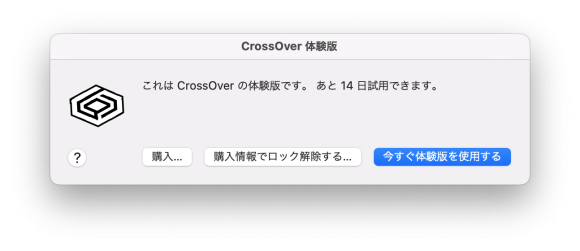
CrossOver developer CodeWeavers has announced that CrossOver 20 now works on Apple M1 Macs. For those who don’t know, CrossOver is emulation software that allows you to run Windows apps on macOS. With Apple M1 support, CrossOver 20 gives you the ability to run any Windows app or game on a Mac with an Apple M1 chip. This is a huge benefit for users who require specialized Windows software for their work.
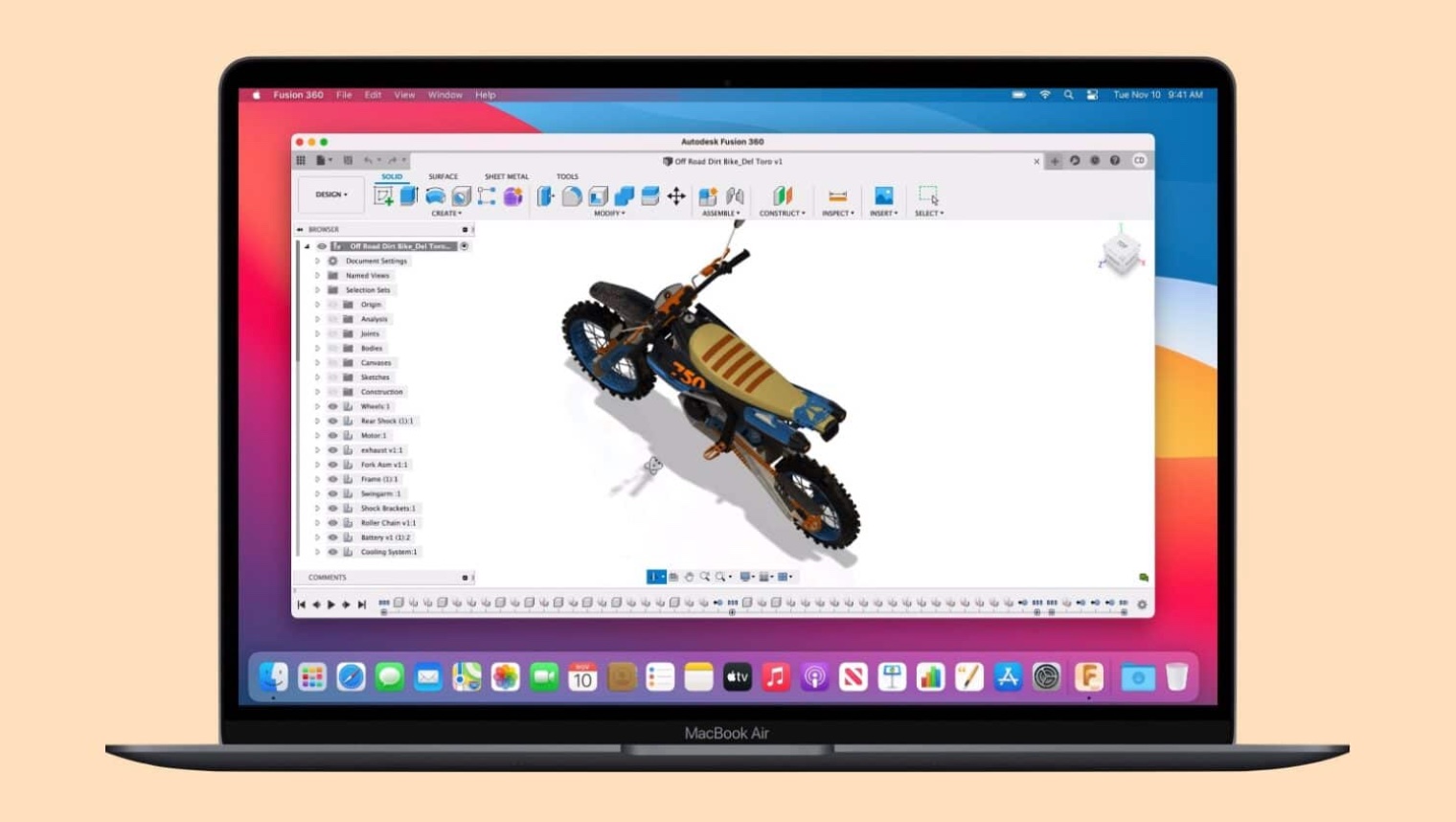
To showcase the new software, the CodeWeavers team presented a demo video that runs popular Windows apps and games, including Among Us, on an Apple M1 MacBook Air. Check out that video below.
A blog post detailing the new update and M1 Mac support reads: There’s a lot of emulation going on under the hood. Imagine a 32-bit Windows Intel binary running in the 32-to-64 bridge of Wine/CrossOver on macOS on an ARM CPU that emulates x86. And it works. This is really cool. ”
Featured image courtesy of Code Weavers


![How to set up a Raspberry Pi web server in 2021 [Guide]](https://i0.wp.com/pcmanabu.com/wp-content/uploads/2019/10/web-server-02-309x198.png?w=1200&resize=1200,0&ssl=1)


