Choosing a photo editing app can be difficult and time-consuming, especially if you’re looking for free tools to edit photos. There are many options, but not all of them are worth your time. So, to make your life easier, here are 10 of the best free photo editing software you can use on your PC or Mac. 
1.Pixlr X and Pixlr E
One of the best free software for photo editing is Pixlr, an online photo editing app. Two versions are offered here. Pixlr
If you’re looking for a free Photoshop-like tool, try Pixlr E, which offers advanced photo editing and creativity features, including tools like Lasso, Clone Stamp, and more.
Pixlr is browser-based, so it can run on almost any platform that supports browsers. However, if you’re looking for a photo editing app for iPhone or an Android photo editor, we also have articles dedicated to them. Strong Points Cons Flexible choice of easy-to-use software and full-featured options Display ads in the free tier Supports the most commonly used image file types
Availability: Online
Check out Pixlr 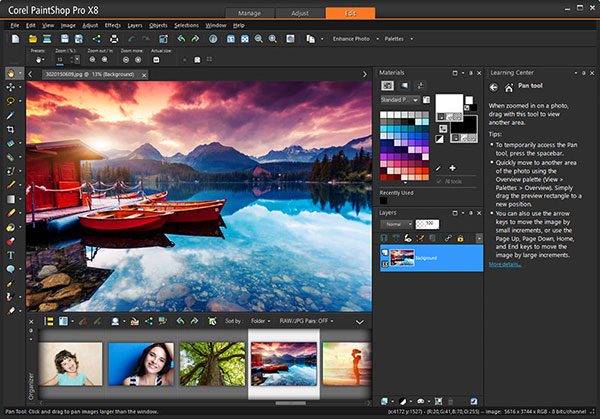
2. Gimp
GIMP is the FOSS equivalent of Adobe Photoshop. This means that almost all the features of Photoshop are available in the free photo editing software. GIMP offers tools like Photoshop, as well as features such as blending styles, filters, and more. Additionally, you can customize the interface and take advantage of multiple GIMP plugins to have even more versatile tools at your disposal. For example, GIMP now has a plugin that adds Stable Diffusion, allowing you to use AI to edit your photos and create designs.
It’s also worth noting that you can create GIFs with GIMP and export your photos and creative designs to multiple formats.
GIMP may not have the best-looking UI, but as far as functionality goes, it’s almost unparalleled. Strong Points Cons Multifunctional image editing software like Photoshop User interface can be unpleasant Supports a wide range of file formats Not ideal for casual or basic editing needs Can be used to create animated GIFs Foss
Available environments: Windows, macOS, Linux
Check out GIMP 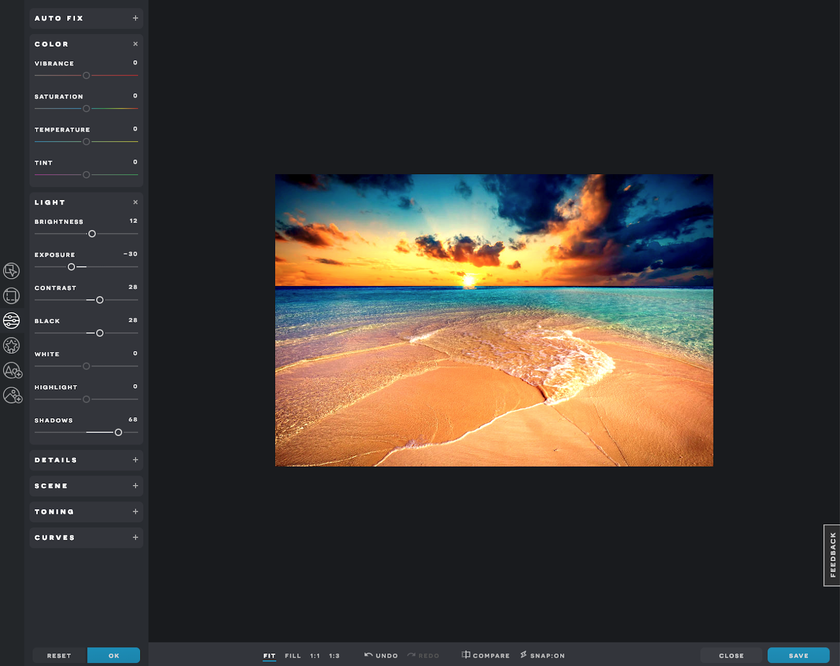
3. Photol
Fotor is another browser-based image editing software recommended for people who want to edit photos and create designs with more features than something like Pixlr X, but less complex than something like GIMP. It’s basically somewhere in between, offering useful features like effects (filters), elements like text and frames, and even beauty filters to remove blemishes or add blush.
Notably, Fotor also has AI-based image editing features. However, although these features are available in the free version, you will have to pay to remove watermarks or remove restrictions. Fotor’s AI features include 1-tap correction, face unblurring, background removal, old photo recovery, and more. Strong Points Cons easy to use AI features are not available in the free version AI function Do not use tools such as brushes or erasers. Feature set suitable for basic photo retouching
Availability: Online

4. Pinta
Pinta is a free, open-source photo editing software based on a fork of the Paint.NET source code, offering a feature-packed experience. In addition to basic features such as drawing tools, over 35 effects and adjustments, and multilingual support, Pinta also offers a number of advanced editing features. It has full history functionality so you can easily undo as much as you want. The software also supports layers for more versatile editing, allowing you to fully customize your workspace to suit your needs. Strong Points Cons Free and open source Sometimes throws random bugs Rich features
Available environments: Linux, macOS, Windows
Check out Pinta 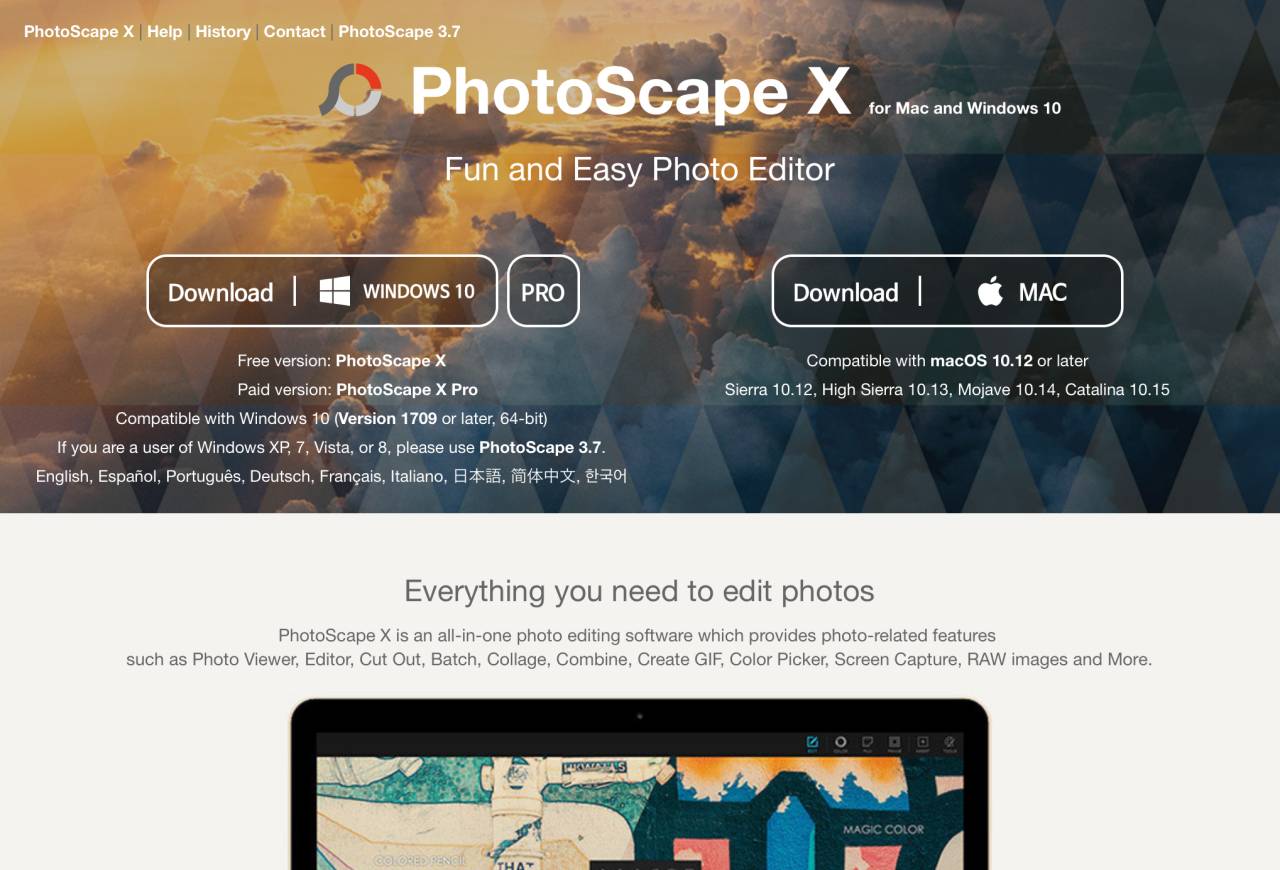
5.Paint.NET
Paint.NET is another powerful free photo editing software that’s perfect if your Windows PC’s built-in Paint app doesn’t cut it. It has most of the features you need for image editing and has a small installation size, weighing only a few megabytes. Layers, built-in effects and filters, and unlimited history are supported. Strong Points Cons free Not suitable for more advanced photo editing techniques Small size makes it ideal for low configuration systems Rich features
Available environment: Windows
6. Photoscape X
If you’re looking for photo editing software that offers an impressive feature set with a minimalist user interface, look no further than PhotoScape X. This image editor has useful features such as photo cropping, collage, batch editing, RAW images, and more. support etc. It also includes effects such as film effects and light leak effects, giving your images an analog and nostalgic feel.
PhotoScape’s editing features also include support for batch converting, resizing, and renaming images. You also get support for stickers, frames, and macros, allowing you to perform multiple tasks with simple commands. Additionally, PhotoScape X also functions as a photo viewer. This is just a bonus. Strong Points Cons Convenient batch editing and conversion features Background removal is not very accurate RAW image support
Availability: Windows and macOS
7. Kamba
Canva is a very versatile online photo editing software as far as features are concerned. All basic photo editing features such as filters are provided and can be customized. Additionally, you can also use it to adjust the brightness, contrast, and saturation of your photos. Additionally, Canva makes it easy to resize and crop your photos without too much effort.
However, where Canva really shines is in the design aspect. So if you’re looking for a photo editor that can also design posters, flyers, digital campaigns, and more, you should definitely check out Canva. Strong Points Cons easy to use Not packed with features for advanced image editing Provides basic photo editing functions
Availability: Online
8. Be Funky
BeFunky is another great online photo editing software that is free to use. It comes with a full set of photo editing features such as resizing and cropping images, cropping parts of images, sharpening images, correction tools, and effects.
You can also use BeFunky to add cool overlays to your photos and add text and textures to your images to make them stand out. This software has an easy-to-use interface that makes photo editing a breeze. Strong Points Cons Rich features Editing text in images can be slow great user interface The free version may seem a bit limited
Availability: Online
9. Sumo Paint
If you’re looking for software that is essentially an online version of Photoshop, you might want to consider SumoPaint. Unlike most online photo editing software, SumoPaint offers a nearly identical user interface to Photoshop. Tools available include the brush tool, lasso tool, magic wand, and bucket fill. Additionally, there’s also support for layers, which obviously provides an even more versatile editing experience.
SumoPaint is free to use, but we also offer a Pro version ($4/month) that gives you more features.
| Strong Points | Cons |
|---|---|
| Powerful photo editing experience | Text management is not perfect |
| Loads quickly | Pro version may seem expensive |
Availability: Online (Pro version can also be used offline)
10. Ashampoo Photo Optimizer
If one-click photo editing or batch photo editing is what you’re looking for in a good free photo editing software, this is the one for you. Ashampoo Photo Optimizer not only supports batch editing of photos (mirroring, resizing, etc.), but also provides useful one-click automatic optimization features that can significantly speed up your photo editing experience.
Additionally, if you want to fine-tune your settings, you can manually adjust things like contrast and brightness. Strong Points Cons Edit photos in one click Lack of fine-grained control Bulk editing of photos
Available environment: Windows


![How to set up a Raspberry Pi web server in 2021 [Guide]](https://i0.wp.com/pcmanabu.com/wp-content/uploads/2019/10/web-server-02-309x198.png?w=1200&resize=1200,0&ssl=1)


