Even with your best efforts, getting the perfect shot isn’t always easy. But with photo editing apps you can get rid of all the drawbacks.
With the proliferation of high-resolution smartphones, mobile photography has become a common phenomenon. If you want to take photos using your phone, there is no need to move them to your computer for editing. Transform your photos into perfect ones using the following mobile photo editing apps.
A photo editing app that allows you to edit photos from anywhere
Photo editing no longer means using heavy software on your computer or taking the help of photo editing experts. There are various photo editing mobile apps that have revolutionized the concept of photo editing. Now you can get professional-looking results directly from your Android smartphone or iPhone.
Easily enhance your photos while traveling or when you’re not sitting in front of your computer with these handy mobile apps. Whether you need to quickly send a photo to someone or post it on social media, mobile photo editing apps can be your savior.
Check out this list of best photo editing apps and find the one that best suits your needs.

photo director 365
PhotoDirector 365 is an all-in-one photo editing tool that lets you enhance, style, animate, and create collages from images. In addition to editing tools, it also features photo animation tools to bring your photos to life with hundreds of styles, effects, and templates.
PhotoDirector 365 lets you remove objects from your photos and undo them if you don’t like the changes. You can also change the background and sky of your photo.
The Face Shaper tool allows you to make natural and subtle changes to your face. Other key features of this app include magic brush, white balance, blur images, photo retouching, selfie editor, red eye removal tool, and more.
Download for: Android | iOS
pixart
Picsart lets you unleash your creativity with AI-powered photo editing tools. It allows you to create professional collages, quickly remove backgrounds, add stylized photo filters, create AI avatars, and more.
Users can find trending filters and popular photo effects for photos in this app. There’s also a background eraser and object removal tool to remove unnecessary stuff. You can also choose from over 200 designer fonts to add your text.
Picsart app is also great for flipping and cropping images, adding or creating stickers, blurring images, and even retouching selfies with hair color changer and makeup stickers.
snap seeds
Snapseed is Google’s professional photo editor that can be used to edit JPG and RAW image files. Featuring 29 tools and filters, you can style with precise control. It can automatically adjust color and exposure as well as highlight surface structures in images.
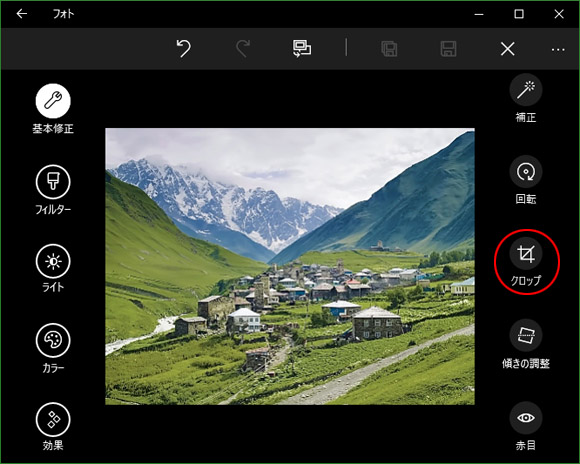
Moreover, this app allows you to freely crop the photo, rotate it 90°, straighten the horizon, etc. It also supports adding text to images, adjusting white balance, and controlling photo brightness.
Snapseed also has a double exposure feature that allows you to blend two photos together after selecting a blend mode.
Adobe Photoshop camera
With the Adobe Photoshop Camera app, you can add a variety of filters and effects even before shooting. It has over 100 beautiful lens effects and filters to edit your photos for Instagram and other social media.
Apply real-time Photoshop effects and auto-adjust photo effects for AI-powered image editing. You can also make optimal recommendations for effects for the best results.
There are also plenty of portrait control features to help you capture the perfect social media photo, including face distance, face light, and face relighting. It also helps avoid distortion in group selfies.
Pixlr
Pixlr is a photo editing app that offers a collection of effects, overlays, and filters. This app allows you to create photo collages in different styles and proportions. Make color adjustments in one click using auto-correct.
There are also color splash and focal blur tools to enhance color and impact. You can also smooth skin tone, whiten teeth, and remove red eyes and blemishes from photos. Additionally, Pixlr lets you add text and borders to images in your favorite styles.
Image cropping, resizing, effects and overlays, tone amplification, surreal tints, layers, and adjustable transparency are other main features of this app.
Prisma Lab
Prisma Labs allows you to enhance the quality of your photos in many ways and turn them into art. The Art Filters library contains over 500 filters and effects for your photos. We also have a huge collection of artistic styles such as embellishments, smudges, and embroideries.
Prisma Labs has an image enhancement tool that enhances photos after applying art filters. These tools help you adjust the exposure, contrast, brightness, and sharpness of your photos. There are also options to apply blur, retouch, and skin editor tools.
face tune
If you love taking selfies, you can use Facetune to retouch your selfies using premier tools. Choose to perform photo editing with a single tap or use filters to enhance your photo or the entire frame.
You also have the option to precisely apply your own editing settings through manual editing. Cover up blemishes, add highlights to your hair, refresh tired eyes, and apply makeup all seamlessly on this app.
Retouching allows you to make eyebrows, lips, and hair thicker or thinner using reshaping tools. You can whiten not only your teeth but also your dresses and sneakers.
Adobe Photoshop Lightroom
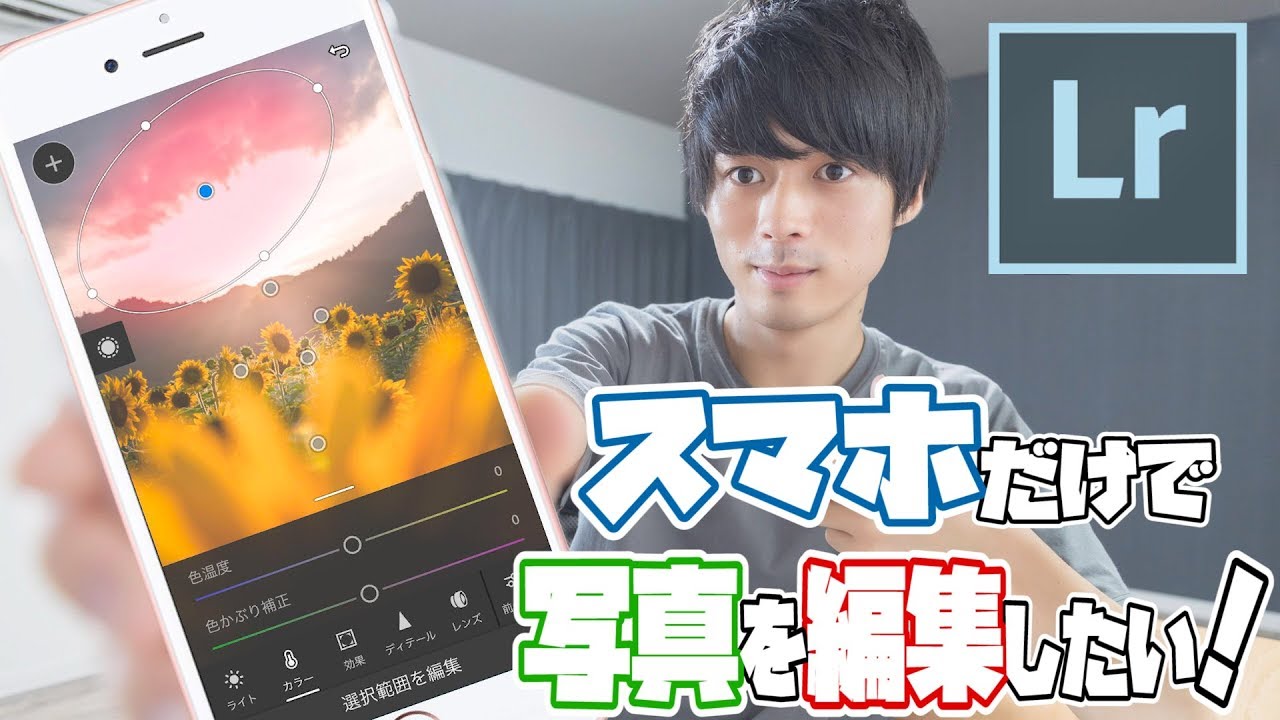
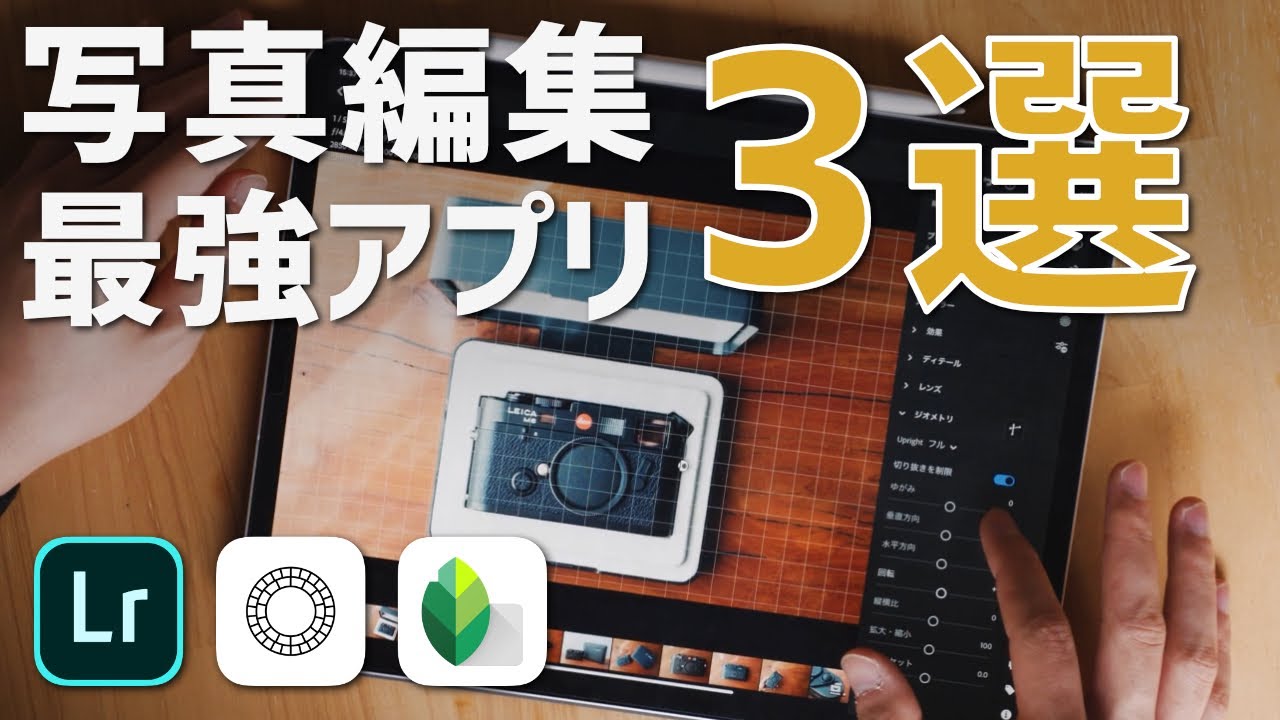
Adobe Photoshop Lightroom is a robust photo and video editing app packed with tools and filters to edit stunning images. These easy-to-use tools let you quickly edit your photos on the go by experimenting with camera filters, removing unwanted objects from your photos, and tweaking the background.
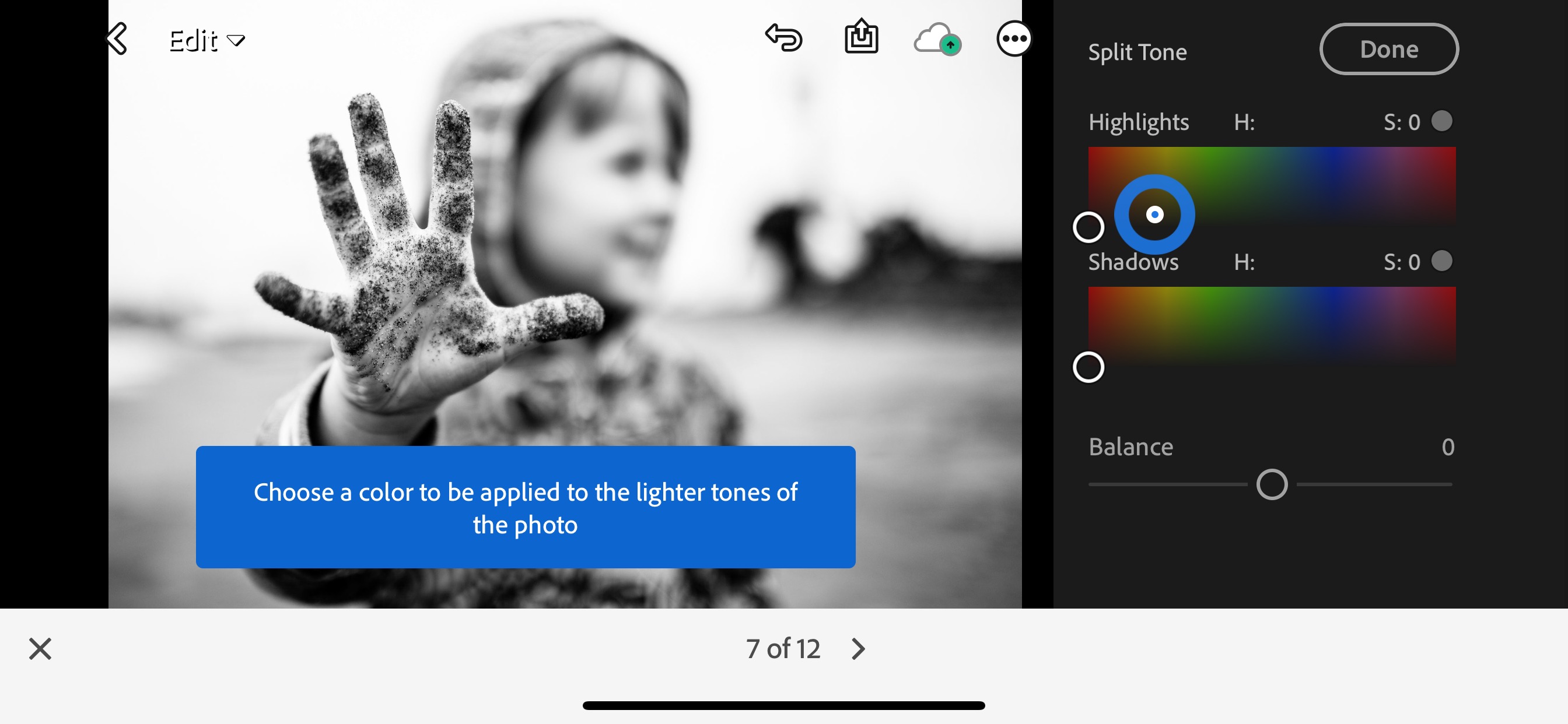
Free presets and photo filters support quick editing, and adaptive AI technology recommends over 200 presets for great images. Adobe Photoshop Lightroom’s precision sliders let you retouch settings such as contrast, highlights, exposure, shadows, and more.
Color mixer, color grading tools, photo enhancer, and advanced capture modes contribute to amazing photo editing.
afterglow
If you’re looking for a quick and easy photo editing app, try Afterlight. This app comes with a simple design but powerful and agile tools that give you the look you want.
Equipped with 15 unique adjustment tools, you can easily enhance your images. 27 types of original filters are also available, which can be adjusted according to your needs.
Afterlight also has a crop tool with 15 presets. There are also tools to rotate, slip, and straighten images, and 77 simple, adjustable frames for your Instagram posts.
Download for: iOS
polar
Take your photos to the next level with the advanced AI-powered app Polarr . Here you can edit the colors of your photo, add overlays of your choice, and modify the AI technology to change certain objects.
This app has a large collection of filters provided by app users. Easily search to find trending filters and apply them to your photos. These filters can be used to add AI objects (backgrounds, people, animals), retouch face shapes, and make other adjustments such as bright colors, effects, tones, details, and grain. Masu.
Additionally, productivity features like face detection, batch image export, and AI object segmentation make this app unique.
Summary📱✨
Photo editing app empowers both professional and novice mobile photographers by hiding photo flaws and creating stunning photos. These apps allow you to perform various edits such as color correction, brightness adjustment, and more.
Here we have listed some popular photo editing apps that you can install on your Android and iOS devices.
Also read about image resizing tools for social media.


![How to set up a Raspberry Pi web server in 2021 [Guide]](https://i0.wp.com/pcmanabu.com/wp-content/uploads/2019/10/web-server-02-309x198.png?w=1200&resize=1200,0&ssl=1)


