Affinity Designer is quickly taking the graphic designer community by storm. With the recent release of Affinity Designer for iPad, parent company Serif aims to gain significant market share in the near future.
Tired of Adobe’s pricing module?
Do you think Sketch is a little too feature-rich for your needs?
Well, no need to worry. Robust graphic design software still exists and has attractive pricing structures.
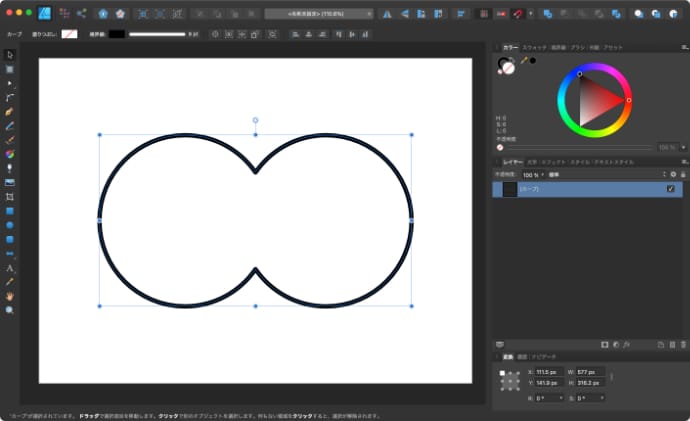
Affinity’s Designer has received many accolades, and as it continues to expand with modern features and a seamless user interface for vector editing, many converts have joined the brand .
The company is also currently actively involved in the iPad market, providing a great vector editing experience for all Apple tablet users.
You can try the software for yourself with a 10-day trial version. These 10 days are enough time to try out many of the tutorials and learning resources below.
Also check out our 2500+ Affinity Brush Bundle .
official channel
Take full advantage of Affinity Designer’s many features. The following resources will help you fully understand this amazing app and help you recreate industry-class designs in just a few days.
You can’t go wrong if you learn directly from the source. The Affinity team has uploaded all of our designer videos to Vimeo. In total, there are 94 pieces. Each video is at most 10 minutes long, so there’s plenty of homework to do later.
One thing to note about video learning is that videos can teach you the basics of certain actions. Creativity is difficult to teach, but these videos provide a solid foundation for understanding how software works.
Here are some good ones to get you started.
- Discover. This tutorial provides an introductory tour of Affinity Designer, a program that provides truly professional graphic design on the Mac. Learn the basics of your workspace so you can get up and running in the shortest possible time.
- Illustration in film noir style. Nat shows you how to create film noir style illustrations using photos, adjustments, pen tools, and global colors.
- Artboard: Basic. Learn how to add, select, delete, move, resize, and rename artboards (and how to zoom to a selection).
workbook
The video is great, so please watch it. But books are even better. With books available without the need for an internet connection, you can hone your skills even on long train rides. The official Affinity Designer workbook is designed to help you get the most out of this beautiful vector software.
This book takes you on a journey to design nine unique projects. Each project is submitted by the best talent in the industry. Not only does this book contain information on how to design like a modern professional, but you’ll also have the privilege of learning the best vector design techniques from real professionals.
You will initially need an internet connection, as you will need to download the necessary files for each project so that you can work on your machine uninterrupted.
Frankentoon
Frankentoon is a small illustration company that makes a significant amount of their work available for free. We also have some interesting tutorial videos on YouTube. Check out the channel Frankentoon Video . In particular, the ” Marker Drawing Effects with Vector Brushes ” video highlights the level of creativity the designers are working with.
Visit our Design School section to find all kinds of exciting Affinity Designer tutorials. At the moment, Frankentoon covers a lot of ground regarding character design, sketching processes, using textures, and creating vector scenery.
This is exactly the kind of tutorial and guide that a complete beginner would expect. It also helps that the production value for each tutorial is also top-notch.
affinicast
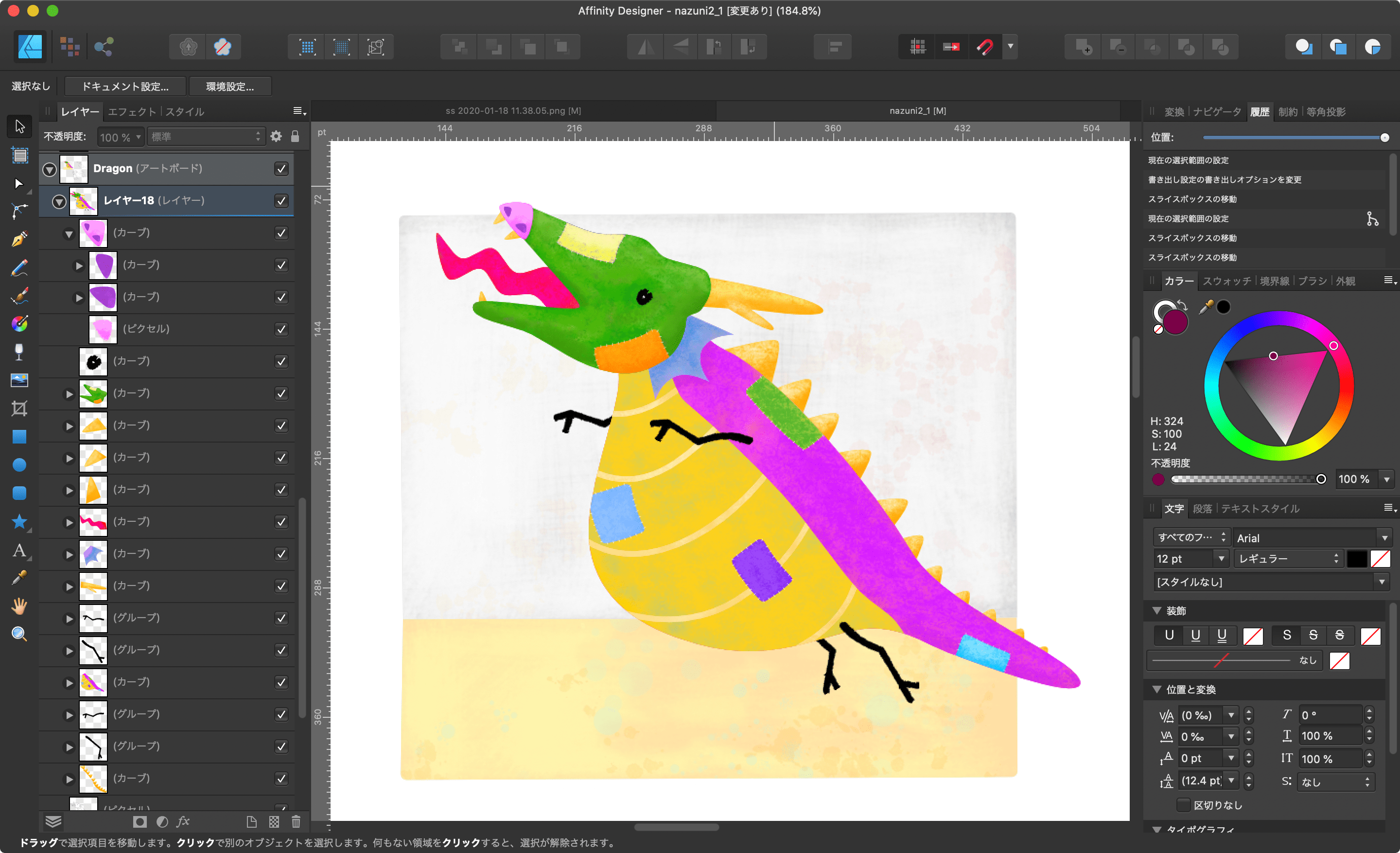
Affinicasts started as an independent project to publish detailed tutorials on many Affinity products. Photographer, designer, publisher. Unfortunately, due to time constraints, the project had to be abandoned.
Although this is a huge loss for the community, you can still find some Affinicasts content hosted on YouTube. There are approximately 70 videos in total, most of which were posted during 2018. Therefore, the information in the video is up-to-date and will remain fresh for years to come.
affinity revolution
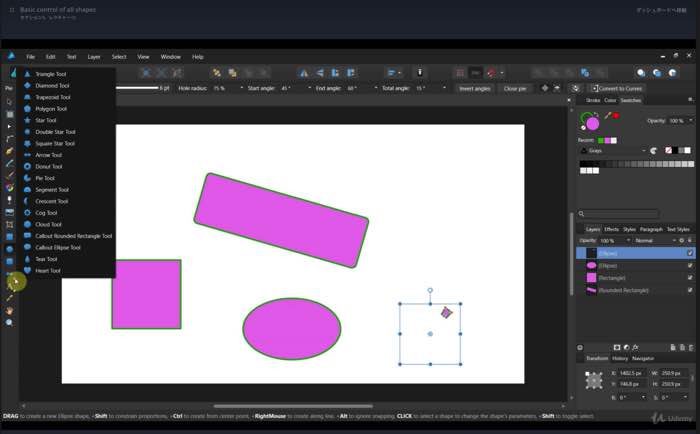
If you’ve explored Affinity Designer learning materials before, you may have heard of the Affinity Revolution YouTube channel . The channel has over 130,000 subscribers.
This platform is primarily run by Ezra Anderson, who uses his thoughtful and precise style to teach people how to become better vector graphics designers. The link above the featured photo will take you to the Affinity Revolution course page.
All YouTube videos are free and the course requires minimal financial investment, but the learning material is well worth it.
complete guide
Are you a graphic designer looking to move away from Photoshop?
Are you an active user of Affinity Photo and want to deepen your understanding of graphic design?
And maybe you’re someone who needs an affordable yet powerful tool to do modern design work?
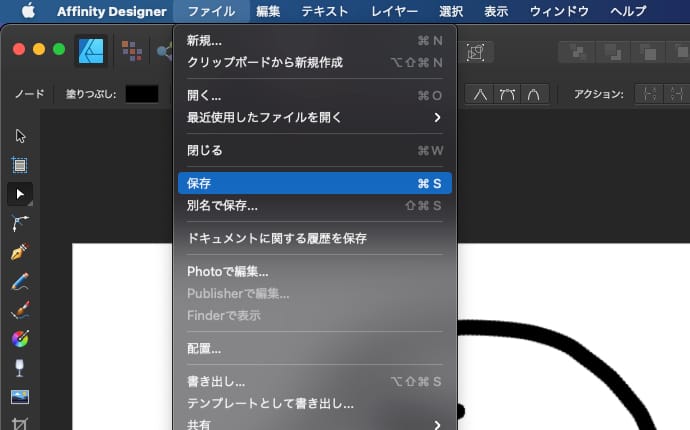
If you answered yes to any of the questions above, then this Udemy course is for you. Students in this course will thoroughly learn what it takes to become a confident user of Affinity Designer.
The course curriculum is as follows:
- Learn how to improve your Affinity Designer UI and workflow.
- How to create documents for web, print, and other media needs.
- Create and edit shapes in a way that suits your creativity.
- Learn techniques to design advanced shapes using manipulation, expression, and reflection.
- Gain a clear understanding of color and its impact on design.
- Understand how to use pen and brush tools.
- Gain concrete experience by designing professional logos.
- In addition to masking, explore how to use shading to create truly detailed vectors.
Flat vector illustration
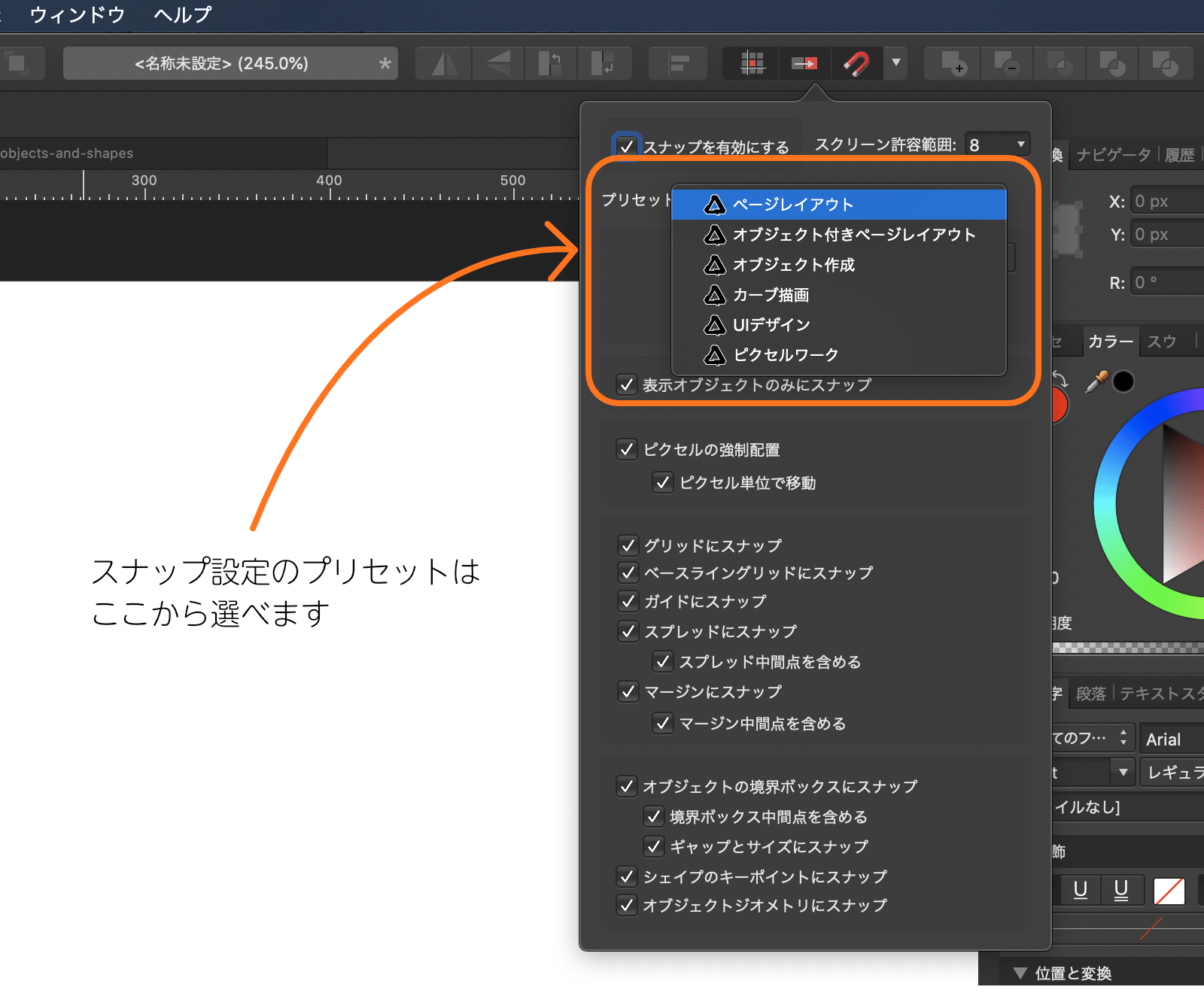
Besides the long format (30+ minutes) and clear format, there are several reasons why you might want to consider this tutorial . First and foremost, this is a sponsored tutorial by Serif (makers of Affinity products), and secondly, it’s written by an experienced designer who’s been in the industry for decades.
Also, although this tutorial is sponsored, it is not written for the purpose of promoting or promoting any product. All of this together makes this one of the best tutorials for beginners in Affinity Designer.
Learn how to create flat vector illustrations like the one shown in the photo above. Creating something this pixel-perfect requires learning some new skills along the way. This tutorial is structured to do just that, showing you how to accomplish it from one technique to another.
iPad tutorial
When we talk about iPad design apps, Pixelmator, Procreate are common names. But no one dares to go as far as Serif with the iPad release of Affinity Designer. This is not just an app, it’s a full-fledged vector editing experience on your tablet.
Now you can work on professional projects even when you’re away from your desktop device. This section features some of the best tutorials to unleash the spark of your creativity. If you’ve used desktop software before, you can start using it right away.
Official iPad tutorial
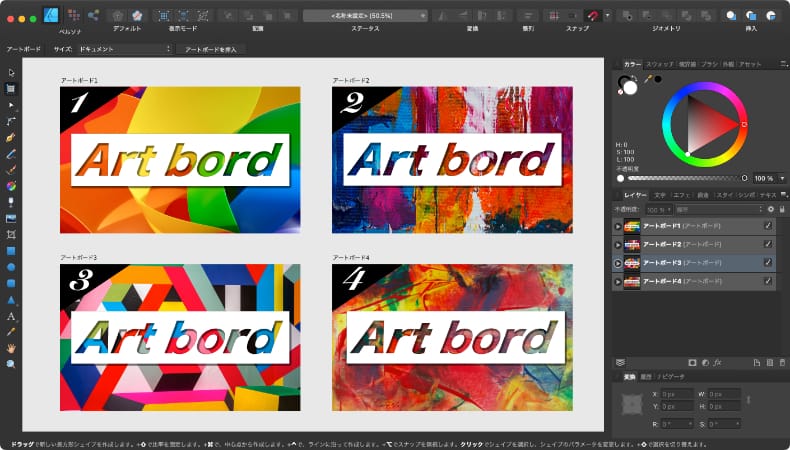
Similar to the desktop version, Affinity also offers a substantial library of educational videos on the Affinity iPad . This collection of video tutorials details almost everything you need to know about the application.
After you finish this resource video, you should be ready to design something of your own. Designers who have used the app have left rave reviews about its simplicity and how easy it is to achieve the perfect design structure.
Design using iPad
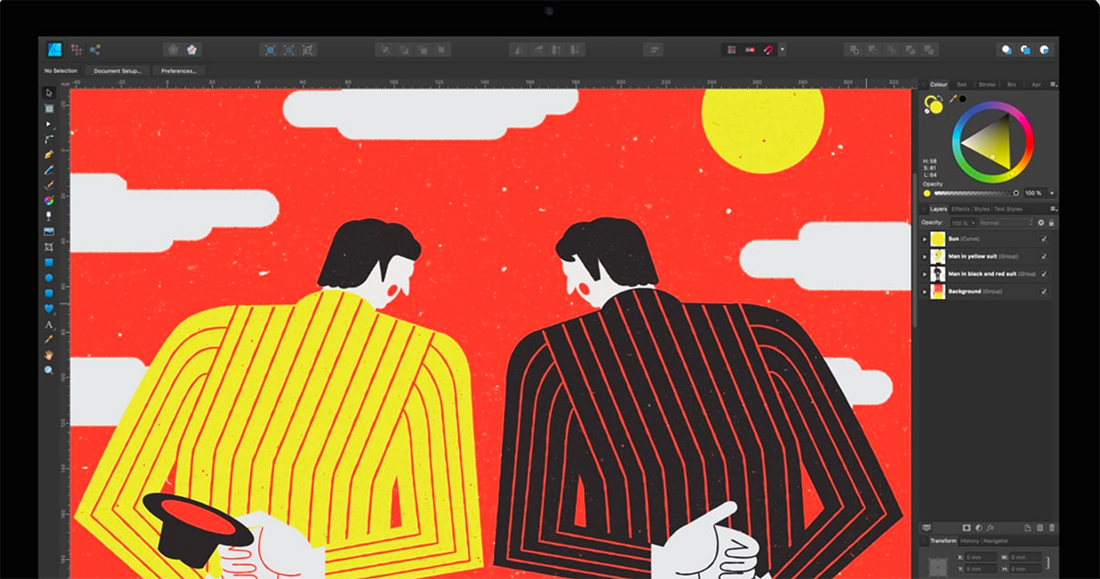
New to digital design? Do you like the idea?
Looking for an alternative to your desktop tools?
Perhaps you’re excited about creating and promoting art, graphics, and other design elements?
With so many tools available, there’s never been a better time to get into graphic design.
Affinity Designer for iPad is a true game changer for all vector designers. And this course will show you that it is truly transformative.
This course includes a total of over 9 hours of content with instant access to over 80 lessons. You can also ping the author at any time to get support or approval for specific content you’re working on.
In this amazing Affinity Designer iPad course, you’ll learn:
- The basics of using Designer on iPad.
- Design techniques for shapes, text, lines, and colors.
- Texture design and how to create beautiful textures.
- A modern and stylish technique for creating a neon effect.
- A how-to guide to creating a set of emoji icons.
- Pinstripe using vector-based art.
..and many more!
create a simple wallpaper
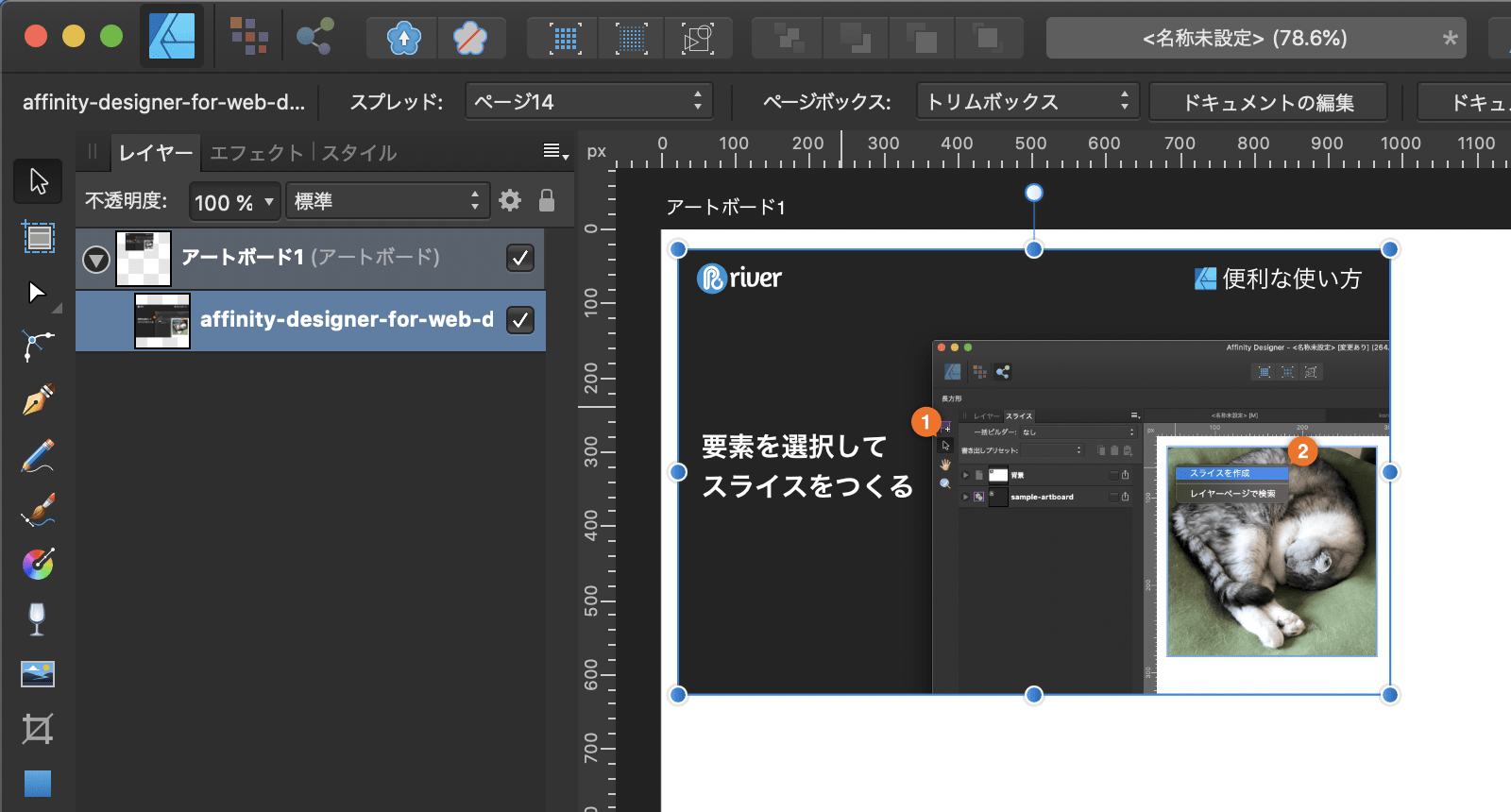
This tutorial will show you how to create beautiful wallpapers for your iPad device. The entire tutorial is based on the design process within the iPad using Affinity Designer. This would be similar to creating a vector and combining that vector with a raster image, etc.
Please make no mistake. This is a fairly detailed tutorial that will prepare you for many of the basic/intermediate features of your iPad app. Last but not least, be sure to check out our other TutsPlus tutorials as they tend to be updated frequently.
Extra: Inspiration for your next project
If you can’t find motivation or inspiration for new ideas, you may want to bookmark the following platforms: These will give you lots of ideas and perspectives on what other designers are creating using Affinity Designer as well as other vector design software.
design inspiration

Designspire collects photos, graphics, and other visual media from all corners of the web. This site acts like a digital portfolio of the best designs people have created.
We focused on highlighting only the photographic parts of each design, keeping the UI clean. Each photo is accompanied by a short description and a link to the source of the original photo.
The search function is also extensive, allowing you to easily search for designs using specific keywords such as “vector” or “graphic design.” This is a valuable asset that you can tap into when you feel like your creativity is lacking.
dribble

And finally, there’s Dribbble . Adding this to your bookmarks is easy. Best known for its professional and strong community, Dribbble has a lot to offer new and veteran graphic designers.
This site pulsates with vibrant energy and competitive spirit, while all members of the community are genuinely welcoming.
Here you can not only find inspiration, but also make new friends and establish your design goals. You might get a great job opportunity someday.
conclusion
The software is amazingly easy to use! YouTube seems to be one of the most stable sources of new tutorials and resources, so be sure to subscribe to other designers on YouTube.
Other than that, enjoy this collection. Good luck in creating great work!
Next, check out our open source design tools.


![How to set up a Raspberry Pi web server in 2021 [Guide]](https://i0.wp.com/pcmanabu.com/wp-content/uploads/2019/10/web-server-02-309x198.png?w=1200&resize=1200,0&ssl=1)


