Increasing numbers of devices, compliance requirements, and business needs to capture event data are necessary for all types of businesses.
Analyzing logs provides real insight into what’s happening within your IT environment.
Some real-time examples:
- capacity planning
- Early detection of problems
- actionable report
- availability management
- Event monitoring
If you have a log file that is several MB, you can manually review it. However, if you work in a medium to large enterprise company where logs are available in GBs, manual log analysis is a nightmare .
If you’re looking for a solution to monitor and analyze logs for web applications, including infrastructure, consider cloud-based log management: Most plans have a limited free plan that allows you to try it out and see how it works.
If you are looking for an open source solution, check out this post.
paper trail
Manage and analyze your logs with Papertrail .
Centralize all your application logs, syslogs, and text log documents in one place. You can perform real-time searches using the API, command line, or browser.

Papertrail provides instant alerts and options to detect and archive trends. Enjoy super-fast log searches in seconds. This analyzer is easy to use, understand and implement. Gain instant visibility across different systems.
Leverage log velocity analysis to troubleshoot spikes recorded in the past minutes or hours.
gray log
Delivered in the cloud, Graylog provides a seamless, flexible, and powerful log management experience that avoids operational and infrastructure costs. This is for customers who want seamless data collection, fast searching, flexible analysis, and more affordability without the hassle of maintaining and updating the systems they run on.
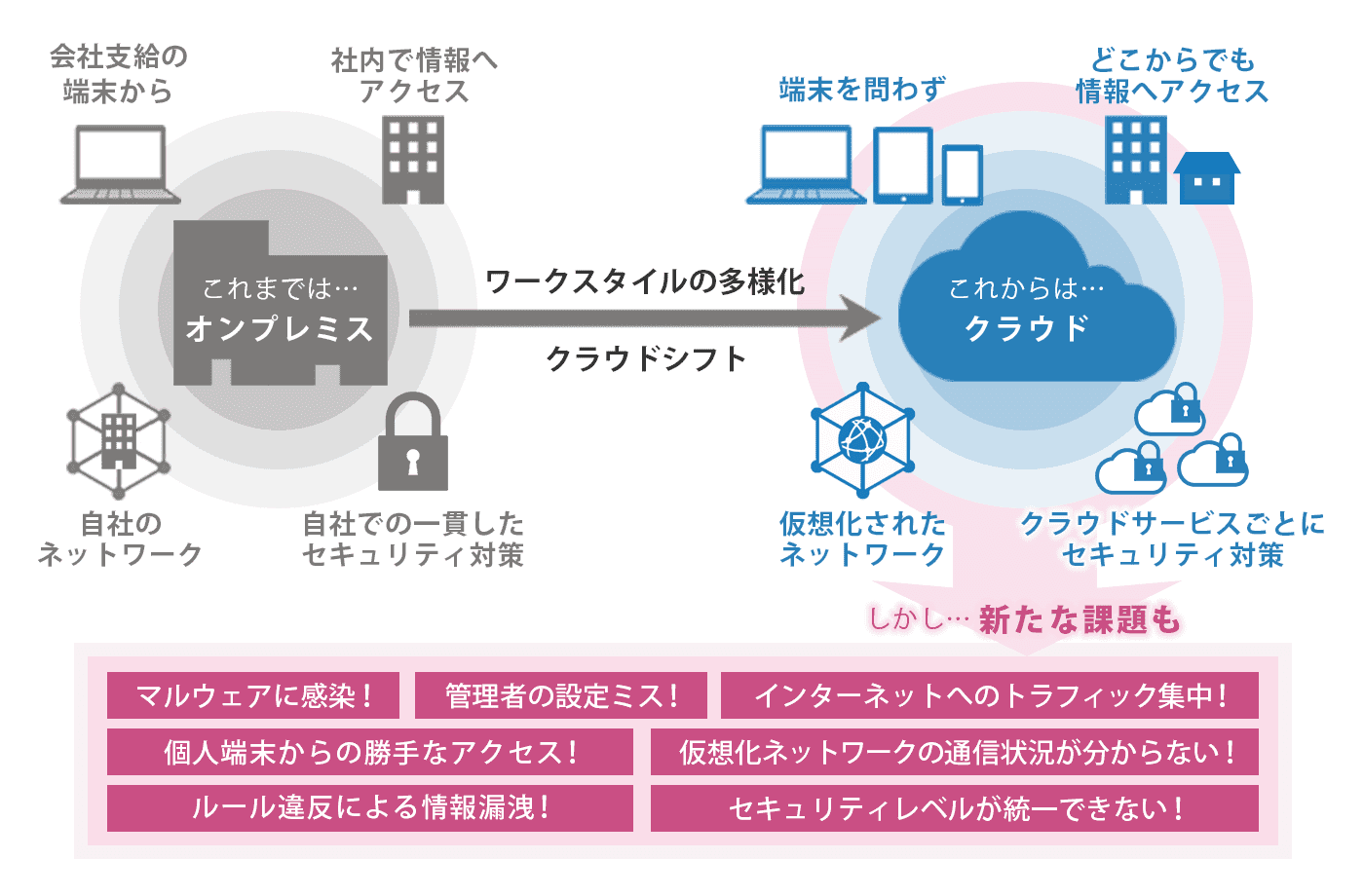
This tool extends your reach, reduces costs, reduces risk, secures data transfer, and provides a reliable and scalable infrastructure. We guarantee a 99.9% uptime SLA, giving you confidence in availability. We also offer encrypted and authenticated data transfers and one year of archived data, ensuring you have everything you need.
elastic cloud
You’ve probably heard of Elastic Search. Isn’t that so?
Elastic Cloud makes finding information easy and fast.
You can also gain insights and monitor technology investments in platforms such as Google Cloud, Amazon Web Services (AWS), and Microsoft Azure. By letting Elastic Cloud handle and maintain your solution, you can focus on gaining deeper insights to keep your business running.
Elastic Cloud provides an advanced search experience tailored to your applications, websites, and workplaces. We give you the tools to tell your search experience to market and scale quickly. This can help make your content easier to find.
You can also integrate platforms like Salesforce, Google Drive, and more into a natural, personalized search experience. Leverage Elasticsearch for your applications and complete them with sophisticated APIs, relevance controls, robust analytics, and intuitive dashboards.
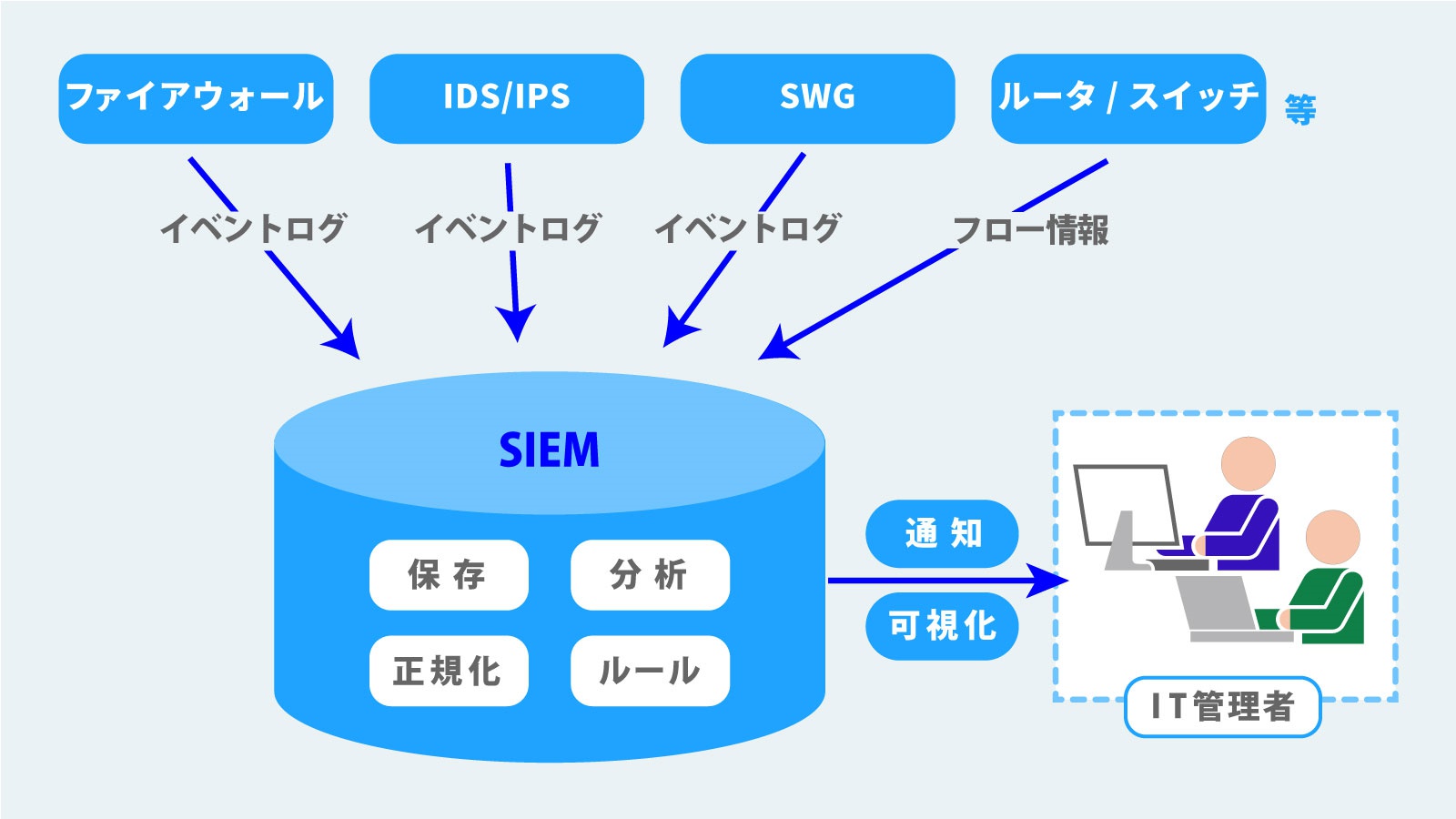
React and respond to events around you by collapsing your entire APM trace, metrics, and logs into a single stack at scale. Add your data, visualize it, and instantly perform drag-and-drop functionality with Kibana Lens. Elastic Security helps you detect and prevent threats by integrating Elastic SIEM with endpoint security.
This includes in-depth investigation workflows, expanding integrations, and case management to prevent threats from damaging your data. Its Elastic Stack consists of Elasticsearch, Beats, Logstash, and Kibana.
Grafana
Looking for a hosted Grafana solution?
Enjoy Grafana’s fully managed platform for monitoring your infrastructure and applications, including dashboards, logs, metrics, and more.
Leverage Graphite metrics, Loki logs, and Prometheus metrics on this high-performance, highly available platform. With this platform by your side, all your data metrics and sources are available in one place, eliminating the need to hunt through multiple tools and tabs.
Grafana provides a central view of alerts and queries from different Prometheus instances. It also provides a 13-month retention period for capacity planning and trend analysis. Gain broader visibility into your application stack with over 40 plugins for enterprise and standard data sources.
Easily add sources to Grafana Cloud with a single click or using the API. No installation or configuration is required, so you can start using your Grafana instance right away. Just select the plugin and start importing popular dashboards. Grafana Cloud pricing starts at $49 per month.
data dog
Leverage DataDog to monitor logs, traces, and metrics in a single platform. Quickly search, analyze, and filter logs for data exploration and troubleshooting.
DataDog gives you the option to analyze your logs and explore them across applications, platforms, and services. Automatically generated facets allow you to quickly filter and search your logs. Visualize your log data or create alerts on your dashboard.
Get a clear view of everything on your system. Pivot directly from metric graphs to related logs using similar tags such as services, hosts, etc. Pivot to APM and place your logs based on performance. Process and send an unlimited number of logs generated by your infrastructure or applications.
Analyze deeply to determine how to use filters to dynamically advance indexing. DataDog allows you to observe every aspect in real-time through Live Tail, which requires no indexing. It stores history centrally and leaves nothing on the server, so archive what you need.
Automatically collect and tag logs and integrate with built-in features. Facets such as HTTP status codes, roles, and availability zones can be automatically applied to log data. Use a third-party log shipper such as Logstash, FluentD, NXlog, or Rsyslog. DataDog allows you to enrich your logs through technology and build custom pipelines. You can clone a pipeline or modify a pipeline to capture facets and fields.
logry
Loggly is one of the most popular log managers that can analyze almost any kind of log source type, including:
- Web applications – Apache, Nginx, PHP, Node.js, NET, Java, JavaScript
- OS – Linux, Windows
Loggly allows you to collect data (logs) to analyze and create meaningful dashboards to monitor the metrics you want. And of course, you can search within your logs from the Loggly interface.
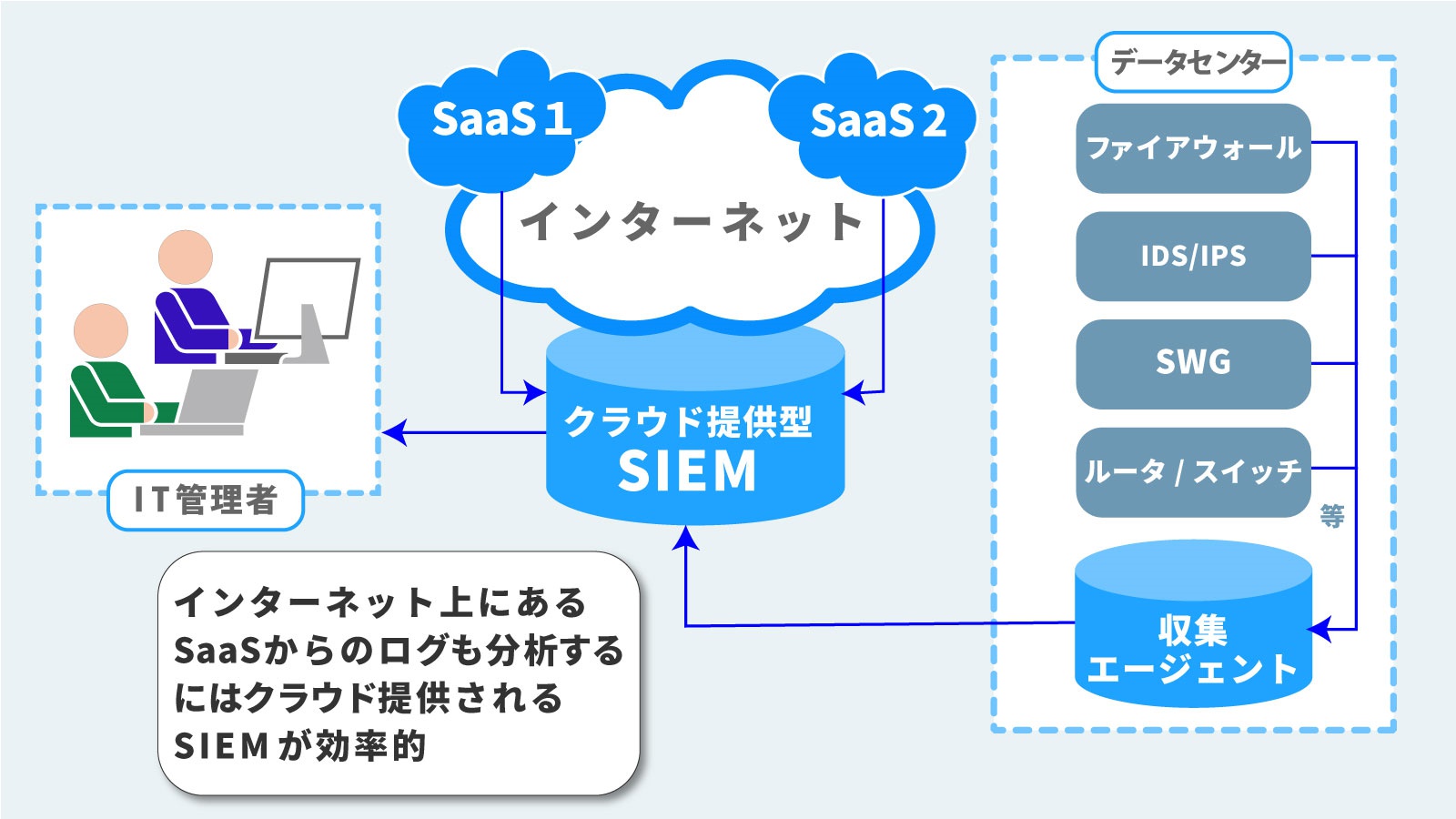
Loggly has powerful search capabilities that allow you to customize and filter by full text, single field, and Boolean values. You can also integrate with email, PageDuty, Slack, HipChat, and more to trigger alerts.
SumoLogic
Gain real-time IT operational insights to monitor, analyze, troubleshoot, and secure your business applications and infrastructure with SumoLogic .
Sumologic has a collector agent/cloud collector that must be installed on the server to collect and push logs to Sumologic. You can turn any type of log into a real-time dashboard to monitor and send alerts when thresholds are reached.

Sumologic has preconfigured several applications based on the most common use cases to speed up operational tasks and problem investigation.
Application example :
- MongoDB – Monitoring overall general health, query optimization, and security
- AWS Lambada – Proactive monitoring, cost visibility, and deep insights
- AWS – Identify performance issues, proactive security monitoring, and advanced analytics
- Salesforce – Make your users more adaptable, audit your trail, and compare your data.
- Trend Micro – Drill down into vulnerabilities, event history, and enhanced attack visualization.
- Github – Team productivity, visualize team productivity and create usage baselines.
- Docker – Advanced analysis, troubleshooting
- Linux – OS troubleshooting and optimization, access/audit and security event alerts, performance dashboard.
- Nginx – Overview, visitor location, response time, and identify performance bottlenecks.
- Apache – Understand your visitors, optimize performance, and visualize your visitors.
- IIS – Comprehensive insights, traffic details, slowest pages
- MySQL – Monitor general health, top errors, and query performance
Free accounts get 500 MB of volume per day and 7 days of data retention for all types of data collection.
Logsen
Sematext’s Logsene is a managed ELK stack in the cloud for managing and analyzing logs. You can send logs over an encrypted channel from any source, including Syslog.
Runs on AWS and is compliant with SOC, SSAE, FISMA, DIACAP, HIPPA, and more.

Check out the demo to see how it works.
splunk
Splunk Cloud is available on AWS and collects and indexes all your machine data. Splunk is a quick and easy way to analyze and visualize data generated from physical, cloud, or virtual devices.

Splunk lets you monitor and visualize data and configure metric thresholds for alerts. There is no free plan, but there is a trial that allows you to analyze and visualize 5 GB of data for 15 days.
Logz.io
Logz.io offers hosted ELK as a service. ELK (Elastic Search, Logstash, Kibana) is one of the most popular open source analytics platforms. It indexes data from almost all modern technologies and provides actionable insight analysis with data visualizations and alerts.

Some of the supported technologies
- Apache HTTP/Tomcat
- Nginx
- Hadoop
- Heroku
- Node.js
- Mongo DB
- PostgreSQL
- windows
- Linux
- AWS
The free plan allows you to keep 1GB of data per day for 3 days.
wood
Real-time tracking, advanced filtering, and fast search logging platform integrated within the application.
Timber can be integrated with applications and platforms.
The library is available for Node, Ruby, and Elixir and supports many platforms, including:
- log stash
- Zeit (current)
- AWS Lambda
- docker
- Linux
- Heroku
- Kubernetes
You can start with a free plan and experience the platform.
conclusion
We hope the cloud log analyzer above will help you find, analyze, and visualize your data and make your IT operations easier.


![How to set up a Raspberry Pi web server in 2021 [Guide]](https://i0.wp.com/pcmanabu.com/wp-content/uploads/2019/10/web-server-02-309x198.png?w=1200&resize=1200,0&ssl=1)


