When conveyed through a story, movement can have an unprecedented impact on the reader’s mind. Whether you’re a storyteller, a marketer, or just someone looking to bring your ideas to life, animation is the best way to convey your meaning to your audience. If you’ve been wanting to try your hand at animation and have an iPad, you’re in luck. There are many animation apps for iPad that can help bring life and emotion to your stories.
Not sure where to start? This article introduces some of the best animation apps for iPad to bring your stories to life. Let’s learn more!
Why animation?
Storytelling has been used to convey ideas since ancient times. The only difference between then and now is the means of communication.
It started verbally. Then manuscripts and books appeared. In the 21st century, thanks to the super advancements in technology, animation has emerged as the most powerful tool for storytelling.
Animation is where language and visuals come together. You don’t just “tell” your story. You are “showing” it. Here’s how animation can help with creative storytelling and expression.
#1. Animation that adds “movement” to emotions
Through animation, you can stimulate an emotional response in your audience. Bring your ideas to life through animation, delivering emotional value through voice, character, and emotion. This will help them better understand the meaning of your message. To achieve this goal, you can use voice replication tools to achieve a more authentic narration.
#2.Stand out from the crowd
If you have the skills to animate the stories and ideas you want to tell, you’re already one of the few who convey their messages through narration. Stand out from the crowd by telling your brand’s story through brilliant plotlines, exhilarating narrative experiences, and compelling characters. You can also harness the power of animation to create an eye-catching logo for your brand.
#3.Unprecedented creative freedom
Expressing your thoughts through animation gives you unprecedented creative freedom. You can create your own character, give it any lines you want, and have it do whatever you want. The only thing that can limit you is your imagination.
Harnessing the power of animation to tell great stories can take your ideas to new heights of success and captivate your audience through powerful storytelling experiences.
Story on the go with animation apps for iPad
One of the greatest gifts of technology for animators and artists is the ability to bring stories to life through small and nifty devices, one of which is the iPad.
Gone are the days when you needed complex software to create motion videos. Using motion capture software, you can now bring your characters to life like never before. You don’t have to be an expert to use these animation apps for iPad. Animate anything with these smart tools.
Here’s why animation apps for iPad have become so popular.
#1. Ability to animate on portable devices
These apps eliminate the need to rely on a computer or heavy animation software. All you need is an iPad, an animation app, and some creative skills to easily create epic animations anytime, anywhere.
#2.Nifty features that make animation easy
With the many useful features these apps offer, even novice animators can get the hang of it and bring their stories to life. Easily create and customize characters and plotlines to come up with something ready to use.
#3.More economical
Animation apps are much more affordable than the heavy animation systems traditionally used to create motion videos. Just pay a monthly subscription to the app and use a variety of built-in features and tools to unleash your creativity and tell your own stories.
Also read: The best Apple Pencil apps to unleash your creativity on iPad and Mac
Important factors to consider when choosing an animation app
Although every animation app has unique features, there are some features that every animation app must have. There are also many other important factors that influence your decision. Here are some of those factors:
#1.Ease of use
I can’t stress enough how important it is to choose a user-friendly animation app. You don’t want to have an app that can offer you the world, but then appear to be unable to utilize its full potential.
Ideally, you want something intuitive and easy to navigate, especially if you’re new to animation.
#2.Tools and features
Once you’ve tried and tested the app’s usability, the next important thing is to check if it has all the features you’re looking for. For example, a combination of drawing and painting tools and options for adding effects, transitions, and backgrounds are a good starting point.
With a collection of tools that bring your imagination to life, you’ll be able to create more engaging and visually appealing animations.
#3.Support and learning resources
Imagine you choose an app that is new to animation and has a small user base. Do you know what will happen? Indeed, it will be difficult to find answers to the ever-increasing questions.
However, that doesn’t mean you shouldn’t use the new app. As long as it offers tutorials, guides, or a community forum where you can ask questions and learn from other users, you’ll be fine.
#4.Pricing
If you’re creating animation solely for passion and not for income, you should consider the cost of your app.
Although it is free to download, some apps allow you to purchase additional features through in-app purchases. However, some offer one-time purchase prices or subscription models. Identify your app budget and see which one is best for you.
Finally, the more you animate, the better you’ll get, so practice. It’s important to learn by doing, so choose something simple to start with, such as a web app that provides ready-to-use templates that make it easy to create animations and live videos.
With that said, let’s dive into the list of animation apps you can use to start animating on your iPad right away.
animation desk
Animation Desk , an award-winning app, allows you to explore the world of creativity and do what you do best when it comes to animation. This tool allows you to create frame-by-frame animations using videos and photos.
A variety of useful editing tools are provided to simplify the process, including brushes, color palettes, rules, selection tools, and sketch layers.
Main features:
- Various useful editing tools
- Frame management becomes easier
- Huge storage options
You can experiment with frames and layers using onion skinning techniques and control the frames per second (FPS) to your liking. It also comes with several export options such as GIF, video, and PDF.
Try the app with the basic plan. You can then choose a subscription and get instant access to premium features.
flipa clip
Flipa Clip is a great animation app perfect for beginners and experts alike. Ideal for those who want to create short timeline animations, and those who want to learn movement illustrations, layers, and timing.
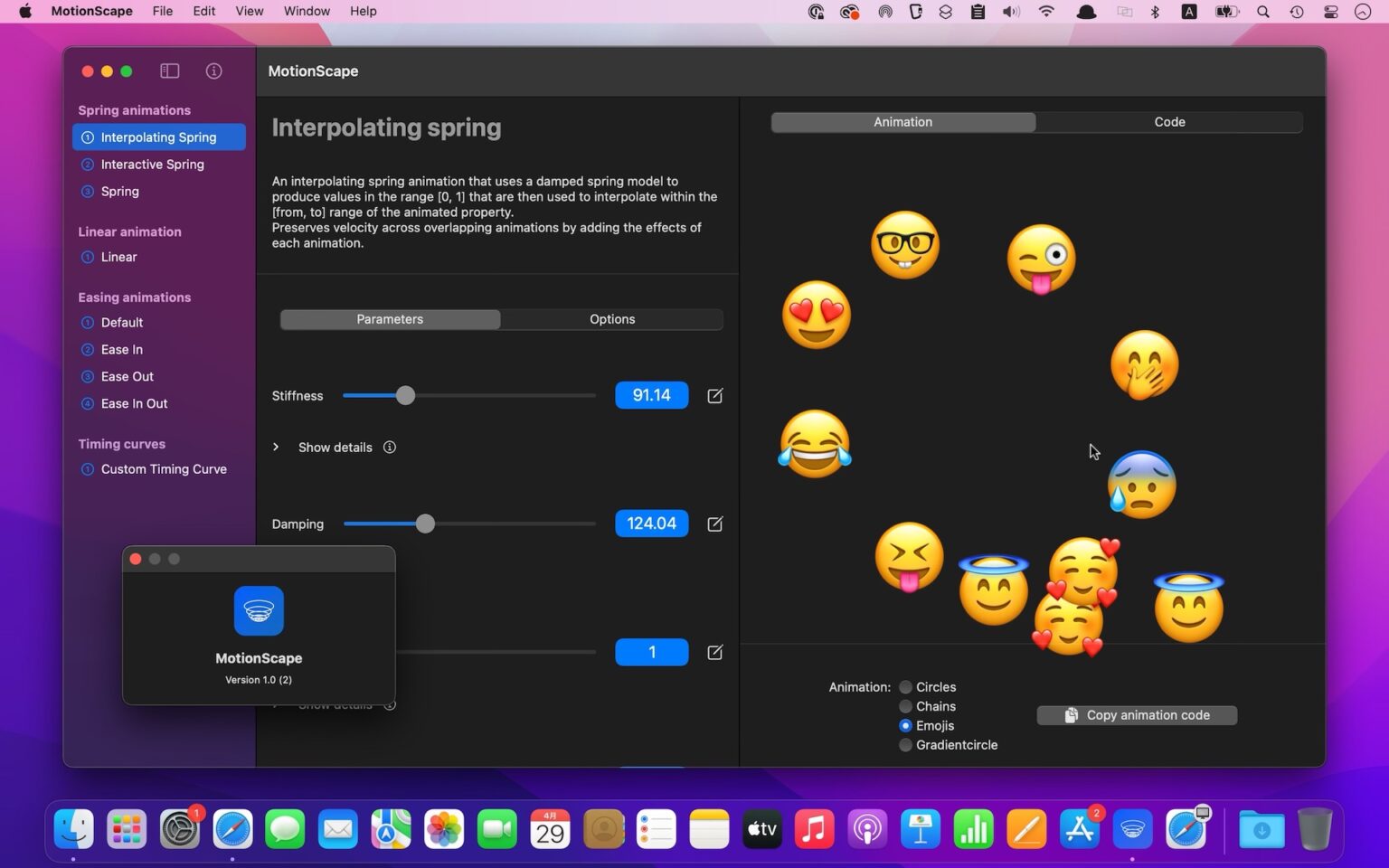
Whether you want to sketch, create storyboards, create animations, or just learn the basics of art, you can try this app.
Main features:
- Easily add and edit audio clips and voice recordings
- Full range of animation tools including overlay grids, forward and backward animation controls
- Add rotoscoping to videos
Create a sketch and turn it into a GIF, or draw on top of your video to create a rotoscoped video.
You can also add sound to your story by adding and editing audio tracks and clips on your videos. You can also add a recording to your video if you want a conversational interaction.
rough animator
If you’re good at hand-drawn sketches, Rough Animator is for you. This app allows both beginners and professionals to create hand-drawn frame-by-frame animation videos.
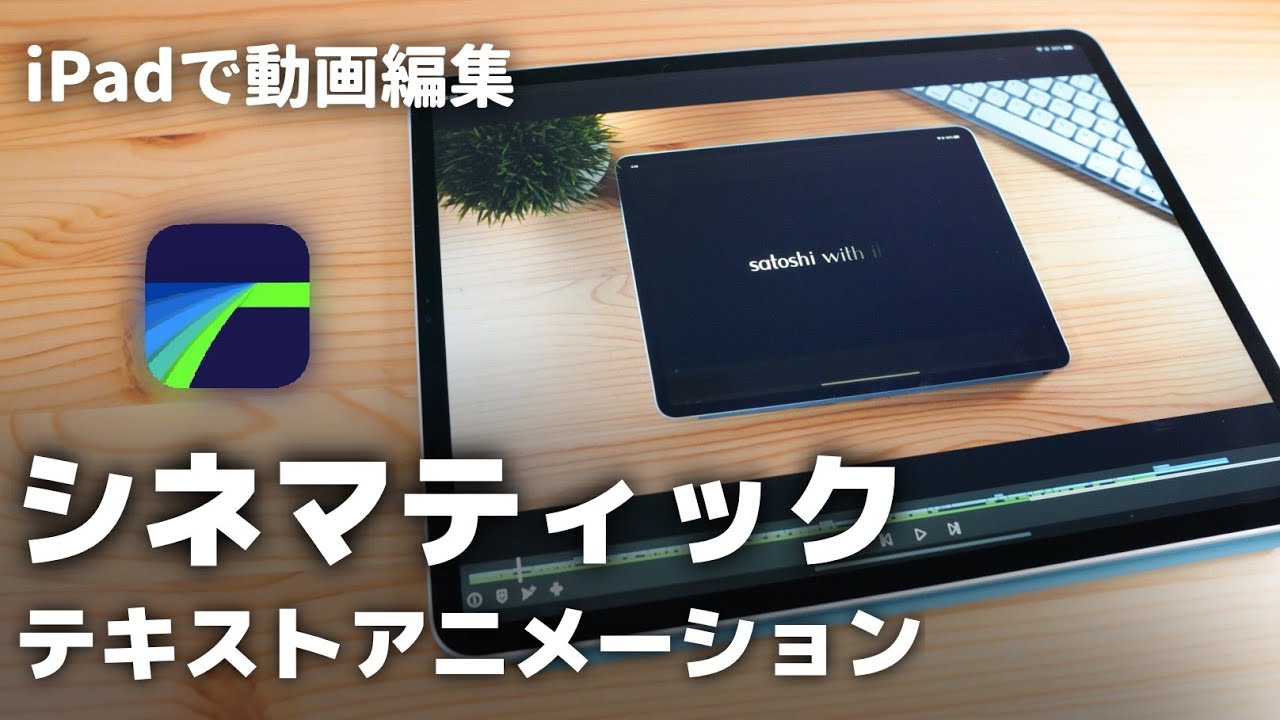
Use the app’s advanced features to timeline your videos with unlimited layers and adjust the exposure length of each drawing. This allows for easy and effective interpose and straight forward animation.
Main features:
- Supports hand-drawn animation
- Comes with custom brush
- Controllable resolution and frame rate
You can also import and fine-tune your projects into third-party applications such as Adobe Flash/Animate, Toon Boom Harmony, and After Effects.
You can also use this app on your iPad or desktop to tell stories through movement.
Toon squid
Toon Squid is an animation studio that combines a variety of powerful tools to create stunning and engaging animations. With this app, you can seamlessly create hand-drawn frame-by-frame animations in 4K resolution and control the timeline of each one.

It comes with keyframe animation and a powerful layering system that allows you to determine the order and length of every element in your animation, among other layering features.
Main features:
- Supports keyframe animation
- Equipped with a super advanced layer system
- Enables efficient symbology workflow
Plus, with fully custom brushes, you can create exquisite brush strokes and draw in a variety of styles, including inking, sketching, pixel art, and wet mixing.
You can also add text, vector shapes, audio, and video to your projects to tell your story.
leave descendants
Whether you’re a budding artist or an expert, you’ll love what Procreate has to offer when it comes to creativity and functionality. This app offers high-resolution canvases up to 16K x 8K, giving you the best drawing and animation experience possible.
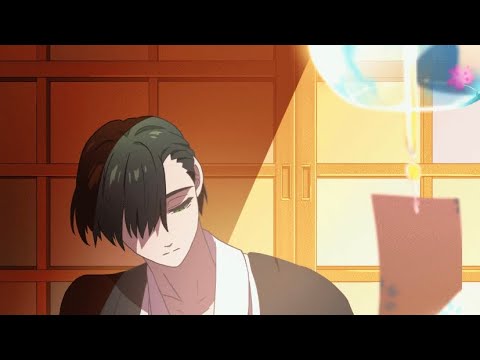
With over 100 custom settings for handcrafted brushes, a fully featured layer system, a comprehensive suite of design tools, and support for frame-by-frame animation with custom onion skinning, you don’t need any other tools for design and animation.
Main features:
- Provides a comprehensive suite of design tools
- Comes with advanced accessibility features such as stroke stabilization, single-finger assignable gestures, and color naming.
- Provides up to 16K x 8K resolution canvas
Plus, with time-lapse playback, you can capture videos of your creative journey and share your process with the world.
Calipeg
Callipeg is a fully featured 2D hand-drawn animation tool designed for the iPad. The app’s simple, intuitive interface and easy-to-manage timeline will help you bring your amazing paintings to life.
Perform a variety of functions with simple finger gestures, including inverting animations, playing and pausing, using floating palettes, and simple copy, clear, and paste options.
Main features:
- Choose from a variety of layer options
- Simple and intuitive interface
- wide finger gesture
You can also select and move sketches on layers, and choose from different layers such as drawing, video, transform, audio, etc.
Are you running out of cartoon ideas that you can use in your animations? Try an app that turns photos into cartoons and stars in your own stories instead!
digital cell flip pad
DigiCel’s Flip Pad is widely used by prominent animation studios and schools as it is perfect for people who use traditional drawing methods and bring classic characters and animations to life.
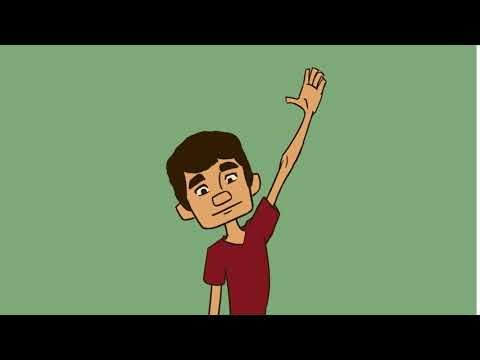
Drawing on sheets in this app is so easy that it will come naturally. It also has many useful features for animation techniques such as onion skinning, lip syncing, video and audio import, etc.
Main features:
- Automatic and versatile lightbox (onion skinning)
- Unique and comprehensive suite of painting tools
- Easily synchronize lip and action
Once your masterpiece is complete, you can share and show off your file in a variety of formats.
stop motion studio pro
Whether you’re a professional or a hobbyist, Stop Motion Studio Pro is the ideal animation tool for anyone looking to create short animated videos. It has a user-friendly interface and powerful editing tools to help you create anything in no time.
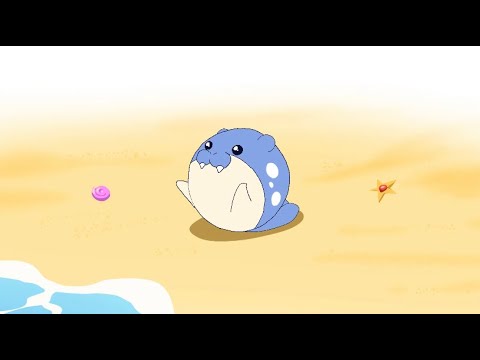
With frame-by-frame and timeline views, grid and onion skinning controls, sound effects, and filter effects, you can create videos that captivate and emotionally evoke your audience.
Main features:
- Comes with a masking tool to remove unwanted objects
- Full of tools such as grid and onion skin
- You can delete multiple layers using image editor
As you explore the app, you’ll see how feature-rich it is to experiment with different elements and create unique animations, making it one of the best animation apps for iPad.
Animate Me: Kids
Who said animation was only for skilled adults? Animate Me: Kids is an easy-to-use and intuitive animation app that lets kids learn and create 3D animation creations, freeing up their creativity and storytelling abilities. We will make sure that you can demonstrate your skills to the best of your ability.
Animate Me: Kids comes with nine pre-built 3D cartoon characters, so you don’t have to create anything from scratch. Using these characters, especially those that run, walk, jump, and talk, children can become acquainted with the basics of 3D animation.
Main features:
- Easy controls and intuitive workflow
- Comes with 9 pre-built 3D characters for easy animation
- Provides video tutorials to learn the basics of animation
There’s also a video tutorial that walks you through the app’s basic controls.
Animate Me – Funny Video Maker
Animate Me – Funny Video Maker is perfect for creating and sharing funny and quirky images, videos, and GIFs with your friends. It was also one of the first apps to let you lip-sync fun animated GIFs.
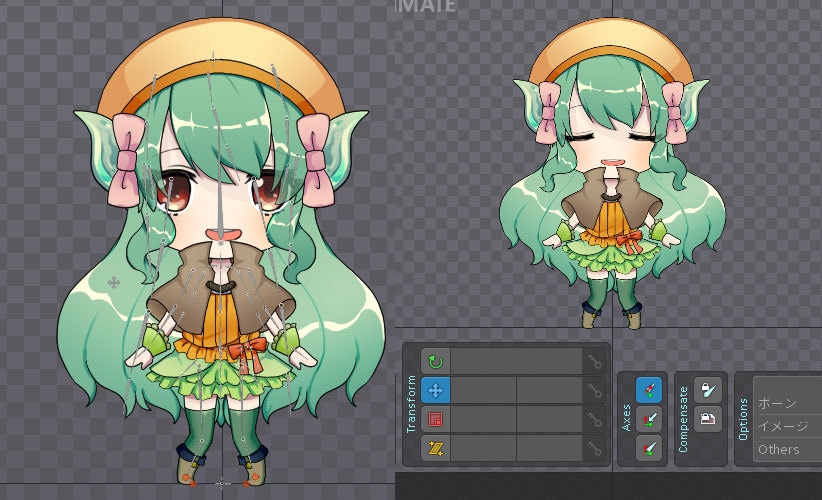
You can find different elements of videos from the app’s huge collection of videos, music, eCards, GIFs, sounds, faces, and more.
Experiment with these elements and customize your videos with animated text, sound recordings, and stickers to tell your story both audio and visual.
Main features:
- Huge collection of photos, videos, GIFs and sounds
- Easy-to-use interface to create animated photos, videos, and GIFs
- Support face swap, talking emoji, animated pets, talking animals, cartoons, make animation fun
Therefore, these animation apps for iPad will help you create animated videos and custom animated photos for different occasions.
Animation Creator HD
A powerful app that helps you create masterpieces, Animation Creator HD has won many accolades over the years for how easy and effective it is to create animations on iPad.
It comes with robust drawing tools, a wide range of color options, simple and quick frame management, Retina quality, and high frame rate playback to make creating animations easy.
Main features:
- Supports various frames and animations
- Offers high definition resolutions such as 4K, 1920×1080, 1280×720
- Shows off superior frame management system and audio management tools
Also, if you’re new to animation, this app is a great place to learn the basics before creating your masterpiece.
Stuck while animating text? Don’t let that stop you, try these free text animation tools!
Tell your story today with animation apps for iPad!
Storytelling is one of the most powerful ways to communicate ideas to the world. Animation can add discipline, artistry, and novelty to your story. These animation apps for iPad let you create your own animated stories using powerful techniques and tools without investing in heavy animation software. In fact, if you want to be more creative, you can also convert images to videos and create movies and animations by adding other tools.
There really are limits to how you can animate a story. So grab that stylus. Better yet, check out these Apple Pencil alternatives for iPad and start storytelling.


![How to set up a Raspberry Pi web server in 2021 [Guide]](https://i0.wp.com/pcmanabu.com/wp-content/uploads/2019/10/web-server-02-309x198.png?w=1200&resize=1200,0&ssl=1)


