Looking for a Hex to RGBA converter? Your search ends here. Here are some cool and easy hex to RGBA conversion tools.
If you’re new to HTML coding, you may find some syntax difficult to remember, such as HTML color codes. This is because HTML uses hexadecimal codes, which are a combination of numbers and alphabets.
Therefore, you may need to convert the hexadecimal code to an RGBA value to understand the actual color code. But how can you do that effortlessly?
Here is a converter from hex codes to RGBA color values. We have profiled many such tools and found that these 12 are central to all applications.
What is a hex color code?
Hexadecimal color values are a system for representing different colors in HTML documents. It also works with SVG and CSS, but is rarely used outside of HTML web pages.
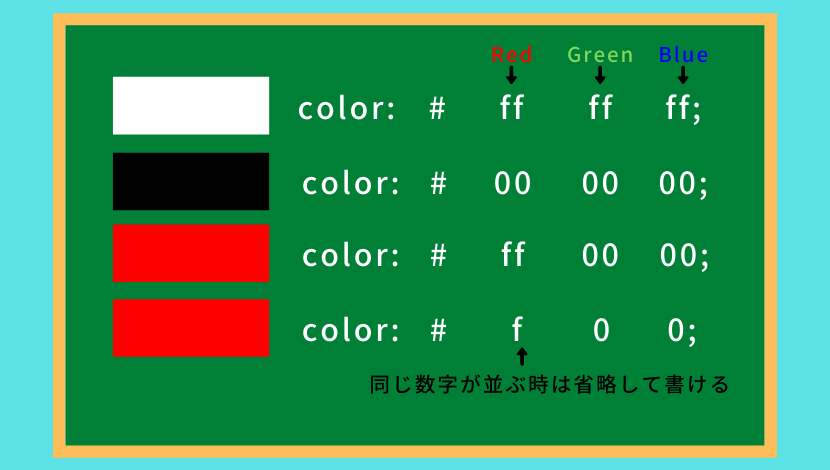
Here, we use the following hexadecimal numbers to represent the color tint using six characters:
0, 1, 2, 3, 4, 5, 6, 7, 8, 9, A (A=10), B (B=11), C (C=12), D (D=13), E ( E=14), F(F=15)
For example:
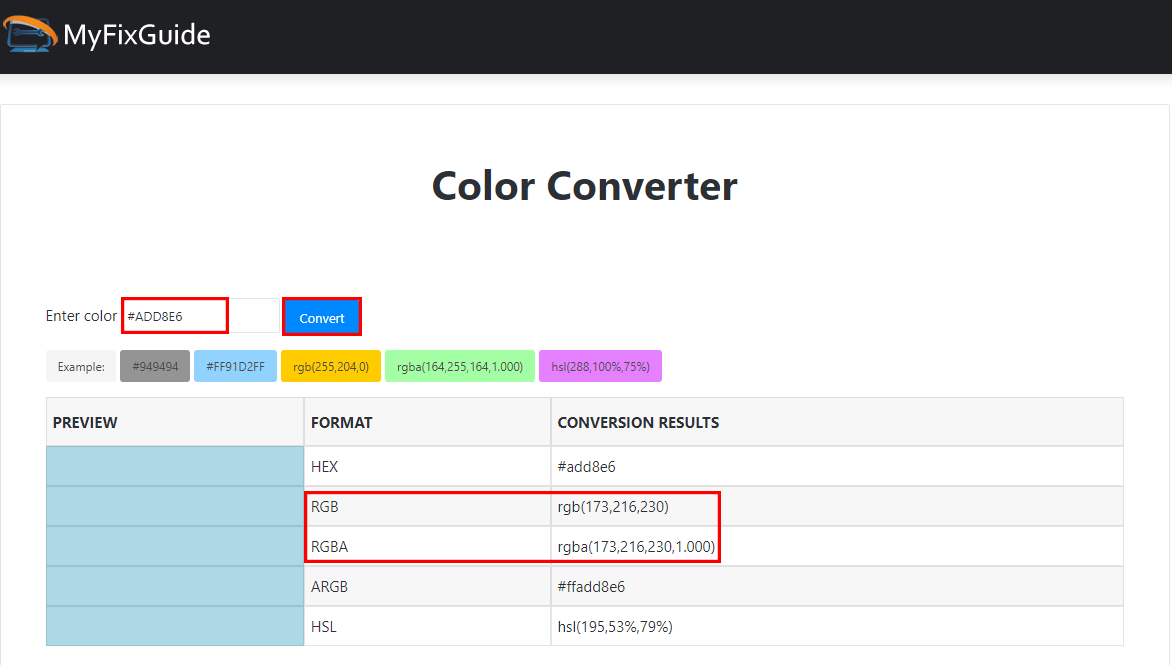
#ADD8E6 represents light blue
When should I use hex color codes?
Web developers trained in HTML primarily use hexadecimal conventions for color coding. Hexadecimal codes are suitable for HTML because HTML focuses on efficient storage size. If you’re using thousands of hexadecimal color codes instead of decimal ones like RGB, you can save a lot of storage space.
Hex allows you to represent a color with 6 characters, whereas RGB code requires 9 characters. In other words, by using Hex, you reduce the overall size of your website’s codebase.
Considering that CSS is used to represent all the presentation attributes of an HTML document, you can use hexadecimal codes in the style sheet files of your HTML web development program. In the CSS declaration block, the hexadecimal code is #ADD8E6 (light blue code).
What is the RGBA color code?
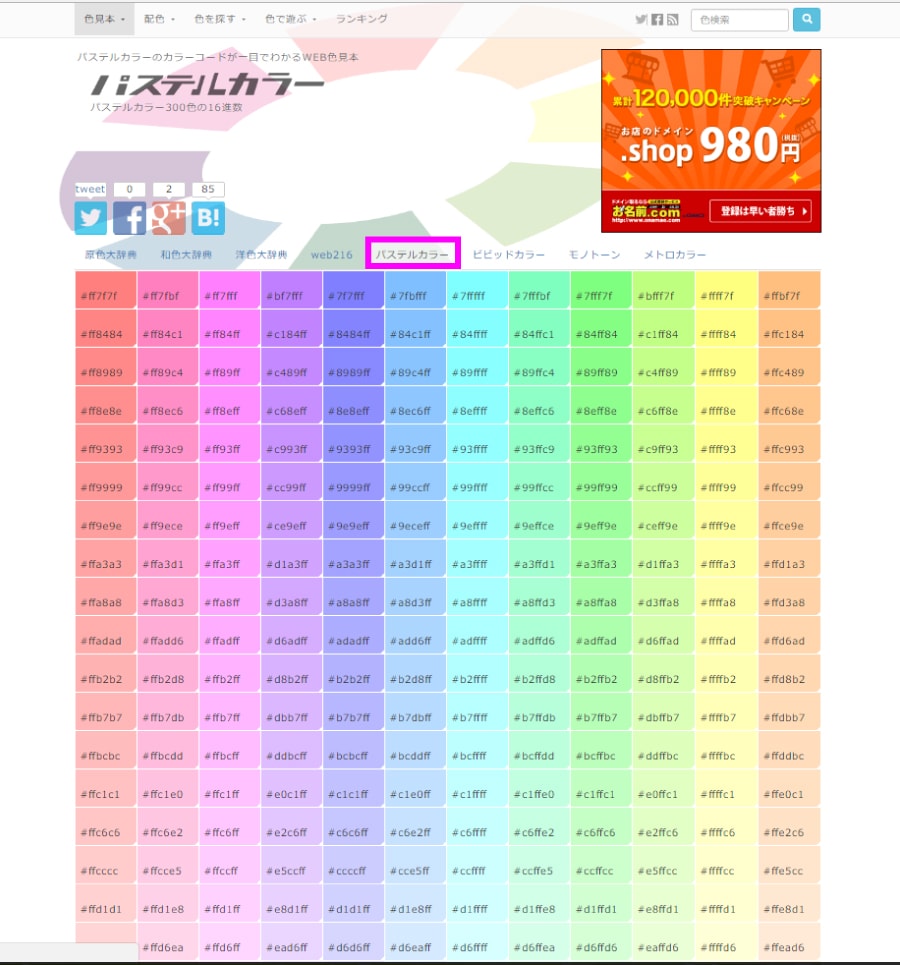
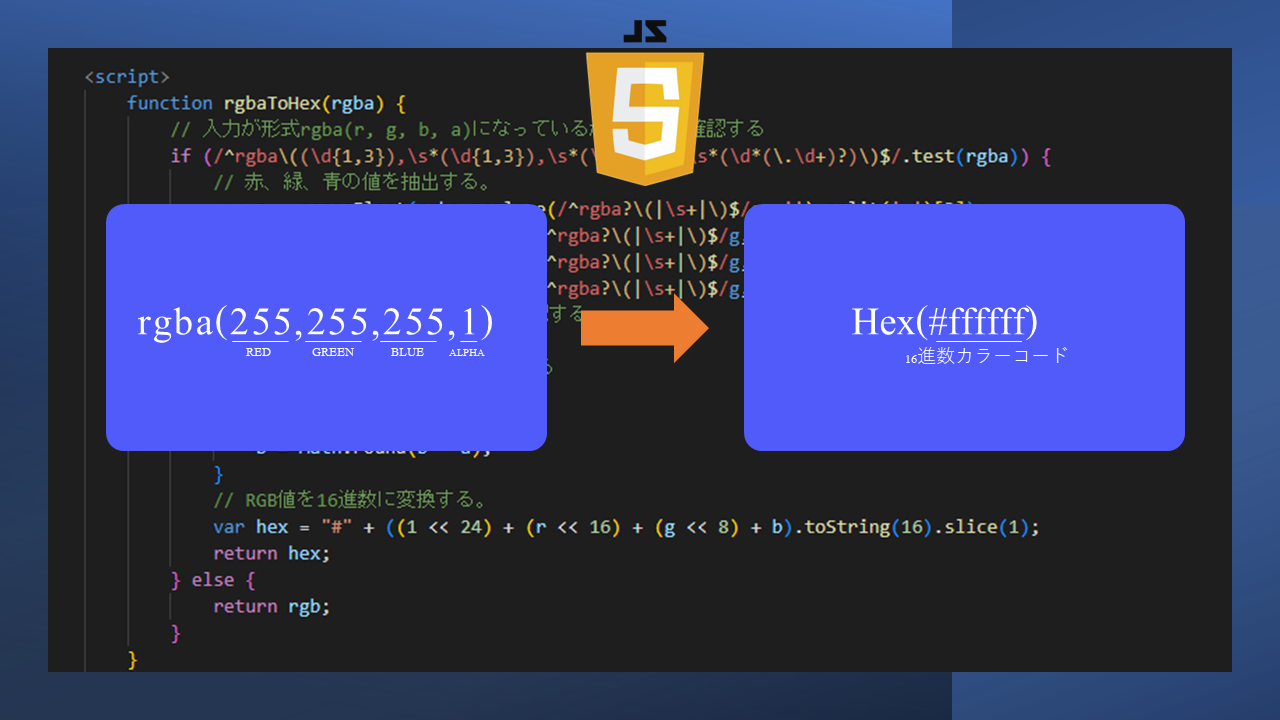
The RGBA color-coding system specifies the amounts of red, green, and blue as decimal numbers from 0 to 256. This number also represents the intensity of the R, G, and B hues.
The letter A represents alpha value or opacity. You can enter any value between 0 and 1 to change the transparency of the color relative to the background color of your website or app.
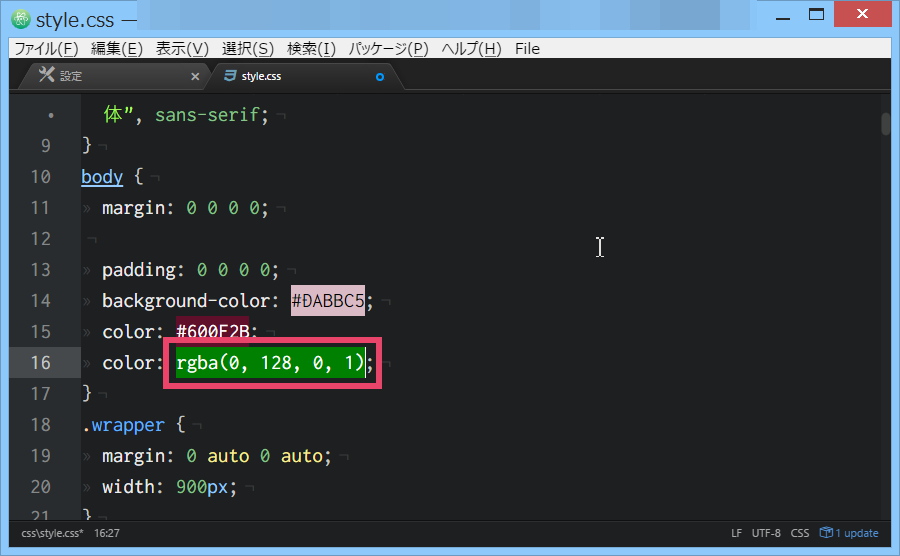
The light blue above can be expressed as RGB (173, 216, 230) in the RGBA system. CSS primarily uses RGB, so you must start your syntax with the following format:
rgba(173, 216, 230, 0.5)
When should I use RGBA color codes?
In modern website and mobile app programming languages, developers often use RGB and RGBA. Color codes are primarily RGB, but RGBA can be used to specify the amount of color transparency that website elements should display on the front end.
RGBA is also the primary color coding system for popular graphic design tools such as Adobe Photoshop, Pixlr, Canva, Adobe Indesign, and CorelDRAW. Therefore, graphic designers, website designers, photographers, etc. are more familiar with the RGBA system than the RGBA system. Hexadecimal color code.
The importance of converting from hexadecimal to RGBA color codes
#1.Collaboration
If you want to collaborate on a website or mobile app where website developers use hex code and designers understand RGBA, you need a hex to RGBA converter.
Graphic designers, UI designers, and content creators may not be familiar with converting hexadecimal numbers to decimal. Therefore, converter tools are very useful.
#2.Customize opacity
The hexadecimal color coding system changes the opacity property of the entire element. Conversely, RGBA allows you to select the transparency property for a single declaration within your CSS.
Therefore, for greater customizability, designers and developers choose RGBA in their CSS style sheet files. To convert your existing hexadecimal code to RGBA, you can use the converter described in this article.
#3.Use website colors in photo editing apps
Most photo editing apps prefer to use RGB and RGBA to represent colors in visual assets such as images and vectors.
For example, let’s say you notice some beautiful color palette combinations on your website. You can find the hex codes for their colors by inspecting the elements in the Chrome browser.
Now, use a Hex to RGBA converter to get the RGB values of these colors for convenient use in your graphic design projects.
#4.Color visualization
Most designers use a hexadecimal to RGBA converter to visualize hexadecimal codes that developers may have used in the style sheets of a website’s HTML documents or CSS HTML files.
Then, here are tools to convert hexadecimal codes to RGBA for design, development, or simply color visualization purposes.
HTML CSS colors
The HTML CSS color picker tool is useful for both designers and developers. Choose the color you want from our vibrant color wheel tool. Alternatively, you can generate colors randomly. The Random button keeps displaying different popular colors with hex codes.
If you like the color, select the Info button to visualize various technical elements of the color, such as the hexadecimal to RGBA color conversion.
The information page for the selected color shows the color icon in PNG, the color name in CSS, the color tint, the color tint, and a conversion table at the bottom.
color hexa

ColorHexa is a color code search and visualization tool with detailed conversion tables. Just enter the hex code in the search bar. The tool opens an elaborate conversion panel with various color coding conventions such as RGB Decimal, RGB Percent, CMYK, HSL, and Web Safe.
Hex to RGBA allows you to copy any RGB value as a decimal or percentage. Then, simply add the alpha values from 0 to 1, including the decimal values, to get the standard RGBA code for the corresponding hexadecimal color.
W3 School Color Converter
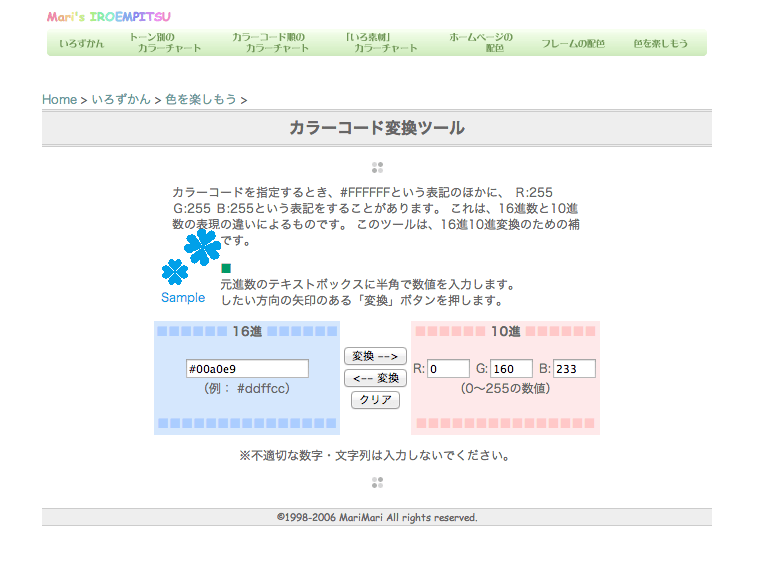
W3 Schools’ Color Converter is a simple JavaScript library. Colors can be entered as text or standard codes such as hexadecimal or CMYK. As soon as you enter the hex code, the web app displays a detailed table of colors with values in different coding conventions such as RGB, HSL, and Hwb.
You can copy and paste RGB numbers into your CSS declaration rgba(). Don’t forget to include the required alpha values in the range 0 to 1, separated by commas, at the end of the code.
Hex to RGBA converter
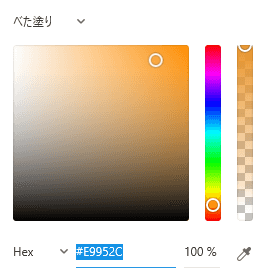
Hex to RGBA Converter allows you to enter a hex code and find out what it represents in transparent RGBA colors. You’ll also see a preview of the color you entered, so you can see if you made any mistakes.
To copy an RGBA code from this platform, click on it to select it. You can then press CTRL+C to copy it and use it wherever you need it.
Useotools Color Converter

Useotools is a popular destination for content creation, SEO, web development, and internet tools. You can also find a minimalist and clean Hex to RGBA converter among many useful converters.
The converter provides the following features:
- Color wheel for choosing colors for your project
- Search box for entering hex and other color codes
- Command line interface to get converted values including RGB codes
Since the output is RGB, you need to add an alpha value to get the full RGBA code of your CSS style sheet.
CSS Generator Hex to RGBA
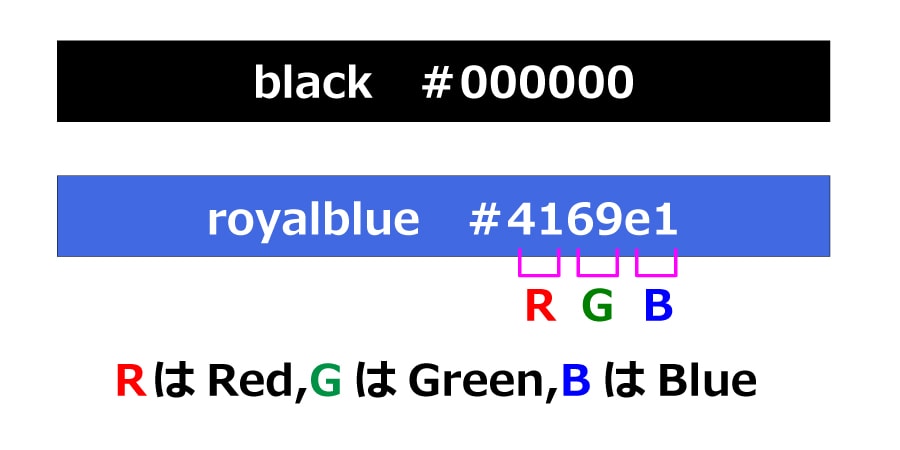
CSS Generator Hex to RGBA provides a standard platform where you can enter a hex code and get the RGBA equivalent. There’s also an RGBA copy button that displays colors on the screen for your convenience and lets you copy the code with just one click.
If desired, users can change the opacity of the shade and see how it looks compared to the original color. There are also red, green, and blue sliders so you can see the hue change.
coding tools
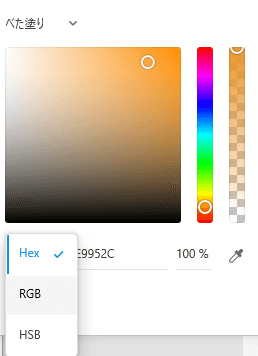
coding.tools is a user-friendly platform that allows you to easily convert hex color codes to RGBA. Enter the hex code to find out what to use in RGBA for the same color. This tool displays color opacity to help you choose colors for your project.
It also supports swapping, so you can turn it into an RGBA to hex converter with just a click. For multiple queries, use the Clear button to remove all old data and enter a new query to continue.
Additionally, Coding.Tools allows users to copy results with one click and use them anywhere they like.
Dan’s Tools HTML Color Code
Are hex codes confusing during conversion? If yes, Dan’s Tools HTML Color Codes is the right choice for you. In addition to entering a hexadecimal color code, you can also select a color using the four sliders to find your favorite color.
Either way you get the RGBA code of the color. You can also find lighter and darker shades of a color and choose a percentage of the shade from 1 to 20. Additionally, users can save specific colors and find complementary colors for any shade.
Hex to RGBA in VisualStudio

VisualStudio’s Hex to RGBA lets you convert hex to RGBA and RGBA to hex by simply selecting the code you enter using the CLI cursor. If you frequently debug or edit source code in Visual Studio Code, this plugin is a great fit. No need to use third party apps to convert color codes.
When entering the hex code for conversion, simply add the desired opacity to the code, followed by an underscore. The converter automatically adds this as an alpha value to the RGBA code.
QConv
Are you looking for a hexadecimal code conversion tool that will make your busy workday fun and interesting? Try QConv . It’s a tool with an intuitive interface that everyone will love.
At the same time, the UI is also minimalist. As you type or paste the hex code, watch the circle around that field animate and display its color. Then, the RGBA code will also be displayed in animated form.
Click the arrow next to the RGBA color code to find its light and dark shades and complementary colors. All this information is useful to designers.
MyFixGuide
MyFixGuide Color Converter is a versatile solution that allows you to convert different color codes, including hexadecimal codes. Enter your color code and convert it to multiple popular formats, including RGBA, HSL, and ARGB.
The results can be used directly in CSS. The tool also provides a preview of the colors so you can see if your code supports the colors you want.
rapid table
RapidTables provides a smooth and seamless experience for converting color codes from hexadecimal to RGBA. Simply enter the 6-digit hexadecimal code in the provided field and click the Convert button.
This platform not only provides the converted code but also displays the color preview. It also displays the red, green, and blue parts of that color separately.
If you want to convert a different color code, click Reset to remove the existing results. Users can also use the swap option to change the tool from RGBA to hex converter.
last word
There is no universal color code in the programming ecosystem. Most computer software, mobile apps, and modern web apps use RGBA color codes. Traditional websites and HTML enthusiasts, on the other hand, use hexadecimal color values.
If you only need RGBA values for your current project, you can use the hexadecimal to RGBA converter described in this article. These tools are easy to use and do not take much time to convert many hex color codes.
Next up is the Google Chrome color picker tool for website developers and designers to troubleshoot color palette issues on web pages.


![How to set up a Raspberry Pi web server in 2021 [Guide]](https://i0.wp.com/pcmanabu.com/wp-content/uploads/2019/10/web-server-02-309x198.png?w=1200&resize=1200,0&ssl=1)


