Google just released the first developer preview of Android 11, and while it’s very early days at the moment, this update includes quite a few new features and changes. If you’re wondering what Android 11 has in store for you when it releases later this year, here are 12 new features in Android 11.
1. Chat bubble
Chat bubbles first appeared in the Android Q beta, but Google decided to remove them with the stable release of Android 10. The same concept reappeared in the first development beta of Android R. Basically, chat bubbles allow messaging apps to display conversations inside floating bubbles, similar to the chat heads feature in Facebook Messenger that many people love.
In theory, chat bubbles could be used in any messaging app, but currently only the Google Messages and Gmail apps use this feature.
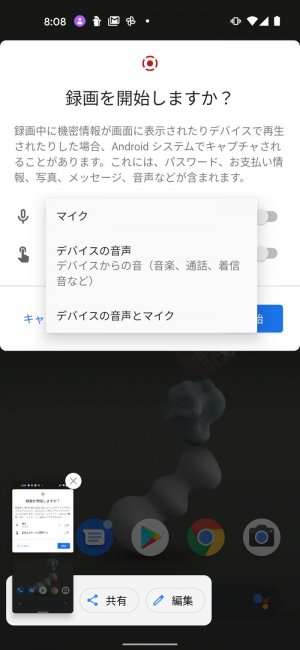
To open a conversation’s chat bubble, simply press and hold a message notification and tap Show in Chat Bubble. You can reply to conversations in a floating window similar to the Messenger implementation, and smart replies are also supported.
2. Conversation
With Android 11, Google is also trying to make it easier for users to find conversation-related notifications in the sea of information that is the notification shade. In Android 11, all message threads are automatically grouped together in a convenient Conversations section of the notification panel and displayed at the top.
Also, long-pressing a notification in the conversation section will reveal a number of options, including the ability to open the conversation in a speech bubble, add a shortcut to the conversation directly on your home screen, and mark it as important.
3.Copy and paste to Notification Shade
If you’re someone who often replies to messages directly from the notification shade, Android 11 brings another interesting feature. The notification panel now supports copy and paste, so you can, for example, copy an image from Google Chrome, paste it into the reply section of a notification, and send it. This means you may no longer need to open your messaging app just because you want to attach a photo to a reply. It’s definitely useful.
4. Improved permissions
Google has made Android more secure with each update. Last year, the company overhauled the way it grants location permissions to apps in Android 10, giving you a little more control over how apps can access your location data.
With Android 11, Google has made location permissions even stricter and added fine-grained control over more permissions such as camera and microphone.

In Android R, when an app requests location access, you’ll see a new “Just this time” option that allows the app to access your location one time. Currently there is also no “Always Allow” option. This means that apps that require constant access to your location must be approved by Google.
You can also give apps a kind of one-time access pass to your camera and microphone to ensure they don’t try to access either of these without your knowledge. This is definitely a relief, especially considering the recent rise in spyware.
5. Native screen recorder
It’s another feature that first appeared in Android Q last year, but was later removed before the stable release of Android 10. Now, Screen Recorder is back with an improved UI.
In Android 11, you can access the built-in screen recorder feature from the quick settings panel. Tapping this will start a 3-second timer before your screen begins recording. There are also helpful notifications to stop, pause, or cancel screen recording.
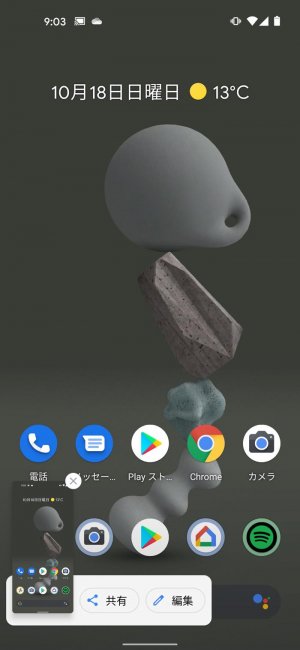
There are currently no settings to dig into things like changing resolution, recording internal audio, or setting screen recording orientation, but we hope to see these features added in future updates.
5. Improved “Do Not Disturb” mode
Android 11 also brings improvements to Do Not Disturb. The main one is improved support for managing DND exceptions. This is something I’m very excited about. As you probably know, Android 10 already included exceptions in the DND menu, but now it has added better-organized categories such as People, Apps, and Alerts.

So you can set up do-not-disturb exceptions for specific callers or specific apps, and even have alarms and reminders ring regardless of your phone’s DND status. That’s great.
6. Scheduled dark mode
Last year, Google finally brought native system-wide dark mode to Android 10. And this year, it looks like the company is simply improving the functionality, specifically adding the option to schedule dark mode to turn on and off automatically.
This schedule works based on your local sunset and sunrise times, or you can set a custom time to enable dark mode if you want. This is what I really wanted on Android. Using dark mode all day can be a bit of a hassle, but using it after sunset is much better, especially outdoors.
7. Pin apps in the share menu
This was a feature that was also available in the Android 10 beta, but was later removed. In the first developer preview of Android 11, you can now pin apps to the top of the share sheet again. This means the apps you use most often will always be at the top and won’t be replaced by random apps just because you can’t delete them once you use them.
8. Bluetooth no longer disconnects when airplane mode is turned on
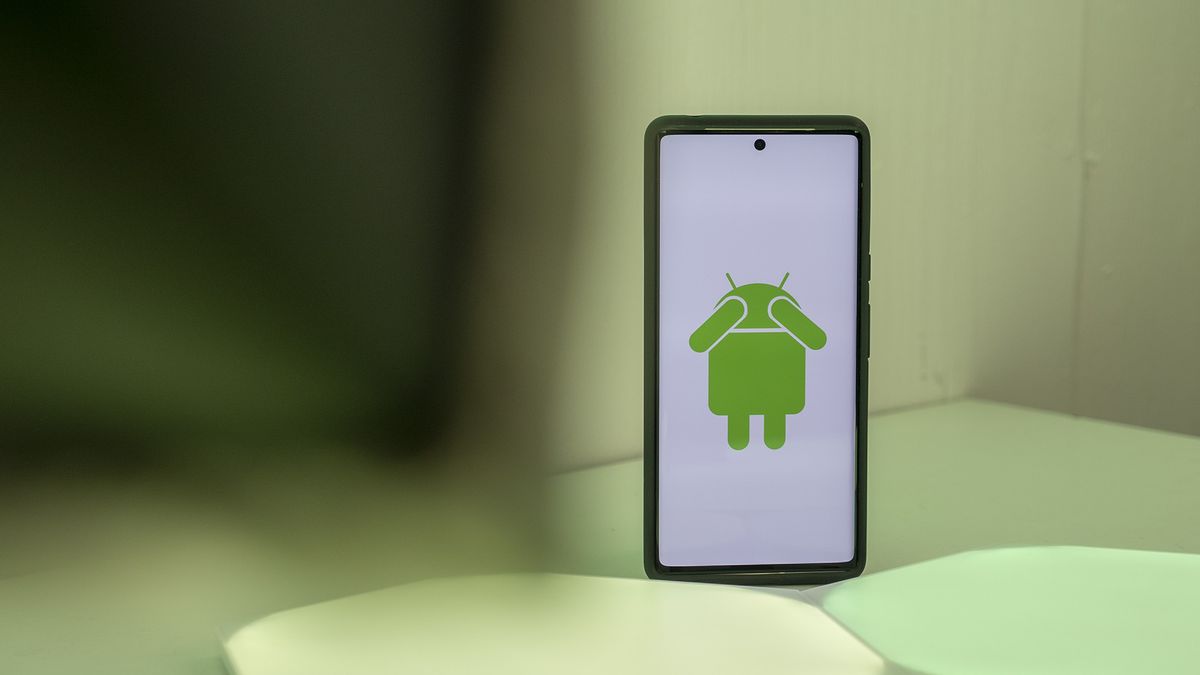
One of the biggest complaints many people have about Android, which I covered in my video on must-have features in Android 11, is the fact that turning on airplane mode also turns off Bluetooth.
Fortunately, with Android 11, that’s no longer the case. So the next time you turn on your headphones and board a plane, you can enable Airplane Mode without having to turn Bluetooth back on and wait for your headphones to reconnect.
10. Pixel 4 unique features
Increase touch sensitivity
While most screen protectors usually don’t interfere with day-to-day operation of your smartphone, some tougher tempered glass can easily cause the display to become unresponsive to light touches. Aiming to solve that problem (at least for Pixel 4 users), Google has added an option to increase the Pixel 4’s touch sensitivity.

To enable this feature, go to Display settings, scroll to the bottom, and tap Advanced settings.
Soli gestures to play/pause music
Android 11 also adds new Soli gestures that allow users to play/pause music using simple hand gestures. We haven’t tested this feature as Soli doesn’t work here in India, but it says the feature allows users to pause and resume music by simply “tapping the air above the phone.” This sounds incredibly cool, but it’s a recipe for success. And miss the disaster.
10. Other changes and features
Apart from all this, Android 11 brings a lot of features and changes. Developer options now only show Bluetooth codecs that are actually supported by the connected Bluetooth headphones. There’s a new overlay that shows the screen refresh rate (not to be confused with an FPS meter, it’s not), and more display types are supported, including waterfall and foldable displays.
Additionally, Android 11 brings 5G and connectivity improvements, a currently hidden scrolling screenshot feature, and a hidden battery share menu that hints that the next Pixel 5 may include support for reverse wireless charging. claims to bring.
11. Battery share (hidden function)
There’s a particularly interesting, albeit hidden, option in Android 11’s settings called “Battery Share.” According to the feature description, it seems to be something similar to reverse wireless charging. The feature pops up when you search for “battery” in Android 11’s Settings app.
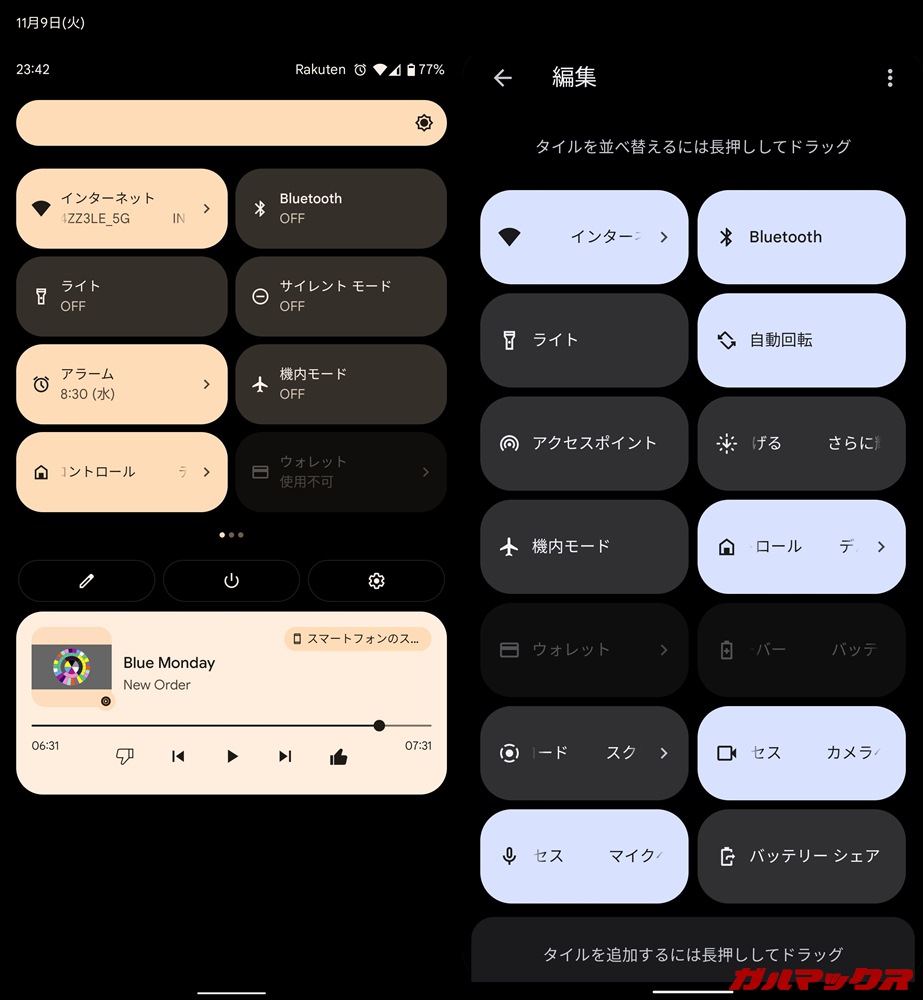
So far, Pixel smartphones don’t have the necessary hardware for Wireless Power Share, so this could be a feature Google plans to bring to the Pixel 5, which was first leaked a few days ago. is very high.
12. Gesture settings (hidden function)
Another hidden Android 11 feature first spotted by 9to5Google, Gestures Settings, appears to be in the works and is aimed at solving the issue of swiping within apps to open the hamburger menu.
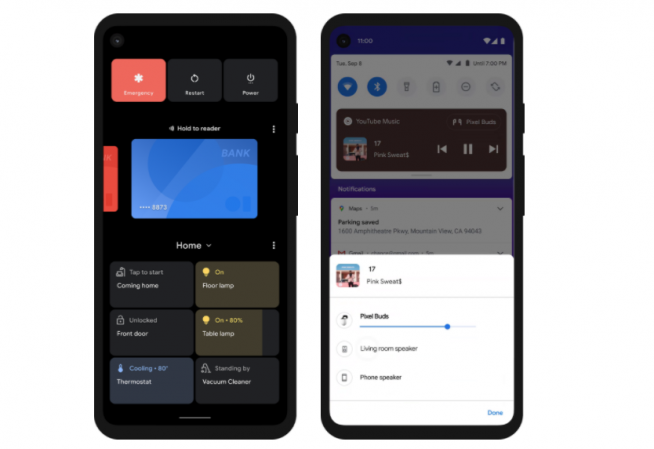
Under Gesture Settings, users can adjust the sensitivity of the left and right edges independently, so you could theoretically make the left side less sensitive, making it easier to swipe to open the app drawer. We hope to see this feature fleshed out further in future developer previews.
Android 11 brings many interesting new features
Even though the software Google is currently releasing is the first developer preview of Android 11, by definition it is unclear what new features will be available when Android 11 is finally released. This means that it is a very early stage to judge. It’s still interesting to see what Google is working on. I’m very much looking forward to other developer updates rolling out. This will tell you which features will be adopted and what new things will be added to the mix as you progress. At Google I/O in May, you’ll also want to know more about Google’s plans for Android 11.
In the meantime, we’re exploring Android 11 further to see if we can find more features, so stay tuned for more updates. And if you want to try Android 11 yourself, learn how to install Android 11 DP 1 on your Pixel phone.


![How to set up a Raspberry Pi web server in 2021 [Guide]](https://i0.wp.com/pcmanabu.com/wp-content/uploads/2019/10/web-server-02-309x198.png?w=1200&resize=1200,0&ssl=1)


