Design is an important element that visually expresses the message you want to convey.
From logos to advertising campaign banners and posters, they all express a specific message to your audience or potential customers.
There are many easy ways to design posters, logos, and banners for your brand or campaign. Hundreds of platforms have emerged to give small and enterprise-sized businesses the opportunity to design and deliver everything they need to their customers.
But not all platforms are good. Therefore, it is important to choose the best one so as not to waste your precious time and money. Below are some of the best offline and online design solutions trusted by millions of people.

Kamba
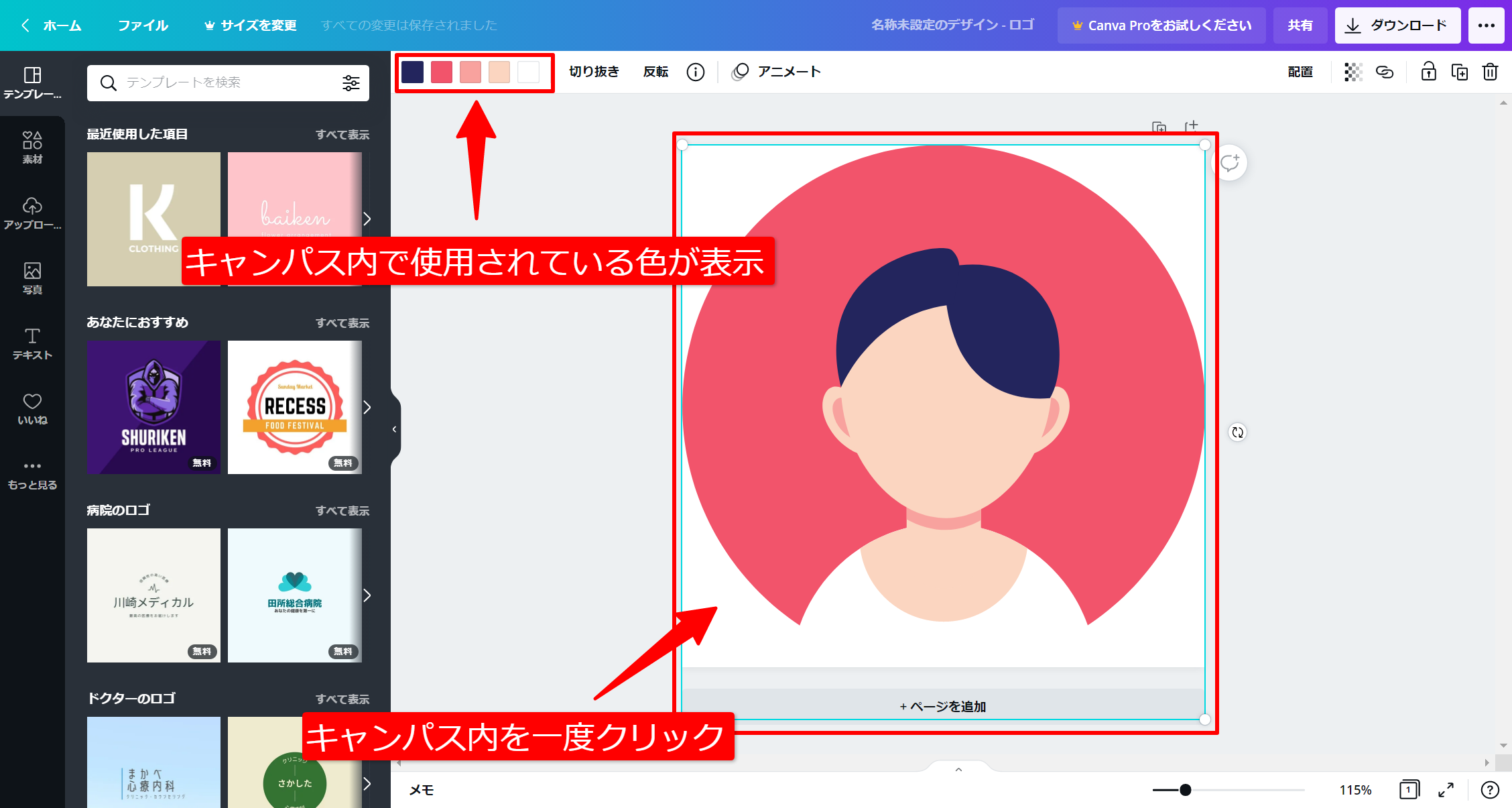
Canva is a popular graphic design platform that helps you create visual content such as presentations, social media graphics, posters, logos, banners, and more. This platform allows users to collaborate and create amazing graphic designs for free.
Canva is available on mobile and desktop and features millions of images, templates, illustrations, and fonts.
Canva has a template section where you can find design ideas for brochures, resumes, invitations, business cards, presentations, flyers, and more. This section will give you plenty of ideas to design what you need.
Meanwhile, in the Discover section, you’ll find logos, infographics, posters, graphs, and charts.
Canva also has great learning resources to improve your design skills.
Pixlr
If you’re looking for a simple and easy-to-use design software to edit your photos, Pixlr is the perfect choice. This is a free online editor that you can use directly from your web browser. The good thing about Pixlr is that you don’t even need to register an account to access its features. Its tools are powered by AI and offer a next-level photo editing experience.
Design your photos like a pro and save them in any format including PSD, PXD, PNG, JPEG, SVG, WebP, and more. Pixlr has advanced and playful options for use by premium members, and playful options are free to access.
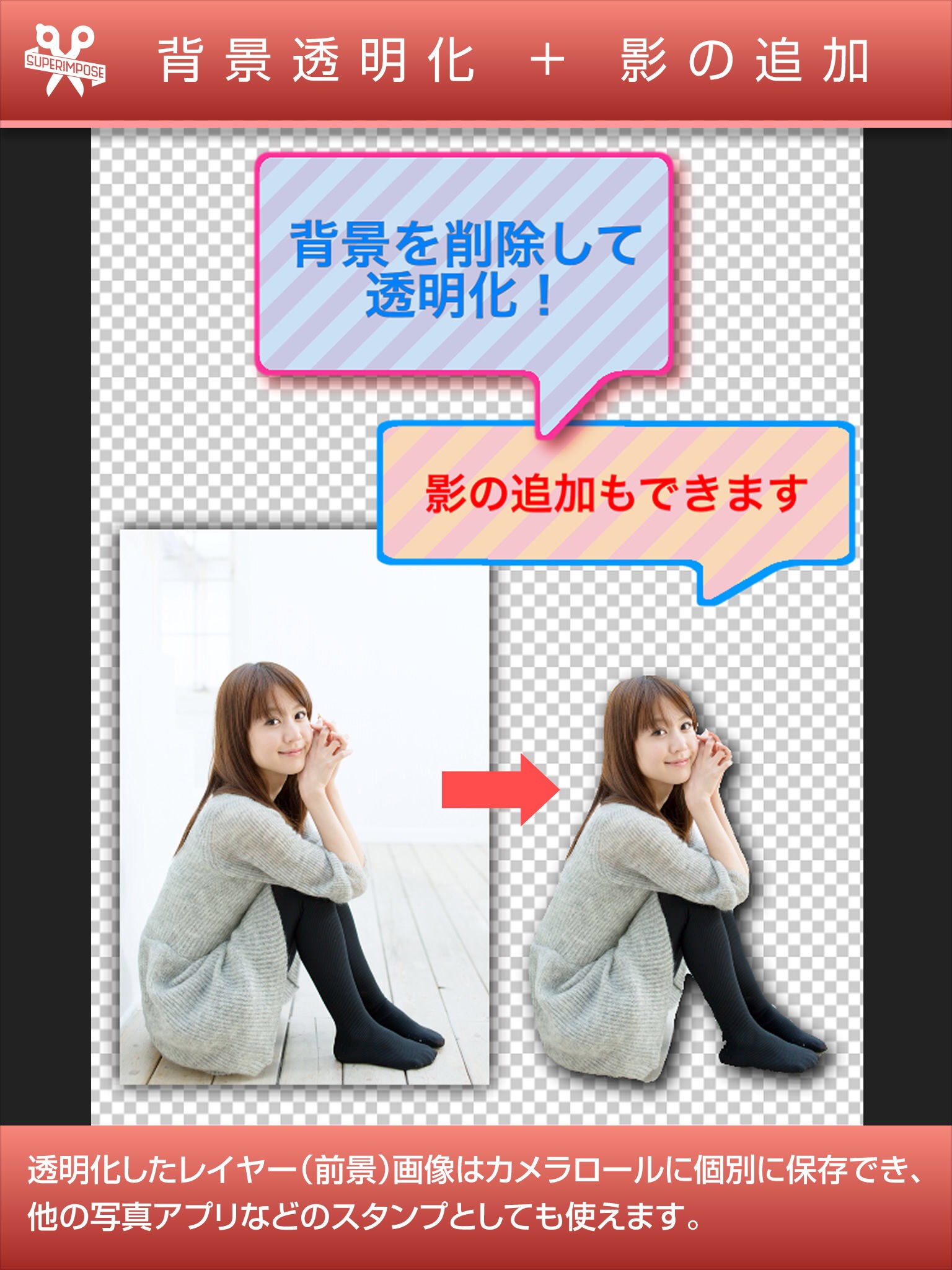
Pixlr features include smarter tools, faster editing times, and easier content creation. With smarter tools, you no longer have to endure repetitive and tedious editing tasks, all powered by AI. You can remove the background of an image with one click and easily cut out the unwanted parts.
This allows you to edit photos faster and save time. It comes with a slider that you can drag left and right when editing your photo to get the best results. Pixlr also has a stock library of stickers, borders, overlays, decorative text, and icons that you can use or add to your images.
photoscape
PhotoScape is an all-in-one photo editing software that lets you modify and enhance images. Features include editor, photo viewer, merge, collage, batch, RAW images, GIF creator, crop, screen capture, color picker, etc.
When you edit photos in PhotoScape, you can experiment with different adjustments, filters, and effects to create your own unique style. You can experiment with film effects and light leak features to give your images an analog feel and turn them into amazing photos.
PhotoScape is compatible with both Windows and MAC.
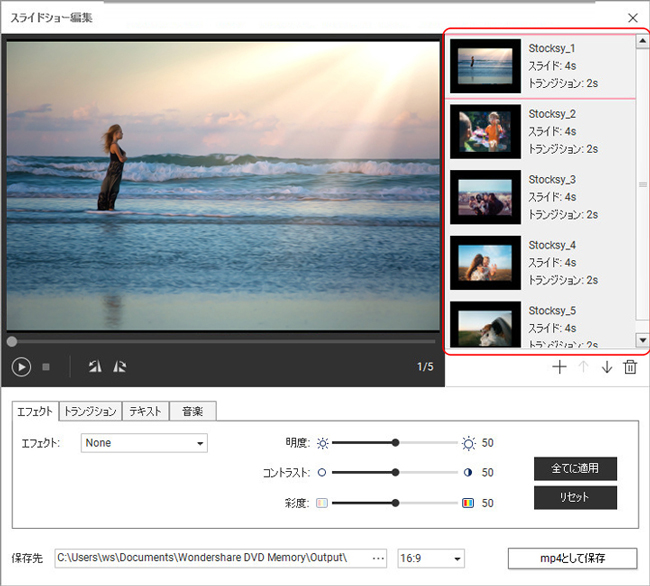
You can edit multiple photos using the batch feature and create photo frames using the editor feature. Additionally, Screen Capture allows you to capture and save screenshots.
inkscape
Inkscape is professional, high-quality vector graphics software that runs on Windows, Mac OS X, and Linux desktop computers. Inkscape is a great tool for illustrators, web designers, and graphic designers. Compatible with a wide range of file formats.
Featuring powerful object creation, manipulation, fill and stroke, path, text, and rendering operations.
To create objects, you can draw using a pencil or shapes. You can create patterns and place clones.
Object manipulation features allow you to scale, move, and otherwise transform your design. Raise or lower your design and easily group objects through Z-order operations. You can also hide individual layers and arrange and distribute commands.
You can select colors through fill and stroke features, pattern fills, and path markers. Editing nodes can be done by manipulating path features as well as bitmap traces.

pictochart
Infographics are one of the best ways to visually and effectively present information to your audience. Piktochart helps you create infographics, social media graphics, presentations, reports, flyers, and posters.
Perfect for marketing, human resources, healthcare, and finance. You can create infographics to tell a story about yourself or your brand. Create your own presentations and print posters with all the templates available to suit all your needs. Therefore, you can create your designs faster and more efficiently.
To make your design even more unique and appealing, you can add interactive charts, images, animated icons, videos, and edit the fonts to your liking.
You also have the option to collaborate with team members.
gravit designer
Have you ever wanted to easily create vector designs?
Gravit Designer is a unique online software designed specifically to serve that purpose. The simple interface and user-friendly controls make it suitable for both experts and beginners. Contains detailed information and videos to help you create the best designs.
picmonkey
PicMonkey lets you create amazing images for Instagram, Facebook, and YouTube. It gives you the option to create advertising images to promote your products and services.
You can transform your images using great photo editing tools. Add effects, create portraits, and adjust exposure with PicMonkey.
There is also an option to remove the background to create stunning portraits. If you are a graphic designer, PicMonkey gives you the opportunity to experiment and create amazing designs.
You can edit image textures, gradients, and filters. You can also edit layers, text effects like curves, and image outlines. Includes over 1,000 templates, creative graphics, and millions of stock photos, textures, and fonts.
Be Funky
If you’re a photographer, you’ll love BeFunky . This is an ideal photo editing and graphic design platform for those who want to be creative and edit their photos to look their best.
Photo editor features allow you to customize your photos and add effects. Collage Maker has a grid layout that allows you to combine multiple images into one.
The graphic designer feature includes templates that help you seamlessly create banners, posters, cards, and flyers.
vector
The name probably gives you an idea of what this design tool is. Vectr is cross-platform for desktop and web, with simple yet powerful features to help you realize your creative designs.
It has intuitive tools that make it easier to focus on what’s important when creating designs for your brand. Every design you create has a unique URL, so you can share it with your team and customers. This means you can collaborate with others in real time and let your team members watch you create and edit designs in real time.
design wizard
Design Wizard allows you to come up with creative image designs and videos within minutes. Perfect for marketing and events. Create gift certificates, loyalty cards, Facebook posts, sales posters, LinkedIn ads, birthday cards, and invitations.
Customize your design by uploading fonts, photos, logos, and creating customized color palettes.
Design Wizard also includes a library of over 1 million images and thousands of illustrations, videos, and graphics. All photos and videos included in Design Wizard are permitted for commercial use and protected from copyright issues.
revenge
Venngage helps you create the best infographics to captivate your audience, tell your story, and present your data efficiently.
The good thing about Venngage is that you’re not limited to just creating infographics. You can also design posters, resumes, brochures, flyers, business plans, ebooks, proposals, banners, white papers, and more.
Simply log in to your account, choose a template, add charts and visuals, and finally customize your design. Once you’re done creating your design, you can share it with your customers, friends, and family.
easily
Easily create and share visual content like infographics, posters, banners, and more. You can create reports, spice up presentations, help customers learn and understand your products and services, and create the best resume that managers will find hard to ignore.
Visual content attracts people, and finding the right tools to help you create great designs for your business is sure to make a difference.
Easily create infographics for schools and businesses. There is a learning section where you can get useful information on how to use the platform and create your designs.
We have a huge template gallery that you can use to create amazing designs for all your needs.
infogram
Infographics are real and are the current trend in digital marketing.
Infogram is one of the best infographic creators you can use to create visual content for your business. This platform not only helps you create infographics, but also allows you to create interactive maps and reports. Infogram is perfect for marketing, media, education, nonprofits, government, news organizations, and teams to collaborate.
Get custom templates with your brand, logo, fonts, and colors, or wow your audience with animations. It also provides interactive charts and maps to boost your creativity.
conclusion
Whether you’re creating a marketing video or ad campaign to promote your products or services, design plays an important role in your online business success. We hope the design tools listed above will help you succeed.
If you’re not yet comfortable designing on your own, you can always hire a freelancer to do it for you.


![How to set up a Raspberry Pi web server in 2021 [Guide]](https://i0.wp.com/pcmanabu.com/wp-content/uploads/2019/10/web-server-02-309x198.png?w=1200&resize=1200,0&ssl=1)


