Do you want to represent the right images on your website? Try these JPG to WebP converters and make your images impactful in every way.
A website is the foundation of your business. These are powerful enough to tell your business’ story with just a few swipes.
Your website must look good to attract your visitors and keep them on your website. The most common and easiest way to accomplish this is to use photos and infographics on your website. Eye-catching photos tell your business’s story quickly and efficiently.
But is adding an image enough? Not much. Image format, size, quality, and download speed can make a big difference in website performance and visitor behavior. As a result, most content creators prefer to provide next-generation image formats such as WebP rather than the commonly used JPG and PNG formats.
But now the question arises, “Why?” In this blog today, we will discuss the importance of WebP image format and also take a look at some of the best converters you can use to convert basic images to WebP.
The importance of serving images quickly on your website

If you are already familiar with SEO and online customer behavior, you may know that a website’s speed is one of the most important factors in its performance. If your website and images take a long time to load, it can hurt visitor engagement and negatively impact your website. In addition to this, images also have a huge impact on website speed.
Also read: Free image compression tools to speed up your website
Therefore, just having good images is not enough for ranking. Also, appropriate image formats and sizes should be used for efficient performance. On average, many large sites lose 10% of their visitors for every second it takes for a page to load.
Most visitors expect the entire page, including images, to load in 8 to 12 seconds. Therefore, most SEO experts recommend using next-generation image formats like JPEG XR, WebP, etc., which consume less data to load without compromising the quality and speed of your website.
What is WebP image format?
You may have noticed that we have mentioned the WebP image format many times, but it is a practical idea to have questions about what it is and what makes it different from other formats.
WebP is the next generation image format. This image format is widely used among web and content authors due to its unique characteristics. WebP is an image format that provides losslessly compressed and lossy compressed images to the web. WebP is an open source technology developed by Google that reduces the size of compressed images without sacrificing quality.
The importance of using WebP image format on your website
The WebP image format is a modern, more efficient way to encode images. The WebP format reduces image file size, consumes less storage space, and speeds up your site. As a result, your site will be significantly faster and consume less storage by using the WebP image format. A faster site will have a positive impact on your website’s performance.
How do I use WebP images on my website? To use WebP images, create a new image in graphics software that includes WebP format, or convert an existing JPG image to WebP format.
Try these JPG to WebP converters and improve your website.
cloud conversion
Cloud Convert is an online image converter that allows you to convert existing images to WebP format.
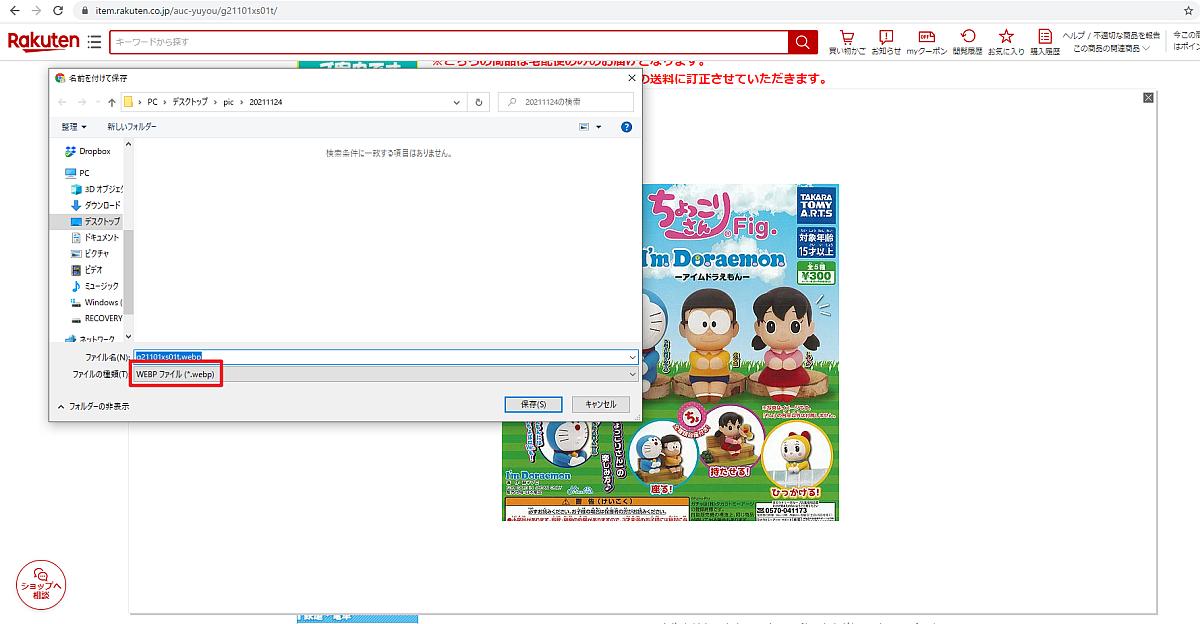
Existing images don’t just mean images in JPG format. You can also convert PNG, JPEG, etc. to WebP. Cloud Convert supports over 200 formats without sacrificing quality.
Additionally, Cloud Convert is a user-friendly site that takes less than a few minutes to convert your images. As for pricing, the site allows you to convert up to 25 images every day for free. However, you may have to pay to convert more images each day.
convertio
If you’re looking for a free image converter, Convertio is a no-brainer. This online free image converter is fast and easily accessible. Get the images you need in web format in just a few clicks.

Converting images with Convertio can be done in three easy steps. You can upload JPG images from your computer, Google Drive, URL, DropBox, or by dragging them onto your site page. Then select WebP format, wait for the process, and you will be able to download images in WebP format in no time.
In addition to this, Convertio supports over 200 formats. Therefore, it can be used for other formats as well.
Ezugifu
Ezgif is an online image conversion site that not only allows you to convert existing images to WebP format, but also helps you do much more with its versatility.

This tool is not limited to images only. You can also use GIFs and videos. Therefore, Ezgif allows you to create and convert GIFs and videos in WebP format.
Ezgif also supports other image formats such as PNG, HEIC, and AVIF. As mentioned before, this site is completely free. However, file upload size is limited to 50 MB.
free conversion
FreeConvert is a web app that allows you to convert existing images to a variety of formats, including WebP. But what makes it special compared to other products on this list is its app. FreeConvert has its own iOS and Android apps in their respective app stores.
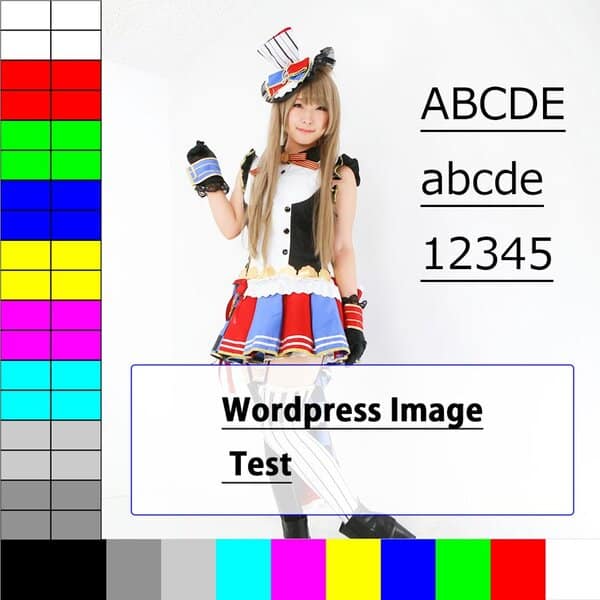
Using FreeConvert is not rocket science. Simply upload your file, choose a format, and download the results once the process is complete.
Additionally, the file size that can be uploaded to this site is limited to 1GB. Therefore, you can easily upload and convert files without worrying too much about their size.
pixelated
It is very easy to find sites that allow you to convert images. But finding a site that lets you convert and edit images in the same place is like the cherry on the cake. Pixeled offers exactly all of these features.

Pixelied is a free online website that allows you to convert existing images to other formats without sacrificing image quality or installing additional software or tools.
Just like other sites, with Pixelied, you simply upload your file, choose the format, and download it after the process. However, you can also enhance your images using quick editing tools.
online conversion
Online-Convert is a free online WebP converter that allows you to convert JPG, PNG, GIF and other image formats to WebP all in minutes.
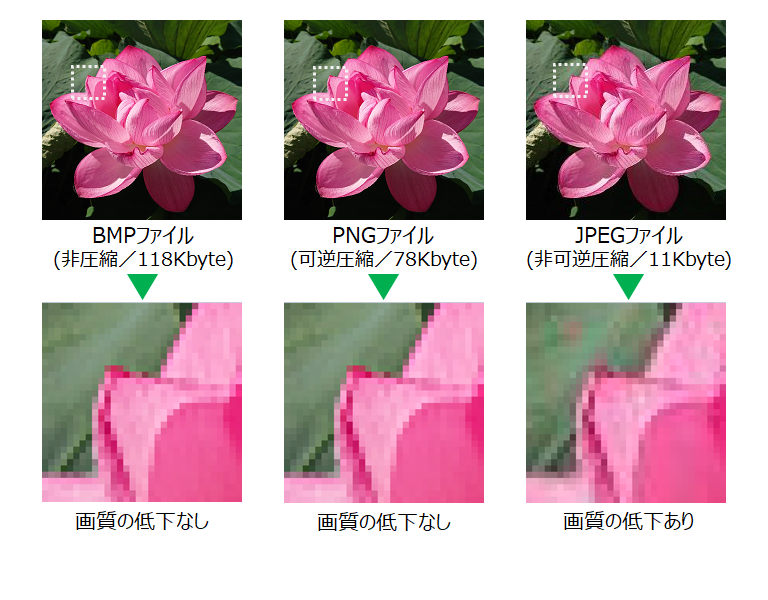
It is not difficult to use this image conversion site. Just upload your image and wait for the magic to happen. In addition to converting images, this site also allows you to resize them, add color filters, and crop them.
You can easily change all these characteristics of your image. Overall, if you are looking for an easy and simple image converter, trust this site.
11 zone
11zon is an easy and basic image converter available online. It is a completely free and easy to use website. You don’t need to think twice before trying this site.

11zon’s main features allow you to convert unlimited images to WebP format without wasting any time. The feature I liked most about this website is the conversion and preview of multiple files.
11zon allows you to upload multiple files at the same time, convert them to WebP format, and save them. In addition to this, you can also see previews of all selected images and easily add or remove images from the list.
X conversion
What’s better than converting existing images to WebP format with high resolution and low storage size? That’s what XConvert does. XConvert is a free online JPG to WebP converter.
Like most websites, Xconvert has its own features. This site allows you to convert multiple JPG files to WebP at the same time.
Moreover, this site allows you to choose the output file size and quality for better desired results. You can also change the image resolution if you wish. XConvert is a great platform for customizing images while converting them to WebP format.
tiny image
TinyImg is an online image conversion site that provides the best WebP format results. You can use this site to convert JPG and PNG images to WebP format and vice versa. This user-friendly site also offers apps for free.

Let’s talk about the features here. TinyImg is a fast and efficient image conversion site as it allows you to convert up to 10 images at the same time. However, please ensure that each image is no larger than 3MB.
In addition to this, the site allows you to convert images for free for a limited time. A subscription may be required for regular use.
Convert online for free
Converting images from JPG to WebP can take some time due to upload size. Therefore, it is important to find a website that allows you to upload images with large storage sizes. So, with this in mind, we have added Online Convert Free to our list.

Online Convert Free is a free online image conversion website. The upload size for this website is 100 MB, which is large enough for regular images. Using this website is as easy as its name suggests. It only takes a few minutes to get the results you want.
AnyConv
AnyConv is the best place to convert JPG images to various formats like WebP, DOT, DST, GIF, etc. We can conclude that AnyConv is a versatile website.
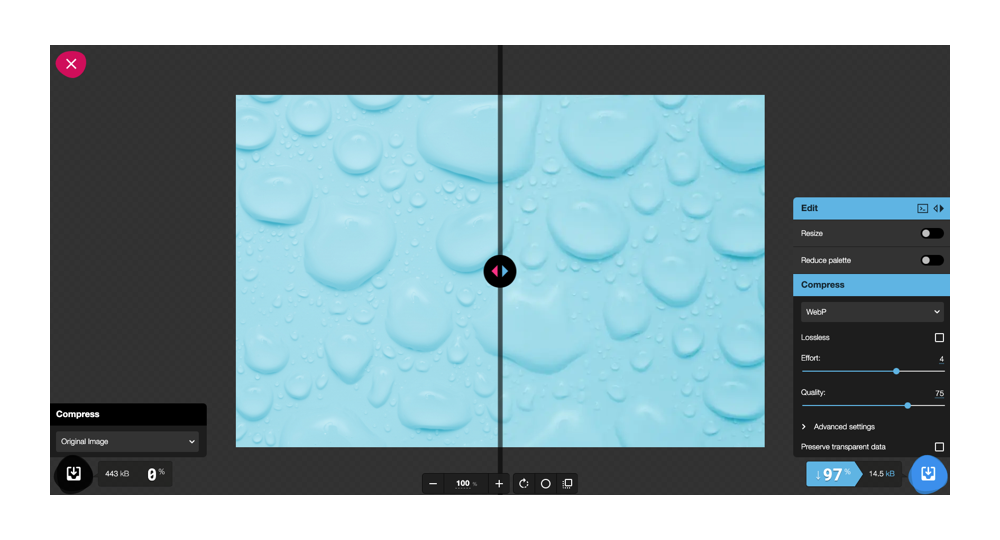
When it comes to WebP, your site is not limited to just JPGs. You can also convert GIF, JPEG, PNG, SVG, and other image formats to WebP. Convert images to other formats with just two clicks: “Choose File” and “Convert”. Isn’t it simple?
zamsar
Zamzar is the most trusted and used online website and for a limited time you can convert JPG images to WebP online for free. Like most similar websites, Zamzar is not difficult to use.

Just upload your file, click “Convert” and wait until it completes. However, it is better than others because you can upload files and perform other tasks without worrying. This site will send you an email when your file is ready.
Zamzar’s maximum file size for free users is 200 MB and you can convert 50 files per month. However, you can increase file size and conversion numbers with a paid subscription.
iLoveIMG
You’ll notice that while most websites here allow you to convert JPG images to WebP format, this website does the opposite. iLoveIMG is a free online website with great features for playing with images.
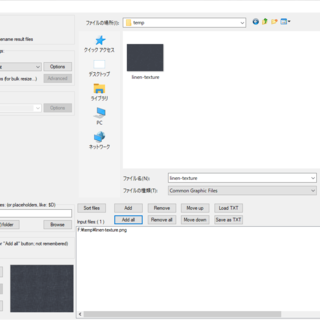
This website is well known for its editing tools. If you have a business, this website will help you in every way. From editing images to converting formats, iLoveIMG makes it easy. This site allows you to convert and save multiple files at once. This site will save you a lot of time.
Bulk Image to WebP Converter
Bulk Images to WebP Converter is a great site that allows you to convert large amounts of JPG, PNG, GIF, and other images to WebP format. This tool is very simple and easy to use.
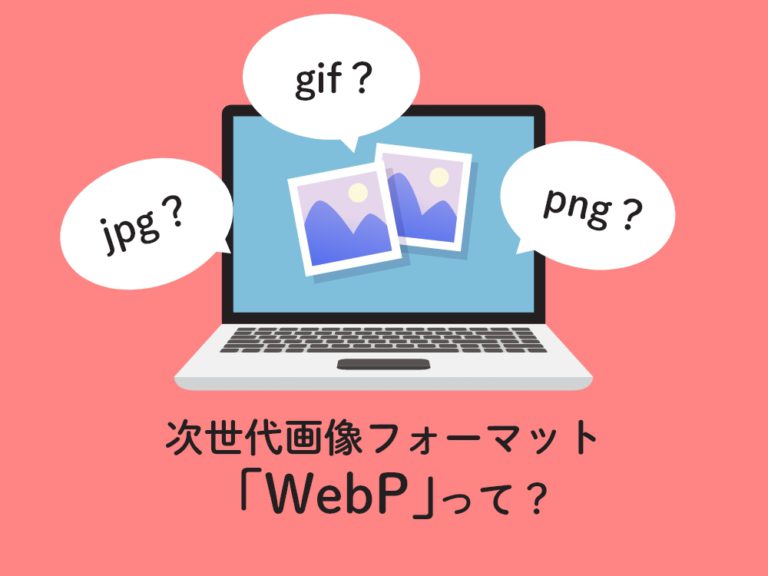
This online website works without a server. Instantly convert images to WebP format. Maximum file size is 30MB. In addition to this, you can also choose WebP quality, resize images, choose download format, etc.
last word
WebP is a modern image format supported by most browsers. Therefore, it is essential to choose JPG to WebP Converter for your website. However, some may wonder about the security of their data when uploading images to these converters. Therefore, in this blog, we have introduced all safe and reliable free JPG to WebP converting apps.
Then check out our free tool to convert JPG to PNG.


![How to set up a Raspberry Pi web server in 2021 [Guide]](https://i0.wp.com/pcmanabu.com/wp-content/uploads/2019/10/web-server-02-309x198.png?w=1200&resize=1200,0&ssl=1)


