Removing backgrounds from images can be a daunting and time-consuming task.
Especially if you’re not very good at graphic design and don’t really understand how professionals do their work.
Images with transparent backgrounds are very important for various purposes, both personal and business-related.
It is especially necessary to combine certain elements and blend them into the design to create visually appealing depth and detail. Transparency goes with everything and helps you get a professional look.
But the real question is how to easily remove the background from an image without making it feel burnt out. The tools described in this article will help you do just that.
Let’s get straight to the point.
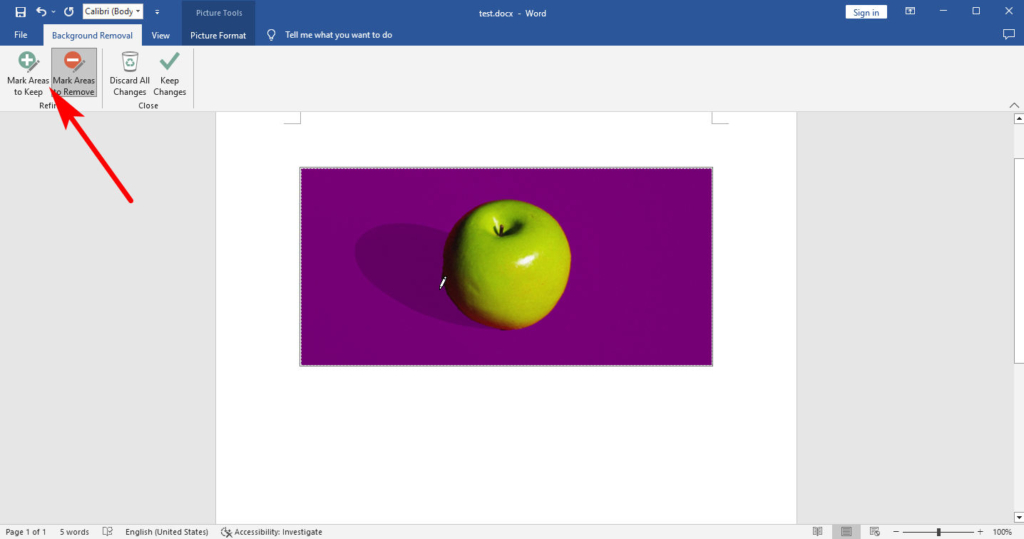
Looking for a tool to easily remove backgrounds from images?
With Wondershare PixCut , a great online background removal tool, you’re on the right side of the tracks. All you have to do is upload your image and let PixCut do the rest.
It can automatically select objects and transfer image backgrounds to transparency with perfect edges. On the other hand, PixCut also offers great features to remove unnecessary objects from images and enlarge them without losing quality. Here is a quick tutorial.
PixCut offers a powerful API that you can customize to suit your needs and introduce it to your products as a great add-on.
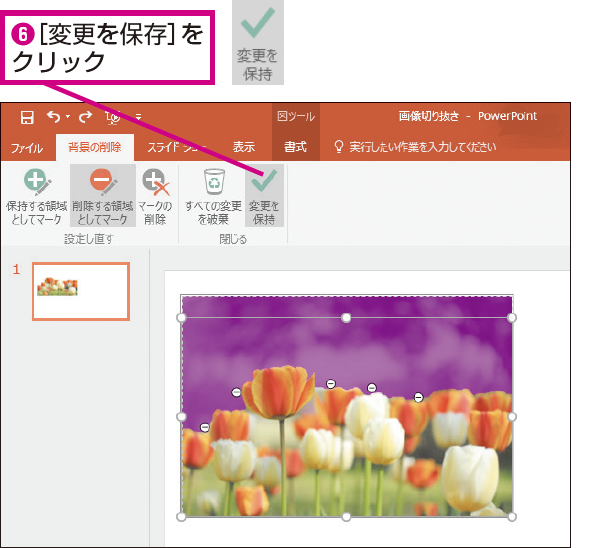
Leawo Photo BG Remover
Powered by smart algorithms, Leawo Photo BG Remover is an easy-to-use and professional photo background eraser. Supports automatic and manual photo background removal, so you can easily remove unnecessary areas and save the areas you want freely. Easily and accurately remove hair and fur, as well as the background of transparent objects.
Moreover, Leawo Photo BG Remover also provides various tools to change and edit photo background. For example, you can change the background of your photo to transparent, solid color, or any image, blur the background, and even apply other effects to the foreground and background.
You can import any image and save the result as JPEG, BMP, TIFF, PNG, WEBP, etc.
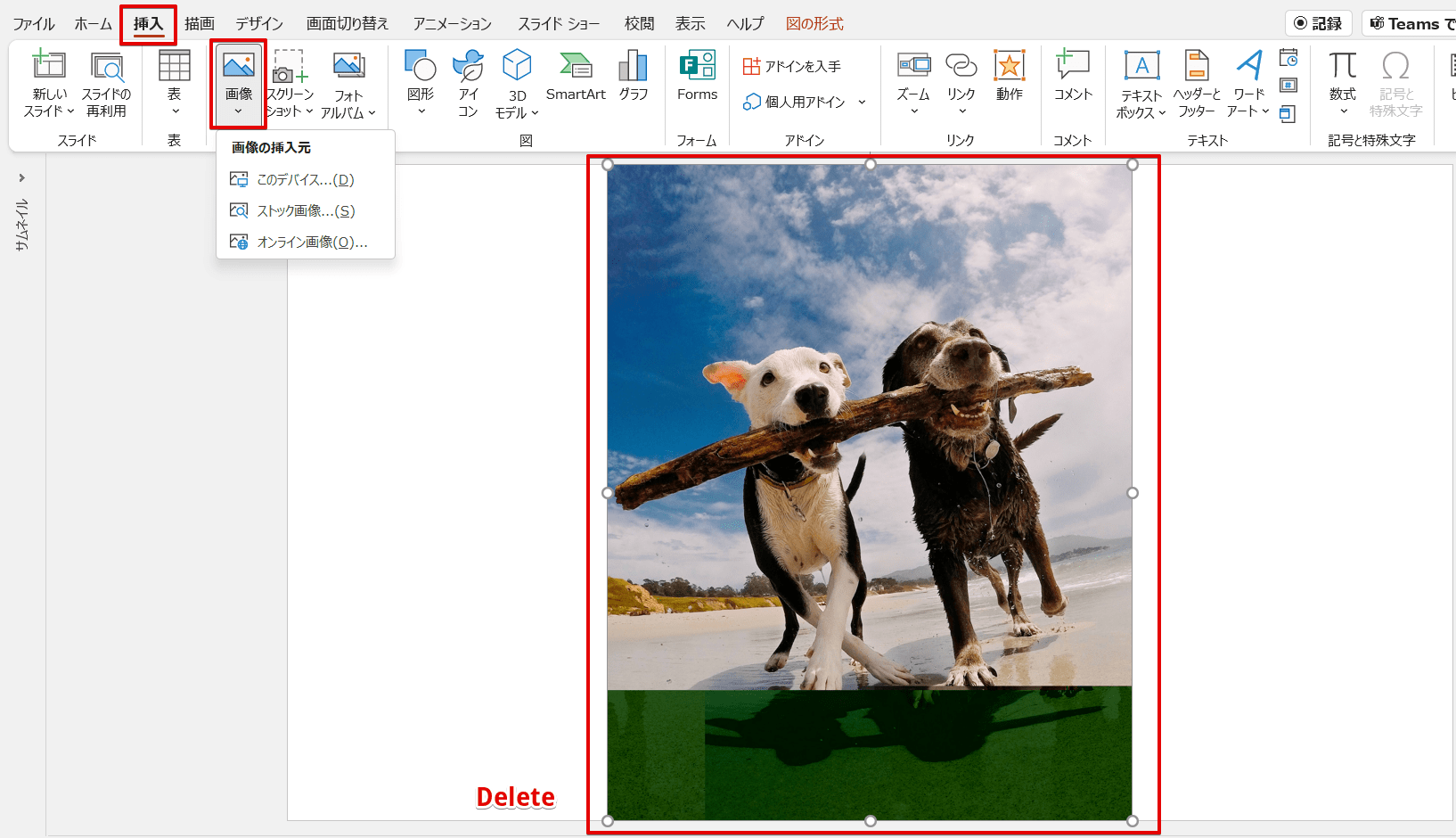
cutout.pro
Cutout.pro is a visual AI platform that can be used by individuals, businesses, and developers. It has various tools such as background removal, photo retouching, photo colorizer, photo enhancer, Cheerful videos, etc.
Its algorithms are ranked top 1 in alpha matting ratings, and with AWS servers and fast customer support, it offers the most reliable privacy protection and the most stable service.
There are apps that allow you to delete backgrounds all at once , but they are also available on the web. No registration required and no hassle. You can download the small size results for free and get 2 credits to your account when you register. Their plans are very flexible. You can subscribe to specific credits each month or pay on the go. This tool has all the other features like transparent background, different background images, and color offer.
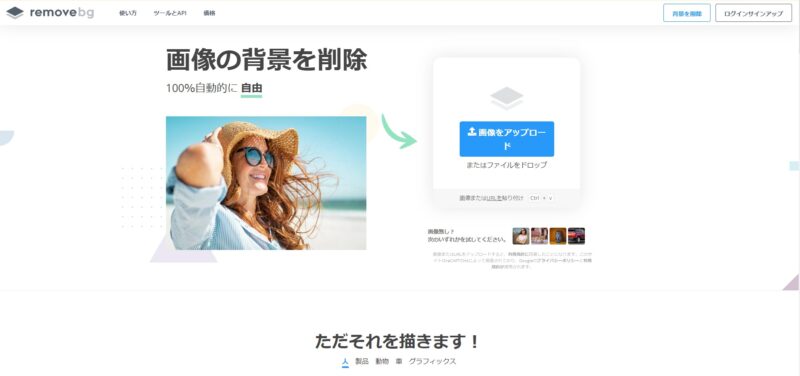
HitPaw Online Background Remover
HitPaw Online Background Remover is the easiest tool and highly recommended. Automatically remove background from images with one click. If your photo has a complex background, you can use “Restore” or “Eraser” to restore the background, or you can erase unnecessary parts after AI automatically processes it.
If you need to change the background to a specific background you have, or if you need to use a pure color background, you can do both with this tool. Since it is an online tool, you can use it anytime and anywhere without any restrictions.
What users like most is that image background removal feature is one of the features of HitPaw online tool. Background remover is free to use, but you can also use image converter, dynamic photo, face animator, screen recorder, video cutter, watermark remover, etc.
Delete .bg
The most recommended option, Remove.bg, does a great job of instantly removing the background from the images you provide. When I say “instant,” I mean exactly that. Because it literally takes less than 5 seconds to generate a transparent background version of your image.
This tool allows you to remove the background of images consisting of people, animals, objects, cars, and even graphics.
Just upload your image and the tool will do the work for you. Once the result is generated, you can download it or make a few modifications to make it perfect, but this is not necessary in most cases.
If needed, you can leverage Remove.bg’s API to further increase the digital efficiency of your workflow.
slather
Slazer allows you to instantly remove or add new backgrounds to your images. It supports JPG, PNG, and JPEG formats, allowing you to upload literally any image, even the most complex. Their AI computer vision algorithm has the ability to distinguish between confusing objects such as hair and similarly colored backgrounds.
You can use it online or download the desktop app to automatically process images in bulk. There are also mobile apps, Photoshop plugins, Shopify plugins, WooCommerce plugins, and Figma plugins that support different platforms in the same process.
Slazzer also provides an API that allows you to remove the background with a single API call.
Kamba
Canva is widely known as a very easy to use tool, especially for those who struggle with design skills. Built-in tools and elements make your work super easy, and you can create something visually appealing with just drag and drop.
Most features are free, but you need to become a PRO user to remove the background. However, once you step into the PRO plan, you literally unlock endless design possibilities you couldn’t have imagined otherwise.
And the best news is, your first month of PRO membership is completely free. If you don’t like it, you can stop at any time. However, you will want to continue because it is possible. 😎
delete.ai
Remove.ai is another free solution that works similarly to the tools above and creates transparent backgrounds by cutting out specific elements from images.
It takes just 3 seconds to process an image and return a transparent version. The free version gives you 0.25 megapixel images. To get the best resolution results, you have to buy credits, but it’s not expensive at all.
You can do it one image at a time, or you can download Windows software that allows you to remove backgrounds in bulk. As an added bonus, you can also utilize APIs to speed up processing.
background cut
BackgroundCut makes good use of artificial intelligence to easily remove backgrounds from even the most difficult images. It’s still in beta, but when you upload or drop an image, the main part will be automatically cropped within seconds.
The creator of this tool regularly publishes new updates to improve the tool. One of the most anticipated features is a public API that will help you integrate third-party apps and use them to develop your own apps. It’s said to be coming soon, so keep an eye out.
BackgroundCut is free to use, but you must purchase credits to request high-resolution images.
photo scissors
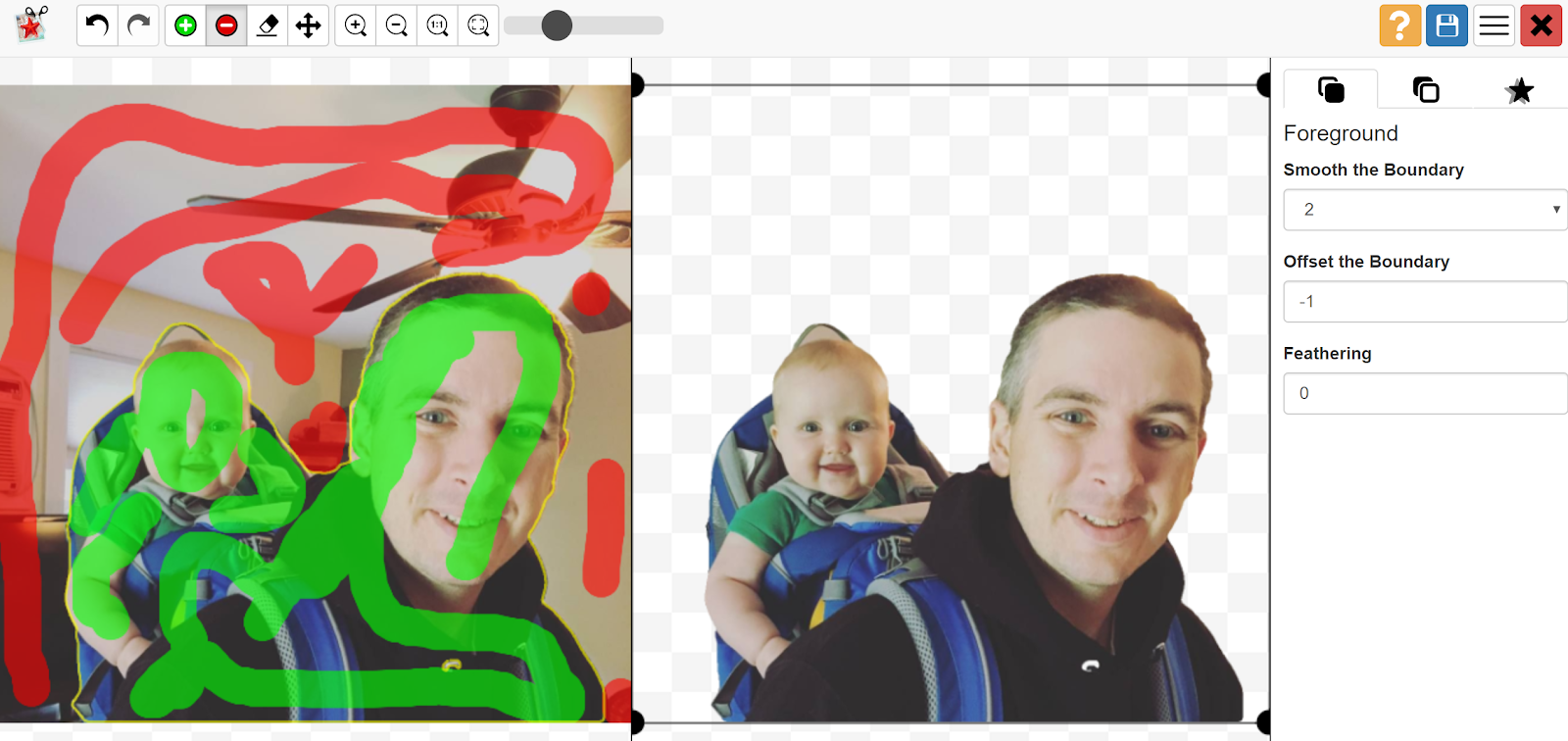
Highly accurate yet easy to use, PhotoScissors allows you to easily remove background from images, even around translucent objects such as hair. There are many built-in tools within the solution, such as Magic Wand and Transparent Marker, for different types of images, and anything you enter there will return a satisfactory result.
After using this tool to remove the background from an image, you can fill it with a solid color, another image, or even create a collage of multiple images.
PhotoScissors is available for download on Windows, Mac, and IOS. You can also use it online if you don’t want to download anything.
adobe express
There’s a strange sense of security associated with anything Adobe, and Adobe Express is no exception. This is an amazing tool with many great features, including the ability to quickly remove backgrounds from images.
After you remove the background, you can leave it as is, add a new color, play around with the shape, or fill it with another image instead. Personal profile photos, product photos, promotional flyers, etc. can be edited to suit your requirements.
You can experiment with different elements such as fonts, animations, shapes, colors, images, etc. to create a completely unique vision orientation.
Impixio
I personally use InPixio to remove backgrounds from images, and it works amazingly well. The accuracy is great and you can export images in high resolution completely free of charge. There are no hidden costs, so you can get started today.
Once the tool returns a transparent version of the image, you can save it or do further highlighting for best results. If you’re uploading a complex image, there’s a good chance you’ll need to make many tries before you get the perfect result, but that’s not a problem with a tool that doesn’t charge you a penny.
Pixlr BG
Remove the background from one or multiple images at once using Pixlr BG. This is a great editing tool that can be used for a variety of purposes, one of which is removing the background. Whether it’s a selfie, a product shot, or an image that needs some editing, this tool will help you do it in just a few seconds.
Once the result is generated, you can use the cropping tools to tweak it to any degree you want. Pixlr BG is completely free to use and you can get started right away by uploading your desired images.
fiber
If you don’t want to use tools and want a real human to do the work for you, Fiverr is the platform for you. It houses a number of gigs for various purposes created by freelancers, such as this one by an artist called Juliaphoto.
This gig lets you remove backgrounds from 20 different images for just $5 for the basic package. Commercial use is possible, modifications can be requested, and delivery can be done within one day.
If you want to remove backgrounds from more images, you will of course have to choose a more expensive package. However, the good thing about Fiverr is that it always puts the buyer first. We guarantee you’ll be happy with your order, but if you’re not, you can immediately request a refund.
There are many more gigs like this on the platform and you can check them out with a simple search.
conclusion
Removing background from images is no longer a scary task. In fact, it has become easier over the years thanks to modern technology. The above resources are enough to complete the task very easily.
Then check out these online photo editing tools.


![How to set up a Raspberry Pi web server in 2021 [Guide]](https://i0.wp.com/pcmanabu.com/wp-content/uploads/2019/10/web-server-02-309x198.png?w=1200&resize=1200,0&ssl=1)


