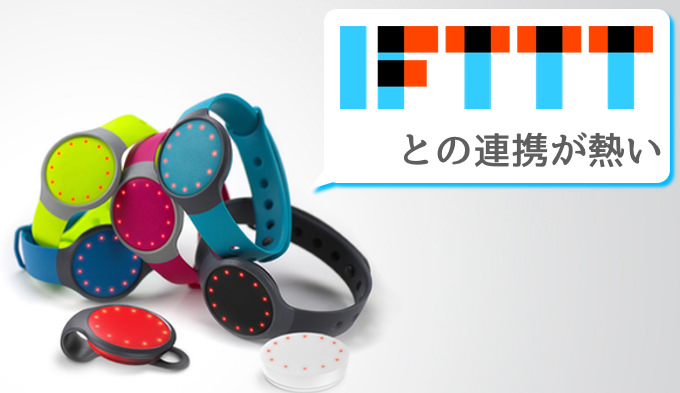
Perhaps you’ve heard of IFTTT. Maybe you even use a little bit of it. Or maybe you’re a power user whose life is powered by IFTTT. No matter where you are in your IFTTT journey, there’s no denying that IFTTT is one of the best automation services on the market. I love the fact that IFTTT integrates with just about every service you can think of, including Android Wear, which is the focus of this article. If you own an Android Wear device and aren’t using IFTTT, you’re missing out. This service lets you get more out of your Android Wear device using IFTTT Recipes (now called IFTTT Applets). If you’re interested in improving the usability of your Android Wear device, read our 15 Best IFTTT Recipes for Android Wear in 2020.
Note: IFTTT currently refers to its “recipes” as “applets,” and this article uses both terms interchangeably. Therefore, please do not confuse them as they both mean the same thing.
Best IFTTT Recipes or IFTTT Applets for Android Wear in 2020
From getting special notifications to weather forecasts to monitoring your smart home devices, IFTTT makes your Android Wear device even more powerful. We bring you a list of the best IFTTT recipes/applets to show you what you can do by connecting your Android Wear device to IFTTT.
1. Receive low battery notifications on your phone
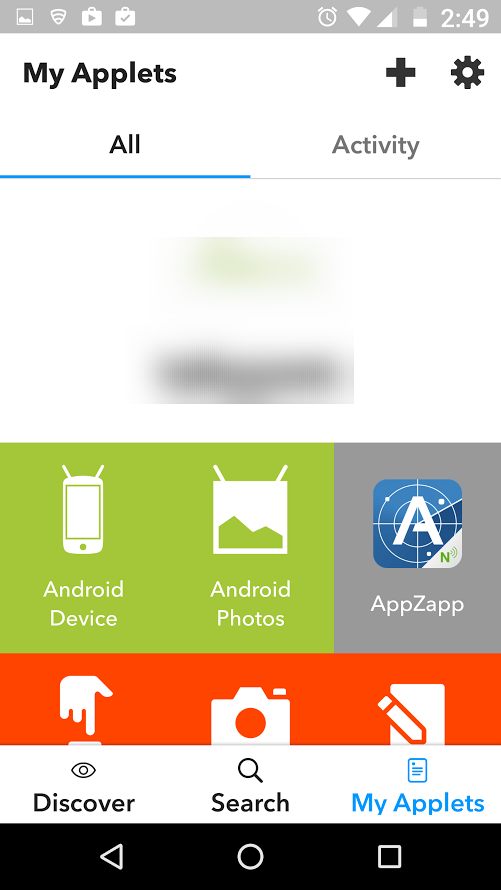
One of my favorite IFTTT recipes or applets for Android Wear is the low battery notification on my phone. You need an Android smartphone and an Android Wear device for this to work. Connect both to IFTTT and enable this applet to receive a notification on your Android Watch every time your phone’s battery drops below 15%, so you won’t be caught off guard.
Channel: Android Wear, Android Battery
Get the applet here
2. High UV Index Android Wear Alert
With the recent outbreak of environmentally related diseases, it is important to always be careful when going out. One thing to keep in mind when leaving your home is the UV index of your area. Now, most of us don’t remember to check this, and I get it. That’s why it’s important to have this applet because it automatically sends a notification to your Android Wear device whenever the UV index exceeds a reasonable limit.

Channel: Android Wear, Weather Underground
Get the recipe here
3. Get Android Wear notifications for Ecobee
If you want to use Ecobee to control your home or office thermostat, this is the applet for you. Most of us have a specific thermostat set for downtime to save money on our utility bills. If for some reason someone overrides these settings, this recipe will send a notification directly to your Android Wear device so you can change them back again.

Channel: Android Wear, Ecobee
Get the recipe here
4. Send your Alexa shopping list to Android Wear
Another favorite IFTTT recipe of mine is the ability to automatically send shopping lists saved to Alexa to Android Wear. I have an Amazon Echo device in almost every room in my house, and I tend to add things I need to buy using Alexa skills as I think of them. This recipe sends that list to your Android Wear device, so you don’t have to manually ask Alexa or enter it again on your phone.
Channel: Android Wear, Alexa
Get the recipe here
5. Android Wear Bedtime Reminder
This seems silly, but it’s one of those features that really helps form habits. That is, most of us know what time we need to stop working or watching movies and go to bed in order to get a good night’s sleep. But few people go to bed on time. Well, this little IFTTT recipe simply sends a notification to your Android watch every time it’s bedtime (at a specified time). This simple notification has improved my sleep habits more than I’d like to admit.

Channel: Android Wear, Date and Time
Get the recipe here
6. Receive a notification on Android Wear when you receive a voicemail
Since investing in a good Android smartwatch, I’ve become less and less dependent on my phone. That said, my smartwatch still can’t replace my phone because there are a lot of things you can’t do with a smartwatch. One of them is the ability to play voicemails. This recipe won’t give your smartwatch this feature, but it will do the next best thing of notifying you every time you receive a voicemail on your phone. This is one of the less used IFTTT applets, but you might find it useful from time to time.

Channel: Android Wear, Ooma
Get the recipe here
7. Get notified when you are tagged in a FB photo
If you’re a social media addict and need to stay updated on every photo you’re tagged in, this is the IFTTT recipe for you. All this applet does is send a push notification to your smartwatch whenever someone tags you in a photo on Facebook. This allows you to stay on top of your social media reach and remove tags from questionable photos before anyone you know sees them.
Channels: Android Wear, Facebook
Get the recipe here
8. Please be careful if it rains tomorrow
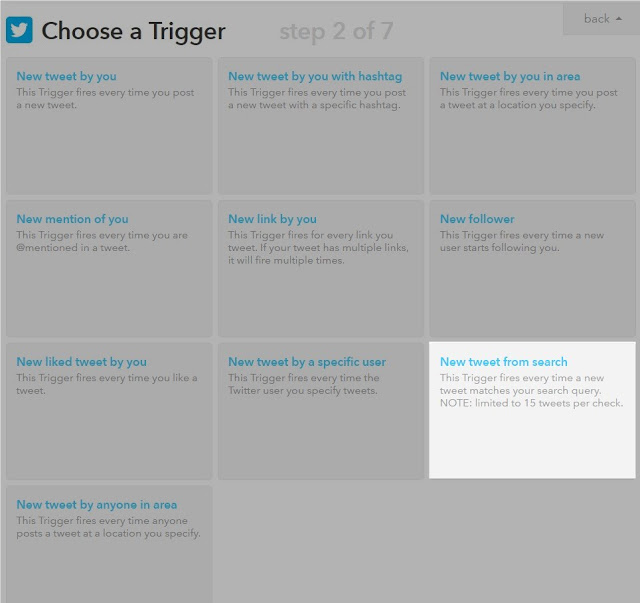
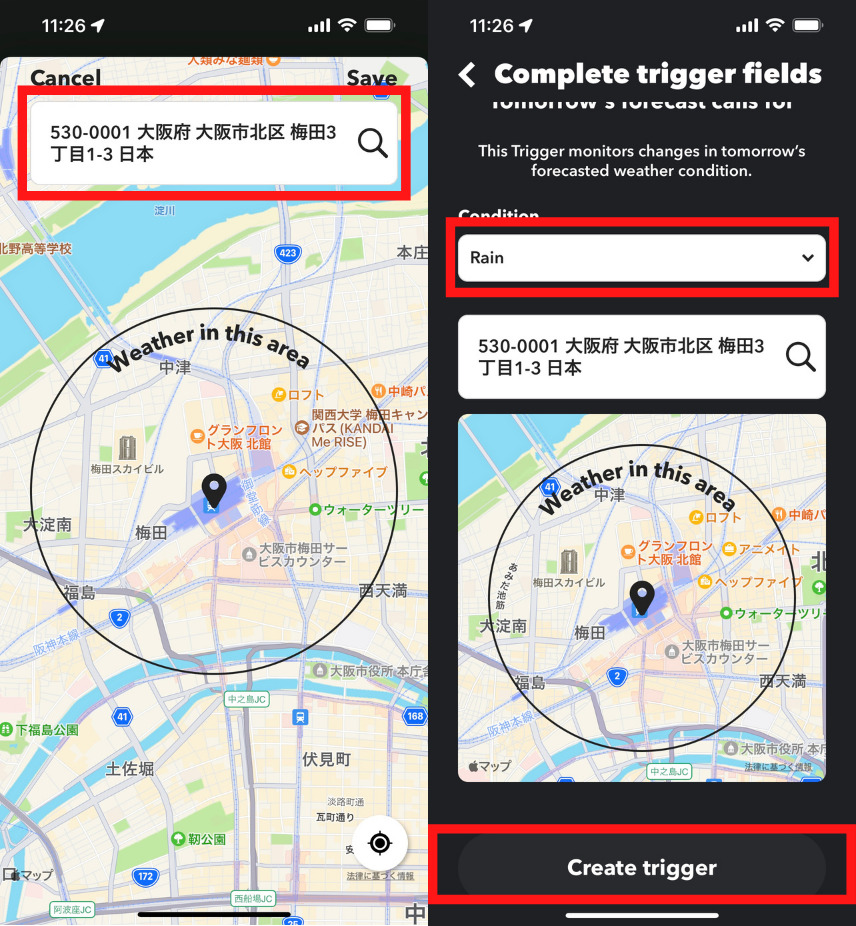
This recipe basically triggers an Android Wear notification if there’s a chance of rain in your specified area tomorrow. Why this alert instead of Google Now alerts? Because you can choose to be notified about a custom location instead of your own. The notification itself can be customized in terms of text and sufficient amount of data that can be included. Thanks to the configuration options, you can use this recipe not only for rain, but also for other weather conditions.
Channels: Android Wear, Weather
Get the recipe here
9. Preview photos on Android Wear
Channels: Android Wear, Android Photo
Get the recipe here
10. Receive missed call notifications
One of the biggest benefits of having a smartwatch in my opinion is the ability to receive incoming call notifications directly to your wrist. All watches provide real-time alerts on incoming calls. But what if you have a missed call and want to review it later? By default, Android Wear doesn’t have persistent notifications for missed calls. This is where this recipe comes in handy. Text notifications are triggered on your smartwatch and remain visible until you manually dismiss them, allowing you to see missed calls at a glance from your wrist. Alert text can be customized in the recipe’s advanced settings.

Get the recipe here
11. Send New Year wishes to your Twitter followers
This is a very nifty IFFTTT applet that, as its title suggests, allows you to send New Year wishes to your Twitter followers. Once you set up this recipe, Twitter will automatically send a New Year wish Tweet to your followers without you having to do anything.

Channel : Date and time, Twitter
Get the recipe here
12. Say welcome back
This may not be very useful, but it’s a fun IFTTT recipe that you can use. What this recipe does is send a welcome home greeting when you arrive home. You can customize it by adding more actions (for example, turn on WiFi) as needed. For this to work, you need to give IFTTT location permissions.
Get the recipe here
13. Receive battery level notifications
This is a cool and useful IFTTT applet that when you set your phone to charge, it sends you a notification showing your current battery percentage. This is useful if you just plug in your phone and forget to check the battery.
Get the recipe here
14. When you forget your phone
This is one of the most useful IFTTT recipes I’ve found. It helped me in many situations. It will send you a notification if you forget your phone. So, the next time you leave the house or go to a party, you will receive a notification if you go out without your phone.
Channel: Android Wear, Bluetooth
Get the recipe here
15. Get the weather forecast every day at 8:15am
A useful IFTTT applet. We’ll send you a weather forecast every day at 8:15 a.m. This way, you won’t be caught off guard by inclement weather. Another great thing about this recipe is that if your device is charging and asleep, it will send you a silent notification so you don’t wake up if you sleep late on the weekend.

Channel: Android Wear, Weather Underground
Get the recipe here
Give your Android Wear superpowers with these IFTTT recipes/applets
There are so many possibilities with IFTTT, and these IFTTT recipes are not even the metaphorical tip of the iceberg. Once you try it out and play around with the channels, you’ll soon wonder how you ever lived without IFTTT for so long. Also, as you get more familiar with IFTTT and Android Wear, create your own IFTTT recipes and share them in the comments section below.


![How to set up a Raspberry Pi web server in 2021 [Guide]](https://i0.wp.com/pcmanabu.com/wp-content/uploads/2019/10/web-server-02-309x198.png?w=1200&resize=1200,0&ssl=1)


