Create, manage, and convert SSL certificates using OpenSSL
One of the most common SSL commands for creating , converting , and managing SSL certificates is OpenSSL.
There are many situations where you have to deal with OpenSSL in different ways. We’ve listed them here as a handy cheat sheet.
This article describes frequently used OpenSSL commands that are useful in the real world.
Some abbreviations related to certificates.
- SSL – Secure Sockets Layer
- CSR – Certificate Signing Request
- TLS – Transport Layer Security
- PEM – Privacy Enhanced Email
- DER – Differentiated Encoding Rules
- SHA – Secure Hash Algorithm
- PKCS – Public Key Cryptography Standard
Note : If you’re not familiar with the terminology, our SSL/TLS operations course can help.
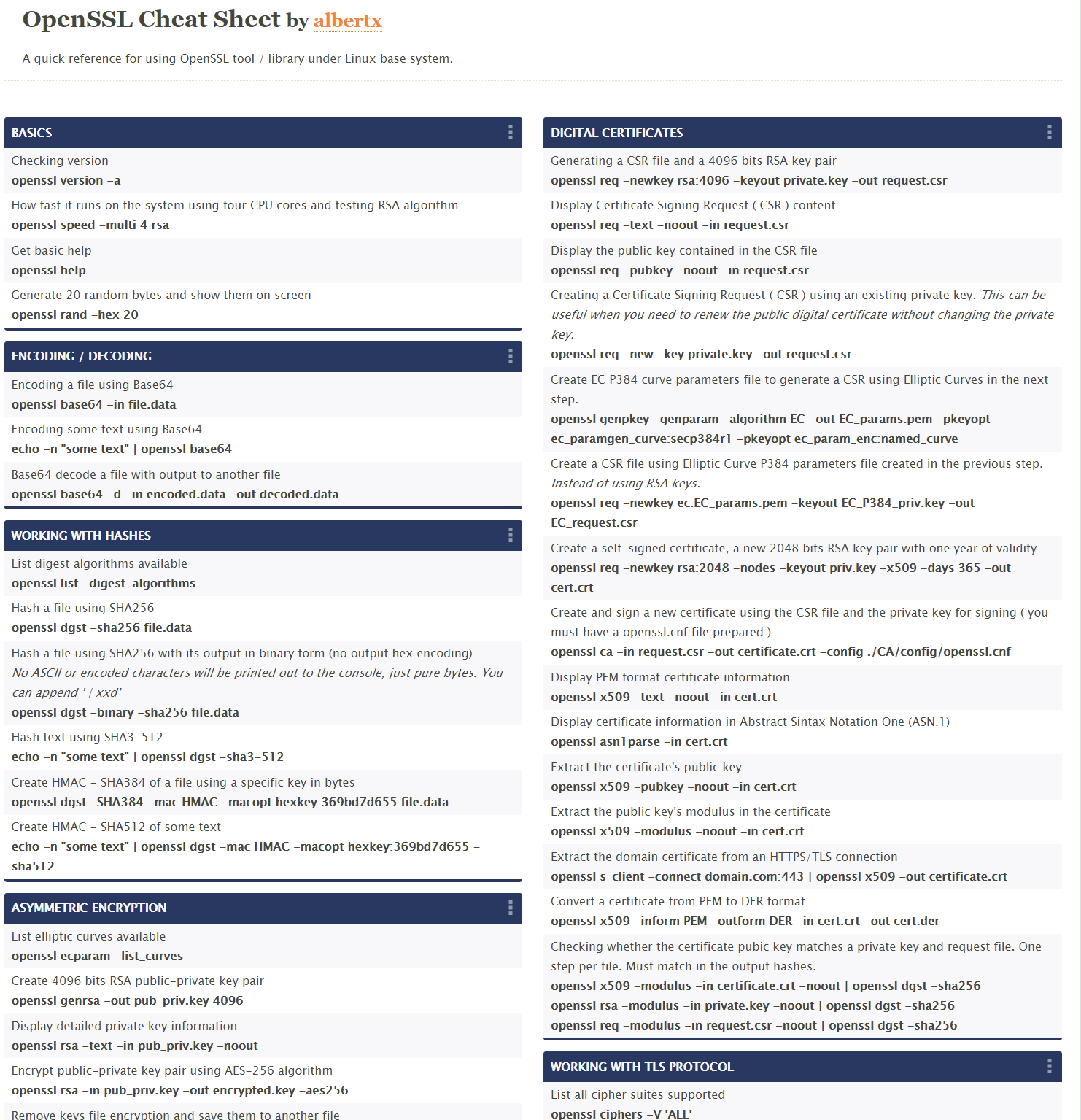
Create a new private key and certificate signing request
openssl req -out .csr -newkey rsa:2048 -nodes -keyout .key The above command will generate a CSR and a 2048-bit RSA key file. If you want to use this certificate with Apache or Nginx, you need to send this CSR file to your certificate authority. Issuing authorities mostly provide signed certificates in der or pem format. You will need to configure this with your Apache or Nginx web server. .
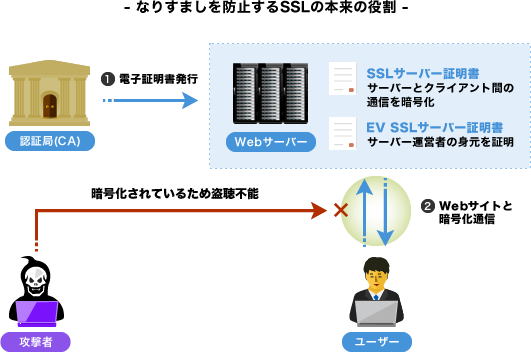
Create a self-signed certificate
openssl req -x509 -sha256 -nodes -newkey rsa:2048 -keyout gfselfsigned.key -out gfcert.pem The above command will generate a self-signed certificate and key file using 2048-bit RSA. We have also included sha256, which is currently considered the most secure.
Tip: By default, a self-signed certificate is generated that is only valid for one month, so consider defining the –days parameter to extend the validity period.
Example: Self-sign valid for 2 years.
openssl req -x509 -sha256 -nodes -days 730 -newkey rsa:2048 -keyout gfselfsigned.key -out gfcert.pem 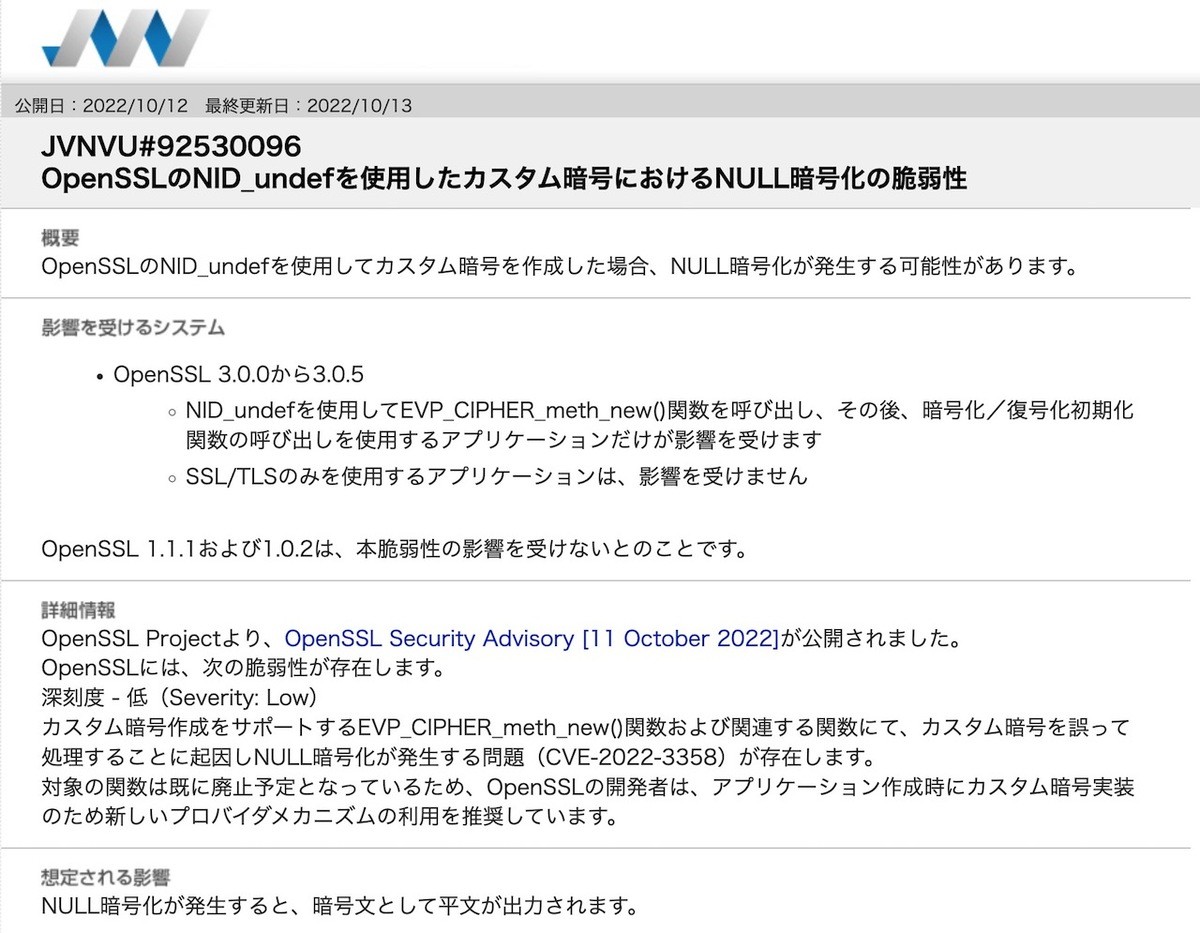
Validate CSR file
openssl req -noout -text -in .csr Verification is essential to ensure that you are submitting a CSR with the required details to the issuer authority.
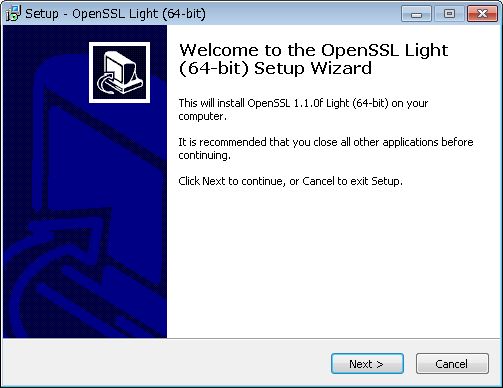
Creating an RSA private key
openssl genrsa -out private.key 2048 If you just want to generate an RSA private key, you can use the above command. Included 2048 for stronger encryption.
Remove passphrase from key
openssl rsa -in certkey.key -out nopassphrase.key If you use a passphrase for your key file and are using Apache, you will have to enter the password every time you start it. If you don’t want to type the password, you can remove the passphrase key from the existing key using openssl rsa -in .key -check above.
Private key verification
openssl rsa -in certkey.key –check If you are in doubt about your key file, you can check it using the above command.
Validating the certificate file
openssl x509 -in certfile.pem -text –noout If you want to validate the certificate data like CN, OU, etc., you can use the above command to get the certificate details.
Check the certificate authority of the certificate signer
openssl x509 -in certfile.pem -noout -issuer -issuer_hash The certificate authority signs all certificates and, if necessary, verifies the certificates.
Check the hash value of the certificate
openssl x509 -noout -hash -in bestflare.pem Convert DER to PEM format
openssl x509 –inform der –in sslcert.der –out sslcert.pem Typically, certificate authorities provide SSL certificates in .der format, but if you need to use them in Apache or .pem format, the above commands will come in handy.
Convert PEM to DER format
openssl x509 –outform der –in sslcert.pem –out sslcert.der If you need to change .pem format to .der
Convert certificate and private key to PKCS#12 format
openssl pkcs12 –export –out sslcert.pfx –inkey key.pem –in sslcert.pem If you need to use the certificate with a Java application or any other application that only accepts PKCS#12 format, you can use the above command. This will generate a single pfx containing the certificate and key files.
Tip: You can also include the chain certificate by passing –chain as below.
openssl pkcs12 –export –out sslcert.pfx –inkey key.pem –in sslcert.pem -chain cacert.pem Create a CSR using an existing private key
openssl req –out certificate.csr –key existing.key –new If you don’t want to create a new private key instead of using an existing private key, you can use the above command.
Check the contents of the PKCS12 format certificate
openssl pkcs12 –info –nodes –in cert.p12 PKCS12 is a binary format, so you can’t view the content in Notepad or other editors. The above command will help you check the contents of the PKCS12 file.
Convert PKCS12 format to PEM certificate
openssl pkcs12 –in cert.p12 –out cert.pem This is useful if you want to use an existing pkcs12 format with Apache, or just the pem format.
Test the SSL certificate for a specific URL
openssl s_client -connect yoururl.com:443 –showcerts I use this frequently to verify the SSL certificate of a particular URL from a server. This is very useful for validating protocol, cipher, and certificate details.
Check the OpenSSL version
openssl version If you’re responsible for ensuring that OpenSSL is secure, one of the first things you should probably do is check the version.
Check expiration date of PEM file certificate
openssl x509 -noout -in certificate.pem -dates Useful if you plan to introduce some monitoring to check effectiveness. Dates are displayed with the notBefore and notAfter syntax. notAfter is what you need to validate to see if the certificate has expired or is still valid.
Original:
 [root@Chandan opt]# openssl x509 -noout -in bestflare.pem -dates
notBefore =Jul 4 14:02:45 2015 GMT
notAfter =Aug 4 09:46:42 2015 GMT
[root@Chandan opt]#
Check the certificate expiration date of an SSL URL
openssl s_client -connect secureurl.com:443 2>/dev/null | openssl x509 -noout –enddate The other is useful if you plan to monitor SSL certificate expiration dates remotely or at specific URLs.
Original:
 [root@Chandan opt]# openssl s_client -connect google.com:443 2>/dev/null | openssl x509 -noout -enddate

notAfter =Dec 8 00:00:00 2015 GMT
Check if URL accepts SSL V2 or V3
To check SSL V2
openssl s_client -connect secureurl.com:443 -ssl2 To check SSL V3
openssl s_client -connect secureurl.com:443 –ssl3 To check for TLS 1.0
openssl s_client -connect secureurl.com:443 –tls1 To check for TLS 1.1
openssl s_client -connect secureurl.com:443 –tls1_1 To check TLS 1.2
openssl s_client -connect secureurl.com:443 –tls1_2 If you are securing a web server and need to verify whether SSL V2/V3 is enabled, you can use the above command. When activated, it will display ” CONNECTED “, otherwise it will display ” Handshake Failed “.
Check if a specific cipher is accepted in a URL
openssl s_client -cipher 'ECDHE-ECDSA-AES256-SHA' -connect secureurl:443 If you are working on security findings and your penetration testing results show that some of your weaker ciphers were accepted, you can use the above command to verify.
Of course, you’ll need to change the cipher and URL you’re testing. If the aforementioned cipher is accepted, it will display ” CONNECTED “, otherwise it will display ” Handshake Failed “.
We hope the above commands will help you understand more about OpenSSL for managing SSL certificates for your website.


![How to set up a Raspberry Pi web server in 2021 [Guide]](https://i0.wp.com/pcmanabu.com/wp-content/uploads/2019/10/web-server-02-309x198.png?w=1200&resize=1200,0&ssl=1)


