There are several reasons why you might want to record the screen of your Android smartphone or tablet. You can record your gameplay and share it on YouTube and other social channels, create video tutorials on how to use the app, and even record your Android device’s screen for fun. Whatever the actual reason, third-party apps make it easy to record the screen of your Android device.
Unlike the built-in screenshot feature, Google does not provide a screen recording feature natively available on the Android platform. To record the screen of your Android smartphone, you will need to use a third-party app that can be downloaded from the Google Play Store. If you have a device running the latest Android iteration, Android Lollipop OS, you can easily record the screen of your Android device using the following screen recorder apps.
7 best screen recorder Android apps (works without rooting)
1. Screen recorder
If you want a simple and easy way to capture high-quality screen recordings on your Android smartphone, Screen Recorder is the app for you. Screen Recorder provides unlimited video recording on Android Lollipop devices. This app does not require root privileges as long as you are running Android 5.0 Lollipop or newer.
Screen Recorder allows you to record as much of your Android smartphone’s screen as you like, but it doesn’t allow you to record audio as it requires the pro version of the app. The free version doesn’t minimize the app when you start recording, but you can easily edit that part with video editing tools. Just shake your Android device to start recording your screen with this app.
The Screen Recorder Pro license costs $2.89 and includes features such as audio recording, the ability to add a banner while recording, and auto-minimize when recording starts.
2. One shot screen recorder
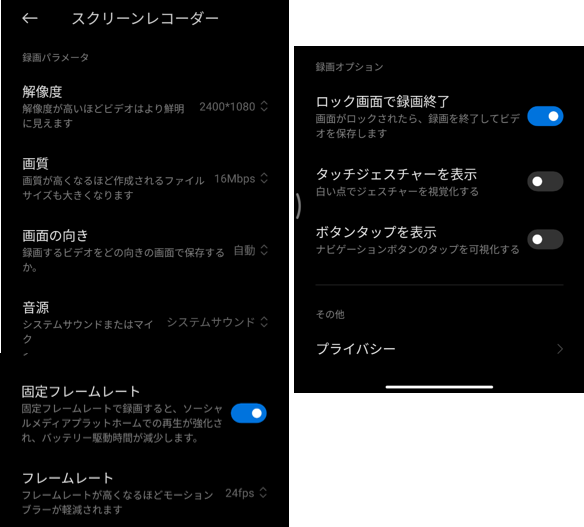
If you want additional video editing features directly from within your video recording app, One Shot Screen Recorder is the way to go. This app allows you to trim screen recordings and capture time-lapse video recordings. One Shot Screen Recorder allows you to edit and upload videos directly from the app, so you don’t need any third-party tools to edit your videos. The free version of the app shows a watermark on recorder videos, ads, and a notification icon if recording is turned on.
The paid version of One Shot Screen Recorder costs $1 and removes all ads, notification icons, watermarks, and allows you to add your own logos and banners to your videos.
install
3. Recording (screen recorder)

One of the best screen recorder apps for Android Lollipop smartphones and tablets. Record Free version allows you to record up to 5 minutes of HD video. You can also adjust the recording quality and change it according to your needs and device storage capacity. If you want to extend the recording time, you need to pay some money to purchase the pro version. The pro version allows you to record up to 1 hour of HD screen video, as well as in-app audio and microphone audio. The pro version also allows you to shake your device to start recording and other features.
Rec. The Pro license costs $3.29 and provides a number of additional features to the app.
4. AZ Screen Recorder – No Root

Top-rated screen recording app for Android smartphones running Android Lollipop OS and above. This app provides unlimited screen recording with audio for free. The videos have no ads or watermarks at all. You can record crystal-clear videos with audio without paying a penny, but if you want cool new features like a magic button that won’t show up while recording, you’ll have to pay for the premium version. The premium version also allows you to create gifs and draw on the screen while recording. The biggest features of the premium version include the ability to record your face using the front camera during screen recording.
The premium version of AZ Screen Recorder costs $3 and adds amazing new features to an already great app.
5. Unlimited screen recorder
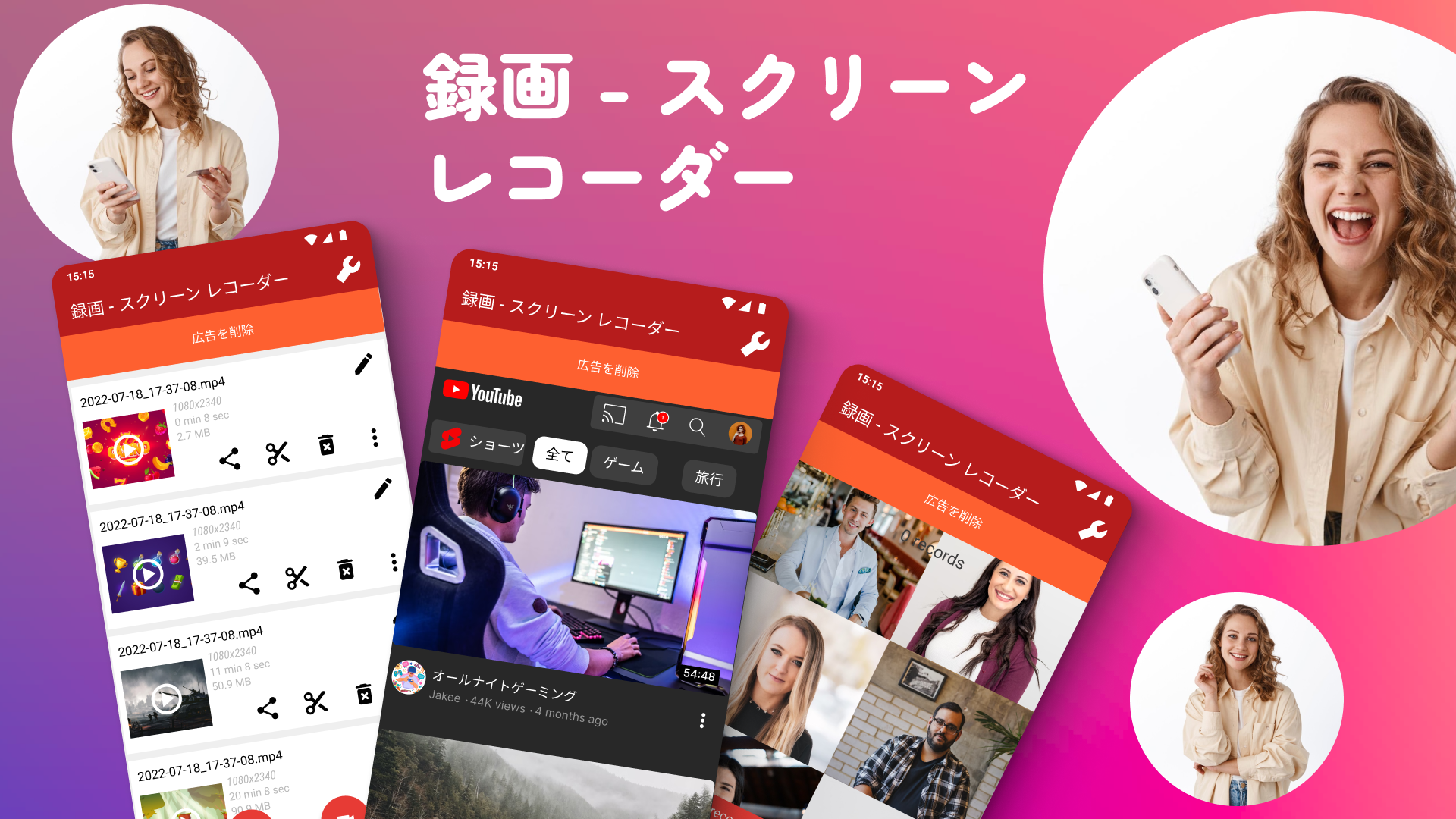
Another screen recorder for Android Lollipop devices. Unlimited Screen Recorder is truly free and provides all screen recording features for free. Additional features can be added with in-app purchases, but the free version also allows you to create an unlimited number of high-quality videos. The downside is that this app doesn’t let you record internal audio, but you can use the microphone to record your own external audio. Do not change the orientation of your device when recording your phone screen, as changing the orientation while recording will cause the app to crash and the video will not be saved. There is no premium version of this app, but you can donate money to support the developer through the donate button within the app.
install
6. Lollipop Screen Recorder
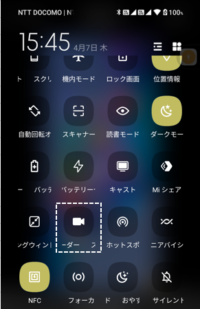
The name says it all. The simplest screen recorder app for Android Lollipop devices. There are no extra features or video editing tools, instead this app provides simple and easy-to-use screen recording for all Lollipop devices out there. If you want to record your own audio through the microphone, you can choose the video resolution, direction, and microphone audio options, but the microphone recording can sound a little choppy and requires a little work to get a perfect recording. You need to know that. . The app is solid and records your screen perfectly, as long as you don’t mind your voice sounding like a chipmunk.
7.ilos screen recorder

Although another simple and basic screen recording app for Android Lollipop devices, ilos Screen Recorder offers some additional features over its predecessor. You can choose from three different recording qualities: Standard, Medium, and High, but also note that the higher the video quality, the more storage space you will need. You can also record your own voice through the microphone, which records your voice almost perfectly and is much better than Lollipop Screen Recorder. You can create an account on the ilos website and save your videos there. You can also edit your video from the website before sharing it with your friends or social channels.
Related article: 9 Cool Android Lollipop Tricks
These are the best screen recorder apps for Android Lollipop devices. Most of these apps also work on Android KitKat devices, but they require root access on the device. However, on Lollipop devices, these apps do not require root at all. If you have any other favorite screen recording apps, please share them in the comments section below.


![How to set up a Raspberry Pi web server in 2021 [Guide]](https://i0.wp.com/pcmanabu.com/wp-content/uploads/2019/10/web-server-02-309x198.png?w=1200&resize=1200,0&ssl=1)


