Expense report templates provide solutions for both individuals and businesses. Increase financial transparency with these expense report templates. Check out these expense report templates to keep your spending and budget in balance.
Expense reports allow employers to know how much they should reimburse their employees. It also helps employees get tax relief. Best of all, these reports allow you to track the expenditures made on different occasions with details and receipts.
Before we move on to explanations about expense report templates, let’s learn more about expense reports and their importance. However, if you’re keen to start tracking these expenses, check out the table below for the best expense report templates.
What is an expense report?
An expense report is a document used to record an individual’s or business’s expenses. This report typically includes dates, expenses, item descriptions, attachments, and receipts.
Manage your budget and track your spending with financial transparency. Well-managed expense reports can help organizations reimburse employees and comply with regulations and policies.
How does it help you track your expenses?
An expense report is basically a detailed list of your expenses and expenses. Helps you track your spending by showing when and why it was spent. Attach not only the listed expenses but also receipts as evidence.
Seeing where your money is going makes it easier for individuals and organizations to manage and control their spending. Additionally, this report categorizes your expenses. Therefore, at a glance you can find out the sectors where most of the funds are spent.
You can also easily monitor your spending trends, helping you make smart financial decisions and stick to your budget like a pro. Overall, this can be called a map of the flow of expenditures.
Also read: Free personal finance Excel templates perfect for budgeting.
Benefits of expense reporting
Expense report templates are usually thought of as just helping you see how your money is spent, but there’s more to it than that.
- Easily find out where someone is spending their money
- Track whether expenses are on budget
- Use data to make informed financial decisions
- Thoroughly comply with financial laws and regulations
- Compensate employees for work-related expenses
- Identify abnormal spending to improve financial efficiency
- Identify areas where cost savings can be made
- Get organized records for financial audits and taxes
- Reduce your tax bill by claiming eligible tax credits
This is why the benefits of expense reports go beyond just tracking your finances, they are essential for both personal and business finances.
Therefore, it’s important to use expense reports to manage your spending. You can also get help from AI-powered financial tools. However, no matter how good your intentions are, creating a report from scratch can seem difficult and time-consuming. To make your life easier, here are templates you can use for your expense reports.
hubspot
This HubSpot template can be downloaded in Word, Excel, Google Sheets, and PDF formats. Customizable report templates allow you to enter payroll periods and employee information such as name, department, job title, and purpose.
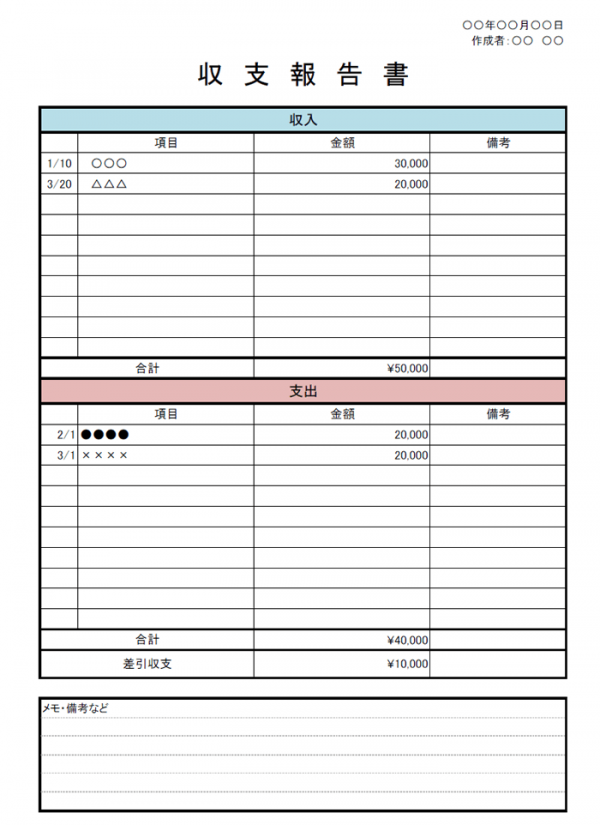
It includes many of the necessary categorical columns, and you can also add more columns as needed. Enter all expenses in the provided fields and the total amount will be automatically calculated. Organizations can also include approval information, notes, and reimbursement totals in this report.
fresh books
FreshBooks Expense Report Templates make it easy to track expenses that are essential to business accounting. You can start by downloading a template and including your costs, making tracking easier. That way, it won’t take you long to create a perfect expense report for a specific period.
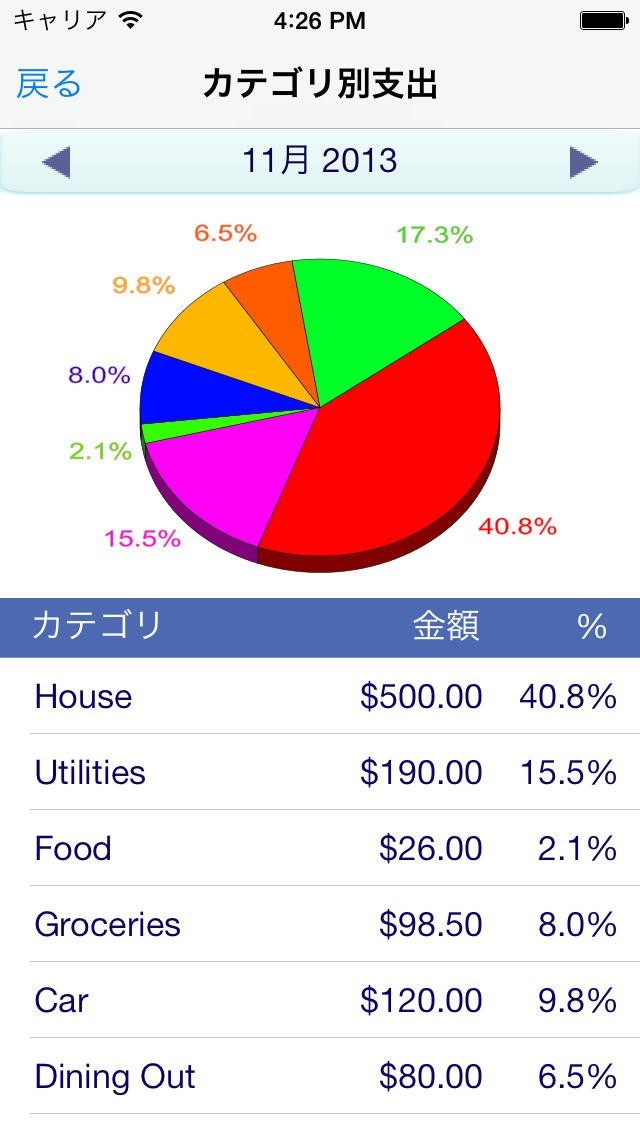
It can be customized according to your company’s requirements. You can add company name, address, customer name, expense amount, tax amount, and notes. Small businesses, businesses, and individuals can also use this template to track expenses and create reports.
WPS
The WPS expense report chart template can be downloaded to your computer and opened using MS Excel. WPC Office users can also open and edit this template using their office suite.
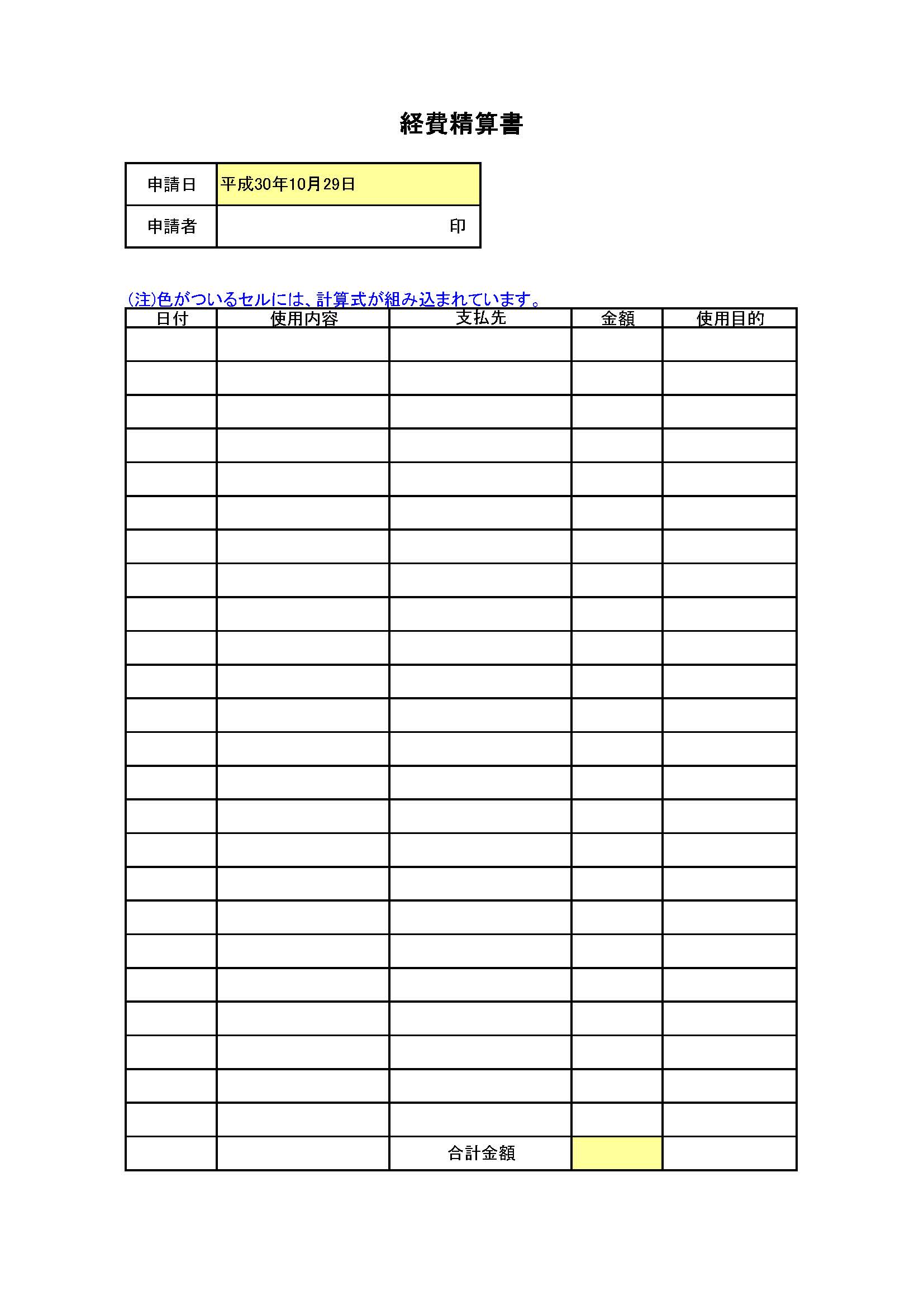
This WPS template allows you to add different categories of expenses for each specific month of the year. Once entered, your spending trends will be displayed.
zoho
This expense report template from Zoho is available for free and can be downloaded without signing up or logging in. This template can be used for any purpose, personal or business. It is available in XLS format and can be opened in the Excel application.

Zoho templates include basic columns like expense description, date, category, amount, etc., but you can also customize the template as per your requirements. You can also add your company logo along with report number, report name, date, description, etc.
smart seat
Smartsheet offers a variety of expense report templates that can be used for different purposes. There are templates for weekly reports, monthly reports, business reports, simple reports, and expense trackers. You can download templates supported by Excel and customize them accordingly.

Smartsheet reports can list the time period of the report and its purpose. Additionally, there are fields for entering a wide range of expense categories, so minimal personalization is required. There is also space for additional notes, approval signatures, and expense statements. There are also notes on attaching the required receipts.
pen desk
If you’re looking for a ready-to-use template to track your spending, look for templates available on the Spendesk website. Save time by providing templates in formats supported by Google Sheets and Excel.
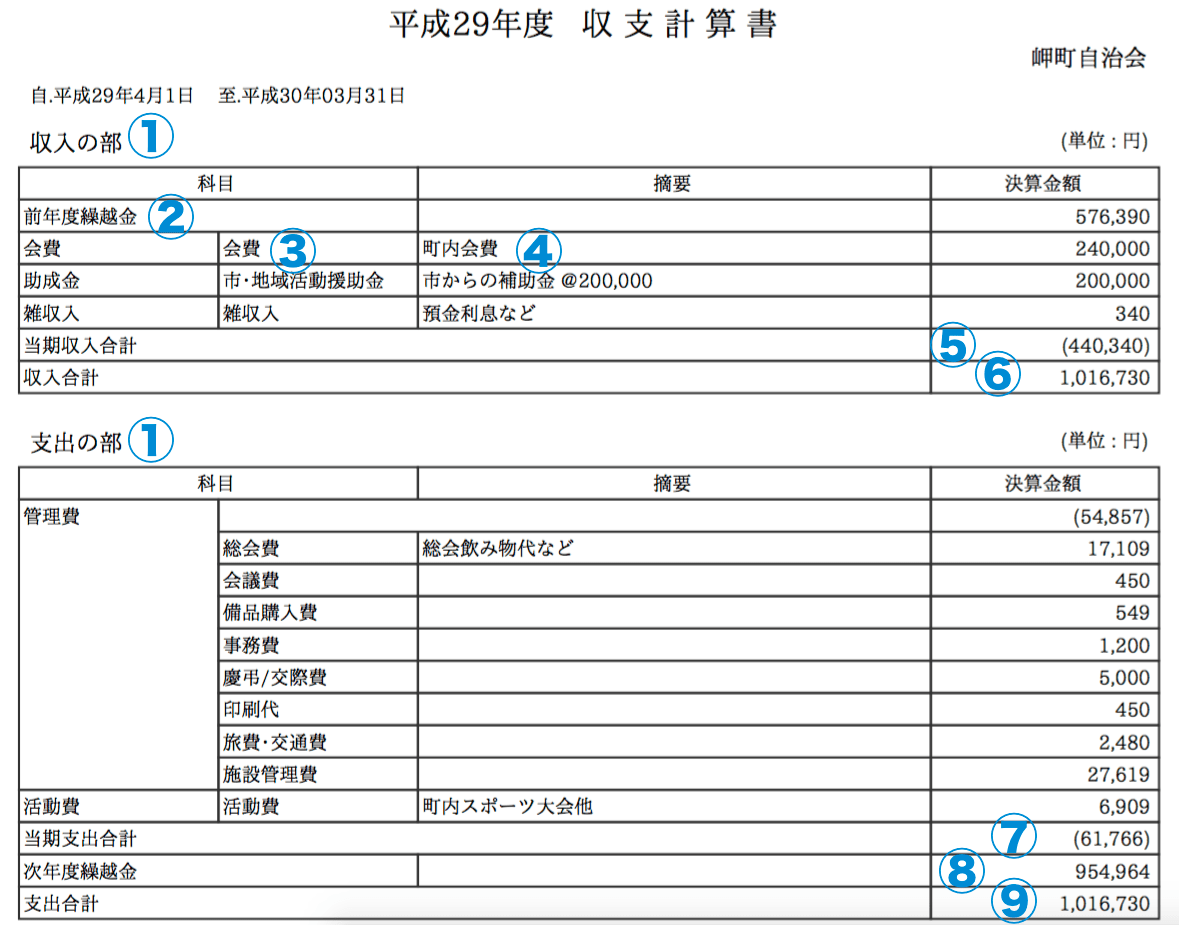
You can use this if you are an employee and need to submit an expense report for a month or other specific period. Common categories such as hotels, transportation, and dining are already included in this template. Enter the date, amount, and cost description and we will calculate your refund amount.
sign easy
Are you part of the small business community and need an expense report template to use regularly? Try this template from Signeasy, a customizable template that can be edited in MS Word, MS Excel, and Google Sheets.
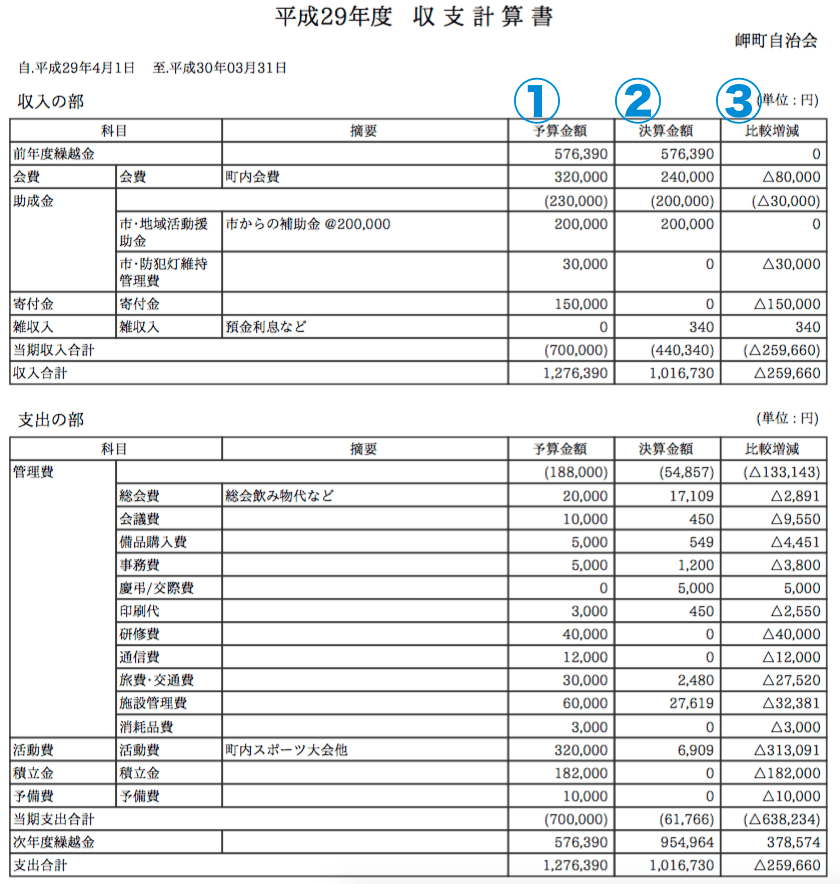
This helps employees track out-of-pocket expenses, including categories. Online templates allow you to go paperless and help save the environment. Using it will increase your team’s productivity and improve your experience.
Divi
Divvy offers a robust expense report template that employees can use to request reimbursement from their company. This template allows you to track personal money spent for business purposes. With this template, you don’t have to worry about how to create a report.

Use this free template from Divvy to track your business expenses and request reimbursement from your employer. Here you can create reports that itemize your spending by purpose, location, date, and more. Your employer can review your report and reimburse you for any personal money you spent.
clipper
This template from Klippa is a dedicated template that allows you to track your travel expenses. Here you can include different categories of expenses during your business trip. In addition to the amount, you can add detailed descriptions such as receipts and taxable amounts. This template is available as a Word and Excel file.

By using this template to create a travel expense report, your employees can claim tax exemption for their travel expenses. Accommodation, meals, and transportation are usually included in the travel cost. What’s more, employers can also benefit.
last word
Expense report templates are an efficient way to manage expenses and track your budget. In this article, we have compiled some of the best expense report templates that you can use as an individual or organization.
If you think templates aren’t enough to track your organization’s expenses, try using one of these expense tracking apps.


![How to set up a Raspberry Pi web server in 2021 [Guide]](https://i0.wp.com/pcmanabu.com/wp-content/uploads/2019/10/web-server-02-309x198.png?w=1200&resize=1200,0&ssl=1)


