Text animation sounds like a big deal to people, but I recently learned about it while helping my brother with a presentation at a university. He asked if I could help him with the text animation.
That’s when I decided to help others facing the same problem. In this article, we have created a list of the best free text animation tools.
What is text animation and why should I use it?
In layman’s terms, text animation is adding visual animation to characters, words, or paragraphs. Text animations include everything from the common ability to add flare to text, to adding rotation, scaling text size, and more.
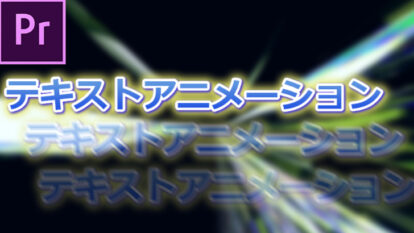
If you want to grab your audience’s attention, text animation is your best bet. In addition to that, text animation also helps in making presentations and visual content more appealing and visually stimulating. And, most importantly, it allows you to highlight important points.
This is why text animations are widely used in video content, advertisements, presentations, and social media posts.
Now you know what text animation is and why you should use it. Let me share a list of free text animation tools that are the best in my opinion.
So let’s go! 😃
adobe express
Adobe Express is one of the highly recommended tools for text animation. What I like most about Adobe Express is that it offers a forever free plan. When you choose the free plan, you get access to all basic editing features, over 2,000 unique Adobe fonts, over 1,000 templates, and 2 GB of cloud storage to store all your designs.

The editor is so easy to use that even beginners in graphic design can use it to create professionally designed posters. However, basic knowledge of WYSIWYG editors is required.
That being said, Adobe Express’ text animation capabilities are very good. In the free tier, text animation options include typewriter, dynamic movement, color shuffle, flicker, slide, glow, and fade. There are several types of each of these animation effects.
These free animation effects are sufficient for basic use, especially when combined with the correct font. However, it cannot be compared to a full-fledged graphic design tool. You can use the Adobe Express web application or download the Android or iOS mobile application.
anime maker
Unlike Adobe Express, Animaker is more of a full-fledged animation maker, so we only recommend it if you want to create animated videos. One of the reasons I say that is because Animaker offers a free version, but the free version comes with a watermark. This watermark restricts the use of Animaker videos for professional or commercial purposes.
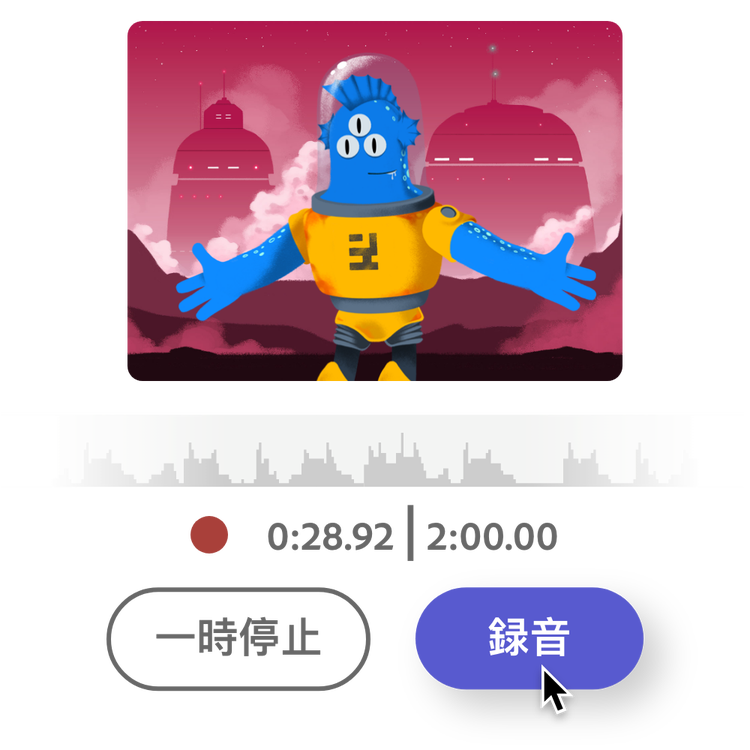
That said, if you’re comfortable with watermarks, there are a lot of good things to discuss about this text animation tool. Let’s start with the text animation feature. This feature has a large number of effects, including rotation, pop-up, movement, entry and exit, wipe, hand gestures, and some special effects.
The best part is that Animaker allows you to apply animations to both the entrance and exit of the text. However, setting up text animation doesn’t end there. Animaker offers a great Smart Move option that allows you to customize the movement of text on your screen. Unfortunately, most of the Smart Move options are hidden behind a paywall.
Overall, Animaker is a great web-based 2D animation tool that can be used for text animation. There is also an iOS application . However, Animaker is more like a 2D animation video maker than a text animation tool, and its watermark issue was a big problem for me. However, if these limitations don’t seem like a big deal, this tool has a lot to offer.
cup wing
Kapwing is a great web-based editor that you can use to create and edit everything from simple posters to videos, GIFs, and more. Actually what impressed me the most is the easy to use user interface. This easy-to-use image and video editor allows you to create stunning graphic designs with literally no technical knowledge.

Kapwing could be the perfect tool for anyone looking for an instant media creation tool. That’s because Kapwing is not a full-fledged video or image editor and lacks some professional features. Kapwing, on the other hand, boasts a huge collection of pre-designed templates that speed up media creation. Even complete beginners can use these templates to create top-quality visual content in no time.
The Kapwing editor also allows you to integrate plugins to enhance its functionality. However, since it is still in beta stage, you won’t see a huge list of plugins. On top of that, Kapwing offers a free tier, but free exports come with a watermark. Watermarking is an option for me, but if you’re okay with that, Kapwing Text Animator might be a great choice.
poster my wall
Postermywall is a web-based editor that allows you to create all kinds of posters, including flyers, social media posts, business cards, logos, album covers, and more.
Choose from a huge library of templates or create your own from scratch. Unlike other tools on this list, applying text animation with Postermywall requires you to add slideshow text. You will then be able to access text transition options.
Postermywall has a huge list of text animations that you can apply. But what impressed me most was that you could choose between five animation speeds: slow, slow, medium, fast, and fast.
Like all the other free tools on this list, Postermywall also offers a free plan, which limits access to features and requires you to deal with watermarks. However, Postermywall’s watermark is very subtle, so you can use other free editors to cut it out.
Kamba
Canva is one of the few tools that is extremely popular these days. Canva’s popularity is due to its easy-to-use editor and huge collection of pre-designed templates. I personally use Canva for most of my graphics-related work.
Like all the other tools on our list, Canva also offers a free tier subscription. However, what sets Canva apart from other text animation tools is that you can export your designs without watermarks unless you use the premium features. This means you can also use Canva for commercial purposes if you want to play within the scope.
On top of that, Canva’s text animation feature offers more features and animations than any other tool on our list. However, you are primarily limited to using basic settings, and advanced settings such as speed, direction, and writing style controls can only be accessed after purchasing a Canva Pro subscription.
But Canva is more than just a text animation tool. Instead, this is a full-fledged graphic design solution. We have a huge template library of millions of professionally designed templates, from business and invitations to social media posts, logos, and flyers. So, if you are looking for a tool for commercial use, investing in Canva Pro is not a wrong decision.
freepic
Freepik is a search engine that helps you find both free and premium vector designs and templates. However, this also means that you cannot create text animations or graphic designs using Freepik alone. If you want to edit the templates you find on Freepik, you’ll need to use a compatible tool like Photoshop, Illustrator, etc.

There is a free tool to edit Freepik templates called Wepik, but it lacks many important features. If you are a professional graphic designer or already have access to tools to edit Freepik images, Freepik is for you.
That said, Freepik can be a great tool if you have a compatible editing tool. Find text animation templates on Freepik and edit them using compatible tools.
It’s large and probably the largest on Freepik, containing over 11 million premium vectors, over 24 million stock images, thousands of premium videos, over 1.5 million premium PSD files, and over 9 million stickers and vector icons. This is because there is a template library for . more. However, you can access all these features and its vast library only if you get a Freepik Premium subscription for as low as $12 per month if you choose the annual plan.
simplification
Simplified is an AI-based tool designed by TLDR Technologies that can literally do anything. Simplified helps with AI-based copywriting, graphic design, video editing, and social media management. The best part here is that you can access all these features within one app, whether you use the mobile application or the web-based tool.
Due to its unique concept, Simplified has gained immense popularity within just one year, with a user base of over 1 million people. In addition to that, we also offer Simplified Academy, a knowledge base of video tutorials that you can use to learn the functionality and features of this tool.
The text animation feature of the simple image editor is very impressive to me. One of the reasons I like it so much is that the text animations that the Simplified editor provides are smooth and visually appealing. In addition to that, Simplified offers a ton of animation presets that you can customize according to your needs.
In addition to text animation, Simplified has all the standard features you’d find in regular graphic design and video editing tools, as well as a huge library of templates. The good thing is that you won’t see any watermarks on your exports, even with a free account. There’s also an app for iOS, as well as extensions for Shopify , Chrome , and WordPress integration .
picmonkey
PicMonkey is one of the oldest web-based image editing and graphic design tools with roots dating back to 2012. It started as a startup by a group of people, but was acquired by Shutterstock, a leading stock image provider, in 2021. This was about the history of PicMonkey. Let’s talk about what it offers now.
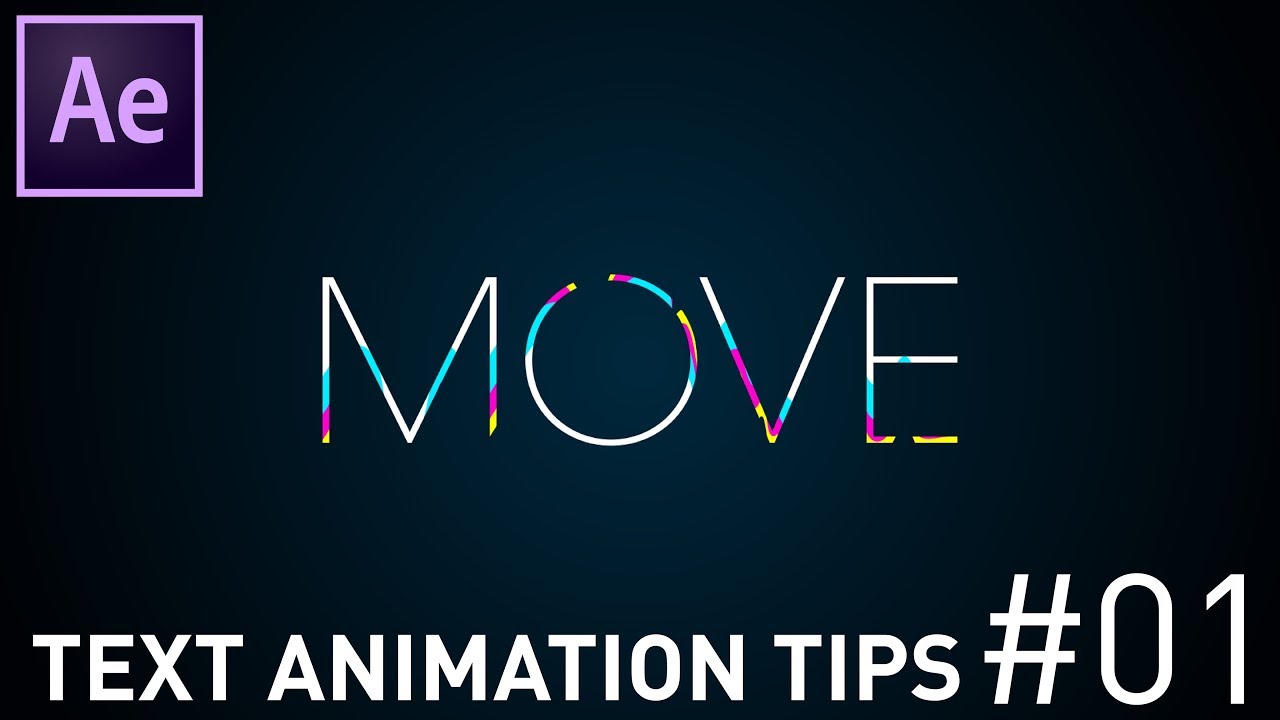
PicMonkey has 11 animation options to choose from, including a text animation maker. PicMonkey divides these animations into two different categories: entrance animations and loop animations.
The entrance animation is an animation that starts every time it is triggered and stops automatically after 1.5 seconds. Looped animations, on the other hand, run continuously and are not interrupted. You can use the type of animation that suits your needs.
In addition to that, PicMonkey is a full-fledged image editor. However, this editor is a bit complex, especially when compared to tools like Adobe Express and Canva. Besides, no free tier is offered. They only offer a 7-day trial, which is a big problem for me.
render forest
RenderForest has been in the industry for more than 10 years, and during this time the developer has introduced many unique features such as a logo maker, website maker, and graphics maker.
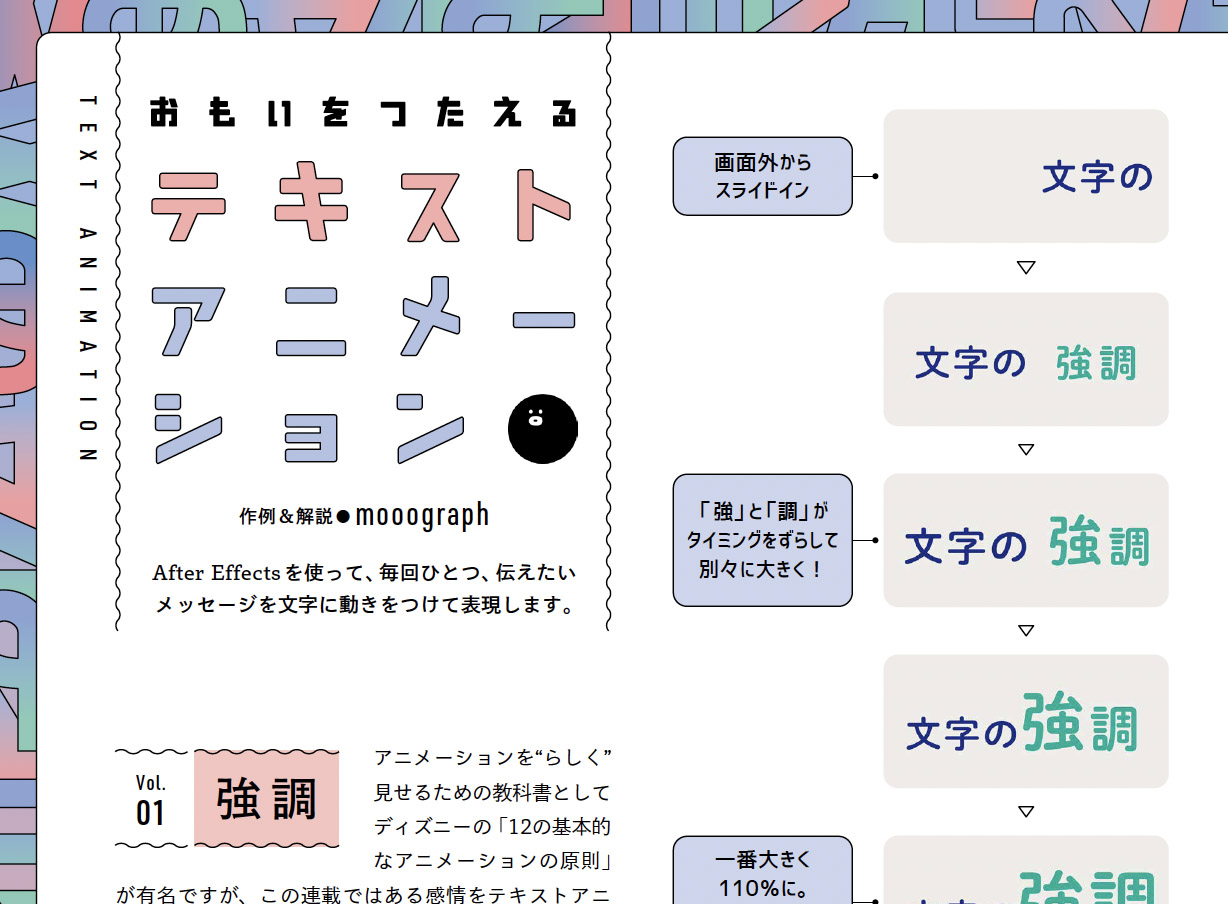
RenderForest offers typography packs including a text animation maker called Kinetic Typography Video Maker . These typography packs contain pre-designed text templates that you can use for your projects and presentations.
What I liked most about RenderForest is that these pre-designed templates are of very high quality and look like they were designed by a professional video editor. All you need to do is select your preferred text animation template, enter the required text, and proceed.
RenderForest Editor offers a free tier, but free comes with quite a few limitations. For example, all exports include a watermark and exports are limited to a maximum of 360p. Therefore, if you want to use it properly, the only way is to choose a premium subscription.
Closing comments
This is a detailed article covering the best tools for free text animation.
Using the right type of text animation and animated characters in your presentation, video, or advertisement can help you engage your audience and build a narrative.
In this article, we have discussed the best tools to help you with text animation. When asked for recommendations, I recommend Canva, Adobe Express, or Simplified. Because in my opinion, these two are the best free tools for text animation related tasks.
On the other hand, if you want to spend a little more money but still need a tool for commercial use, consider Kapwing or RenderForest, Canva and Simplified, whichever fits your needs. Premium versions of these tools unlock endless possibilities and are worth the price.


![How to set up a Raspberry Pi web server in 2021 [Guide]](https://i0.wp.com/pcmanabu.com/wp-content/uploads/2019/10/web-server-02-309x198.png?w=1200&resize=1200,0&ssl=1)


