Does 3D printing really appeal to you? Then don’t miss out on our FBX to OBJ converter for 3D models.
3D printing is a recent technology that is gradually gaining traction. 3D printing is said to have the potential to take industries such as architecture, design, and crafts to new heights. It’s no wonder that various research institutes and organizations are focused on increasing the feasibility of this technology.
3D prints and models can only be created on a computer. Like all other files, these files require different file types to be saved on your computer. In the field of 3D printing, one size does not fit all.
The models you create can be saved in 3D formats such as step files, FBX, GLTF, and OBJ. The choice of format can have a significant impact on your 3D modeling efforts.

This article describes two file types commonly used in the 3D printing world. FBX and OBJ. We’ll also explain what 3D printing is and how it affects us. Finally, we’ll take a look at some of the best FBX to OBJ converters you can use for your 3D models.
What is 3D printing? How does it affect us?
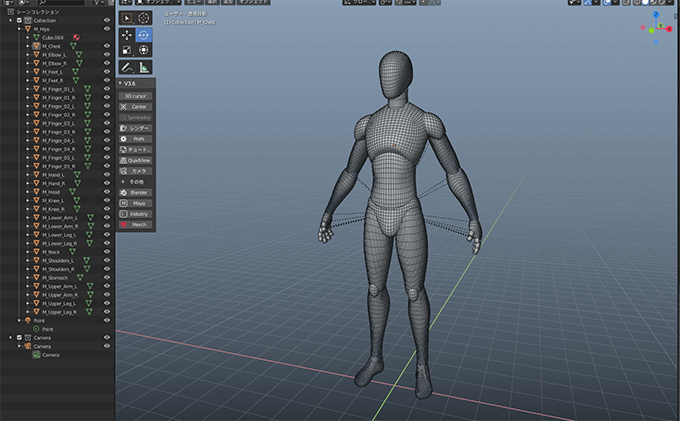
In the early 1980s, 3D printing was introduced in Japan in its earliest known form. Hideo Kodama discovered a way to create a quick prototyping system in 1981, and it turned out to be 3D modeling. He developed a layer-by-layer manufacturing process using UV-polymerized photopolymer resins.
In the additive manufacturing method of three-dimensional (3D) printing, small layers of material are printed and fused together and used to manufacture physical products from digital designs. This method involves first applying a thin layer of liquid or powdered material, such as plastic, metal, or cement, and then melting and bonding these layers together.
Manufacturers of hearing aids, aircraft, cars, and more are using 3D printing to create prototypes and mass-produce products using personalized scans.
Although currently too slow for large-scale production, 3D printing technology continues to develop and has the potential to significantly disrupt both the industrial logistics and inventory management sectors.
What is a .FBX file?
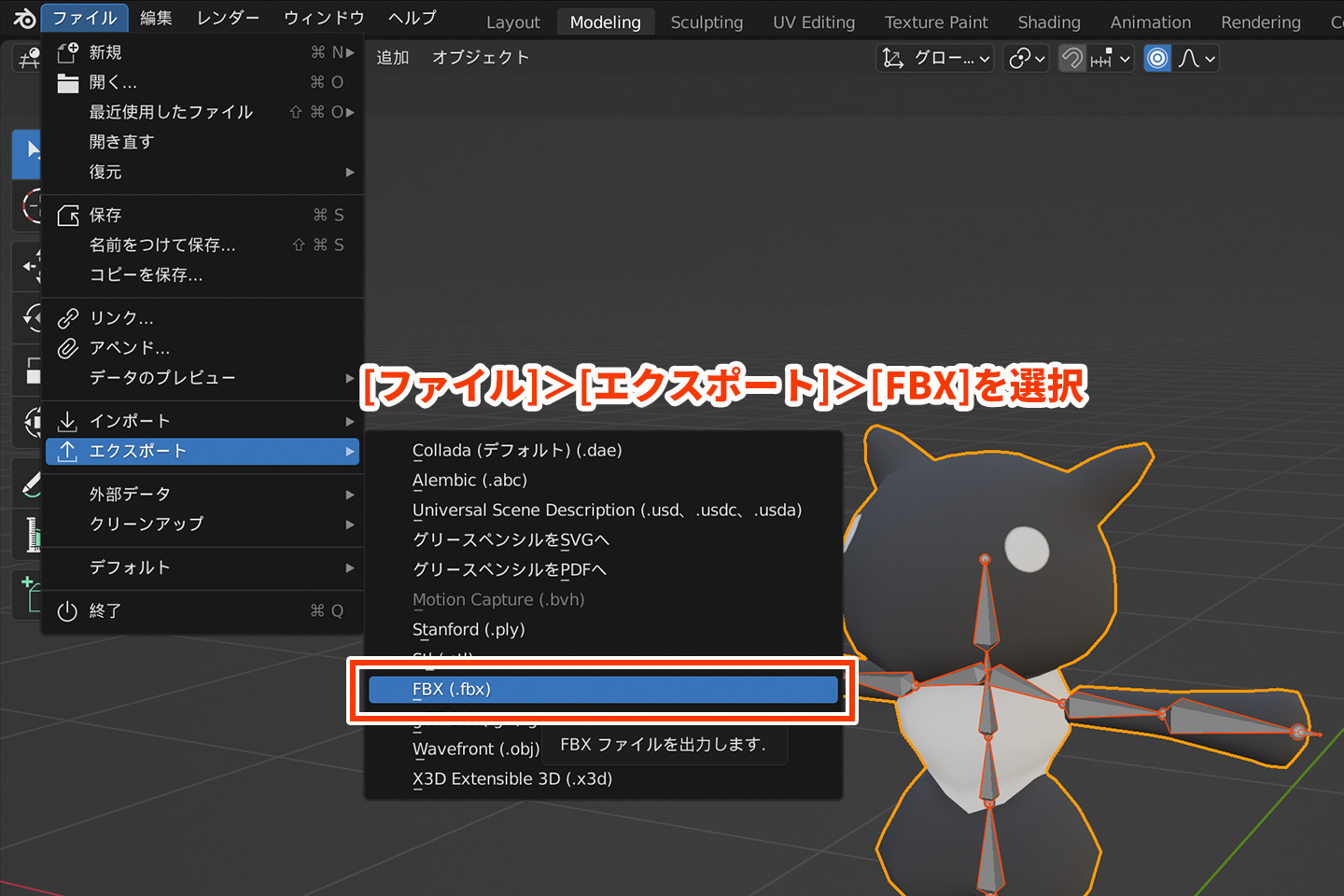
FBX is a popular 3D file format for high-end game graphics. The term “FBX” is an abbreviation for “Filmbox,” a tool developed by Kaydara in 2005 for recording video. The adaptability of the FBX file format is its key asset. Here are some points about FBX file types:
- FBX files may contain a variety of data types. Skins, animation information, bones, scene structure, lighting, and material parameters can all be encoded into the model.
- By incorporating a large number of topologies and supporting geometry such as segmented surfaces, models created using the FBX file format are much more complex than they would otherwise be.
- The FBX file format is useful when transferring designs from a CAD designer to a graphics process because it is compatible with CAD files that contain NURBS code.
- FBX is a fairly fast file format, even with new features added. These files contain digital information encoded in binary code, making them faster to read than older text-based files.
- FBX is a private file format that can only be used in the official SDK, which may limit its application in certain development environments.
- If you require realistic material properties such as metal textures or complex anisotropic effects, you may need to reprocess your FBX file after rendering.
What is an .OBJ file?

Almost all 3D model users should be familiar with OBJ (object) files, as they are the most widely used 3D file format. This 3D file format is the oldest and, due to its age, the least complexity. Here are some points about this file format:
- The default 3D file format for most 3D modeling programs is often OBJ.
- OBJ files can be easily exported and converted to other file types, making them a great exchange format.
- OBJ files are useful for activities such as 3D printing because of their simplicity and infinite color range.
- The OBJ format can be seen as a base for designers to build more complex 3D works. Additionally, it is one of the most commonly used formats in 3D printing processes such as rapid prototyping.
- Because OBJ models hold data in plain text rather than binary, they often take up more space than other 3D file formats. Therefore, using this 3D file format requires more time and effort.
- You can only save individual objects to OBJ files. Information about animations and skins is not supported. When creating visuals for video games, advertising, and digital products, this format has significant drawbacks.
Why is it necessary to convert FBX to OBJ?
The reason why you need to convert your FBX file to an OBJ file is because of the numerous benefits offered by the OBJ file type. By dividing the surface of an object into small triangular “tiles,” users can draw complex or irregularly shaped items.
This tessellation step makes it easier to control and render your design, as each tile can be modified independently of the others.
The ability to represent the geometry of a 3D object and its surface quality, such as texture mapping and shading, is also an important aspect of OBJ files. The adaptability of the OBJ file format makes it suitable for realistically depicting complex three-dimensional situations.
Free-form surface patches are also written in OBJ files. These patches allow designers to create smooth, seamless surfaces with no seams or distortions, making them ideal for creating highly realistic textures such as skin and cloth. Unlike other file formats, OBJ provides high resolution data.
Jump directly to the list of FBX to OBJ converters for 3D models here.
enshrine
Aspose’s FBX to OBJ converter is used to easily convert FBX files to OBJ format. There is no need to install any additional software here. You can access the application simply by using a web browser. Simply drag your document to the upload area and click the View button.
Aspose’s converter has two great features to keep in mind. First, files are deleted within 24 hours of being uploaded.
This means you don’t have to worry about your files being leaked or tampered with. You can then convert the files manually using programming with a special platform provided by Aspose ( Aspose.3D ).
AnyConv
AnyConv makes online file conversion easy. Over 400 different formats are supported for documents, photos, databases, e-books, archives, slideshows, audio, and videos.
AnyConv works online through a web browser, so no software installation is required. Drag and drop your FBX file into the window, click Convert, and you’re done.
Simply click Select File from the drop-down menu to begin uploading your FBX file to your website. Once you’ve made your selection, you can import the design into your website by navigating to the location on your computer where you saved the design.
Once you import your design, you can convert it to a file type such as OBJ. Click “Convert” to start the conversion procedure.
fab convert
Fabconvert makes it easy to convert FBX files to OBJ format. Use your FBX models in your favorite software with just a few clicks.
Thanks to quick and easy conversion steps, you don’t have to waste time working with incompatible file formats. FBX files are converted to OBJ files using integrated 3D model and mesh conversion tools.
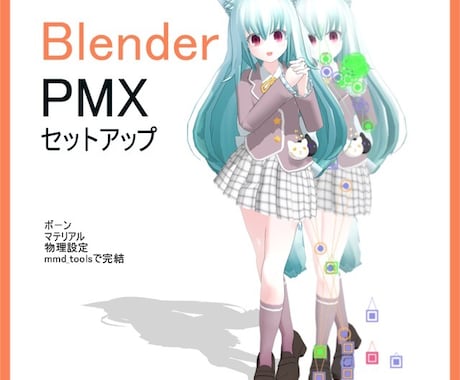
This transformation tool accurately transforms 3D components such as vertices, faces, normals, and associated material data.
FBX supports color materials, but OBJ does not, so their software makes no attempt to transfer color information. Therefore, the final 3D model contains only geometric data. After one hour, the file will be deleted from the server.
3D conversion
You can convert FBX files to OBJ files or any of the other 12+ edition formats offered online by 3D-Convert . This is the perfect page if you want to convert your 3D models quickly and easily.
A simple conversion will give you 627 choices. This website allows you to convert all types of files such as STL, OBJ, Blend, FBX, PLY, etc. in seconds.
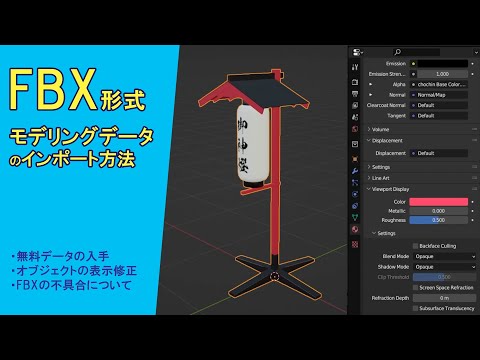
Once your model has been submitted and converted, you can retrieve it using the download link. After being converted by 3D-Convert, the submitted model will be immediately discarded. However, if you want to download the converted file again, you will still have access to it for 24 hours.
My konbu
Miconv is another highly effective FBX to OBJ converter. You don’t need to download or install any program to convert .fbx files to .obj format. Miconv cloud storage is where all conversions take place. The file security provided by Miconv is its best feature. Your files are completely safe and available only to you.
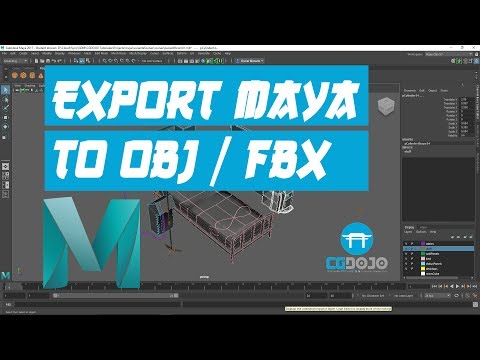
After conversion, all files will be permanently destroyed within 2 hours. Miconv is fast and free to use. Convert FBX files to OBJ in just two clicks.
Plus, there are no costs associated with it. All customers have free access to Miconv FBX to OBJ Converter, including all premium features.
Convert image to STL
Most 3D mesh or FBX model files can be converted to standard OBJ files using Image to STL ‘s free and quick tools, which can be further modified with popular 3D editing tools or 3D printed directly. Masu.
This tool can read text FBX files version 6.4 and later, and binary FBX files version 7.0 and later. One hour after being uploaded, the generated OBJ file will be discarded and the download link will become inactive.
blender
Blender is a feature-rich, free, open-source software that allows you to easily create attractive models and can also be used as an FBX to OBJ converter. If you don’t have Blender yet, the best part is that it’s available for free on Windows, macOS, and Linux. Once installed, the conversion procedure is simple.
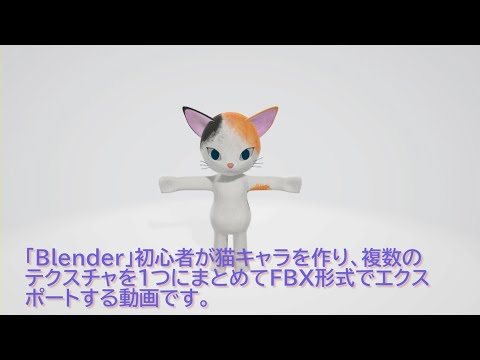
You can start the conversion process by launching Blender and importing the FBX file you want to convert. After loading your design into Blender, export it as an OBJ file. To do this, select File -> Export -> OBJ from the list of available file formats.
Autodesk FBX Converter
You can convert between FBX files using the free, standalone computer application Autodesk FBX Converter. Additionally, this software is accessible on Windows and Mac OS X operating systems.
Anyone who wants to convert between multiple 3D file formats will benefit from this software. It is easy to use and is a useful tool for animators and 3D artists.
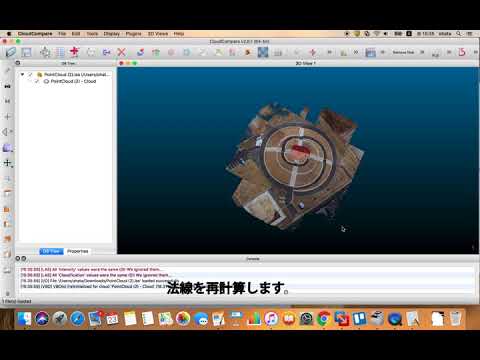
Before you can start converting FBX files, you need to download and configure the conversion tool. After installation, click to select the Add FBX Converter option.
To import an FBX file into the tool, click Add below the source files area. After importing, select “OBJ” in “Destination Format” to start the conversion process.
SelfCAD
SelfCAD is a robust yet user-friendly CAD application with many features. Use SelfCAD to convert your FBX files to OBJ format and instantly share your creations with others.
Additionally, the application comes with a number of modeling and sculpting tools that allow you to easily create complex patterns.
To convert FBX to OBJ in SelfCAD, you must first load the design into SelfCAD using the Import option in the Files area. Once you import the design, you can edit and modify it to suit your needs. Once done, select File and select Export to export in OBJ format and convert to OBJ.
conclusion
Powerful tools to deliver customer applications, export assets to numerous file formats, and provide access to your entire product catalog in 3D are essential. The tools and techniques described in this article simplify the complex process of converting 3D models from FBX to OBJ.
With the necessary information and tools, you can quickly convert 3D images to formats that work with a variety of software or hardware. The key is to find the software that best suits your requirements and utilize it effectively.
You may also want to consider the best 3D animation and design software for professionals.


![How to set up a Raspberry Pi web server in 2021 [Guide]](https://i0.wp.com/pcmanabu.com/wp-content/uploads/2019/10/web-server-02-309x198.png?w=1200&resize=1200,0&ssl=1)


