If you’re interested in website design, illustration creation, video editing, or photography, you should know about all the features and benefits that Adobe Creative Cloud has to offer.
Its tools come in handy when needed and are very beneficial in accomplishing professional tasks. This article focuses on the details of Adobe Creative Cloud, the features it offers, and how to master those features.

What is Adobe Creative Cloud?
Adobe Creative Cloud, also known as Adobe CC, is a suite of services provided by Adobe Inc. to its subscribers. These services are useful for design, web development, photography, video editing, and more. We also offer cloud services and mobile applications to help you accomplish your creative tasks.
Offer your users monthly or yearly subscriptions. During the term of your subscription, you can download and use software from the Internet. Creative Cloud subscriptions include online updates and multiple languages.
Packages provided by Adobe
Adobe offers four tiers of subscription packages. These include:
Photos : Adobe Photos gives you access to some of the app’s photo features. It also allows access to Photoshop CC and Lightroom CC.
Single app: All Adobe Cloud functionality is available in the app of your choice. It also allows access to any application from a suite of 11 applications.
All apps : This grants access to all features of Creative Cloud apps within a single suite.
All apps + Adobe Stock : This includes all Adobe Cloud features and all Adobe Stock features.
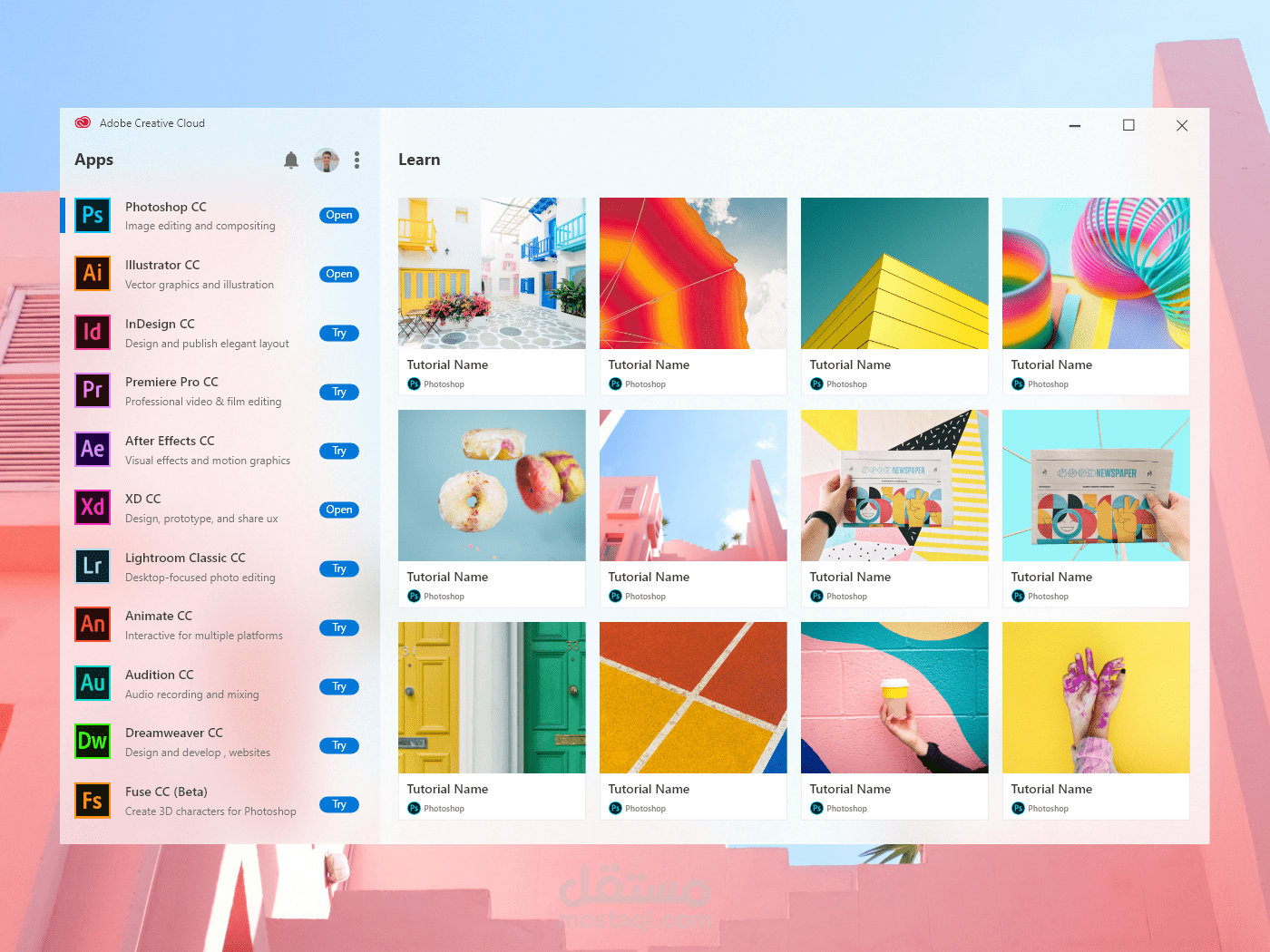
List of programs provided by Adobe CC Cloud
Adobe CC Cloud provides a list of applications and services. We have a list of 24 Adobe applications that you can try. The list should look like this:
- Premiere Pro: Used for editing YouTube videos and feature films.
- After Effects: This application handles VFX and other digital animation effects.
- Premiere Rush: Introduced for smartphone or tablet use. A smaller version of Premiere Pro.
- Acrobat DC: This is a document viewer that enhances the visibility of documents and PDFs.
- Photoshop: An app used by photographers and photo and video editors.
- Lightroom: Photo editing software that saves edited files directly on the cloud.
- Lightroom Classic: Lightroom Classic is also a photo editing software. The only difference is that the edited files are saved to your hard drive.
- Bridge: Used to centrally manage files. Asset management program.
- Media Encoder: This tool helps encode media files in various formats.
- Audition: An audio editing program used by filmmakers.
- Camera Raw: Allows you to import and edit RAW photos on your device. An essential tool for professional photographers.
- Mixamo: This tool is used for creating and mixing animated characters within an animation.
- Illustrator: Helps you create vector graphics-based artwork.
- SpeedGrade: Used for color grading a variety of digital videography projects.
- Flash Builder Premium: Helps you write scripts in game languages.
- InCopy: Adobe CC word processing software.
- InDesign: This software helps you create designs for your pages. You can also create industry standard layouts.
- XD: We help design interfaces for web design and create user interfaces for web and mobile.
- Dreamweaver: Used for website development and design.
- Dimension: Used to visualize your 3D brand. Used for product packaging design review.
- Aero: This is used for designing enhanced design experiences. Also available on iOS.
- Animate: Used to create vector-based 2D animations such as Flash animations.
- Character Animator: This tool tracks motion and creates real-time animation.
Learn how to use Adobe Apps
You can learn how to use various Adobe apps by visiting the official website . Click on the ‘Beginner’ or ‘Experienced’ tab and modify your learning experience accordingly. You can also choose the app you want to learn and learn it using basic and advanced steps. You can also test your skills by trying your hand at creating your first design, video animation, logo, or business card.
Adobe also offers to teach you how to use these apps. The only problem is that they charge a certain amount to provide the course. You can start by watching the tutorial videos and if you like it, you can move on to the paid courses.
Adobe Photoshop for beginners
On our website, you can find Photoshop learning courses for beginners. The total time for these courses is 300 minutes. You can also take the entire 360 minute expert course.
You also have the option to choose to attend a masterclass totaling 720 minutes. Similarly, all other courses have different duration and payment criteria. Each class teaches different skills, so you can learn different skills in each course.
Now, take a look at other external resources that can help you learn about Adobe Creative Cloud.
layer
The Layers website is one of the most popular and best websites to learn how to use all of the Adobe suite. You can visit the website, choose the course you want to study, find out more and start studying as soon as possible.
Courses offered
- Boris FX Optics: Learn all the film effects in Lightroom.
- Restore highlights and shadows using Lightroom.
- Learn how to use Photoshop like a pro.
- Create a website using Adobe Muse.
- Correct photo distortion.
Adobe Creative Cloud YouTube
Get help from the Adobe Creative Cloud YouTube channel to learn how to use the various apps and features that Adobe CC has to offer. Learn everything from Photoshop, Illustrator, and other mobile applications to web design and video editing on this YouTube channel.
It’s one of the world’s largest creative communities offering skills and learning experiences.
Larry Jordan’s YouTube Channel
You can also learn about various Adobe CC apps with videos and tutorials available on the Larry Jordan YouTube channel. Get Adobe Premiere Pro training, filmmaking tips, and editing techniques all in one place. The main purpose of this YouTube channel is to improve your skills and help you improve your skills and get a job.
Julian Coste’s YouTube Channel
Julianne Kost ‘s YouTube channel is primarily focused on teaching tricks, shortcuts, and how to use Adobe Photoshop and Adobe Lightroom. By watching the videos uploaded on their channel, you can get a clear idea of all the features and edit photos like a pro.
For beginners or those who know the basics, this YouTube channel is perfect for learning all about Photoshop and Lightroom apps.
terry lee white
You can also check out Terry Lee White ‘s YouTube channel to learn how to use Adobe apps. In this channel, we will mainly learn about design and photography using Adobe CC. Learn more about each feature and how to learn how to use it. Adobe CC will be much easier to use if you follow the videos uploaded by Terry Lee White to understand the different parts.
adobe community
If you want to learn more about the features and capabilities of Adobe tools, you can visit the official Adobe Community website to learn how to use and access all the tools Adobe Community has to offer. The Adobe Community has links and tutorials to use and access each feature we offer.

Every tool is conversational, so any tool is easy to learn and master.
Responsive web design in Adobe XD [Coursera]
Learn the basics and expert tips for using Adobe apps by enrolling in one of Coursera’s courses. Some of these courses are free, while others charge some fee in exchange for the knowledge they provide. With Coursera, you can collect all the essential skills and have a fun learning experience.
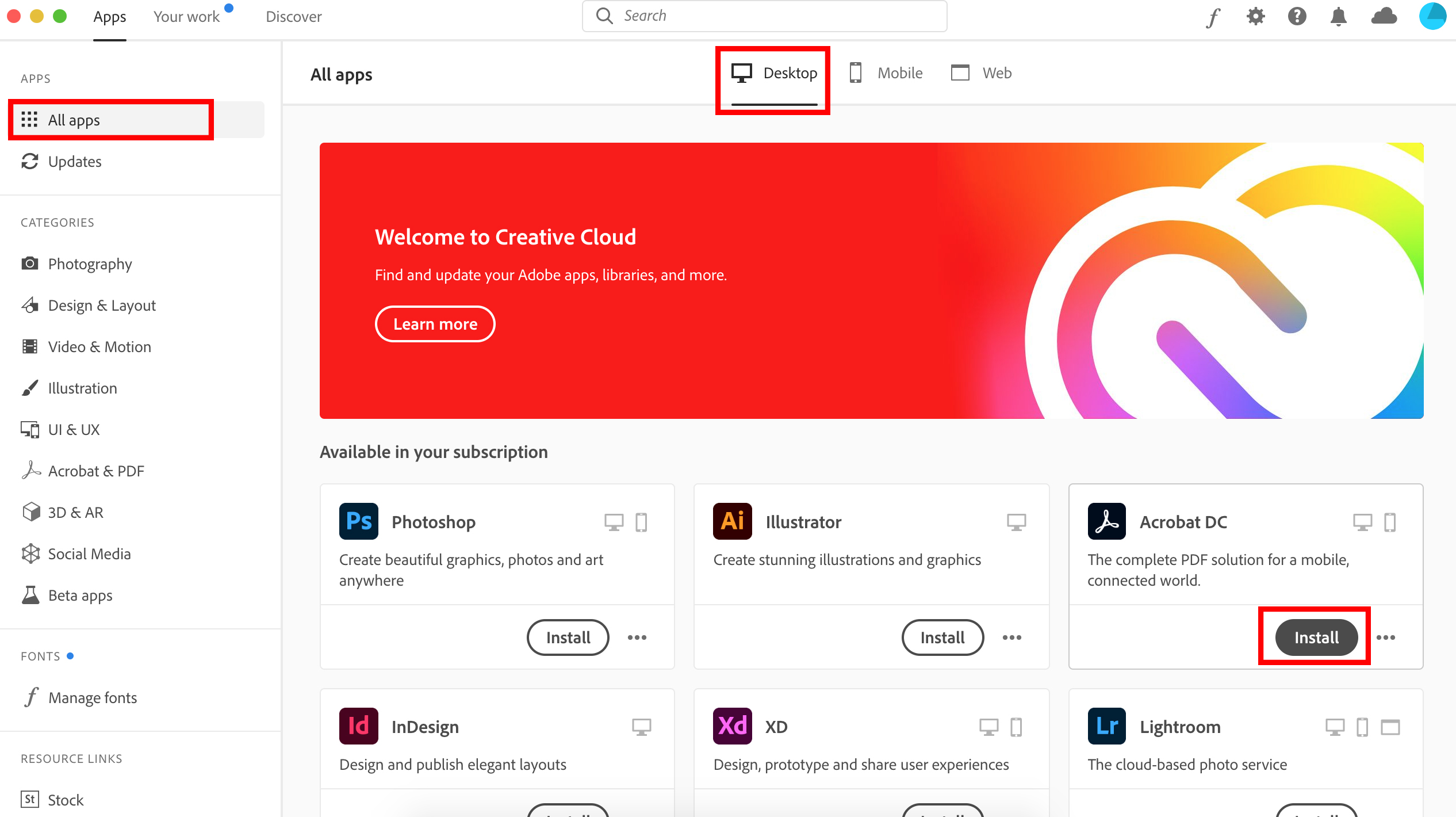
If you’re looking to get an entry-level job in UX design, this is the course for you. You’ll learn every step from empathizing with your users and defining their pain points to UX design ideas and implementing them. The best part is that it can add immense value to your UX design portfolio.
conclusion
Adobe Creative Cloud has creative work and learning features for creative thinkers and people eager to develop and learn new skills. You can install and learn how to use Adobe’s 24 apps from a variety of websites and sources, or you can take online courses to learn how to use them. Adobe Creative Cloud stimulates the creative side of your mind and inspires you to learn newer and better.
You can also browse some of the best Photoshop tutorials.


![How to set up a Raspberry Pi web server in 2021 [Guide]](https://i0.wp.com/pcmanabu.com/wp-content/uploads/2019/10/web-server-02-309x198.png?w=1200&resize=1200,0&ssl=1)


