When we talk about budget flagship devices, the market is owned by OnePlus. The company’s latest product, the OnePlus 5T, was launched in November and has since captured the attention of consumers around the world. However, this device would have been a perfect phone if it had been rolled out with Android Oreo. Nevertheless, OnePlus has finally released its latest version, OxygenOS 5.0.4, which is based on Android Oreo. So, if you’re wondering what’s new, take a look below. 
Android Oreo features
picture in picture
One of the biggest features introduced in Android Oreo was picture-in-picture support. What this essentially means is that you can video call someone, watch a video on YouTube, and easily navigate with Google Maps while checking your email or doing other tasks in the background. That’s it.

With the latest update, OxygenOS is based on Android Oreo and also supports picture-in-picture mode.
autofill
Another great feature of Android Oreo is the built-in Autofill API. You may already know about Google Smart Lock. This basically saves your password the first time you log into a website. Then, the next time you log into a website, you will be presented with the same credentials. In Android Oreo, this feature has been extended to work within apps as well. Google essentially saves your password and makes it easy to enter it directly the next time you log into an app.

Additionally, Google allows third-party apps to use autofill features. With this feature in the latest OxygenOS, OnePlus users will no longer have to enter long passwords every time.
Improved performance
Everything works faster with Android Oreo. Devices start up quickly and apps load faster than ever before. Android Oreo also helps minimize background activity for apps you don’t use often. Newer Android versions have integrated printer support and limited background execution and background location.
Improved security
Thanks to Android Oreo, Google has brought many improvements to give users more control over their devices while making them more secure. Android Oreo does not allow hostile downloader apps to operate without permission. Instead, users must allow APK installation for each source . It also includes background restrictions to prevent apps from accessing your data in the background.
UI changes
In addition to notification dots that make it easy to view notifications, Android Oreo has a wealth of new emojis to help you express yourself better. There are also adaptive icons, giving every icon a fresh look. Additionally, Android Oreo also includes improvements to Deep Color, which allows applications to render richer visual content with more vibrant colors and subtle gradients. Full color management support allows applications to render images in their intended format and quality.

OxygenOS features
updated app
The new OxygenOS update updates the stock apps with new features and optimizations. The OnePlus Launcher, Gallery, Weather, and File Manager apps have all been updated to work better with Android Oreo.
The new update promises improved compatibility , allowing apps to run faster while utilizing fewer resources, making the entire system faster and smoother.
system change
OnePlus devices run OxygenOS, the company’s custom skin for Android. While the core is essentially the same, OnePlus has added features to make the end-user experience more intuitive. With the new update, OnePlus has introduced a new design for Quick Settings in response to Google’s changes to the AOSP code.
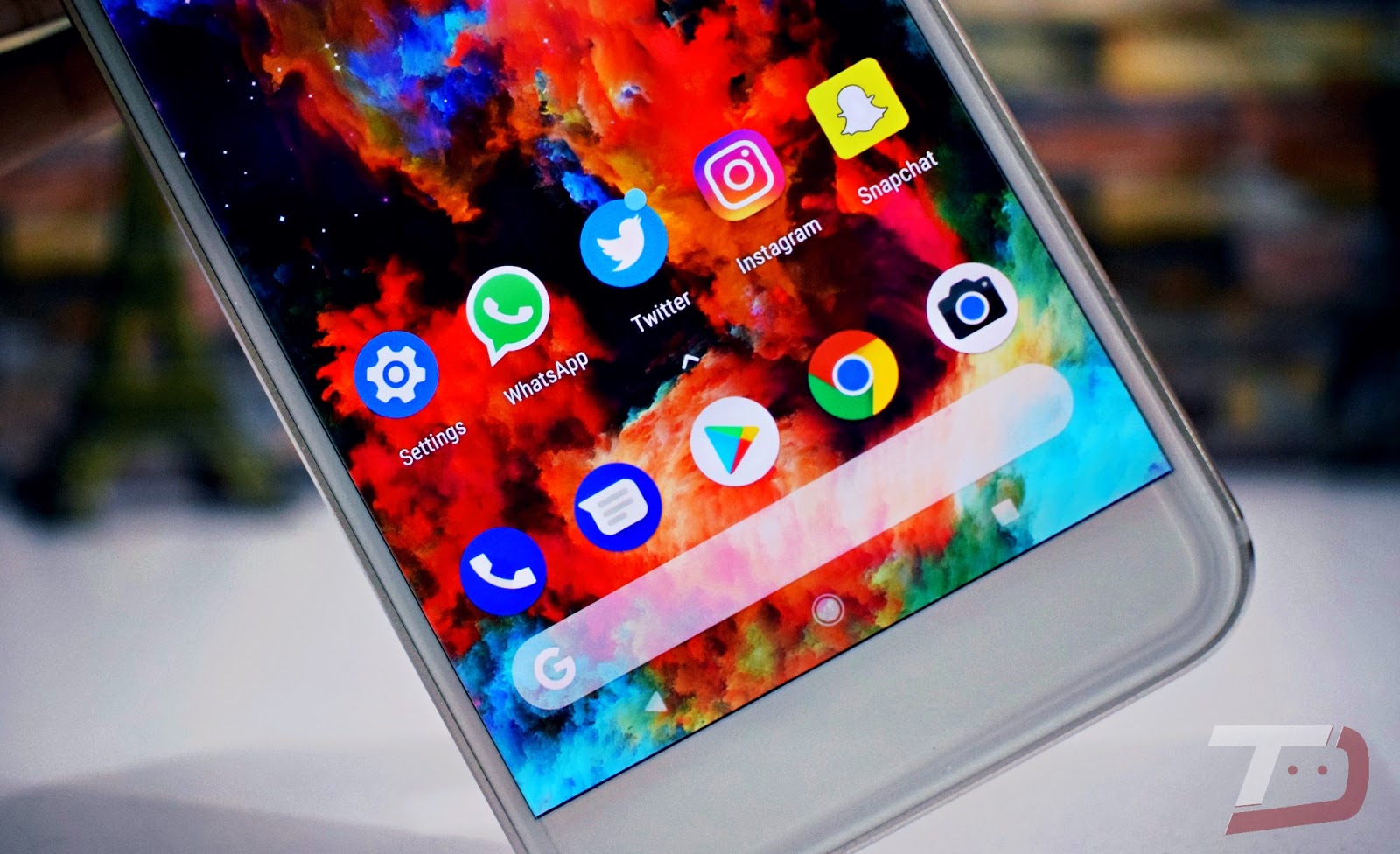
Additionally, the new update also adds the latest CPU security patch CVE-2017-13218, which is set to make the range of OnePlus devices more secure. Finally, some general bug fixes and improvements have also been made.
SEE ALSO: 12 Cool Android 8.0 Oreo Tricks You Should Know
Update your OnePlus device now and enjoy all new features
The team at OnePlus has worked hard to incorporate all the features of the latest Android Oreo, as well as our own custom additions, into our devices. Unlike other companies, OnePlus takes updates very seriously. I’m using the latest update v5.0.4 on my OnePlus 5T and the experience is breathtaking. OnePlus’ hardware has always been great, but new software updates give the user experience a new feel.
So, have you updated your OnePlus device to the latest Android Oreo update? How was your experience? Share your thoughts about the new update in the comments section below.


![How to set up a Raspberry Pi web server in 2021 [Guide]](https://i0.wp.com/pcmanabu.com/wp-content/uploads/2019/10/web-server-02-309x198.png?w=1200&resize=1200,0&ssl=1)


