After a successful early access over the past three years, Baldur’s Gate 3 is almost upon us, finally releasing on August 3rd. The DnD-inspired RPG aims to offer an epic adventure and comes with heavy-handed systems such as party switching. member. While changing party members is easy in typical RPGs, Baldur’s Gate 3 makes this process a little confusing. In this article, let’s learn how to change party members in Baldur’s Gate 3. 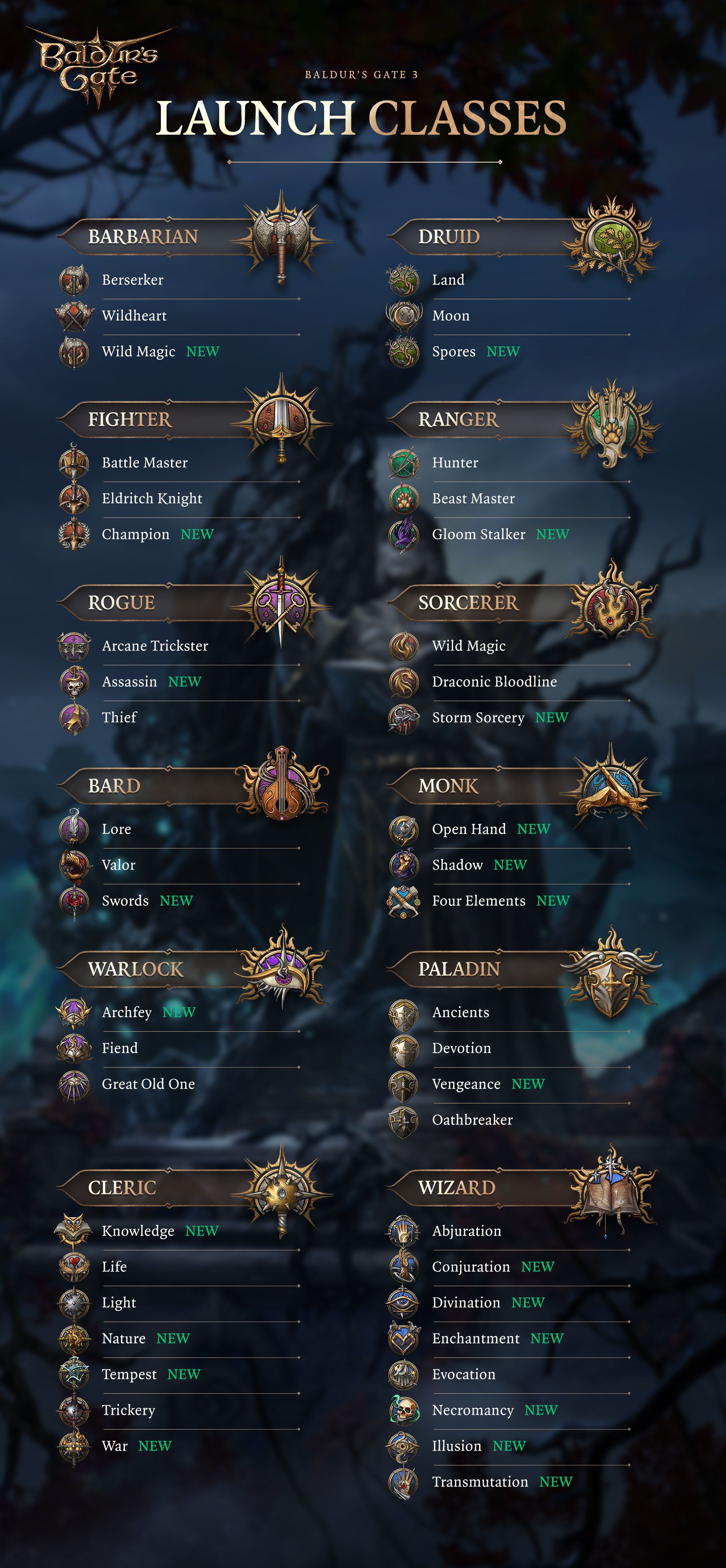
How to switch party members in Baldur’s Gate 3
You may often want to bring in another party member in-game, and that’s understandable. Several other NPCs play and perform differently, so you may feel the need to change them up from time to time in your Baldur’s Gate 3 party. This is to add some spice to the gameplay. To change party members, please follow the steps below:
- First, make sure you have additional party members (from the various classes in Baldur’s Gate 3) on your team. If you’ve played the first few hours of Baldur’s Gate, Shadowheart and Astarion should have joined your team. You may have followed Laethel as well.
- Once you have enough party members, open the map. Press M on your keyboard or press the on-screen shortcut to display it. The shortcut is located below the minimap on the screen.
- On the map screen, select Camp from the menu of fast travel options.
Alternatively, you can access your camp by selecting the ” Long Rest ” option from the bottom right of your hotbar. Selecting this option will take you to the camp. Baldur’s Gate 3 allows for fast travel between different locations and camps.
- Talk to your party members at camp and ask them to return to camp. Select the ” Remain here ” option.
- In this tutorial, we asked Lae’zel to step back. This will remove that character from your party in Baldur’s Gate 3 and allow you to add someone else.
- Next, talk to the other party members in the camp and ask them to join. This effectively changes your party members in Baldur’s Gate 3.
- Party member switching will also be displayed on the left vertical screen.
Yes, the process is easy. The only caveat is that the process isn’t clearly explained in-game. I hope Larian clearly explains the process of changing party members in Baldur’s Gate 3 when the game is officially released. 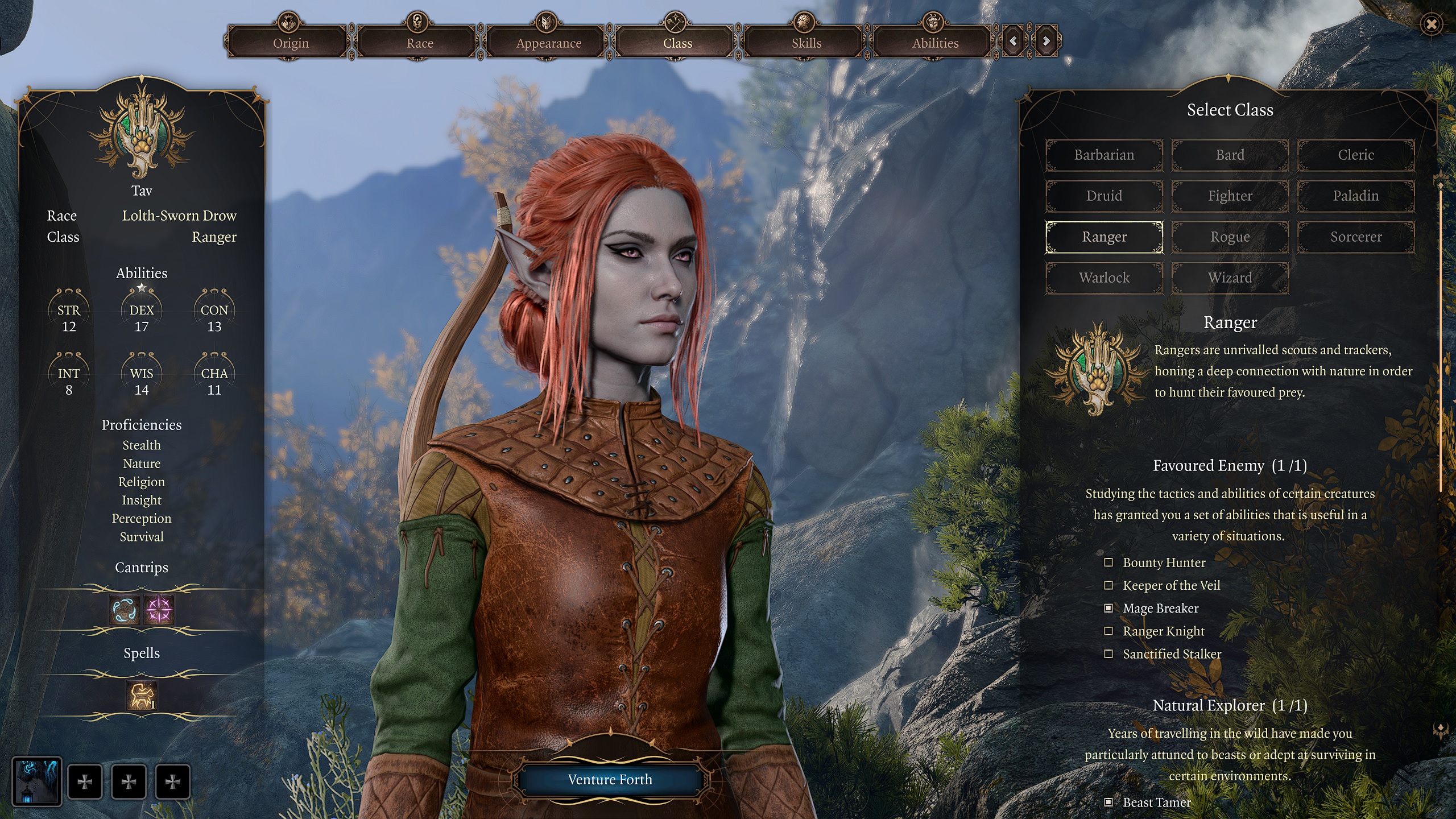
Why you need to change party members in Baldur’s Gate 3
The simple reason for changing party members in Baldur’s Gate 3 is to experiment with team settings. Each party member in this game belongs to a specific class, which brings variety to the gameplay. Astarion, for example, is a skilled rogue who specializes in stealth and treachery. Similarly, Shadow Heart is a cleric who supports you on the battlefield. A large number of party members belong to different classes, and to form a full party you will have to try different ways to resolve the situation.


![How to set up a Raspberry Pi web server in 2021 [Guide]](https://i0.wp.com/pcmanabu.com/wp-content/uploads/2019/10/web-server-02-309x198.png?w=1200&resize=1200,0&ssl=1)


