If you’re talking about the iPhone 11 series’ pro-grade cameras, “Night Mode” is probably getting the most attention. Almost all Android flagships, including the Google Pixel and Samsung Galaxy, have had their own version of Night Mode for quite some time, but none do it as reliably as 2019’s iPhone. It was. Given the huge praise from both experts and shutterbugs, we sense a huge hunger for users of older iPhones to be willing to take a piece of the pie from great night photography. If you want this feature too, look no further than the best night mode camera app for iPhone and iPad.
Best iPhone and iPad apps for night mode photography
Before we get into exploration mode, we need to clear up some clouds that may be hanging out behind the scenes and clear up some disclaimers.
So how do you take night mode photos on older iOS devices?
Get it out of the way in advance! Apple’s repertoire of Night Mode apps is unmatched. However, you will be happy to capture bright and clear images that are very impressive even in dark environments. How do these apps achieve such results?
Most of these night mode camera apps first capture a few frames and then combine them all to create one frame. Therefore, the output photo will look brighter. As if it had been photographed under decent light. Please note that the entire process will not be completed in the blink of an eye. Therefore, you need to hold the smartphone steady for 10 seconds (in very dark environments, you may need to hold the iOS device longer).
For best results, make sure your iPhone is in a stable position until the photo is taken. Also, be careful not to move the subject while shooting. Last but not least, image resolution may vary depending on the device you are using . So let’s scroll!
1.Neural Cam
Not surprisingly, NeuralCam has made it to the top of our lineup of top night mode camera apps for iPhone. I can vouch for the pretty good performance of this camera app. Because I put this camera app through rigorous testing. So how is this app able to consistently deliver such great results?
It first snaps multiple frames and then uses image processing algorithms to seamlessly combine the frames using machine learning. As a result, the image appears brighter. I also like the ability to take ultra-wide landscape photos at night. You won’t get the same results as Apple’s Night Mode, but it’s worth giving it a chance.
Price: $4.99
2.Procam 7
When it comes to the best camera apps for iPhone and iPad, ProCam 7 immediately comes to mind. A whopping 4.5 stars out of over 21.5,000 ratings shows how well-received this camera app is by users. When it comes to night mode shooting, the ProCam 7 does a pretty good job. Brightens the photo while keeping the natural colors intact (to a certain extent) .

ProCam is a full-featured camera app that includes more than night mode photography. Therefore, it has all the extra features to take adorable selfies and regular photos. Also, utilize Smart HDR or Deep Fusion to provide better results. For those who like slow shutter, you will be happy to have a slow shutter mode that supports all available lenses such as (0.5x, 1x, 2x). As far as pricing goes, ProCam costs $5.99 and works with both iPhone and iPad (iOS 11 and above). In short, this is one of the best iPhone camera apps for night photography.
Price: $5.99 , available for in-app purchase
3. Nightcap camera
When it comes to taking beautiful night photos with your iPhone, I’ve found that NightCap is up to the task. Thanks to long exposure, the camera app takes brighter photos even in low-light conditions. Long exposure also plays an important role in improving the motion blur effect and significantly reducing image noise. Powered by AI, the app automatically adjusts focus and exposure to capture clear photos even in low-light conditions.
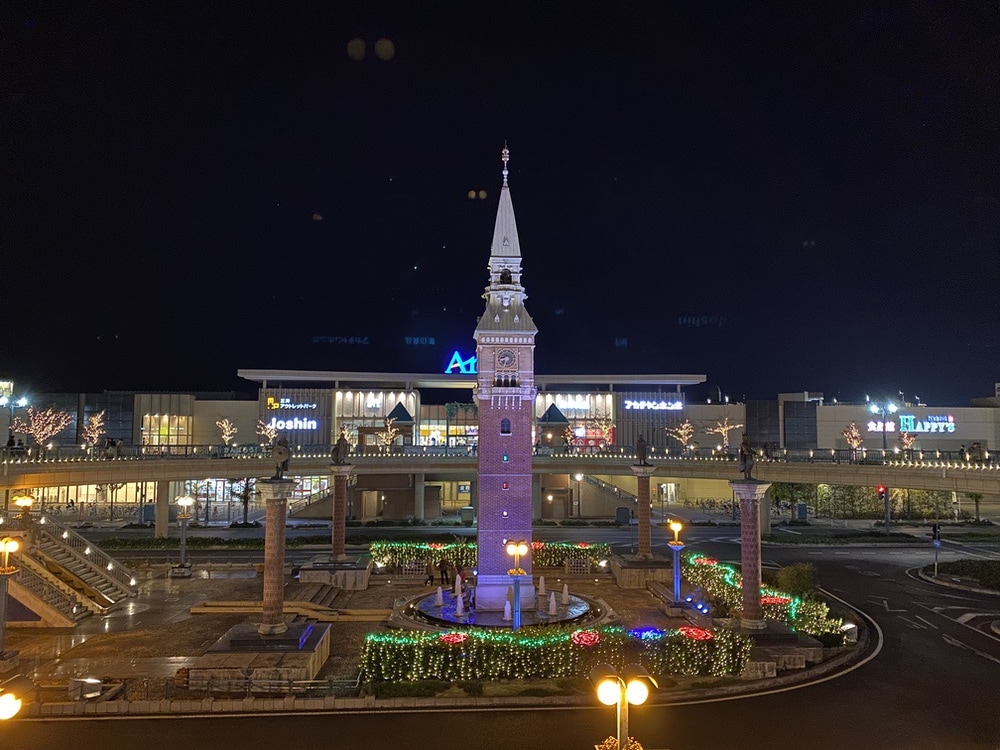
If you prefer to tweak settings manually, gesture-based adjustments make things a lot easier. Trail mode allows you to take better photos of fireworks and moving objects. What caught my eye about the NightCap Camera is its astronomy mode, which captures stars and aurora borealis. If you like astrophotography, you’ll love the four camera modes.
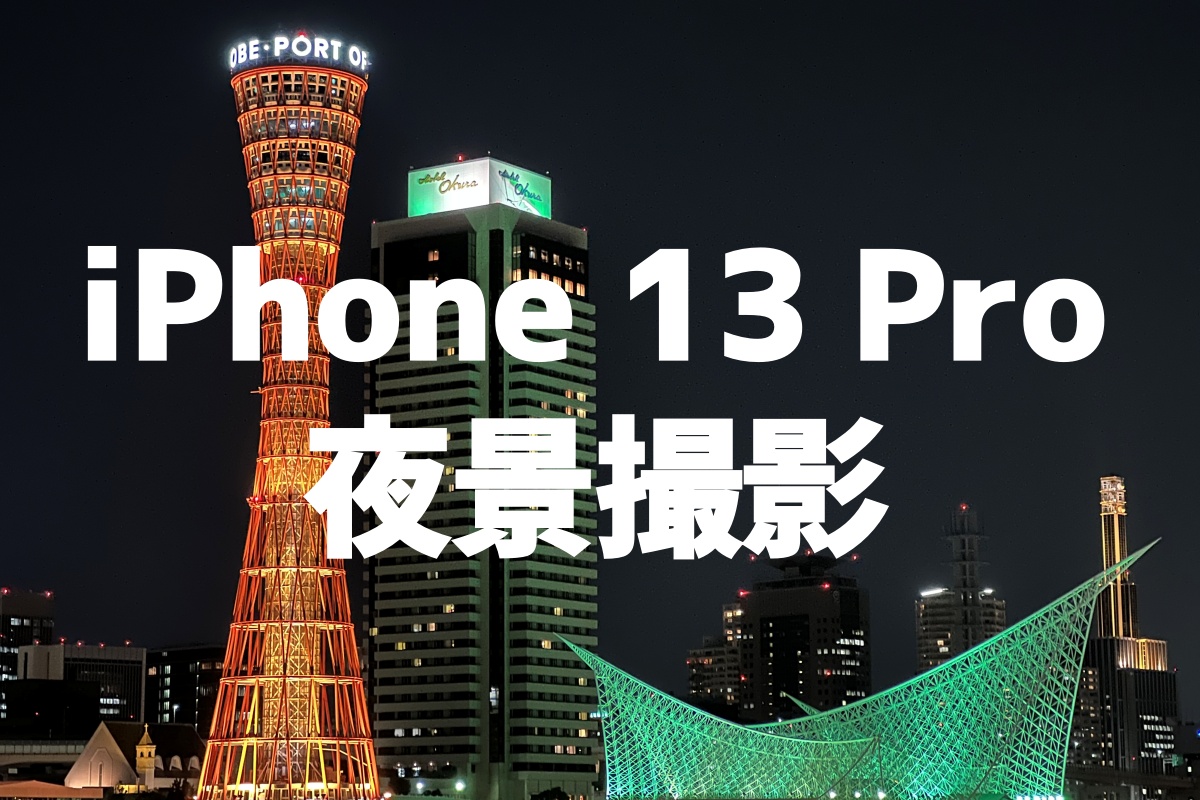
The Light Boost feature increases the brightness of your shots while ensuring details remain intact. You can also use Night Reduction mode to minimize image noise. Like ProCam, the NightCap camera also works with your Apple watch, so you can get previews and even control some key features right from your wrist.
Price: $2.99
4.Cortex camera
Cortext Camera has been working on low light photography for a long time. Therefore, I don’t think many people would be surprised to see it included in this lineup. The camera app has a lightweight and intuitive interface that will easily appeal to those looking for a simple yet capable night mode app for older iPhones.

This app works very well to reduce noise in low light. Therefore, you can take clear photos even in dark environments without using a tripod. First, combine multiple exposures to create one brighter, noise-free image.
There are a few things to keep in mind. First and foremost, you need to keep your device steady and make sure your subject is not moving during the exposure time, which usually takes about 2 to 10 seconds. Second, the image resolution is completely dependent on the iOS device you are using. For example, the camera app delivers up to 19 megapixels on iPhone 6s/6s Plus and around 30 megapixels on iPhone 7 and newer.
Price: $2.99
5. Night camera HD
It may not be as popular as ProCam or NeuralCam, but it’s a solid powerhouse when it comes to taking photos in the dark. With enhanced ISO, manual exposure options, and individual residual light, you have all the tools you need to capture images in low-light environments. One of my favorite features of this app is tap to focus and tap to expose. immediately. After you select your preferences, you can also lock them to keep them that way. The self-timer is extremely useful when you want to prevent night shots from being ruined by last-minute shaking.

Another highlight is the brightness, brightness, and RGB histogram options that make it easier to recognize overexposure and underexposure . What’s more, Night Camera HD supports iOS 8 and above, so you can use Night Mode even on older iPhones and iPads.
Price: $2.99
Best apps to take night mode photos on iPhone…
So these are by far the best apps to take night mode photos on your old iPhone. Of course, it can’t directly compete with Apple’s products, but it’s worth a try, mainly due to its reliable performance. As a user, I’m really impressed with how well they’ve filled that gap. By the way, which is your favorite night mode camera app and why? Also, let us know your feedback on the iPhone 11 series camera. Also, let us know how it stacks up against the Android giants Huawei Mate 30 Pro and Samsung Galaxy Note 10 Plus.


![How to set up a Raspberry Pi web server in 2021 [Guide]](https://i0.wp.com/pcmanabu.com/wp-content/uploads/2019/10/web-server-02-309x198.png?w=1200&resize=1200,0&ssl=1)


