Tired of managing your invoices manually? Read this Bonsai Invoice review to see the platform’s robust features.
For most freelancers and small businesses, invoicing still means a lot of manual work and paperwork. As a result, user efficiency is significantly reduced. Also, sending invoices to all clients for different projects in a timely manner is often still a challenge.
All of these problems can be solved once you start using a proficient solution for invoice management. One such software is Bonsai Invoice . Before we get into the features of this invoice application, let’s learn about why you should use invoice software.
Why do I need invoicing software?
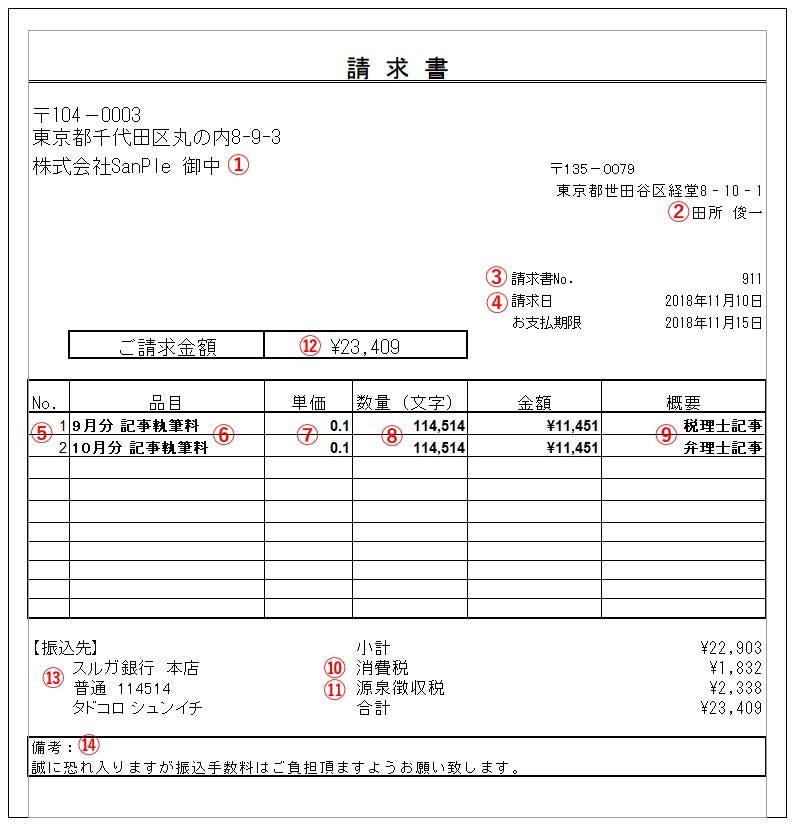
Whether you’re a business or a freelance contractor, you need invoicing software for the following reasons:
- An invoicing application allows you to track all your invoices in one place.
- It also helps streamline processes with a quick and efficient approach.
- This tool allows you to automatically send recurring invoices and reduce manual effort.
- This software makes it easy to track the status of your invoices.
- This allows you to have a professional image in front of your clients.
- Invoicing software with time tracking allows you to bill accurately.
- These applications are also great for tax compliance.
How Bonsai Invoice can help you
As you can see, it is important for every business and individual professional to have an invoice software that can manage all invoice-related tasks. For this, you can choose Bonsai Invoice, a robust application perfect for freelancers, small businesses, and agencies.
With this tool, you can easily create professional invoices in seconds and instantly send them to your clients or schedule them for a future date. This application also allows you to set up global payments and receive payments faster, regardless of your geographic location. Additionally, you can also send automatic reminders to your clients to avoid not paying on time.
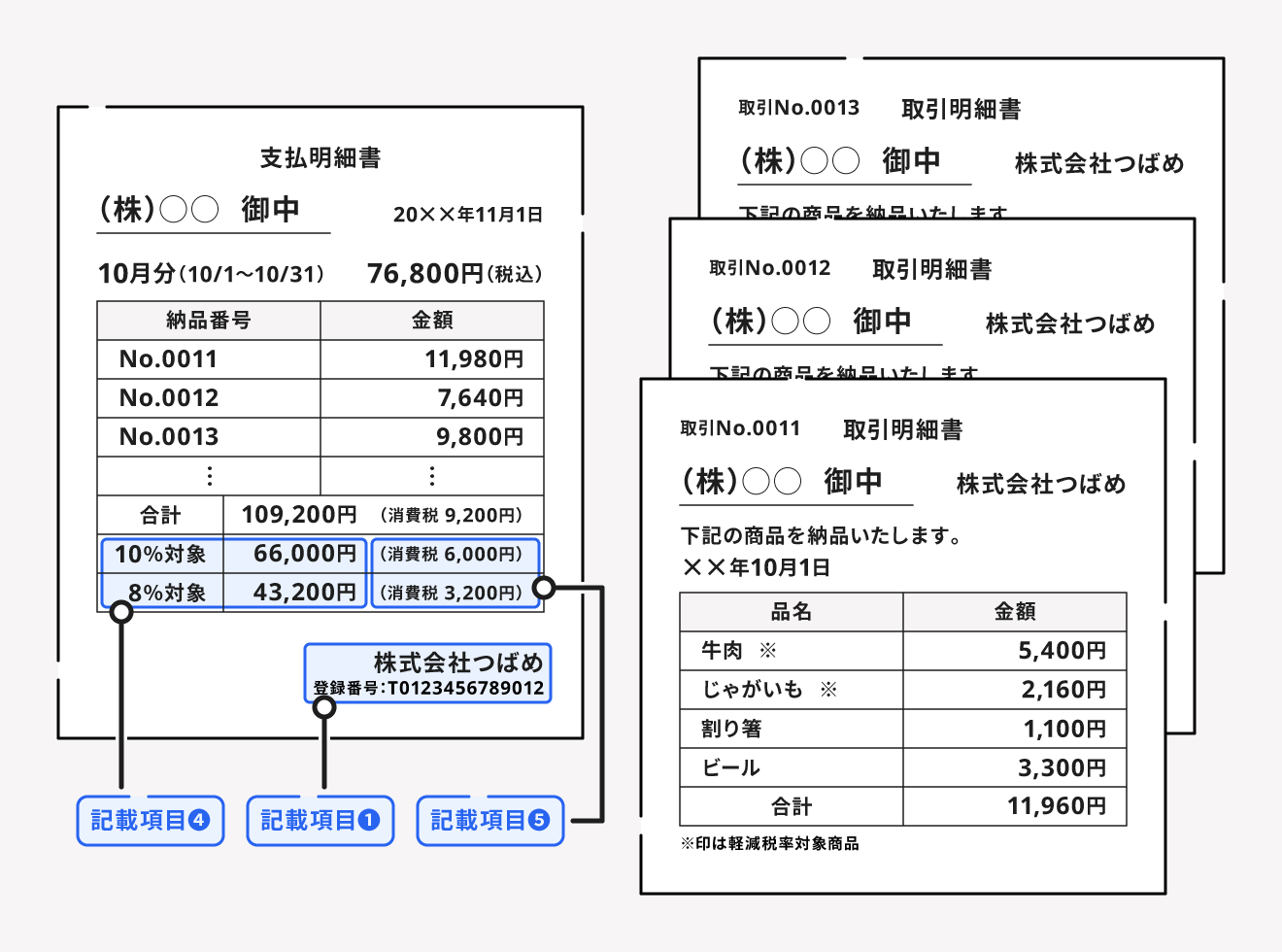
Bonsai Invoice automates some invoice tasks so you can focus on more important and creative things. It has an easy-to-use interface that requires no training, so you can get started right away.
Bonsai allows you to perform various invoice actions with many customization options, such as adding client images and invoice backgrounds. Also, its settings section allows you to select defaults for various values, layouts, and options.
Main features of Bonsai invoices
#1. Create professional invoices
Bonsai allows you to automatically create completely professional looking invoices. With its extensive collection, you can choose a template that fits your industry and project.
#2. Customize your invoice

This software has many invoice customization options. Add a custom banner or logo for your business to your invoices.
#3. Streamlined billing process
Invoices created with this software can be sent to clients via email. This email contains a secure payment link that your clients can use to make payments quickly and easily. You can also add late fees to your invoice and send invoice receipts.
#4. Send reminder
Tired of chasing bills? Free yourself from this hassle with Bonsai’s automatic payment reminders. This will notify your clients about pending invoices on your behalf.
#5. Send single or recurring invoices
Users can select the invoice type from multiple options (single, recurring, subscription, and bundle) when submitting an invoice. For long-term projects, you can choose a recurring type and select billing intervals such as weekly, biweekly, monthly, quarterly, or yearly.
#6. Guarantee secure payments
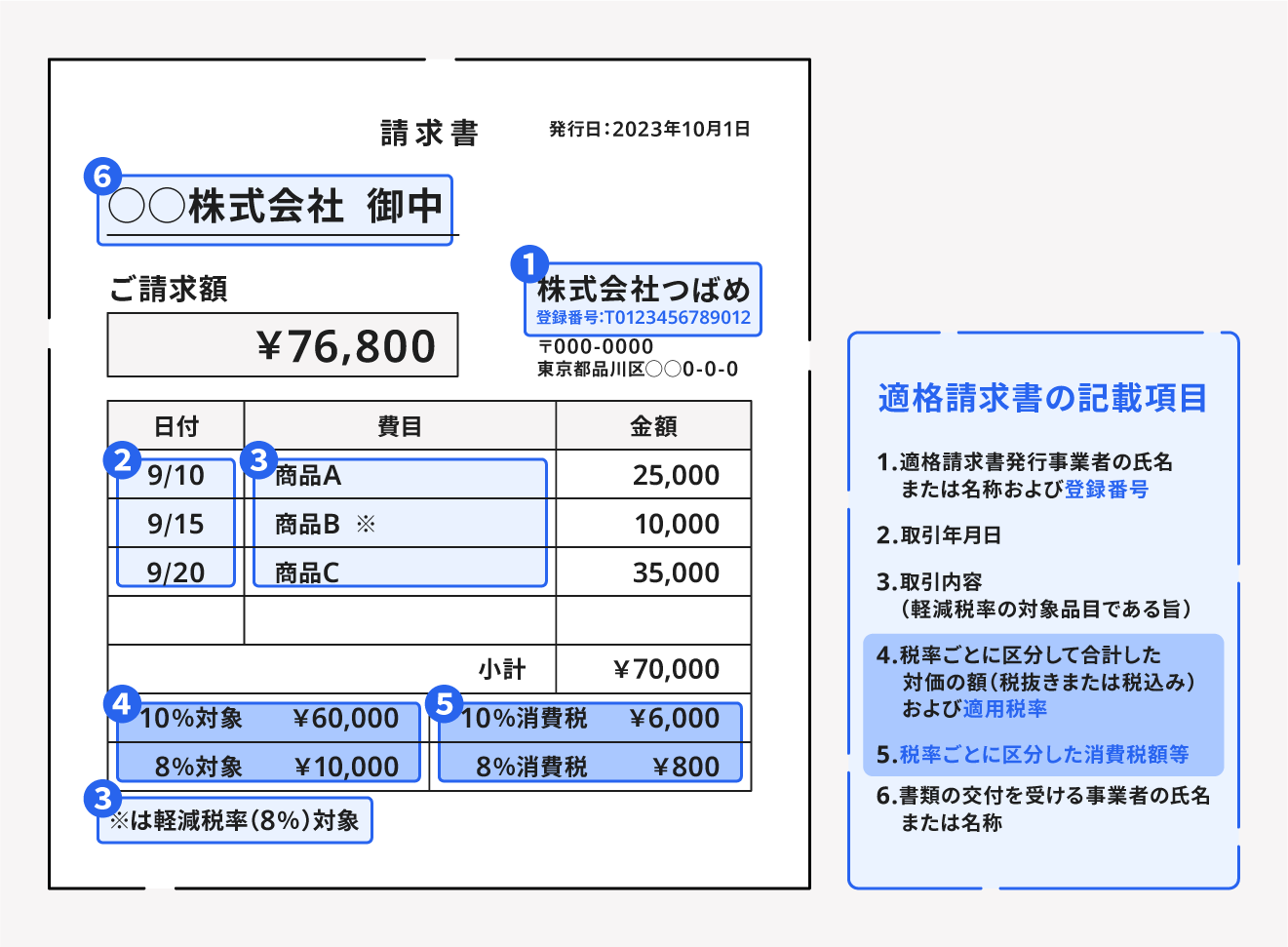
With Bonsai, you can receive payments in over 100 global currencies. So you can easily get paid no matter where you and your clients are located. You can also choose from PayPal, Stripe, ACH payments, and credit cards as payment options.
#7. Free collaborator access
You can invite project stakeholders to a specific project even if they don’t have a Bonsai subscription plan. Therefore, you may also use this software with limited access and functionality.
#8. easy setup
Setting up a Bonsai account takes less than a minute. So you can get started with Bonsai Invoice right away.
#9. efficient customer support
Bonsai has a knowledgeable and friendly customer support team who is always happy to help. If you get stuck somewhere, you can chat with them.
#10. Free trial available
Before you get a subscription plan, Bonsai allows you to do a 7-day free trial. During this period, you can enjoy all the features of the selected plan without any restrictions.
Integrating Bonsai Invoice with other Bonsai products
Invoicing tools often require integration with other related applications for things like payment and time tracking. Various standalone invoice applications require the integration of third-party tools for their functionality, but the integration process is often not as smooth as you might hope.
However, if you choose to use Bonsai Invoice, you can easily use other Bonsai tools together. Below are some Bonsai tools you can use with Bonsai Invoice to facilitate invoicing.
#1. project
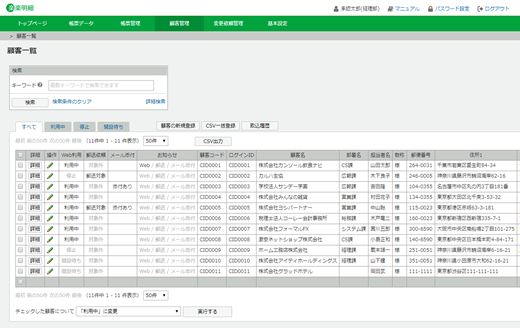
When you start working on a new project, you can add that detail to your bonsai project. Once your project is complete, you can easily select the project name and add details to your invoice. Eliminate the hassle of manually entering all project details when creating invoices.
#2. time tracking
Many freelancers and agencies are paid based on the hours they work. For them, tracking the time invested in a project and including that time in the invoice is a must. Bonsai time tracking functionality is available within the invoice interface by default. You can turn on your time tracker while working on a project. You can also add the project name and other details from the project list.
#3. payment
Bonsai Payments is another feature that allows you to use Bonsai Invoice. You can choose your preferred global currency such as USD, EU, or LBP, as well as payment methods such as PayPal, wire transfer, or credit card.
Bonsai invoice template
Bonsai Invoice’s purpose is to provide maximum convenience and useful features to its users. Since people from different industries use this application, Bonsai comes with a template library that includes a variety of templates.
Check out our extensive collection of Bonsai invoice templates to find the one that best fits your use case and business. Whether you’re in construction, law, medicine, freelancing, real estate, photography, writing, healthcare, marketing, IT services, etc., Bonsai has a template for you.
Examples of using Bonsai invoices
freelancer
If you are a freelancer and need to manage a large number of clients with different projects, Bonsai Invoice can help you with time tracking and templates for different industries.
startup
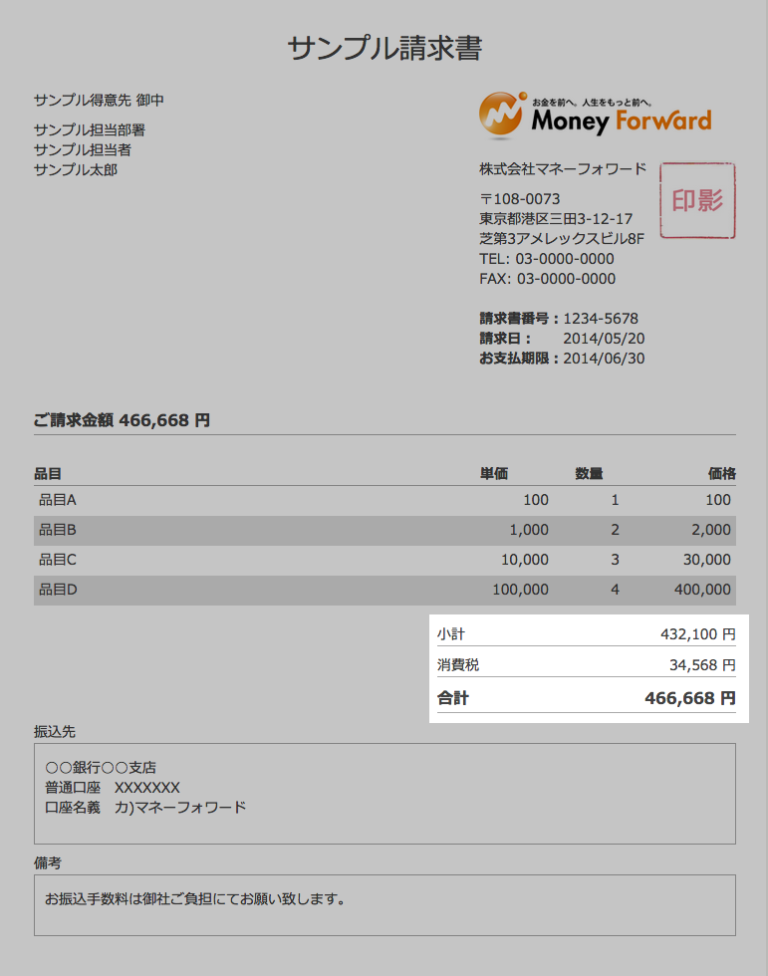
Bonsai Invoice provides all the necessary invoicing features under one roof, making it very convenient for startups. It also eliminates the hassle of manually tracking contractor invoices.
remote business
Anyone running a remote business needs robust invoicing software like Bonsai Invoice to make invoicing easy and cloud support that anyone can manage from anywhere.
small business
Bonsai Invoice allows small businesses to easily manage their finances while saving administrative time. It also helps you get paid faster and acquire new customers.
summary
Managing invoices can certainly be a hectic task for freelancers and small businesses, but the right software can make the process easier. Choosing Bonsai Invoice brings all your invoicing and payment-related processes under one umbrella.
This simple yet powerful interface allows you to create and manage all your invoices with minimal effort. It also supports secure payment options and integration with other Bonsai tools.
If you want to consider similar applications, read about the best invoice generators.


![How to set up a Raspberry Pi web server in 2021 [Guide]](https://i0.wp.com/pcmanabu.com/wp-content/uploads/2019/10/web-server-02-309x198.png?w=1200&resize=1200,0&ssl=1)


