Ever since Facebook (and its suite of apps) started ripping off Snapchat, the company has steadily added some form of Stories feature to its app. Facebook Stories, Instagram Stories, and even Facebook Messenger have Stories (which are different from Facebook Stories, by the way).
Instagram Stories have been a huge hit, and Facebook Stories have gained traction over time, but I personally have never seen anyone use Messenger’s “My Day” feature…or at all. . 
Facebook wants Messenger Stories to work…desperately
But with new changes to how Facebook Messenger works, the social media giant will now allow Stories to work on Messenger as well, even if it means tricking people into posting images on “My Day.” I feel like they’re pretty desperate to get it done.
Before we get into what’s changed in Messenger, let’s take a quick look at how Messenger used to work.
The Messenger story: How Messenger used to work
Facebook wanted to make it easier for users to take photos and videos, share them on Messenger, and post them to their Messenger stories. So every time I clicked a photo with the built-in camera within Messenger, I was presented with the option to add that photo to “yours.” Within the day, the app appeared, minus a ton of annotations, stickers, and doodle options.
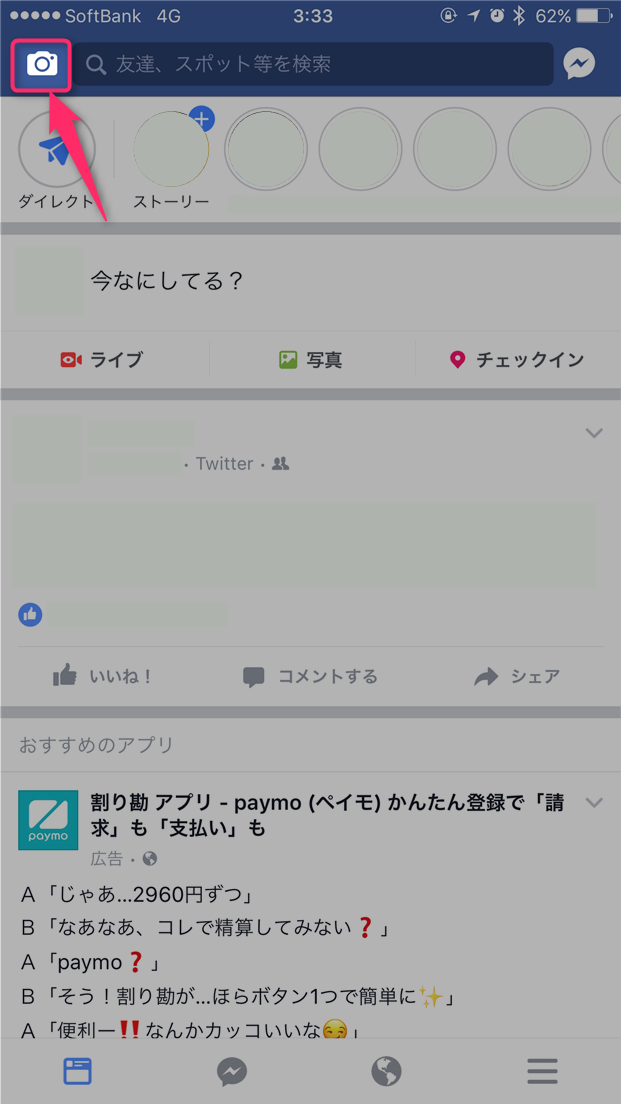
Then, just tap the arrow button and select the people you want to share the photo or video with.
The Messenger story: How it works now
However, if you choose to share a photo in a private message with a Facebook friend or contact without tapping the option to add it to “My Day,” Messenger will check the box next to “My Day.” I’ll put it in. By default, it’s something many users don’t look at when selecting contacts to share media with. Or at least that’s probably what Facebook wants.
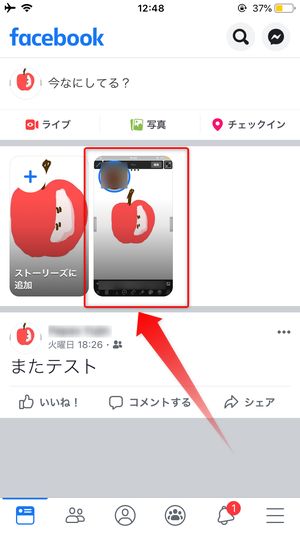
So what’s really the problem here?
At the very least, I’m sure some of you are wondering why it matters that Messenger chooses to share to “Today” by default. After all, there’s no way you can’t uncheck that option and not share photos and videos to your Messenger story, right? Well, that’s true, but there’s still a lot wrong with this.
First and foremost, it should be entirely the user’s choice where they choose to share their messages, photos, and videos (choice being the operative word here). This new feature that Messenger is making will add an option to share media to your Messenger stories. has switched from an opt-in feature to an opt-out feature . When it comes to privacy, no one likes an opt-out feature.
The second thing, and it’s probably true for quite a few people, is the fact that we’re used to just selecting the contacts we want to share a photo or video with and hitting send. Probably most people will check to see if they have selected the correct contact, but some may not and they end up losing not only the selected contact but also their entire contact list with photos and videos. will be shared. Messenger’s “My Day” feature.
What can you do?
So what can you really do? You can’t quit Messenger. Most of your contacts probably use Messenger to communicate. If not, quitting Messenger is definitely an option…an extreme option, but an option nonetheless.
A less aggressive option allows you to do two things:
- Uncheck the box next to “Today” each time you want to take a photo or video. However, doing this every time can be tedious, especially if you use this feature frequently.
- Open the Messenger thread with the contact you want to send an image to, and use your camera to take a photo from within the message thread. This way, your photo will not be shared with “My Day.” Again, this is a problem if you want to share the same photo with a large number of people.
If you want a guaranteed one-time method, follow these steps:
- Tap the settings cog next to Today, then tap Custom.

- A list of your Facebook contacts will appear. Don’t select any and tap the back button. Facebook will warn you, “No one will be able to see your day.” Tap “OK” to complete.
Since no one can see your Messenger stories anyway, Messenger now allows you to share those photos and videos to “Today”.


![How to set up a Raspberry Pi web server in 2021 [Guide]](https://i0.wp.com/pcmanabu.com/wp-content/uploads/2019/10/web-server-02-309x198.png?w=1200&resize=1200,0&ssl=1)


