Accessing a resource on the Internet typically requires sending a request to a named host within the server where the resource is stored. This can be done on your computer, smartphone, or any device with internet access.
In such cases, the device requesting the resource from the server is called a client, and the request for the resource from the server is called an HTTP request.
HTTP is the protocol or rules that govern the exchange of information on the Internet. When a client makes a request for a resource from a server, it is said to have made an HTTP request.
When a client requests a resource from a server, the server not only issues the resource if the request is successful, but also issues a three-digit status code based on how the request is handled.
A request for a resource may be successful, may be redirected, or may not be found on the server. This information about the status of a request to the server is communicated using status codes.
There are different classes of status codes, identified by the first digit of the status code. Status codes that begin with 1 are informational codes that indicate that the request has been received and is still in progress. Anything starting with 2 indicates that the client’s request was successfully received, understood, and accepted.
Anything starting with 3 indicates a redirect, anything starting with 4 indicates a client error, and anything starting with 5 indicates a server error.
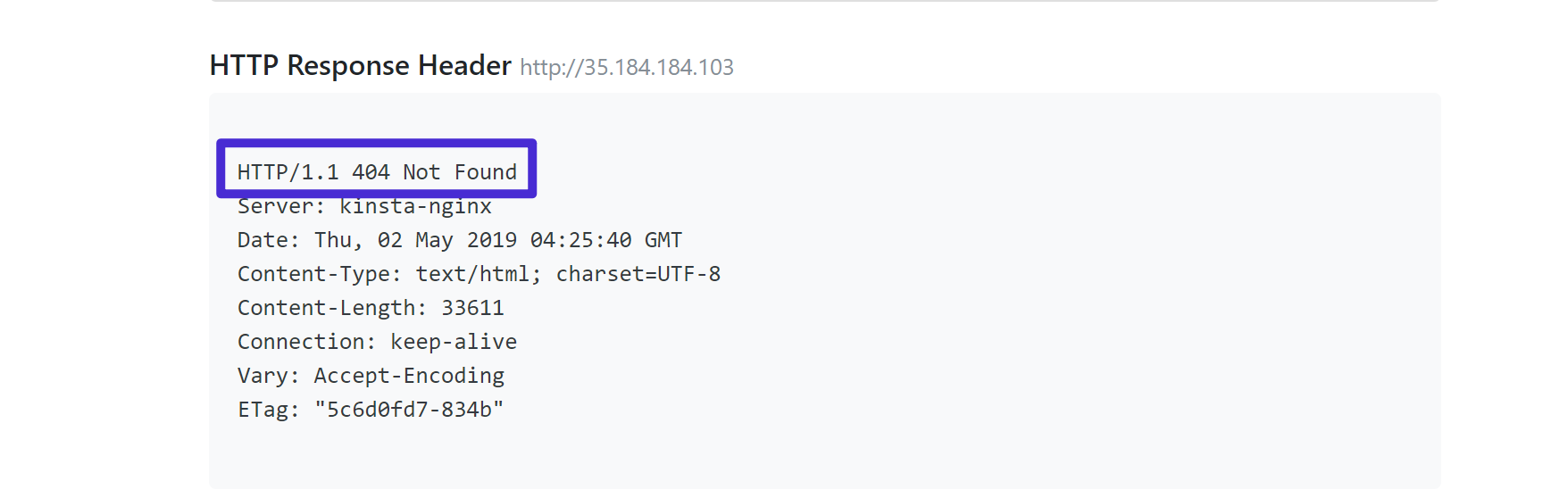
There are official status codes defined by the HTTP standard and unofficial status codes that extend the officially defined status code classes. One such status code is 521, which means the web server is down. This is an unofficial status code used by CloudFlare’s reverse proxy service.
A reverse proxy server is an intermediary server that sits in front of a web server and intercepts requests from clients and passes them to the web server. Such an architecture prevents clients from communicating directly with the Web server with the resources they are requesting.
Reverse proxy servers protect your web server’s identity, enhance reliability, security, and performance, and help balance the load on high-traffic websites.
An example of a CloudFlare reverse proxy service is a content delivery network (CDN). A CDN consists of geographically distributed servers that cache web content near your users’ physical locations. This makes content on the internet load faster.
Error 521 Web Server is Down occurs when the origin server that your client is trying to obtain resources from refuses to connect with Cloudflare’s proxy. To serve content requested by a client, Cloudflare’s proxy service establishes a connection on port 80 or 443 with the origin server that has the requested resource.
In some cases, your origin server may directly reject connections with Cloudflare’s proxies and send back a connection refused error. When Cloudflare encounters a Connection Refused error from your origin server, the error 521 Web Server is Down appears to the client making the request.
Causes of error 521
Error 521 indicates that the original web server is down, but it is not necessarily caused by the web server being down, as there are other issues that can cause the error. . Possible causes for error 521 include:
#1. Origin web server is down
The Cloudflare reverse proxy service cannot establish a connection if the origin web server requesting the resource is offline. This results in error 521. Such errors can also occur if some web server processes on your origin server are not running properly and Cloudflare is unable to connect to your origin server.
#2. Origin web server is blocking requests from Cloudflare
Cloudflare’s reverse proxy service receives requests from clients and passes them on to servers with the requested resources. As a result, your origin server’s security configuration or firewall may notice that a Cloudflare IP address is making too many requests for your resources and flag the requests as an attack.
This blocks Cloudflare’s IP address and prevents Cloudflare from connecting to your origin web server. When this happens, you will receive error 521 even if your origin server is working properly.
#3. Origin server misconfiguration
Cloudflare’s Content Delivery Network (CDN) is a reverse proxy service. Your server must be properly configured to work with your CDN. If there is a misconfiguration when setting up the CDN, clients will receive error 521 when making requests to the origin server. Error 521 also occurs if your firewall is configured to drop packets instead of denying connections.
#4. Cloudflare SSL certificate issue

Cloudflare supports encrypting traffic between servers and clients using Secure Socket Layer (SSL) certificates. SSL certificates are used to authenticate a website’s identity and establish an encrypted connection.
If there is an issue with your website’s SSL certificate or the encryption mode used by Cloudflare, your origin server will reject your connection request and you will receive error 521.
How to fix error 521
Here are some ways to resolve error 521:
#1. Make sure your origin server is online
Error 521 can occur if your origin server is offline or down. To check if your origin server is up and running, open a terminal window and run the ping command along with your site to see if your origin server is online.
ping .comIf the server is running, you will receive a response from the server as shown below.
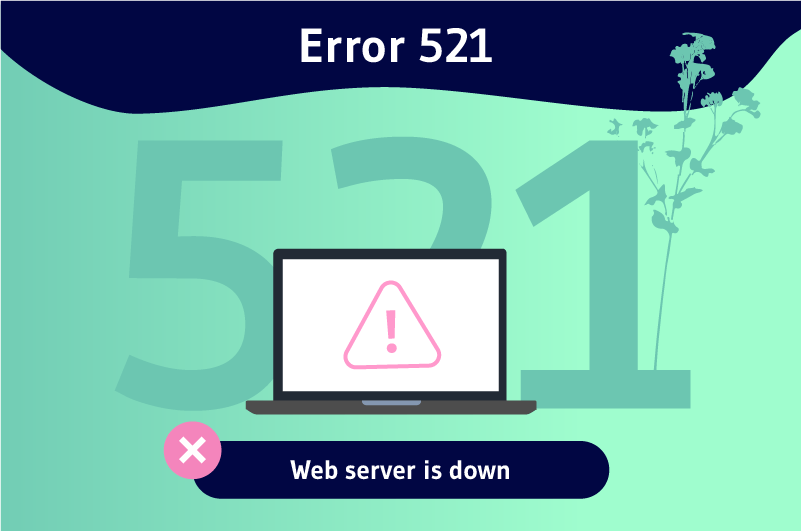
In this case, the origin server is up and running. However, the second server we tested was down at the time of this writing. Zero packets were received and packet loss was 100%. When you open the website, you will see the page below and receive a 502 error.

Press CTRL+C to exit the output of the ping command.
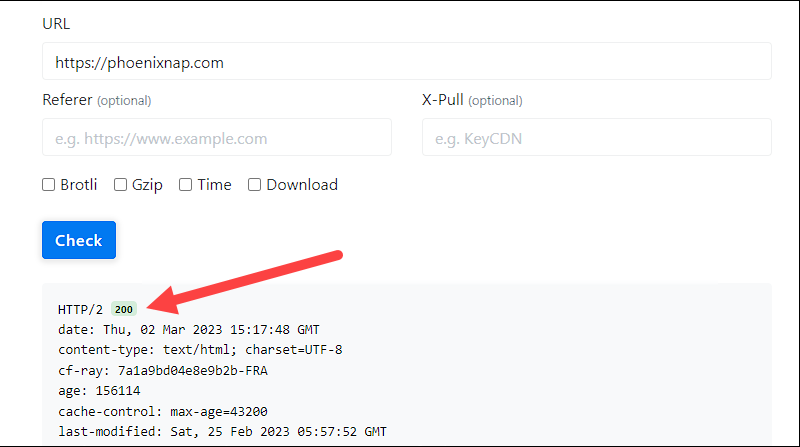
Another way to check if the server is online is to go to the isitdownrightnow site and enter the website you want to check. This site will tell you whether the server is running or not, as shown below.
If this is your first time using Cloudflare’s CDN on your server, make sure your origin server is properly configured to listen on port 443 and that your Cloudflare IP address has access to port 443. please confirm. Additionally, make sure your firewall is configured correctly. Drop the packet. This results in error 521.
#2. Whitelist Cloudflare IP addresses
Another cause for error 521 is that your IP address has been flagged as suspicious by Cloudflare and is being blocked due to a large number of requests being made. To address this, check with your hosting provider to see if they block or restrict requests made by Cloudflare’s IP addresses . Requests are possible.
If you’re running your own dedicated server, make sure your firewall isn’t blocking Cloudflare’s IP address. Additionally, disable and unload Apache custom modules such as mod_antiloris and mod_reqtimeout, which block IP addresses that connect more than 22 times.
#3. Check the SSL certificate or encryption mode used
Depending on whether the SSL encryption mode is set to flexible, full, or strict, Cloudflare behaves differently with SSL certificates presented by origin servers. These Cloudflare encryption modes are useful when establishing a connection between Cloudflare’s reverse proxy service and your origin server.
Full or strict mode is the most common choice or encryption mode, as it requires an SSL certificate. When using these modes, Cloudflare requires a valid SSL certificate from your origin server. Error 521 occurs if there is an issue with your website’s SSL certificate, especially if you are using strict encryption mode.
To resolve this, install Cloudflare’s origin certificate on your origin server or use an SSL certificate from a trusted certificate authority. Switching from strict to full encryption mode can also help resolve error 521 caused by issues with the SSL certificate from your origin server.
conclusion
Using content delivery networks, such as Cloudflare’s CDN, has become a popular way to serve content on the Internet. CDNs make your web applications load faster, improve performance, and make them more reliable and secure against attacks.
When using Cloudflare, you may encounter error 521. This may indicate a problem with your origin server. If this is the case, consider the solutions above. If all else fails, consider contacting Cloudflare customer service for further assistance.


![How to set up a Raspberry Pi web server in 2021 [Guide]](https://i0.wp.com/pcmanabu.com/wp-content/uploads/2019/10/web-server-02-309x198.png?w=1200&resize=1200,0&ssl=1)


