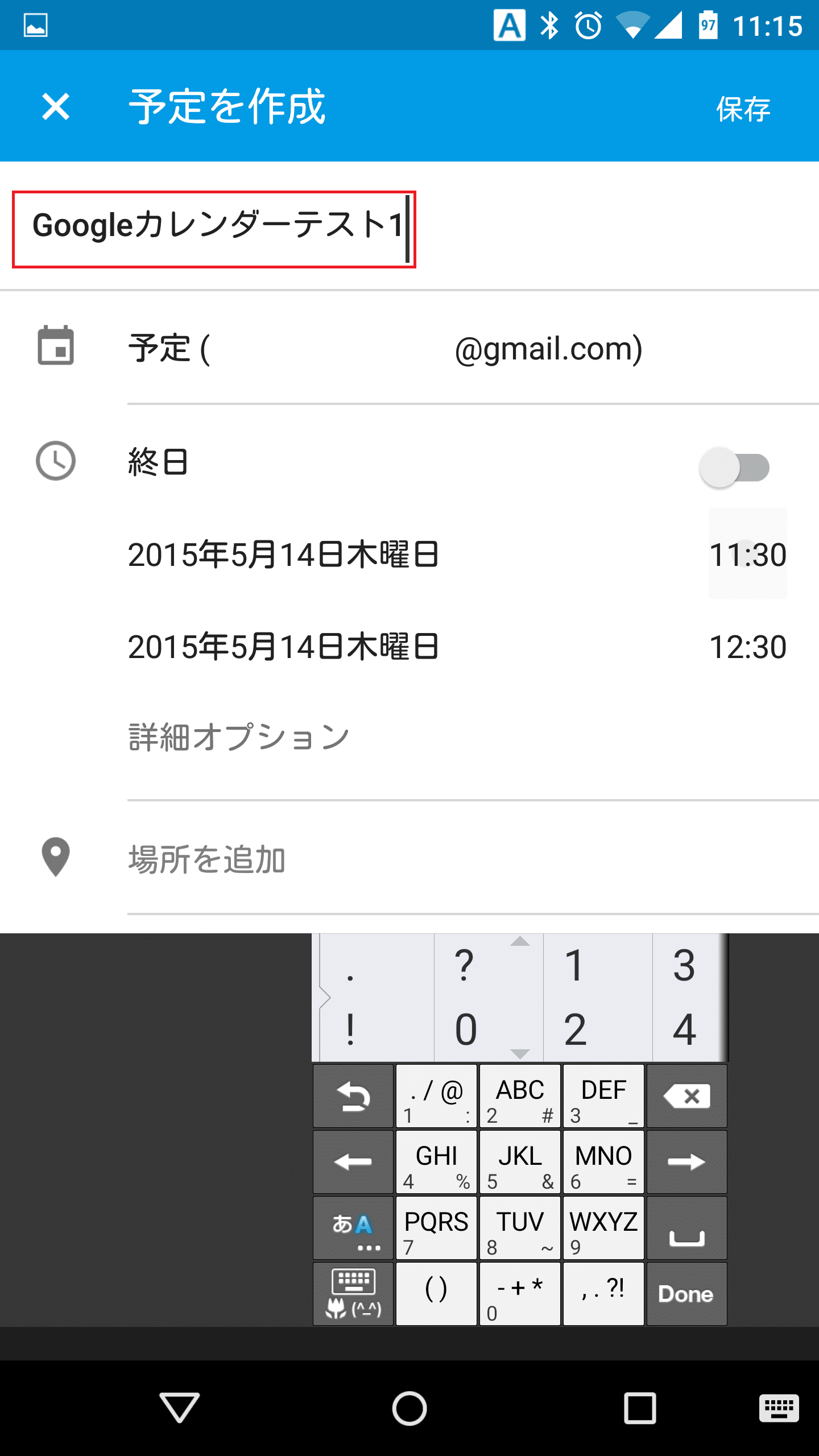
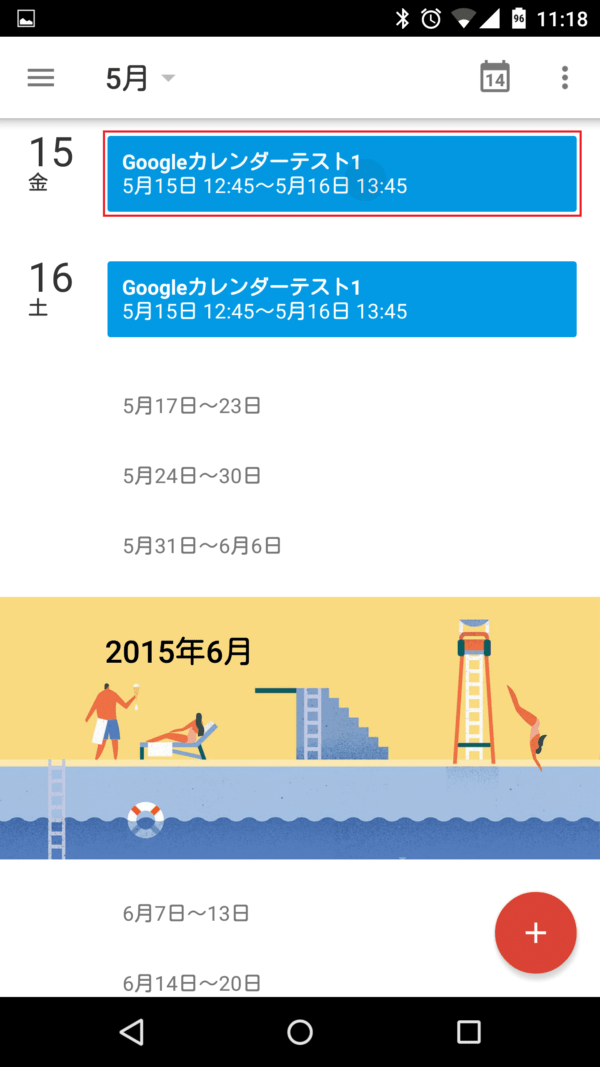
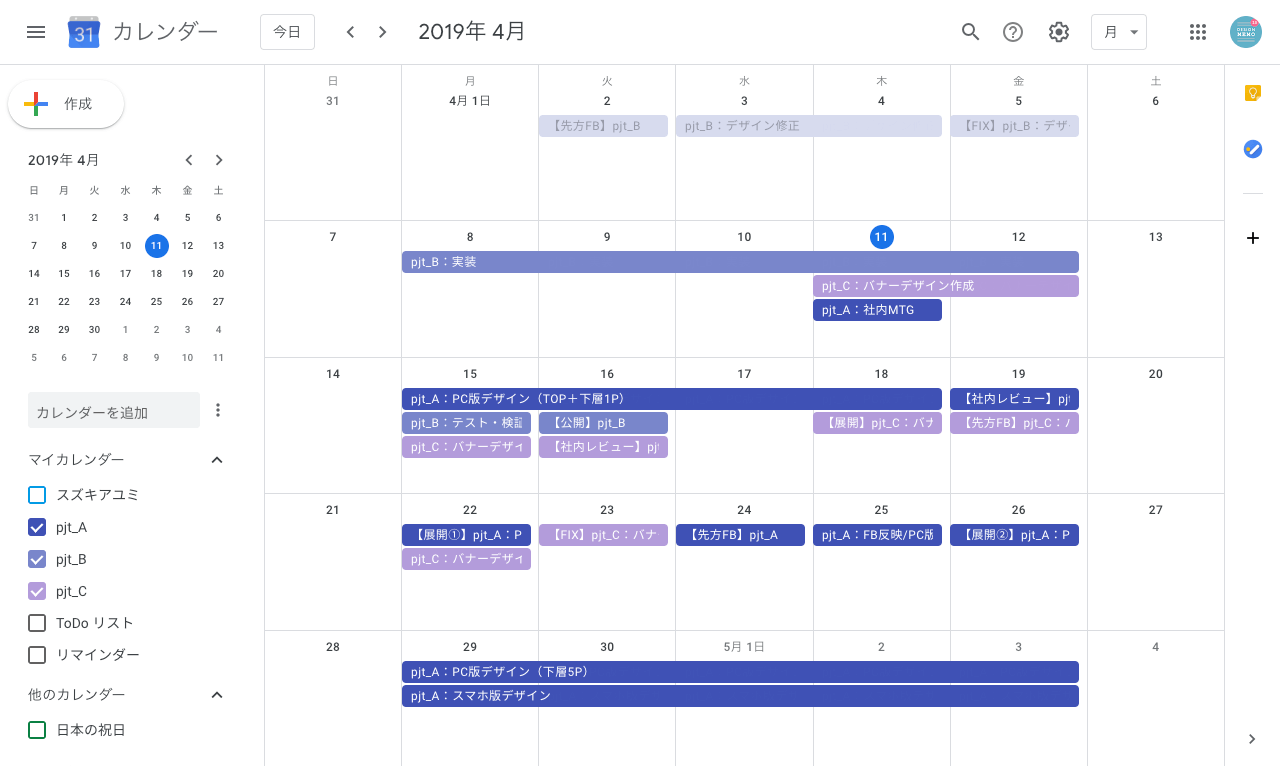
After months of limited testing, Google has begun rolling out task integration to Calendar on Android and iOS. Thanks to this integration, you can now create, edit, and view tasks directly from the Google Calendar app.
“You can now create and view tasks in Google Calendar on Android and iOS. Previously, you could only do this in Calendar on the web. Add tasks to your calendar so you always have something to do. “It helps you accomplish what matters by showing you and allocating time to accomplish it,” Google wrote in a blog post.
Google already integrated Tasks with Calendar and Gmail on the web. Google said in its announcement post that tasks added to your calendar will automatically sync between desktop and mobile . 
To add a task to your calendar, tap the Create floating action button (FAB) in the bottom right corner and press Task from the pop-up menu. Similarly, you can delete a task by tapping on a particular task and pressing the “Delete Task” option.
As mentioned earlier, Google has already started rolling out task integration into its Calendar app across Android and iOS. Please note that it may take up to two weeks for this feature to appear in your Calendar app.
No need to toggle in settings to enable calendar tasks. As Google notes, this feature is enabled by default . You can update the Google Calendar app on your phone to the latest version using the link below.


![How to set up a Raspberry Pi web server in 2021 [Guide]](https://i0.wp.com/pcmanabu.com/wp-content/uploads/2019/10/web-server-02-309x198.png?w=1200&resize=1200,0&ssl=1)


