Yoast SEO for WordPress is one of the most popular plugins with over 5 million active installations. Yoast helps with general SEO, titles, meta, social tags, XML sitemaps, and more.
When you access the sitemap using this plugin, you will see that the default frequency for a single post is weekly and the home page is daily.
If you are like me and want to change the frequency of a single post to daily or hourly, the following will help you.
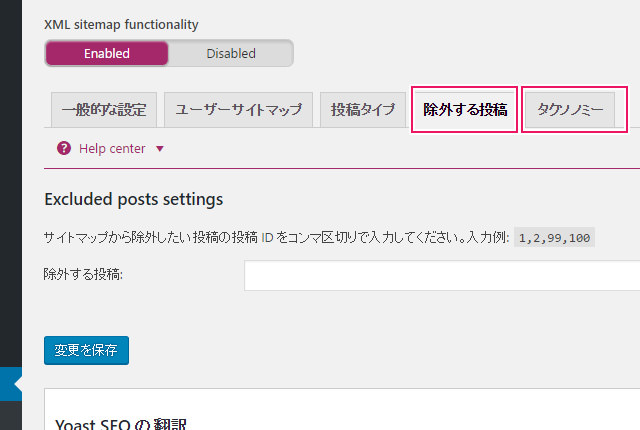
Default sitemap frequency
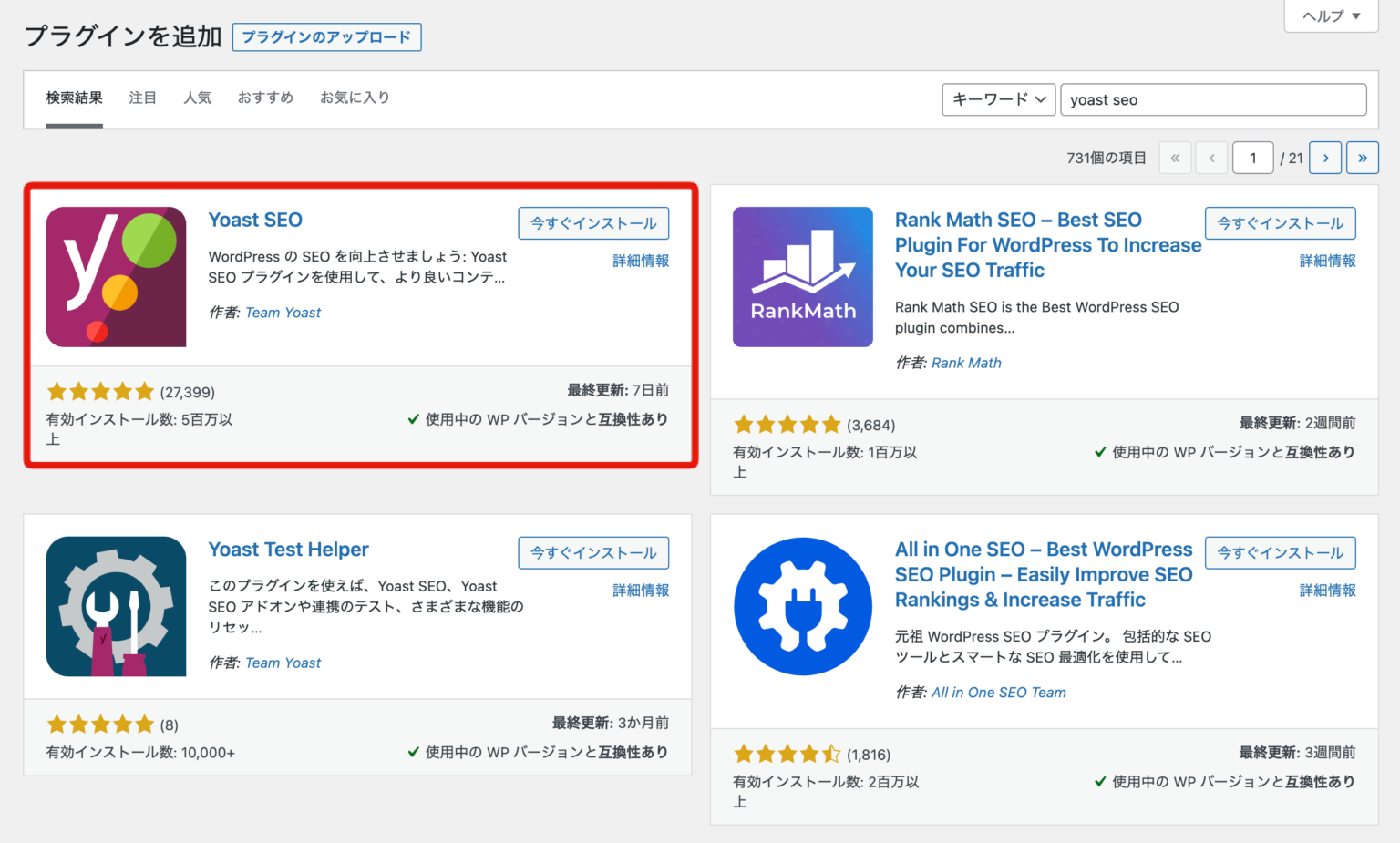
I couldn’t find a way to change this using the plugin GUI, so the hack below is done in the theme’s functions.php.
As always, take a backup of your functions.php file.
- Add the following at the end of the file
 add_filter( 'wpseo_sitemap_post_single_change_freq', 'my_custom_post_freq', 10, 2 );
function my_custom_post_freq( $default, $url ) {
return 'daily';
}- Save the file and update the sitemap URL
If you want to change the frequency to hourly, just change it from daily to hourly like this:
 add_filter( 'wpseo_sitemap_post_single_change_freq', 'my_custom_post_freq', 10, 2 );
function my_custom_post_freq( $default, $url ) {
return hourly;
}
After changing to daily, the sitemap looks like this:
It is always recommended to modify child themes so that your custom changes are not lost when updating the theme.
Alternatively, if you are not using a child theme, you can insert the code using the Insert PHP plugin .
Much better? I had no idea it was so easy to change the sitemap frequency.


![How to set up a Raspberry Pi web server in 2021 [Guide]](https://i0.wp.com/pcmanabu.com/wp-content/uploads/2019/10/web-server-02-309x198.png?w=1200&resize=1200,0&ssl=1)


