Finding an external IP address within a GCP server.
Are you working on a project where you need to obtain the external (internet/public) IP of each VM instance of your application?
Good news – it’s available now.
You’ve probably tried running the ifconfig command. And you can see that the results only include internal IPs.
GCP and AWS both have easy-to-use web interfaces where you can find your public IPs, but if you need to retrieve them directly on your server, the following commands will help.
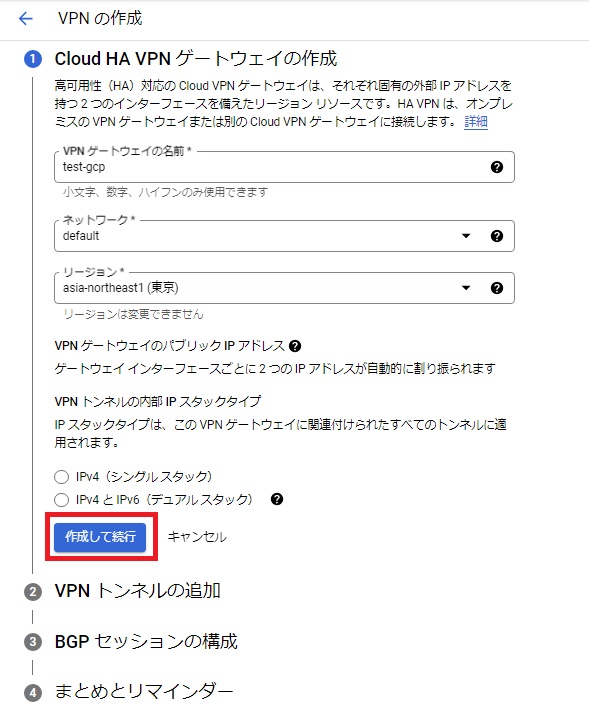
Obtaining an external IP on a GCP VM
There are two methods I know of. The first method is using the gcloud command.
gcloud compute addresses listRunning the above command will display all project IPs. Useful for troubleshooting or quick checks while logged into a VM.
Original:
 root@:~# gcloud compute addresses list
NAME                  ADDRESS/RANGE   TYPE      PURPOSE       NETWORK  REGION    SUBNET   STATUS
instance-1           xx.xx.xx.xx                                   us-west1           IN_USE
-nexus  xx.xx.xx.xx      INTERNAL  GCE_ENDPOINT           us-west1  default  IN_USE
               xx.xx.xx.xx                                     us-west1           IN_USE
-tools          xx.xx.xx.xx                                   us-west1           IN_USE
root@:~#
The second method is to create metadata using the curl command.
curl -H "Metadata-Flavor: Google" http://metadata/computeMetadata/v1/instance/network-interfaces/0/access-configs/0/external-ipNote: If you have multiple network interfaces, you must change the 0 after the network interface to 1 or 2 accordingly.
Metadata is powerful. You can get many metrics.
 root@:~# curl -H "Metadata-Flavor: Google" http://metadata/computeMetadata/v1/instance/
attributes/
cpu-platform
description
disks/
guest-attributes/
hostname
id
image
licenses/
machine-type
maintenance-event
name
network-interfaces/
preempted
remaining-cpu-time
scheduling/
service-accounts/
tags
virtual-clock/
zone
root@:~#
Do you understand, what does it mean?
This is useful for reporting and automation.
If you also need to get the internal IP, use the command below.
curl -H "Metadata-Flavor: Google" http://metadata/computeMetadata/v1/instance/network-interfaces/0/ipAre you learning about GCP management? Check out this great online course.


![How to set up a Raspberry Pi web server in 2021 [Guide]](https://i0.wp.com/pcmanabu.com/wp-content/uploads/2019/10/web-server-02-309x198.png?w=1200&resize=1200,0&ssl=1)


